

Does the agent ever see my key?
No. It only sees the key's name and whether the write succeeded.

@offprompt
基本情報
MCP server that lets Claude Code, Cursor or Codex ask you for API keys on a local page and write them to .env. The agent only ever sees key names.
以下の設定を使って、このサーバーを MCP 対応クライアントに追加してください。
{
  "mcpServers": {
    "offprompt": {
      "command": "npx",
      "args": [
        "-y",
        "offprompt",
        "mcp"
      ]
    }
  }
}ツール一覧はまだありません
この掲載には表示できるツール一覧がまだありません。サーバーにツールがないという意味ではありません。対応機能はプロジェクトのドキュメントをご確認ください。
上のボタンで一時的なサンドボックスでこのサーバーを実行し、ツール一覧を取得できます。
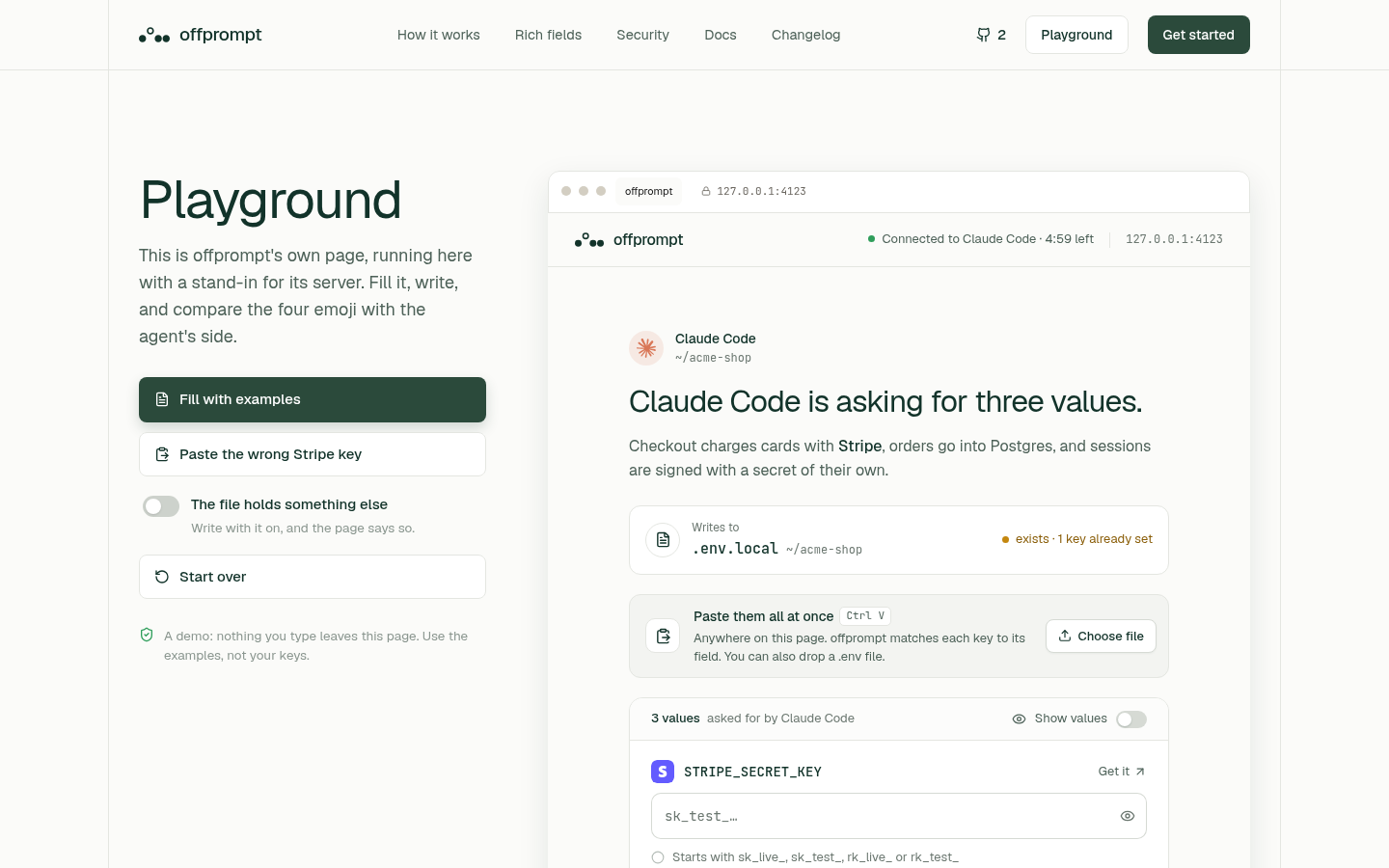
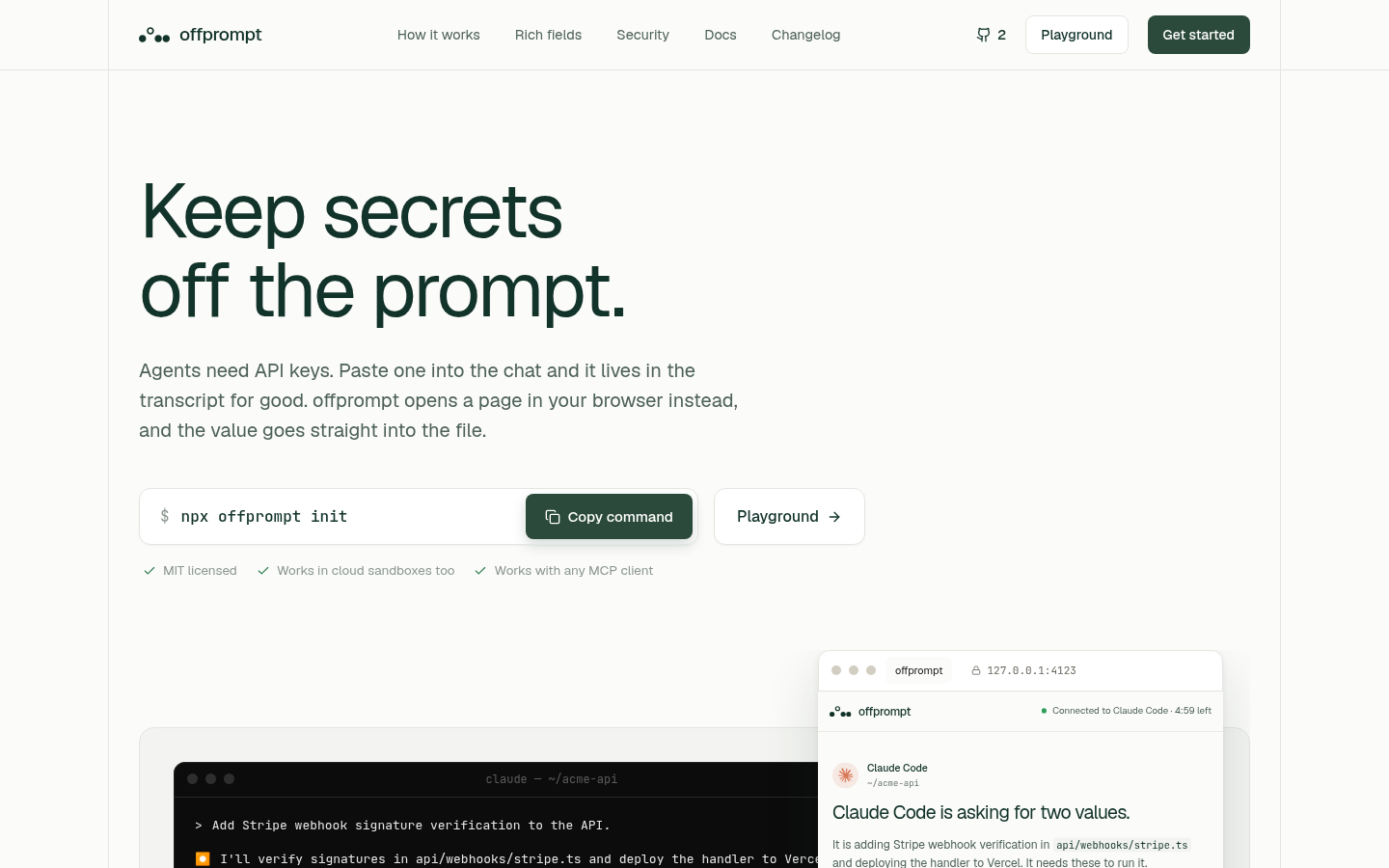
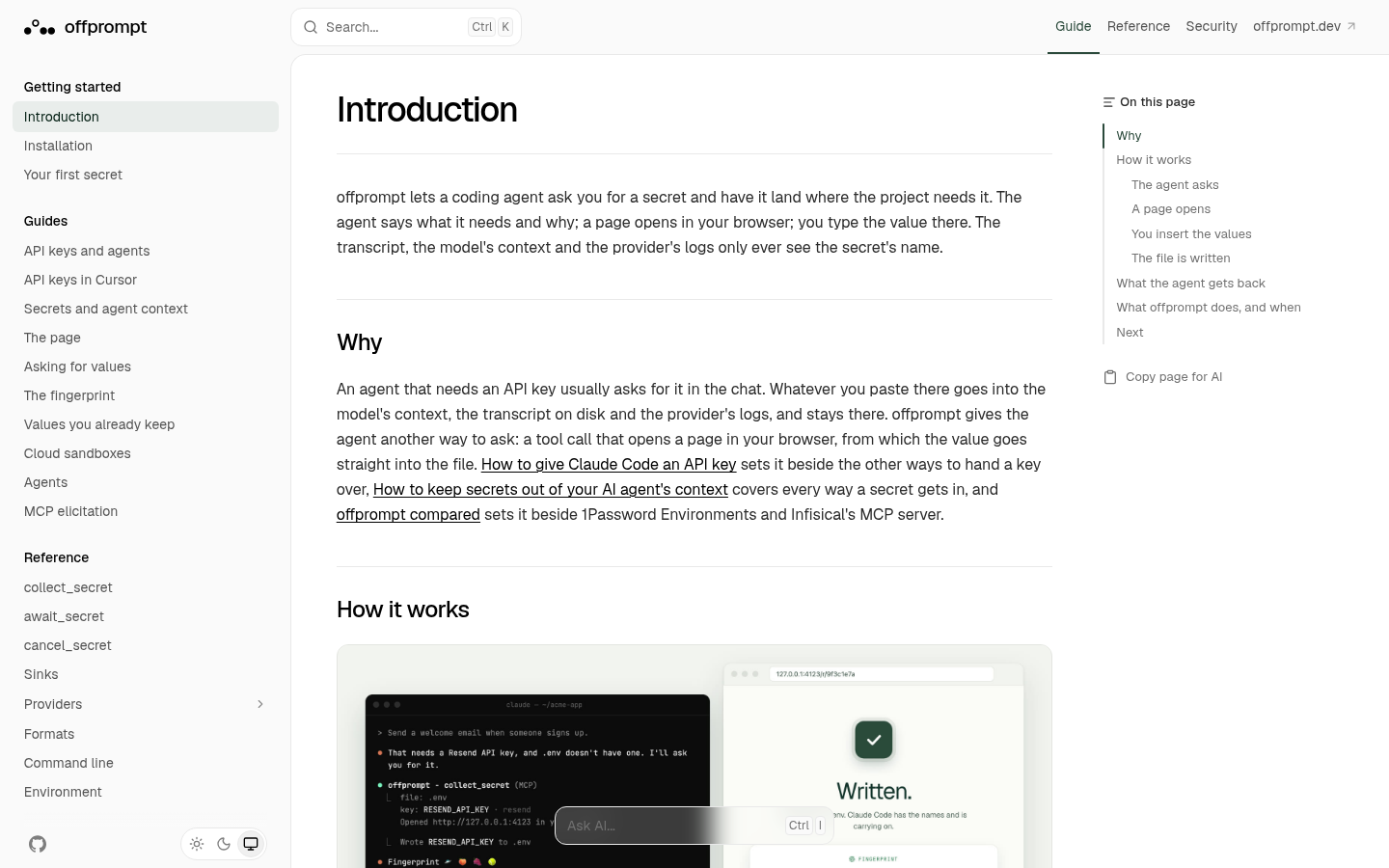
offprompt is an open-source (MIT) MCP server that keeps API keys out of your AI agent's context. When Claude Code, Cursor, Codex or any MCP client needs a secret, it asks offprompt. A page opens in your browser on 127.0.0.1, you type or paste the value there, and offprompt writes it straight into .env.local. The transcript, the model's context and the provider's logs only ever see the key's name.
Run npx offprompt init in your project (Node 22 or later). It detects your agents and adds the MCP server for them. To add it by hand, use:
{"mcpServers":{"offprompt":{"command":"npx","args":["-y","offprompt","mcp"]}}}
Then ask your agent to do something that needs a key, for example "add Stripe webhooks". It calls collect_secret, the page opens, and you fill it in.
collect_secret, await_secret and cancel_secret..env with several keys in one go.No. It only sees the key's name and whether the write succeeded.
In your project's `.env.local` (or the file you choose), the same place you'd put them by hand.
Any MCP client, including Claude Code, Cursor and Codex. Try it in the [playground](https://offprompt.dev/playground) or read the [docs](https://docs.offprompt.dev).

Gives AI agents public URLs (tunnels) for localhost, live HTTP traffic inspection, snapshot publishing, and access control. Part of LocalCan, the ngrok alternative for Mac, Windows and Linux. Free plan.

Design review for UI code, inside your agent. quick_review checks the files you just changed in about ten seconds. review_files returns a 0-100 score and patches. verify_fixes confirms the fixes landed, free. review_url

Official Porkbun MCP server, maintained by Porkbun. Check domain availability and pricing, register, renew and transfer domains, and manage DNS records, nameservers, URL forwarding, glue records, DNSSEC and domain contac

AI SEO tools for MCP clients — audit whether AI crawlers can read a website, validate JSON-LD and robots.txt, and generate llms.txt, AI-crawler-aware robots.txt, and JSON-LD schema without leaving the conversation.

Free enterprise-grade due diligence for the app you built, run by your own coding agent: 118 read-only checks plus an 18-dimension review, scored 1-5 with file-and-line evidence and a report page behind an access code. N
コメント