

What are the requirements to run CLI Command Explainer?
Node.js 18 or later is required. No API keys, no Ollama installation, and no configuration files are needed for the built‑in and man‑page tiers.
@zmwaiworld
基本情報
Know what every shell command does before you approve it.
以下の設定を使って、このサーバーを MCP 対応クライアントに追加してください。
{
  "mcpServers": {
    "cmd-explain": {
      "command": "npx",
      "args": [
        "-y",
        "cmd-explain"
      ]
    }
  }
}Explains a CLI command in one sentence. Returns the explanation, risk level (low/medium/high), and parsed command structure.
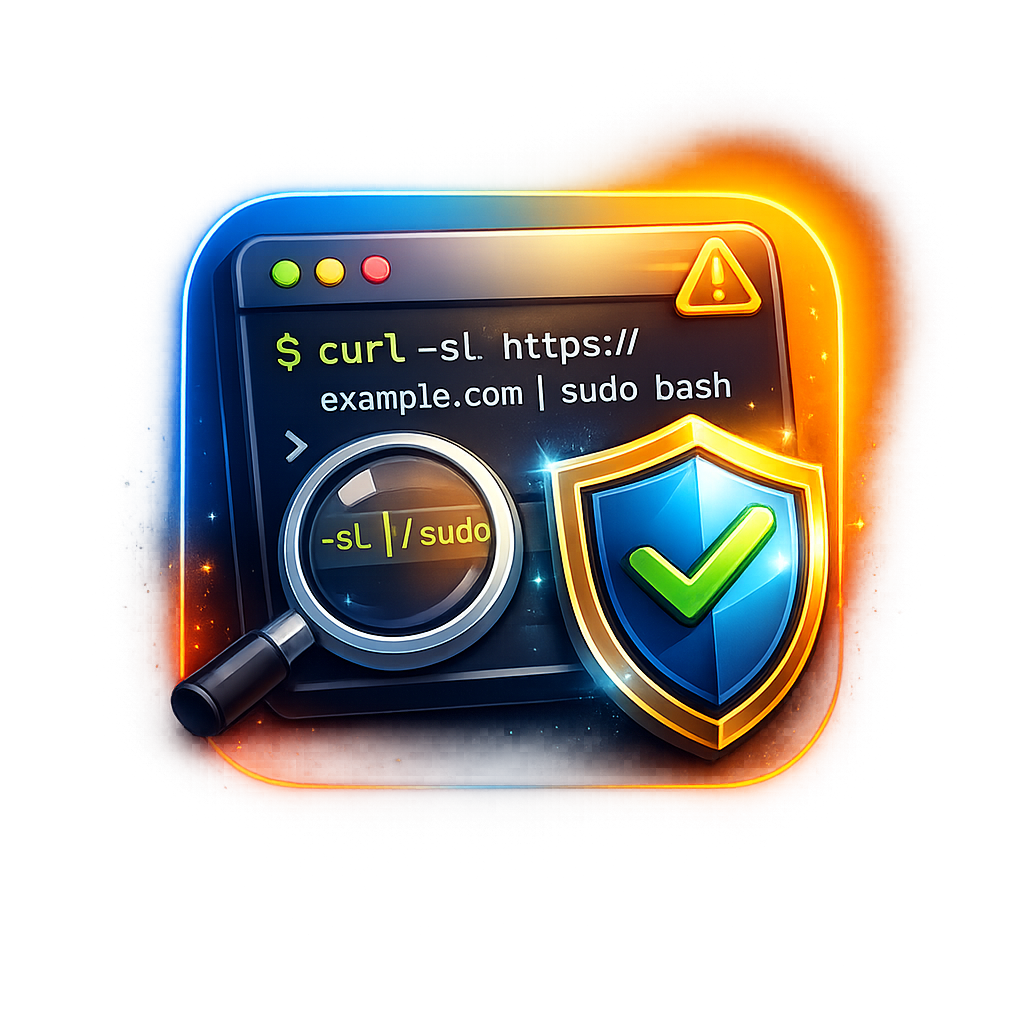
CLI Command Explainer is an MCP server that intercepts every shell command an AI coding agent proposes to run and displays a plain-English explanation with a risk rating before the user approves or denies it. It works with Kiro, Cursor, VS Code, Windsurf, and Claude Code.
Run npx cmd-explain setup — the command auto-detects your IDE, installs the MCP server, and creates a pre‑command hook. Restart your IDE and every agent‑proposed shell command will be explained automatically. Manual install by adding the MCP configuration is also supported.
2>&1, || true, and command substitutionrm -rf / or curl … | sudo bashNode.js 18 or later is required. No API keys, no Ollama installation, and no configuration files are needed for the built‑in and man‑page tiers.
It uses three tiers checked in order: a built‑in dictionary (Tier 1, ~90% of agent commands), system man pages (Tier 2), and optional local AI via Ollama, OpenAI, or Anthropic (Tier 3). Tiers 1 and 2 are fully offline.
Low risk means read‑only commands with no side effects. Medium risk means state‑changing but reversible operations. High risk means destructive or irreversible actions. Unknown risk is applied to commands not recognized by any tier.
Setup and the dictionary work on Windows. Man‑page parsing (Tier 2) uses `--help` only; the other tiers work fully.
Run `npx cmd-explain uninstall`. This removes the MCP configuration and hook files from all detected IDEs cleanly.

Modelglass turns "which model should I use?" into a lookup instead of a guess. Seven tools give your agent live pricing across image, language, video, and audio models. Sourced and versioned, not scraped once and forgott

One case file per task — shared by every session, agent and person that touches it. Self-hosted MCP server and live board. MIT.

Console, Backend and CLI to manage Capgo Instant update and Native build for Capacitor apps Build and upload to app store your mobile app

SSH MCP server for AI agents: remote commands, file transfer, log search and server audits through OpenSSH.

ArtiBot Cloud MCP (Zhijiangyun 智匠云) — cloud MCP server for robot manipulation data & GPU workloads. 15 tools: robot fleet management, data collection & video recording, post-processing pipelines, and benchmark evaluation
コメント