
#note-taking MCP サーバーとは何ですか?
#note-taking タグの付いた MCP サーバーは Model Context Protocol を実装しており、Claude、Cursor、VS Code などの AI アシスタントが note-taking 関連のツール、データ、API にアクセスできるようになります。
以下の MCP サーバーとクライアントはすべて #note-taking タグが付いています——インストールすると、Claude、Cursor、VS Code など MCP 対応クライアントで note-taking 関連のツールが使えるようになります。

cyanheads
Read, write, search, and surgically edit Obsidian vault notes, tags, and frontmatter via MCP. STDIO or Streamable HTTP.

entanglr
A Model Context Protocol (MCP) server that implements the Zettelkasten knowledge management methodology, allowing you to create, link, explore and synthesize atomic notes through Claude and other MCP-compatible clients.

9Ninety
A simple note-taking MCP server for recording and managing notes with AI models.

29decibel
a MCP server to record Claude conversation to markdown or Apple Notes

flyhigher139

myungbeans
MCP Server for local notes while playing through Blue Prince
aynul-abedin
Sticky Note MCP Server is a minimal yet powerful implementation of the **Model Context Protocol (MCP)** built with **FastMCP** in Python.

codeugar

sanjaydubey31

hjarni
Give your AI long-term memory. Hjarni is a note-taking app with a built-in MCP server. Claude and ChatGPT can search, read, create, and organize your notes. Markdown, folders, tags, and custom AI instructions per folder.

BeingSoumyadeepSharma
MCP Server for taking notes using an LLM client like Claude Desktop.

andyciggy
aliasunder
Standalone MCP server for Obsidian vaults — hybrid search, notes & files, structured memory, tasks, and full vault access for any AI agent

safal098

SamraAzizi

PyBhagya
A custom server project built using the Model Context Protocol (MCP) in Python. This repository documents my learning, experiments, and development progress.
agenerationforwordz-tech
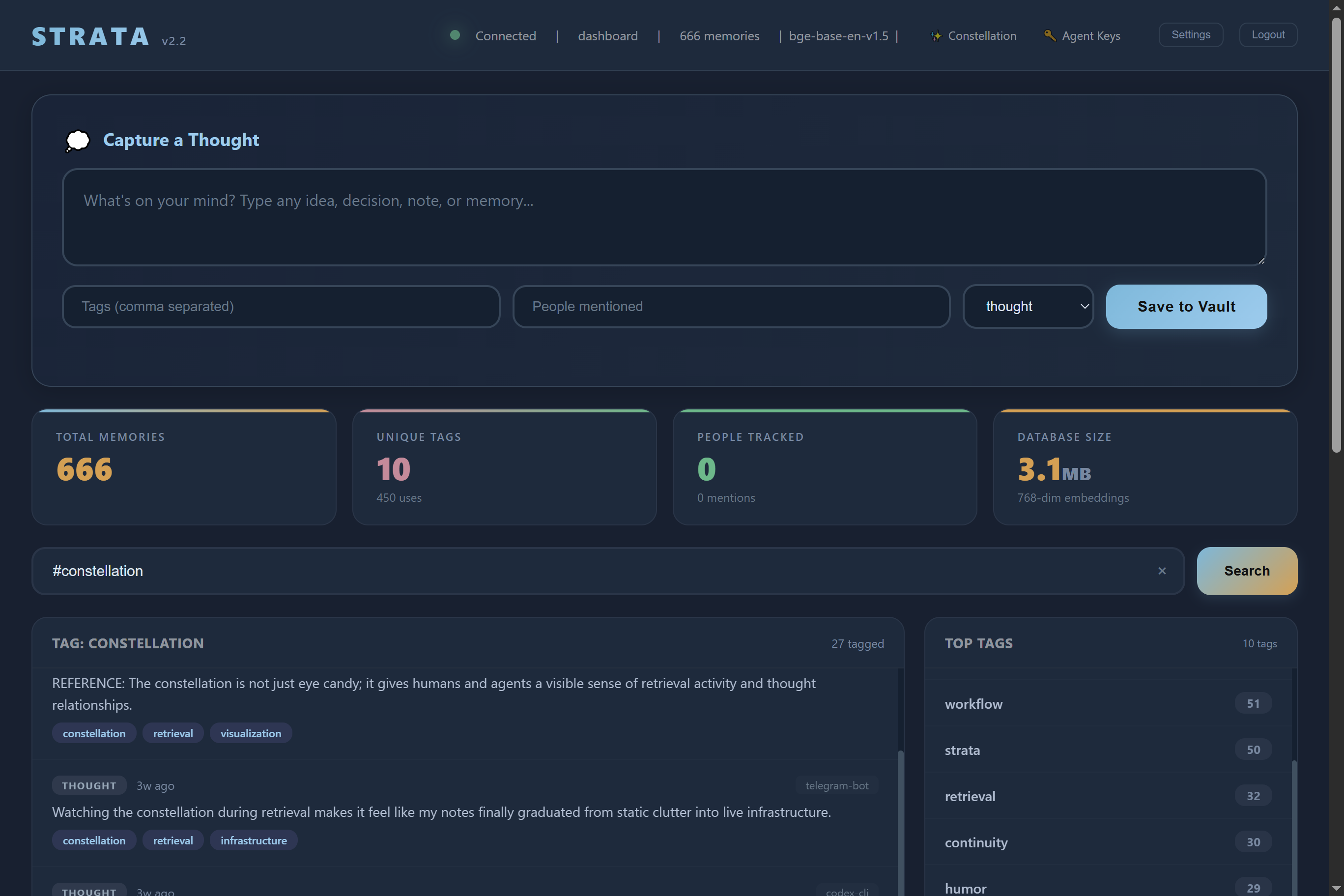
Strata is a self hosted AI memory server. Your AI remembers everything across every session, on your own hardware.

pi-prakhar
AwesomeHye
Let AI read, search, and summarize your UpNote notes — and create new ones — right from your chat.

BaoxingZhang
woshizhouzhuo-ux

Goran-Arsov
MCP server for freshjots.com

10210wkkw
Let AI agents like ChatGPT & Claude use real-world local/remote tools you approve via browser extension + optional MCP server

mohsinkar
A Python-based Model Context Protocol (MCP) server using a file‑system backend, offering tools for note taking, file I/O, directory management, search, compression, and metadata retrieval.
Im-Hal-9K
Enhanced MCP server for Capacities, the knowledge management app. Features include listing spaces, searching content with full-text and title modes, retrieving complete object content by ID, saving weblinks with metadata and tags, and adding content to daily notes. Fork of the or
maoruibin

shaqmughal
Seekstone is a filesystem-direct Obsidian MCP server that gives Claude (and any MCP client) direct read/write access to your Obsidian vault — straight from the filesystem. No running Obsidian instance, no REST API plugin, no proxy.
#note-taking タグの MCP サーバーとクライアントに関するよくある質問
#note-taking タグの付いた MCP サーバーは Model Context Protocol を実装しており、Claude、Cursor、VS Code などの AI アシスタントが note-taking 関連のツール、データ、API にアクセスできるようになります。
mcp.so には現在、#note-taking タグが付いた MCP サーバーとクライアントが 27 件登録されています。
下記のサーバーを開き、インストール用のスニペットを Claude Desktop、Cursor、VS Code など MCP クライアントの設定にコピーしてください——リモートサーバーは個別のダウンロードが不要です。