
#devsecops MCP サーバーとは何ですか?
#devsecops タグの付いた MCP サーバーは Model Context Protocol を実装しており、Claude、Cursor、VS Code などの AI アシスタントが devsecops 関連のツール、データ、API にアクセスできるようになります。
以下の MCP サーバーとクライアントはすべて #devsecops タグが付いています——インストールすると、Claude、Cursor、VS Code など MCP 対応クライアントで devsecops 関連のツールが使えるようになります。

splx-ai
A security scanner for your LLM agentic workflows

jfrog
Model Context Protocol (MCP) Server for the JFrog Platform API, enabling repository management, build tracking, release lifecycle management, and more.

ZeroPathAI
Open-source MCP server for querying ZeroPath security issues, patches, and scans using Claude, Cursor, Windsurf, or any AI assistant.
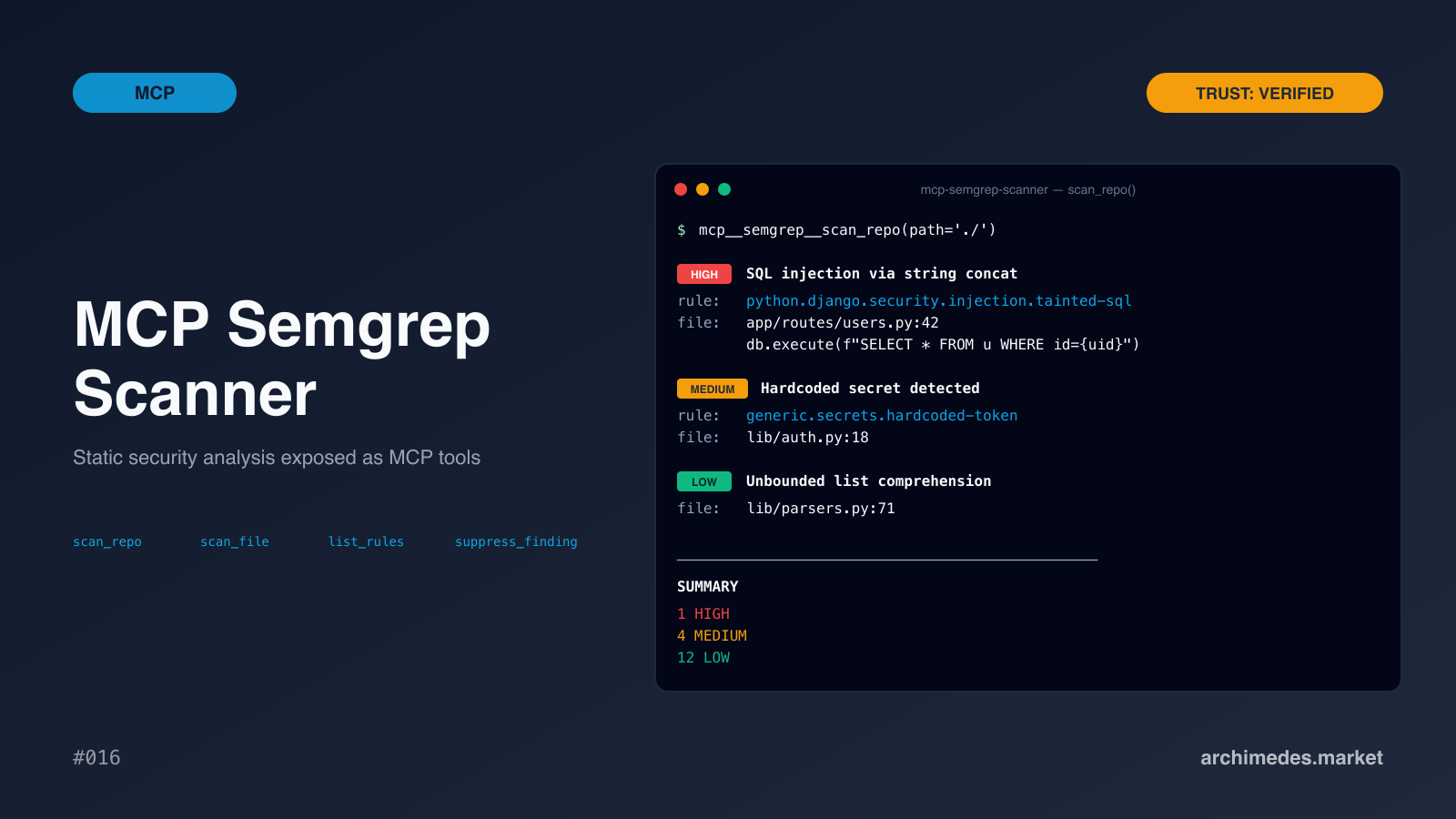
archimedes-market
Curated by Archimedes Market. Static security analysis exposed as MCP tools. OWASP top 10, secrets detection, custom rule packs. Baseline scanning focuses on newly-introduced findings. Built for production-grade security review. → archimedes.market/assets/21c4a8ab-80dc-4a69-8444-
boost-community
Coding agents accelerate software delivery by autonomously suggesting or adding code and dependencies. However, without the right safeguards, they can introduce significant supply chain risks by pulling in third-party packages that:

Zfuzz-dev
Real security scanners for AI coding agents: SAST (441 rules), secret detection (419+ patterns), dependency CVEs, MCP/skill vetting, MITRE ATT&CK. Real scanners,
middleBrick
Scan APIs for security vulnerabilities and get OWASP risk scores. Detects auth bypass, BOLA/IDOR, data exposure, prompt injection, and 12+ security categories.

StuMason
A lightweight utility that securely loads API keys for Cursor MCP servers from your home directory, preventing accidental exposure of secrets in repositories. Keep your credentials safe while maintaining seamless integration with AI coding assistants.

aristiun
Threat modeling, code, cloud and pipeline scanning, shadow-AI discovery, compliance checks and fixes, from your assistant.
#devsecops タグの MCP サーバーとクライアントに関するよくある質問
#devsecops タグの付いた MCP サーバーは Model Context Protocol を実装しており、Claude、Cursor、VS Code などの AI アシスタントが devsecops 関連のツール、データ、API にアクセスできるようになります。
mcp.so には現在、#devsecops タグが付いた MCP サーバーとクライアントが 9 件登録されています。
下記のサーバーを開き、インストール用のスニペットを Claude Desktop、Cursor、VS Code など MCP クライアントの設定にコピーしてください——リモートサーバーは個別のダウンロードが不要です。