

Webhooky MCP Server認証済み注目
@MatthiasMAigner
基本情報

Webhooky MCP Server について
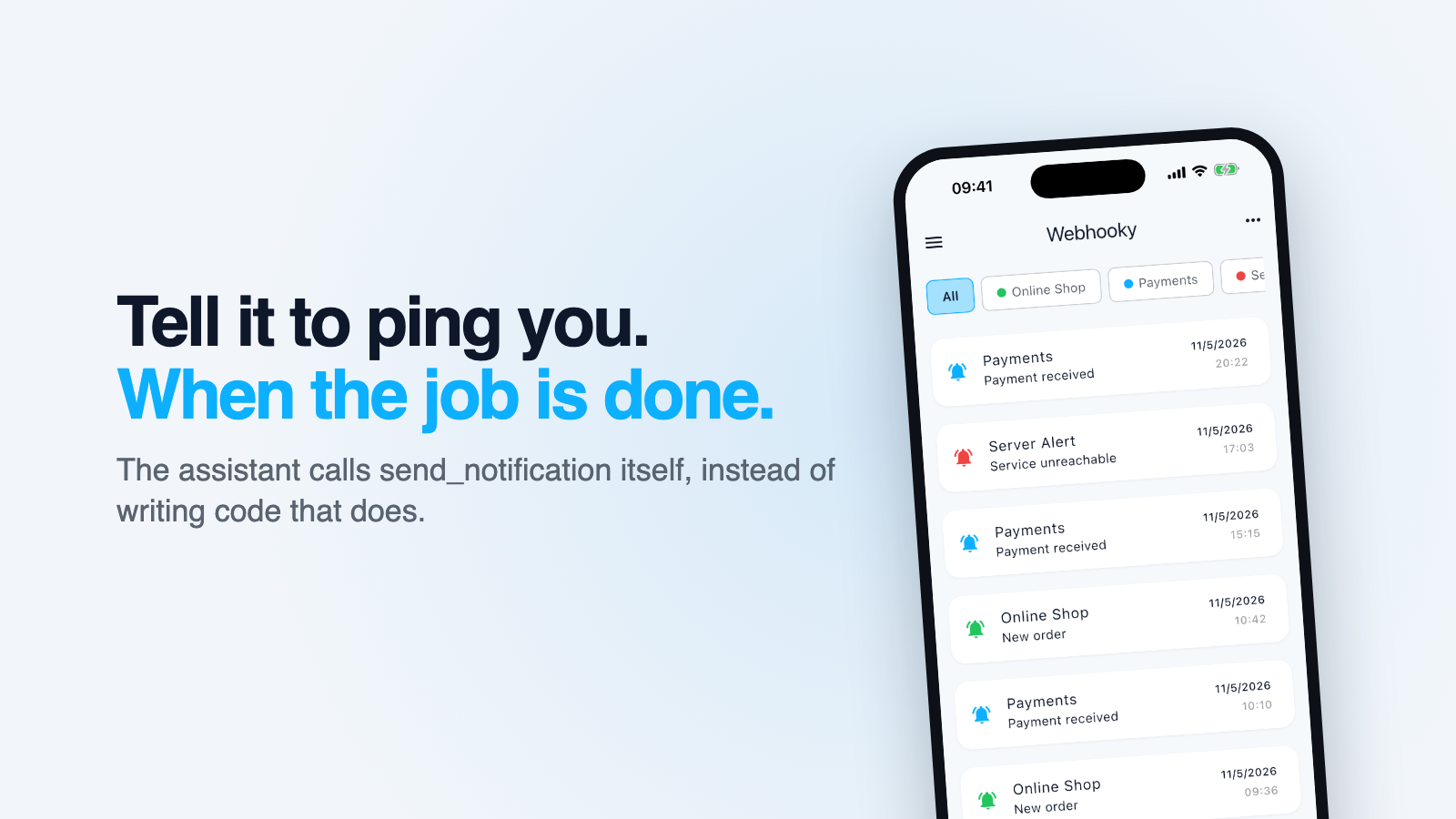
Send yourself a push notification from an AI assistant. Ask it to do something long-running, walk away, and it tells you itself instead of writing code that does. Hosted or local, no account.
Webhooky MCP Server の設定
以下の設定を使って、このサーバーを MCP 対応クライアントに追加してください。
{
  "mcpServers": {
    "webhooky": {
      "command": "npx",
      "args": [
        "-y",
        "webhooky-mcp"
      ],
      "env": {
        "WEBHOOKY_URL": "https://api.webhooky.app/YOUR_KEY"
      }
    }
  }
}
Webhooky MCP Server のツール
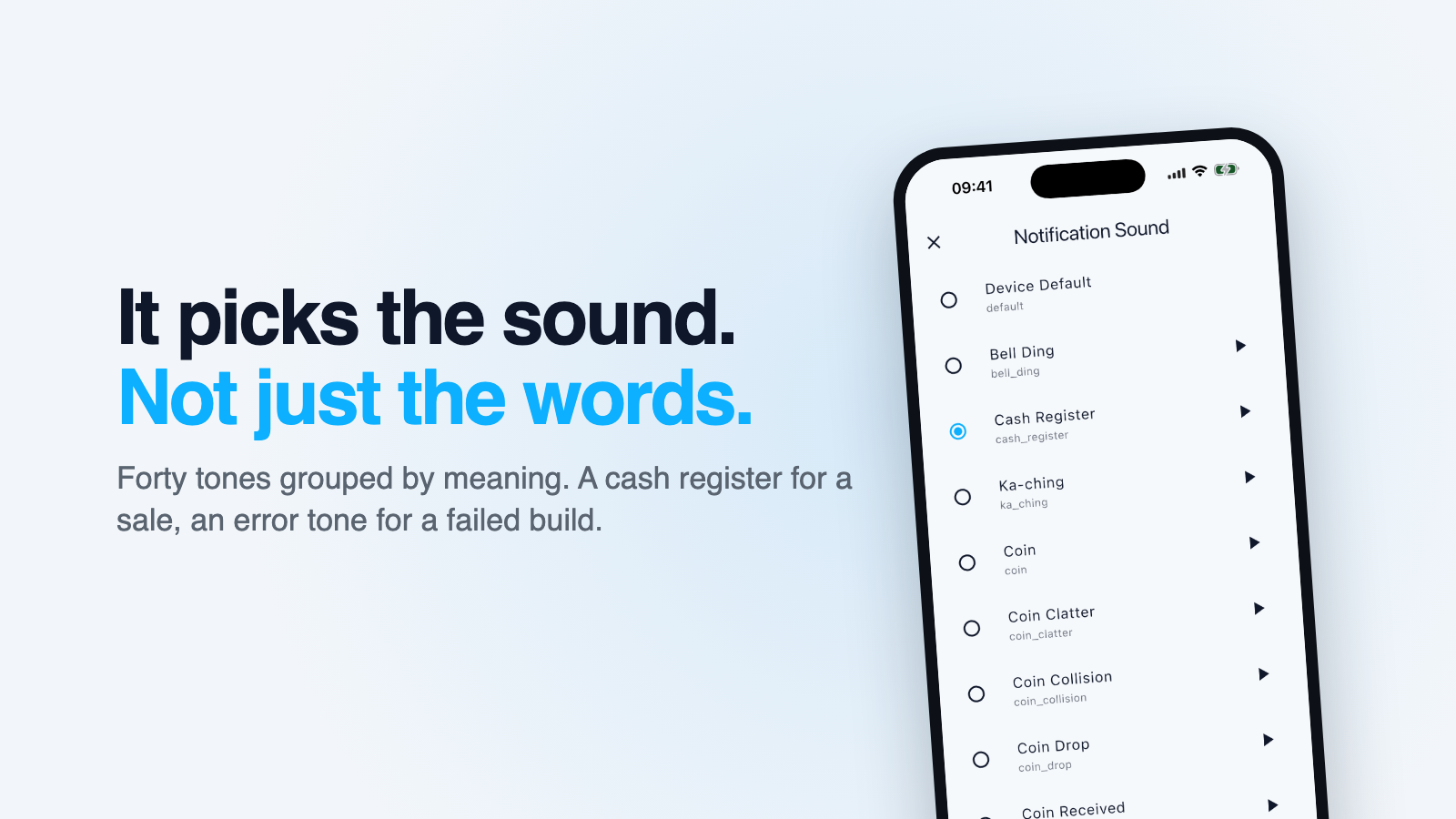
2Send a push notification to the user's phone via their Webhooky endpoint. Use this to tell the user something finished, succeeded or failed when they are away from the screen. Pick a sound that matches the meaning: cash_register for revenue, level_up_2 for success, buzzer or error_1 for failure, notification_1 when it is merely informational. Call list_sounds for the full set.
List the notification sounds a Webhooky endpoint can play, grouped by what they mean. Call this before send_notification when unsure which sound fits.
概要
What is Webhooky?
Webhooky turns any webhook or plain HTTP POST into a push notification on your phone. This MCP server gives an AI assistant one ability on top of that: send that notification itself.
That is useful when you ask an assistant to do something long-running and then walk away. It can tell you when it is done, instead of writing code that tells you.
You:    Run the migration and let me know when it's done.
Claude: [runs it, then calls send_notification]
📱      ✅ Migration done · 14,203 rows · 6m12s
Setup
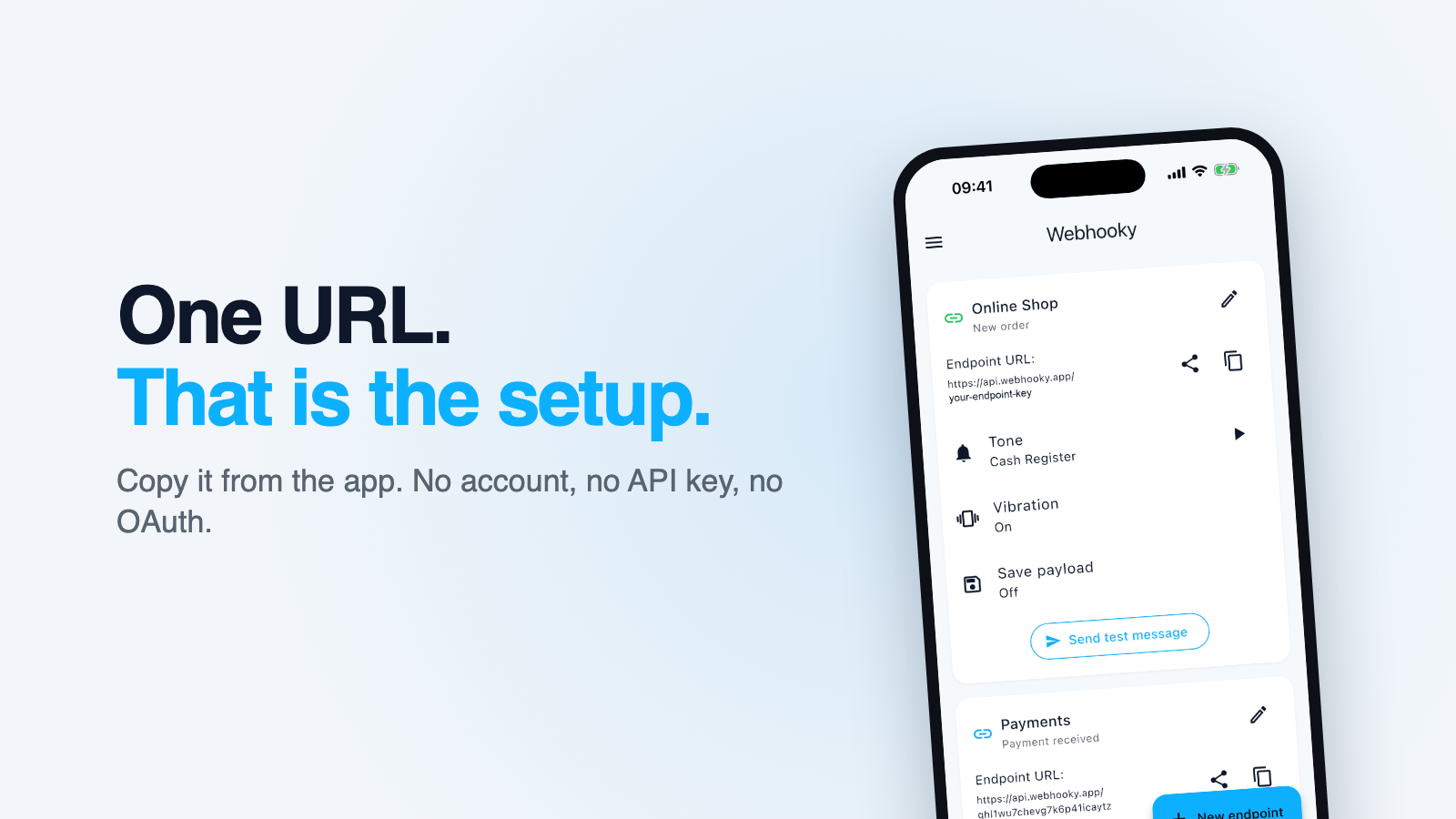
Install the Webhooky app (iOS · Android), create an endpoint and copy its URL. There is no account, no API key and no OAuth. The URL exists the moment the app opens.
Hosted, nothing to install
https://mcp.webhooky.app, over streamable HTTP. The endpoint key goes in an
Authorization header:
claude mcp add --transport http webhooky https://mcp.webhooky.app \
  --header "Authorization: Bearer YOUR_KEY"
Clients that only offer a URL field take the key in the path instead:
https://mcp.webhooky.app/YOUR_KEY
This is the one for clients that cannot start a local process, such as claude.ai in a browser, the Claude app on a phone, or ChatGPT. The server is stateless: it keeps nothing between calls and holds no copy of your key.
Local
claude mcp add webhooky -e WEBHOOKY_URL=https://api.webhooky.app/YOUR_KEY -- npx -y webhooky-mcp
Or, in a configuration file:
{
  "mcpServers": {
    "webhooky": {
      "command": "npx",
      "args": ["-y", "webhooky-mcp"],
      "env": { "WEBHOOKY_URL": "https://api.webhooky.app/YOUR_KEY" }
    }
  }
}
Tools
send_notification
| Argument | Type | Required | Notes |
|---|---|---|---|
title | string | yes | Max 100 characters |
message | string | no | Max 500 characters. Omit to use the endpoint's configured text |
sound | enum | no | One of the 40 sound ids. Omit to use the endpoint's sound |
vibrate | boolean | no | Overrides the endpoint's vibration setting |
It reports an error, rather than a cheerful success, when the notification was accepted but not delivered, which is what happens when the free plan's monthly quota is used up. Webhooky answers HTTP 200 in that case on purpose, so that senders like Stripe do not retry, and this server unpacks that distinction for you.
list_sounds
The 40 sounds grouped by meaning: money, success, failure, informational, attention-grabbing, playful. The assistant picks one that matches the event instead of guessing from an id. A cash register for a sale, an error tone for a failed build.
Why this is safe to hand to an assistant
The endpoint URL can do exactly one thing: trigger a notification on your phone. It cannot read your history, reach your account or expose any data. Anyone who knows it can send you notifications, and that is the whole blast radius.
The local server takes the URL only from the environment, never as a tool argument, so a model cannot be talked into sending to a different endpoint and the key never enters the conversation. It is also stripped from any error message before it is returned.
Treat the URL the way you would a Slack incoming webhook URL: keep it out of public repositories, but it is not a password. If it leaks, delete that endpoint in the app and create a new one. The old URL dies instantly.
Pricing
Free for 100 notifications a month across up to 3 endpoints. Premium removes both limits: EUR 4.99 a month, EUR 29.99 a year, or EUR 79.99 once for lifetime.
Links
「開発者ツール」の他のコンテンツ

Perfex CRM
themesicTurn Perfex CRM into an AI-ready workspace. This MCP server exposes your full REST API to Claude, ChatGPT and any AI agent, so leads, invoices and tasks are one prompt away.

LocalCan
LocalCanGives AI agents public URLs (tunnels) for localhost, live HTTP traffic inspection, snapshot publishing, and access control. Part of LocalCan, the ngrok alternative for Mac, Windows and Linux. Free plan.

OrangePro
Aamir SiddiquiOrangePro local-first CLI + MCP server for behavior mapping, grounded test generation, and dynamic proof.

LastPing
LastPingKnow when your AI agents, cron jobs and CI pipelines fail, stall or go quiet. Your agent sets up monitors from a plain description, tells you what is broken and why, reads run history and traces, and writes notes on inci

MilliGate (x402 Crypto Paywall)
MilliGate CoreMilliGate is a developer-first remote MCP server that functions as a secure crypto paywall. By leveraging the HTTP 402 (Payment Required) protocol, it allows developers to monetize AI agents, APIs, and digital infrastruc
コメント