

Do I need an API key?
Yes, and there's a free tier. Set it as `SPORTS_ODDS_API_KEY_HEADER`.

@SportsGameOdds
基本情報
Official MCP server for the SportsGameOdds API. Query live and pre-match odds, scores, player props, results and settlement across 85+ sportsbooks and 67+ leagues, with endpoint discovery, documentation search and usage
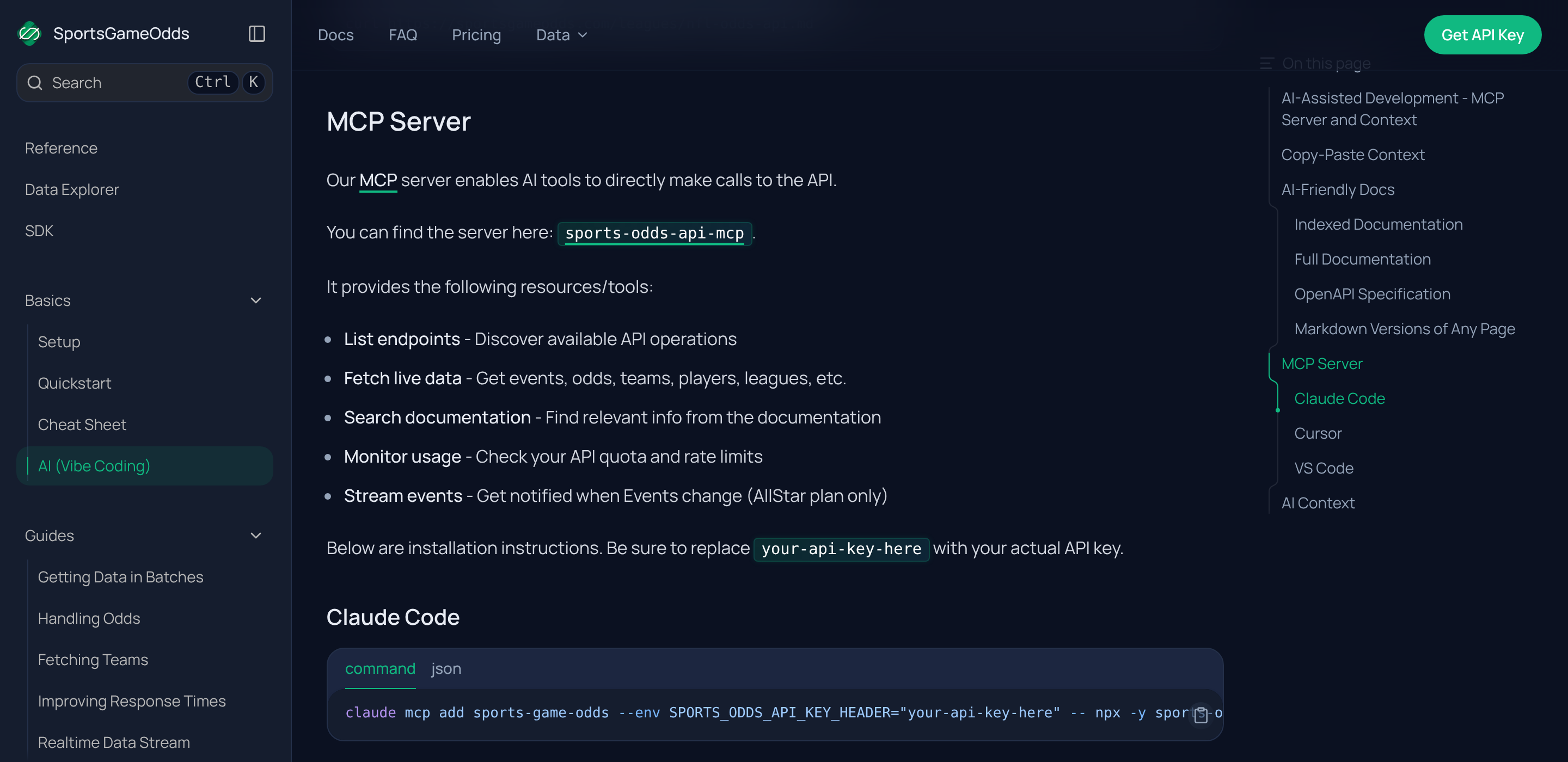
以下の設定を使って、このサーバーを MCP 対応クライアントに追加してください。
{
  "mcpServers": {
    "sports-game-odds": {
      "command": "npx",
      "args": [
        "-y",
        "sports-odds-api-mcp@latest"
      ],
      "env": {
        "SPORTS_ODDS_API_KEY_HEADER": "your-api-key-here"
      }
    }
  }
}Runs JavaScript code to interact with the Sports Game Odds API. You are a skilled TypeScript programmer writing code to interface with the service. Define an async function named "run" that takes a single parameter of an initialized SDK client and it will be run. For example: ``` async function run(client) { const page = await client.events.get(); const event = page.data[0] console.log(event.activity); } ``` You will be returned anything that your function returns, plus the results of any console.log statements. Do not add try-catch blocks for single API calls. The tool will handle errors for you. Do not add comments unless necessary for generating better code. Code will run in a container, and cannot interact with the network outside of the given SDK client. Variables will not persist between calls, so make sure to return or log any data you might need later. Remember that you are writing TypeScript code, so you need to be careful with your types. Always type dynamic key-value stores explicitly as Record<string, YourValueType> instead of {}.
Search SDK documentation to find methods, parameters, and usage examples for interacting with the API. Use this before writing code when you need to discover the right approach.
The official MCP server for the SportsGameOdds API. It lets AI tools query live and pre-match sports odds, scores, player props, results and settlement directly.
Install with npx -y sports-odds-api-mcp and set SPORTS_ODDS_API_KEY_HEADER to
your API key. Ready-to-copy configs for Claude Code, Cursor and VS Code are at
sportsgameodds.com/docs/info/ai-vibe-coding. A free API key is available at
sportsgameodds.com/pricing.
Yes, and there's a free tier. Set it as `SPORTS_ODDS_API_KEY_HEADER`.
Event streaming over WebSocket is available on the All-Star plan. REST access to live odds is available on all tiers.

HasData's hosted Zillow MCP server lets AI agents search homes for sale, rentals and sold listings, then retrieve property details, price history and Zillow estimates as structured JSON.

Meta Pixel not working, or you need a Meta tracking audit? Tyton MCP finds the break and sets up Meta Pixel plus the Conversions API. https://usetyton.com

Privacy-first, cookieless web analytics hosted in the EU. Query visitors, pages, traffic sources, countries, goals, funnels and live traffic for your sites, and create sites, goals and funnels — 25 tools over OAuth.
Hosted TikTok MCP server for AI agents: read public profiles, account videos, comments and replies, or search videos and creators. Structured JSON for creator research and content analysis.
Hosted YouTube MCP server for search, video metadata, channel data and timestamped transcripts. Connect Claude, Cursor or other MCP clients with HasData; no YouTube API key required.
コメント