What is JSON2Video?
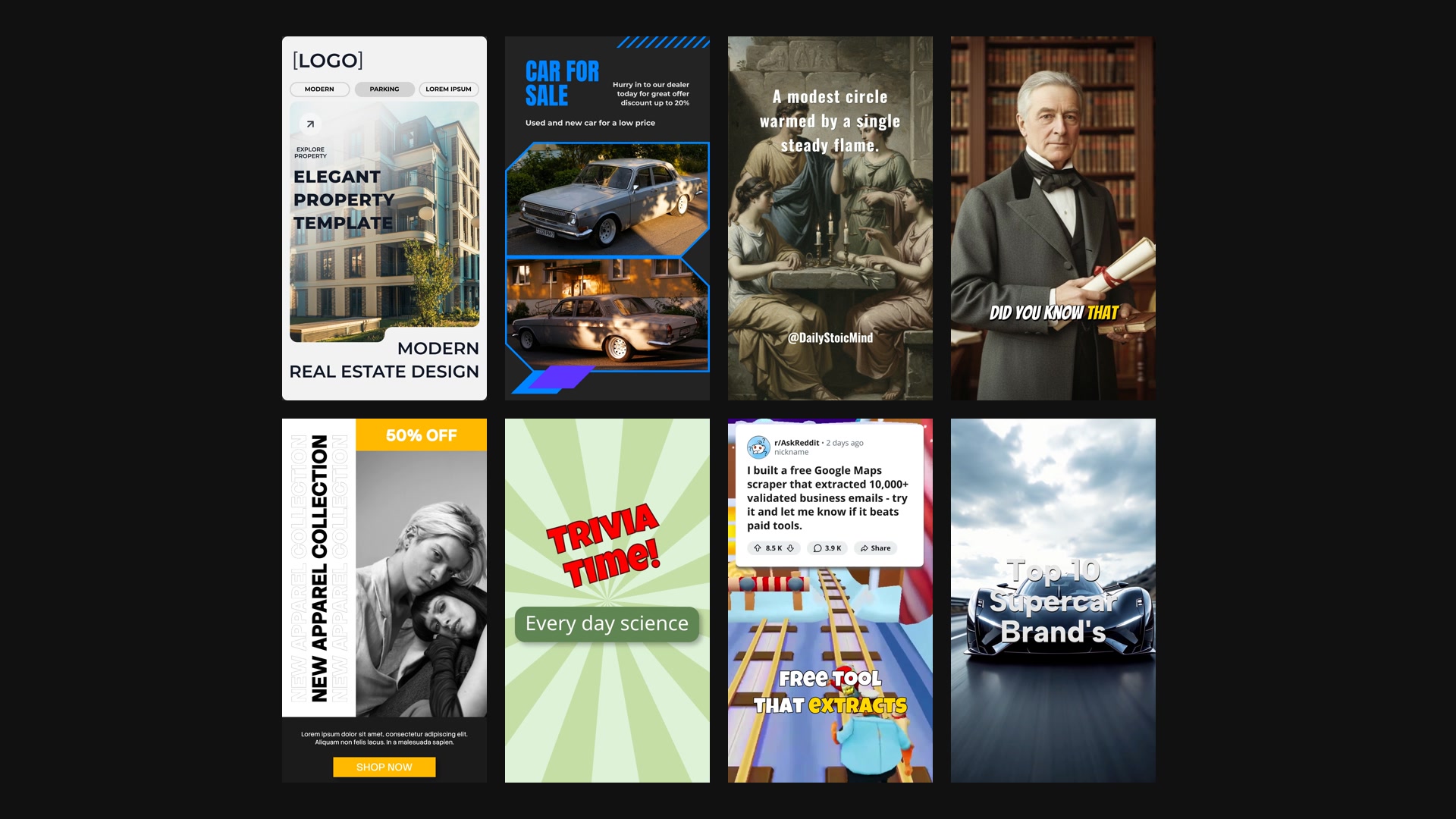
JSON2Video is a video API for automated video production at scale. This is the official MCP server, built and maintained by the JSON2Video team. It lets AI agents (Claude, Cursor, VS Code, Windsurf, Cline...) produce finished MP4 videos: build a video from reusable templates, add AI voiceovers, subtitles and AI-generated images and video, render it in the cloud and get back a URL you can publish.
How to use it
Remote server (recommended)
Connect by URL, no install and no API key to copy: you sign in to JSON2Video and approve access (OAuth).
https://mcp.json2video.com/mcp
- Claude (claude.ai, desktop): Settings → Connectors → Add custom connector → paste the URL.
- ChatGPT: Settings → Connectors → Add → Custom MCP server → paste the URL, authentication OAuth.
- Claude Code:
claude mcp add --transport http json2video https://mcp.json2video.com/mcp
- Cursor / VS Code: add a server with
"url": "https://mcp.json2video.com/mcp".
You can see and revoke connected apps in your JSON2Video dashboard (Account → Connected apps).
Local server (stdio)
- Get a free API key at json2video.com.
- Add the
json2video-local entry from the Config tab, or in Claude Code run:
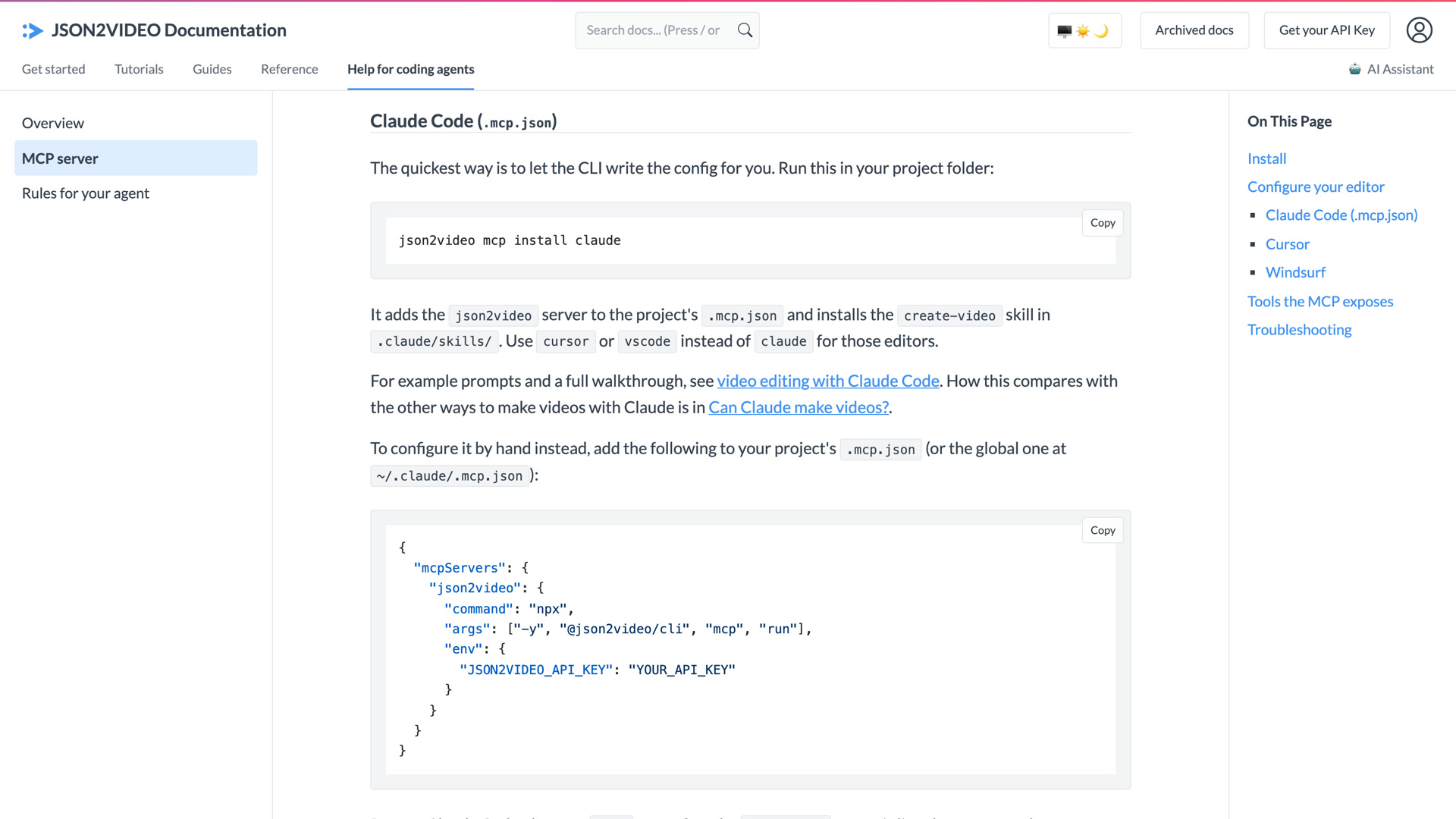
claude mcp add json2video --env JSON2VIDEO_API_KEY=YOUR_API_KEY -- npx -y @json2video/cli mcp run
The local server ships in the @json2video/cli npm package and needs Node.js 20 or later. Both are listed in the official MCP Registry as com.json2video/mcp.
Key features
- Render videos from a movie JSON or from a template with variables (
render_video, check_status)
- Validate a movie JSON before rendering (
validate_movie)
- Browse, read and save reusable templates (
list_templates, list_featured_templates, get_template, save_template)
- Built-in help and examples for the movie JSON syntax (
get_help, get_example)
- Manage media files: list, upload from a path or URL, delete (
media_*)
- See your latest renders (
list_recent_renders, remote server)
- Check account details and remaining credits (
get_account)
Use cases
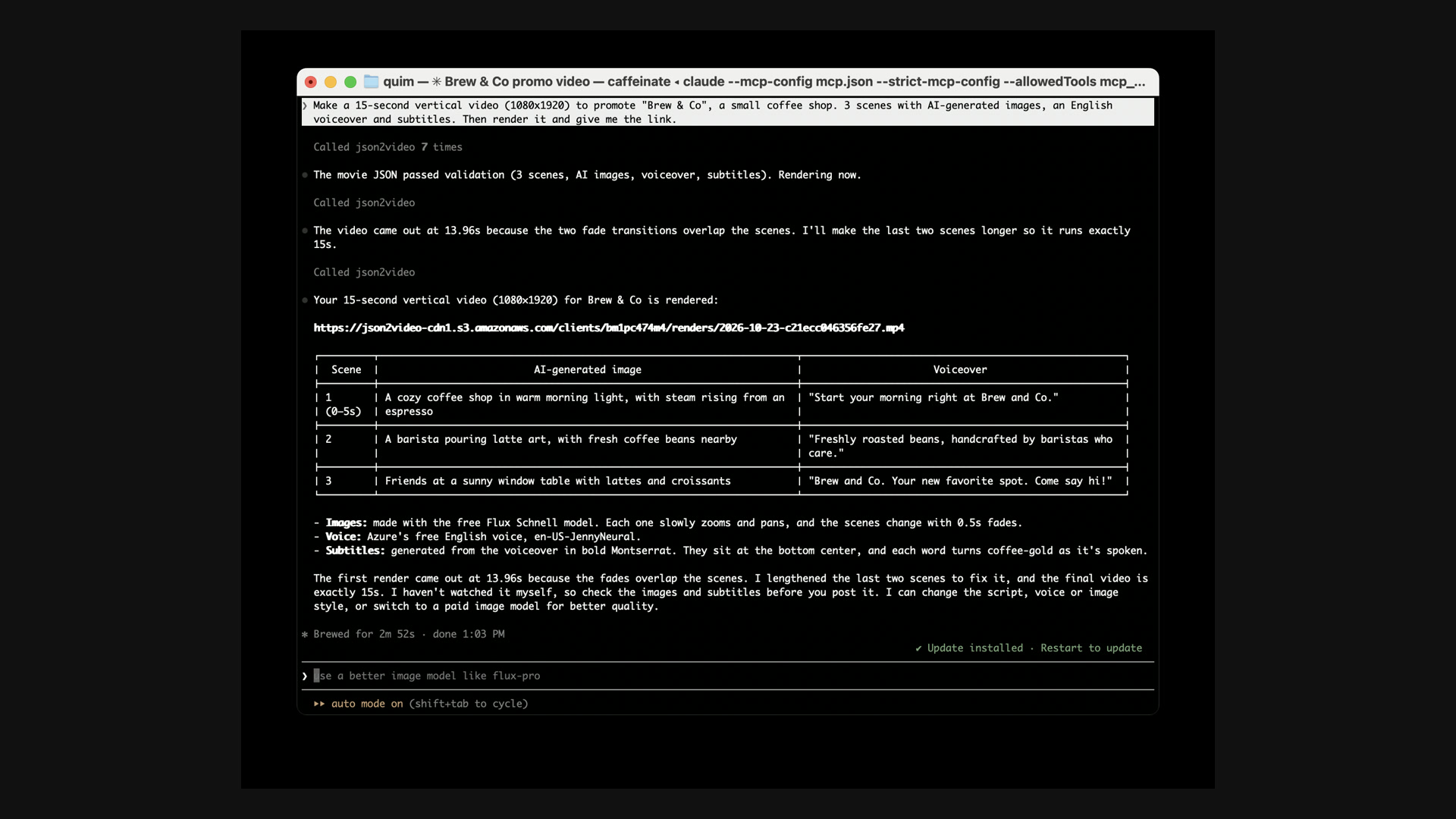
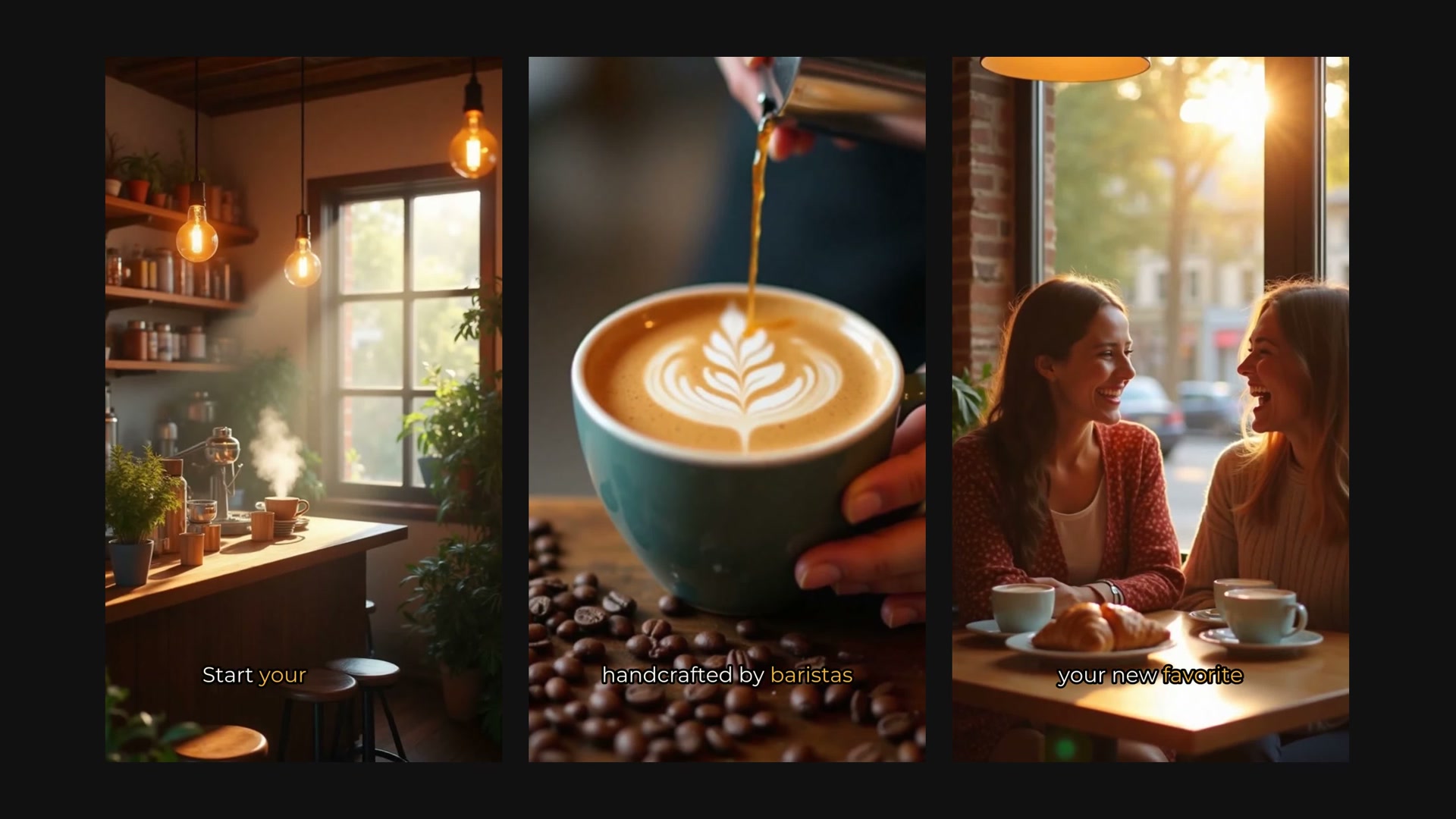
- "Make a 30-second vertical video about our new product with a voiceover and subtitles."
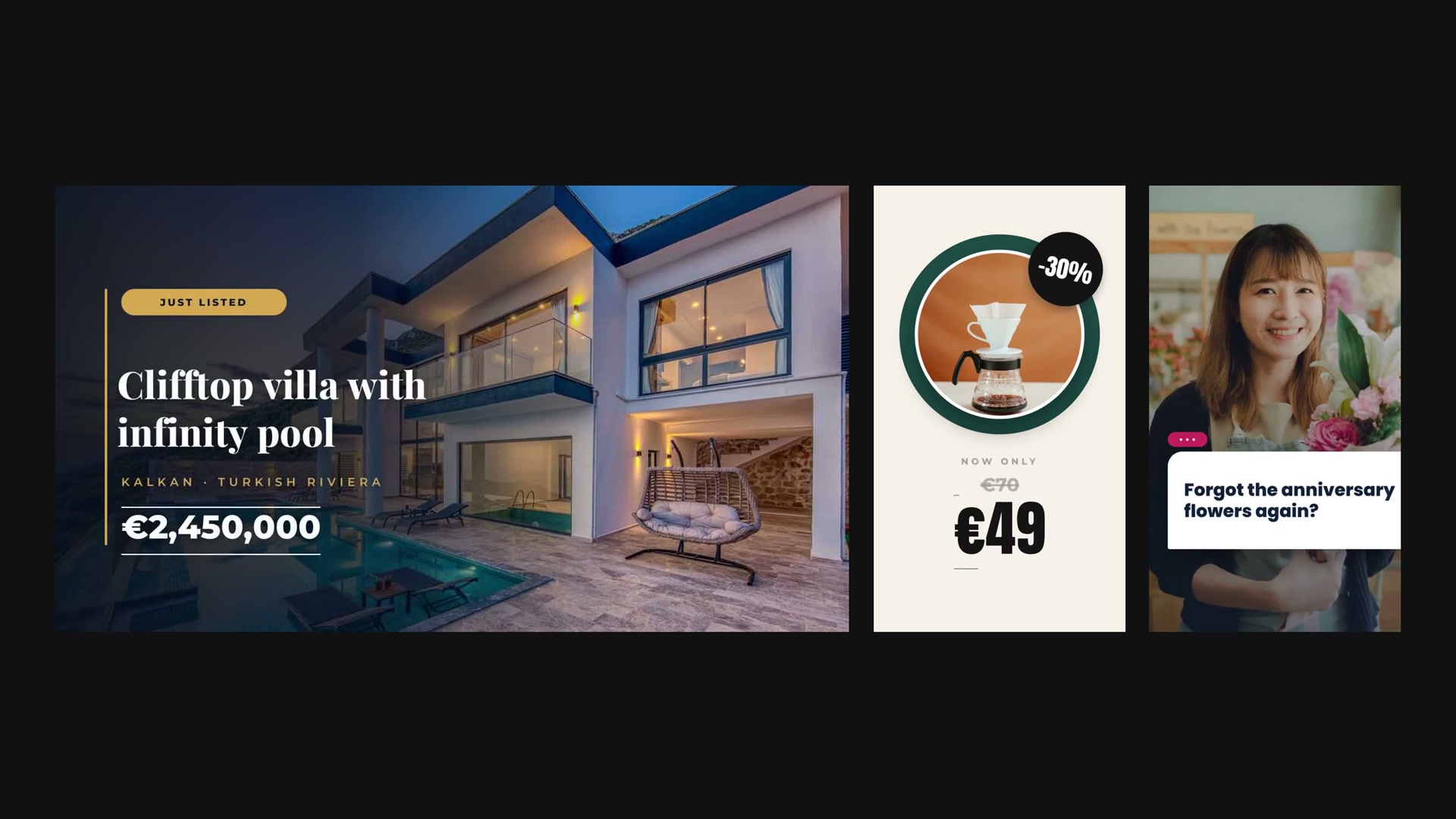
- "Render my real estate listing template for each of these 10 properties."
- "Create a template for daily news shorts, then render today's three stories."
- "Upload this logo and add it as a watermark to the video."






评论