
Photo Mosaic & AI Collage Maker - Collager.ai 远程 MCP 服务器是什么?
Photo Mosaic & AI Collage Maker - Collager.ai 的远程 MCP 服务器是一个托管的 Model Context Protocol 端点,地址是 https://collager.ai/mcp,AI 助手无需在本地安装或运行任何东西即可连接。
@Collager.ai
基本信息
照片马赛克与 AI 照片拼贴工具:把你自己的照片变成照片马赛克——由数百张你的照片组成的一张图片——或在几秒内变成心形、数字或单词照片拼贴。无需登录或 API 密钥。
https://collager.ai/mcpclaude mcp add photo-mosaic-ai-collage-maker-collager-ai --transport http https://collager.ai/mcpBuilds a photo collage in the shape of a heart, a number (age, anniversary, year), a word, a star, a flower and more from the user's photos, and returns a watermarked preview within seconds. Use when the user asks for a heart collage, a birthday/anniversary number collage, a 'photo collage in the shape of ...', or a collage from several photos. Pass the photos as public links in photo_urls, or as files the user attached (photos). 1 to 300 photos; if there are fewer photos than cells, photos repeat. The result id (clg_...) is a private handle valid for 30 days; photos and results are deleted after 30 days. The preview is watermarked; the full-resolution file is downloaded from the collager.ai page given in full_resolution_page. Building can take up to a minute - if status is still processing, call get_shape_collage with the id.
Returns the status and the watermarked preview of a collage made with make_shape_collage, by its id (clg_...). Use when make_shape_collage answered status "processing", or to show the collage again.
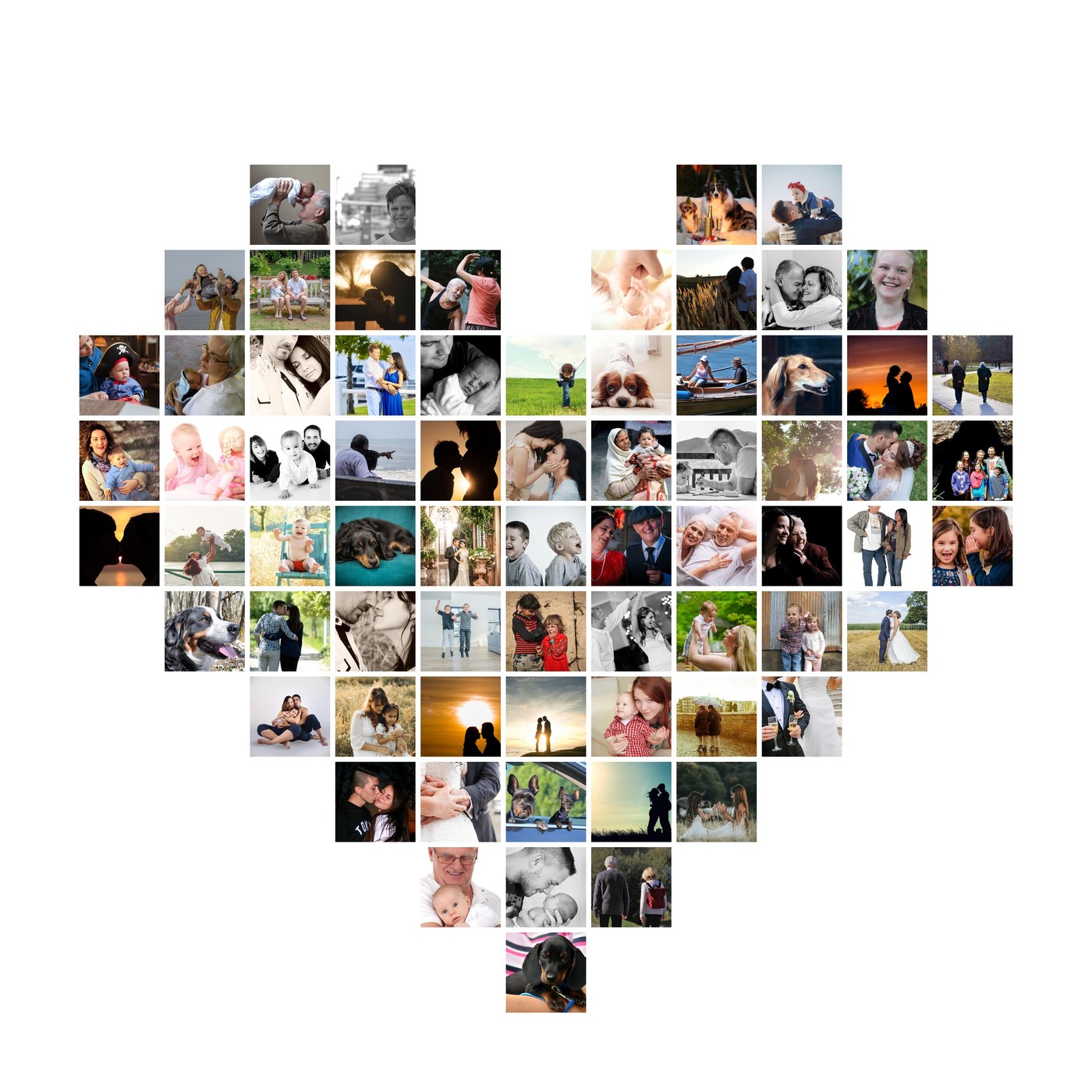
Shows the menu of Collager.ai photo collages with a real example: the shapes make_shape_collage can draw (hearts of 27-164 photos, numbers, words, I love you, circle, star, flower, grid, your own mask) and how many photos fill each without repeats. Call it first when the user only mentions Collager.ai, says hello to it, or asks what it can make.
Shows the plan of the photo collage the user picked (shape, how many photos it holds, background) with a real example, and how to attach the photos. Use it when the user has chosen a shape but has not attached the photos yet. After the user attaches the photos or shares links, call make_shape_collage with the same shape and background.
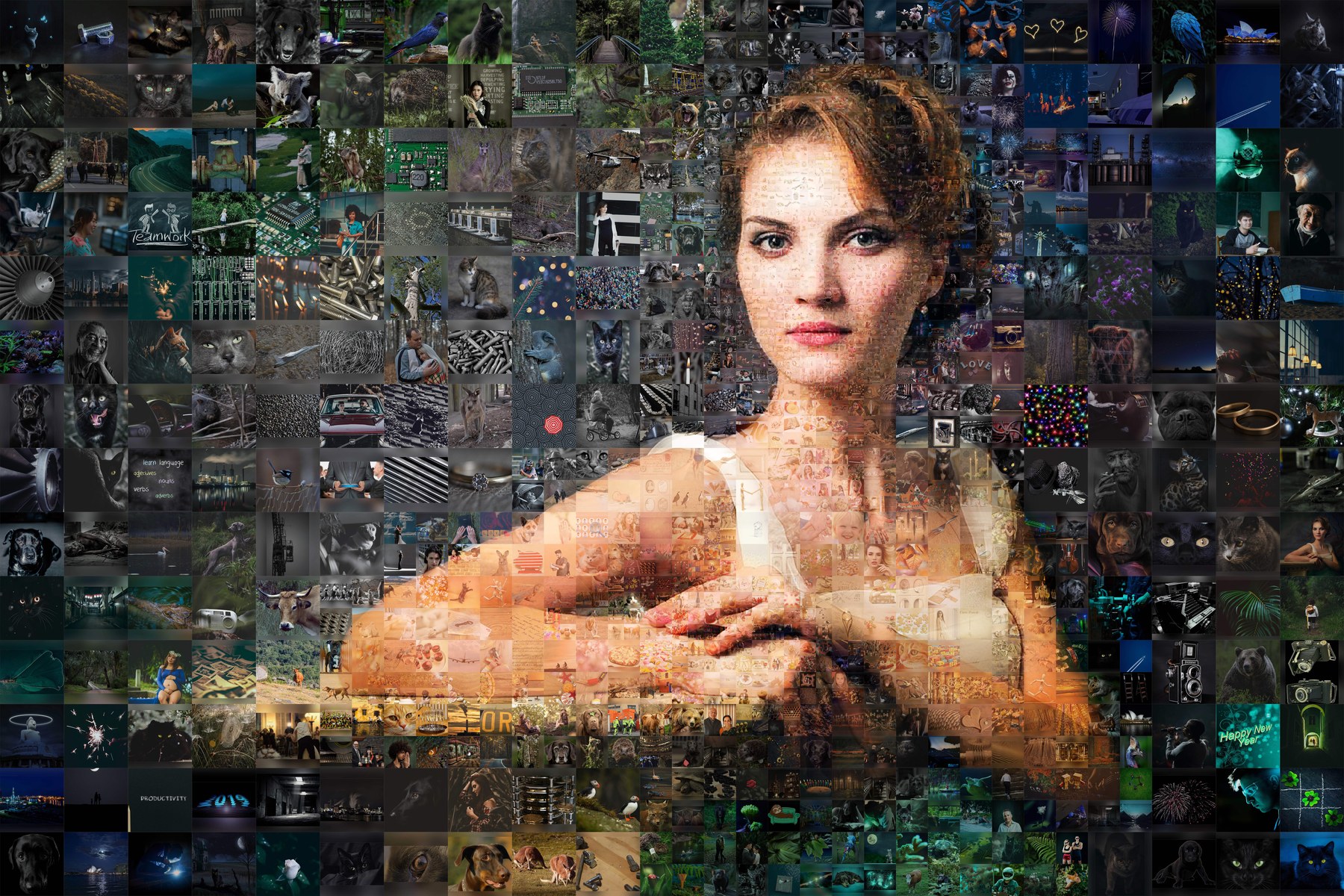
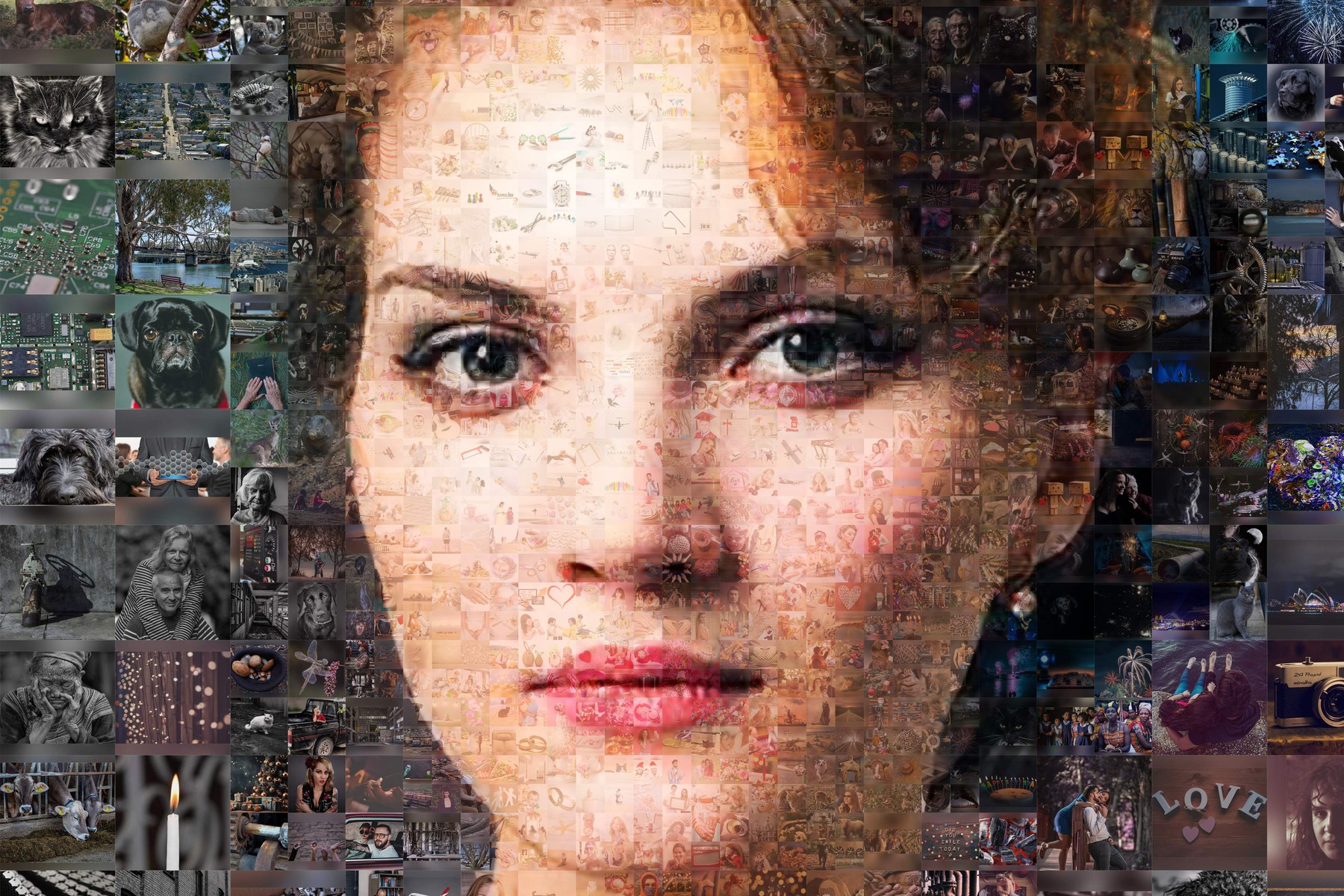
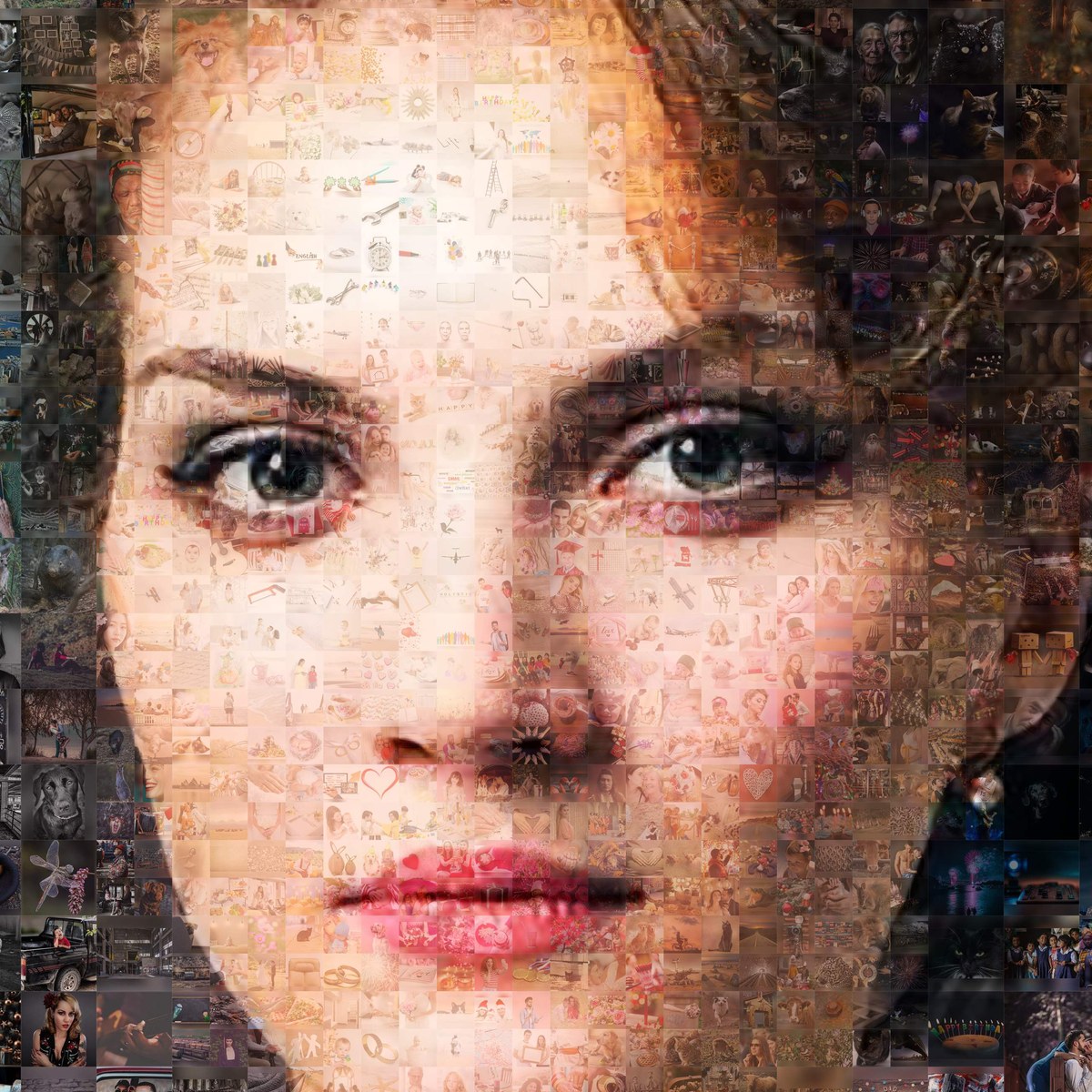
Shows the looks of a Collager.ai photo mosaic (one large picture made of hundreds or thousands of small photos) with example images: soft classic, clean subject, stronger mosaic, uniform or mixed tile sizes. Use before start_photo_mosaic when the user wants to choose a style.
Gives the link where the user builds a photo mosaic: one main photo recreated from many small photos (best with 100-2000 photos - family archive, wedding, team, school year). The user uploads the photos on collager.ai, picks the style, and the site builds a watermarked preview in minutes. Call it only after the user has decided to make a photo mosaic; to show the options first, use list_mosaic_styles.
Collager.ai is a photo mosaic maker and AI photo collage maker. It turns the user's own photos into a photo mosaic - one big picture (a portrait, a couple, a pet) recreated from hundreds or thousands of small photos - or into a photo collage in a shape: a heart, a birthday or anniversary number, a word, a star or a flower.
This remote MCP server lets any assistant (Claude, ChatGPT, Cursor, VS Code, Codex) make these collages right in the chat. No sign-in and no API key are needed to connect.
| Tool | What it does |
|---|---|
make_shape_collage | Builds a photo collage in a shape from photo links or attached photos and returns a watermarked preview in seconds |
get_shape_collage | Status and preview of a collage by its id |
list_collage_shapes | Hearts of 27-164 photos, numbers, words, "I love you", circle, star, flower, daisy, grid, your own mask - and how many photos fill each |
list_mosaic_styles | The looks of a photo mosaic with example images: soft classic, clean subject, stronger mosaic, uniform tiles |
start_photo_mosaic | The link and steps to build a photo mosaic from 100-2000 photos on collager.ai |
The preview is watermarked. The full-resolution file without the watermark is downloaded on collager.ai (one credit). Prices are never shown in the chat.
Photos are used only to build the collage or mosaic - never published, sold or used to train AI models - and are deleted automatically within 30 days. Collager.ai arranges the user's own photos; it does not generate people or scenes with AI.
ai.collager/ai-collage-makerPhoto Mosaic & AI Collage Maker - Collager.ai 的远程 MCP 服务器是一个托管的 Model Context Protocol 端点,地址是 https://collager.ai/mcp,AI 助手无需在本地安装或运行任何东西即可连接。
把端点 https://collager.ai/mcp 添加到任意支持 MCP 的客户端,比如 Claude Code、Cursor 或 VS Code。本页的接入代码块可以一步配置好每个客户端。
不需要。Photo Mosaic & AI Collage Maker - Collager.ai 的 MCP 服务器不需要认证——直接用端点地址连接即可。
Photo Mosaic & AI Collage Maker - Collager.ai 暴露的是 Streamable HTTP 端点,这是远程 MCP 服务器普遍使用、主流客户端都支持的传输方式。
%20-%20Sarah%20Xu.svg)
Ideate, create, and deliver with Adobe pro tools
Convert web pages to clean Markdown and retrieval-ready chunks with browser rendering support.

Official 42min MCP server: let Claude, ChatGPT, Cursor or any MCP client manage your meeting scheduling. Check availability, find free slots, book, cancel and reschedule meetings, manage recurring series, secret booking

AdaptlyPost: Schedule and publish social posts to Instagram, TikTok, YouTube, X, Facebook, LinkedIn, Pinterest, Threads, and Bluesky from any MCP client.
Understand and troubleshoot your Journeys and Campaigns
评论