
What is a #comparison MCP server?
An MCP server tagged #comparison implements the Model Context Protocol so AI assistants like Claude, Cursor, and VS Code can access comparison-related tools, data, or APIs.
Every MCP server and client below is tagged #comparison — install one to give Claude, Cursor, VS Code, or any other MCP-compatible client access to comparison tools.

MyBestSim
Hosted MCP server to compare prepaid travel eSIM plans by destination, data and trip length, and plan multi-country trips. Read only, no auth.

onepersonunicorn
AI-powered League of Legends professional esports match predictor and summoner analysis tool. Predict outcomes for T1, Faker, Zeus, and other pro players with advanced statistical modeling.

comparedge
Vendor-checked pricing for 494 SaaS and AI tools: plans, ratings and alternatives your agent can query instead of guessing. Zero dependencies, no API key.
yedanyagamiai-cmd
MCP server for comparing AI coding tools: side-by-side comparisons, detailed tool profiles, AI-powered recommendations based on your needs, and pricing comparisons. 5 tools on Cloudflare Workers.
BRDEV1990
First Dutch AI-native energy comparison platform with MCP support. Calculate annual energy costs, compare contracts from all Dutch suppliers, get real-time EPEX dynamic prices, calculate solar panel net metering benefits, and get supplier ratings. Built for Claude and other AI as
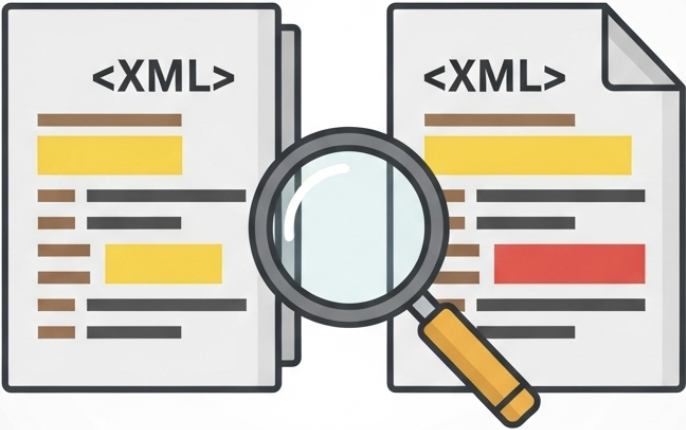
ravikalla
High-performance XML file comparison with semantic analysis capabilities. Features StAX streaming parser for memory-efficient processing of large XML files (60MB+ tested), order-agnostic semantic comparison, and multiple output formats (text, JSON, Excel). Includes 5 MCP tools fo

UseJunior
Edit Word (.docx) documents with tracked changes, redlines, and formatting preservation. Built for AI coding agents. Surgical text replacement, comments, footnotes, and document comparison — all local, no cloud upload. MIT licensed.
Common questions about MCP servers and clients tagged #comparison
An MCP server tagged #comparison implements the Model Context Protocol so AI assistants like Claude, Cursor, and VS Code can access comparison-related tools, data, or APIs.
mcp.so currently lists 7 MCP servers and clients tagged #comparison.
Open any server below and copy its install snippet into Claude Desktop, Cursor, VS Code, or another MCP client's configuration — remote servers need no separate download.