

Watchcron MCP Server認証済み注目
@watchcron
基本情報
Watchcron MCP Server について
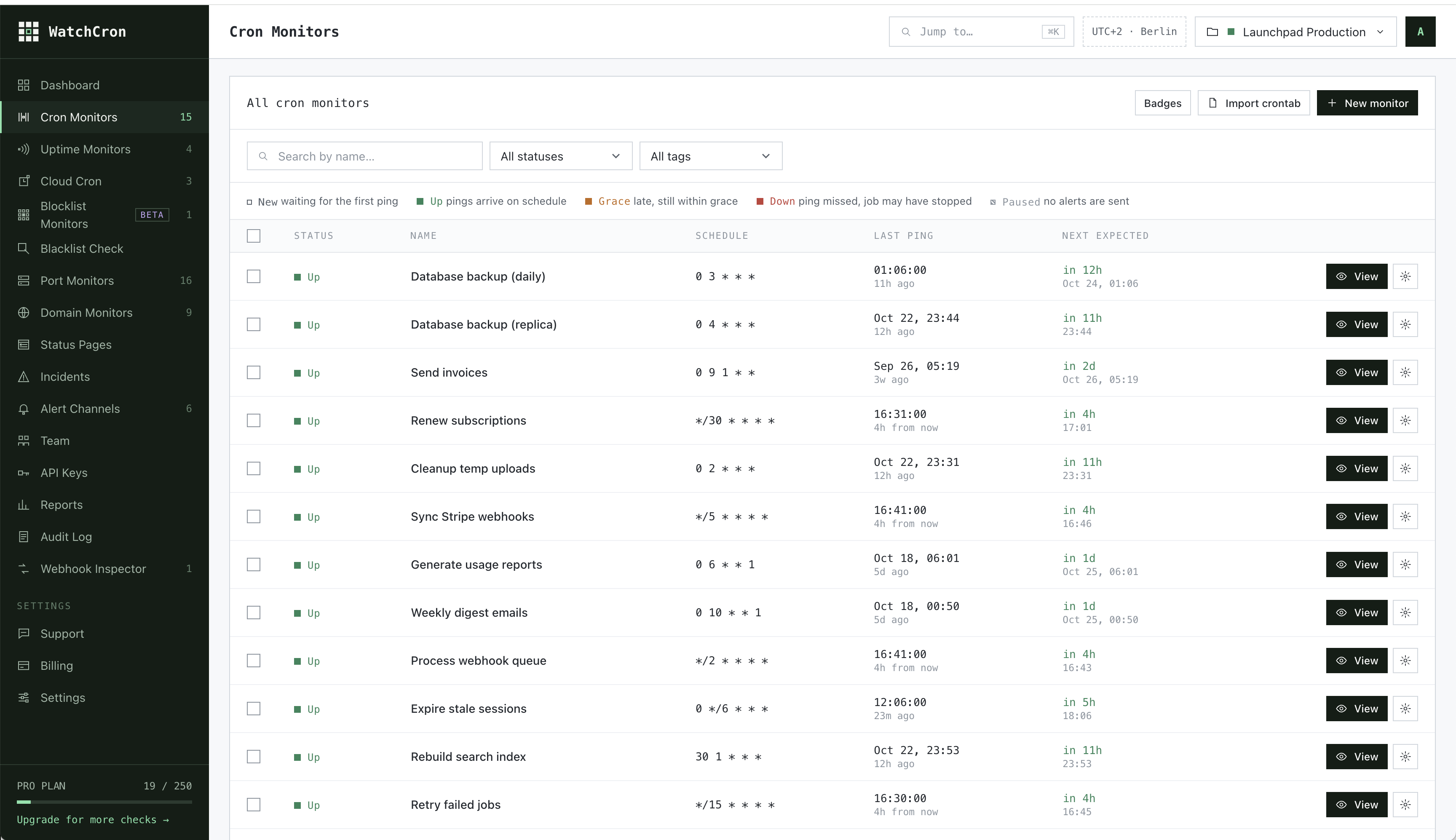
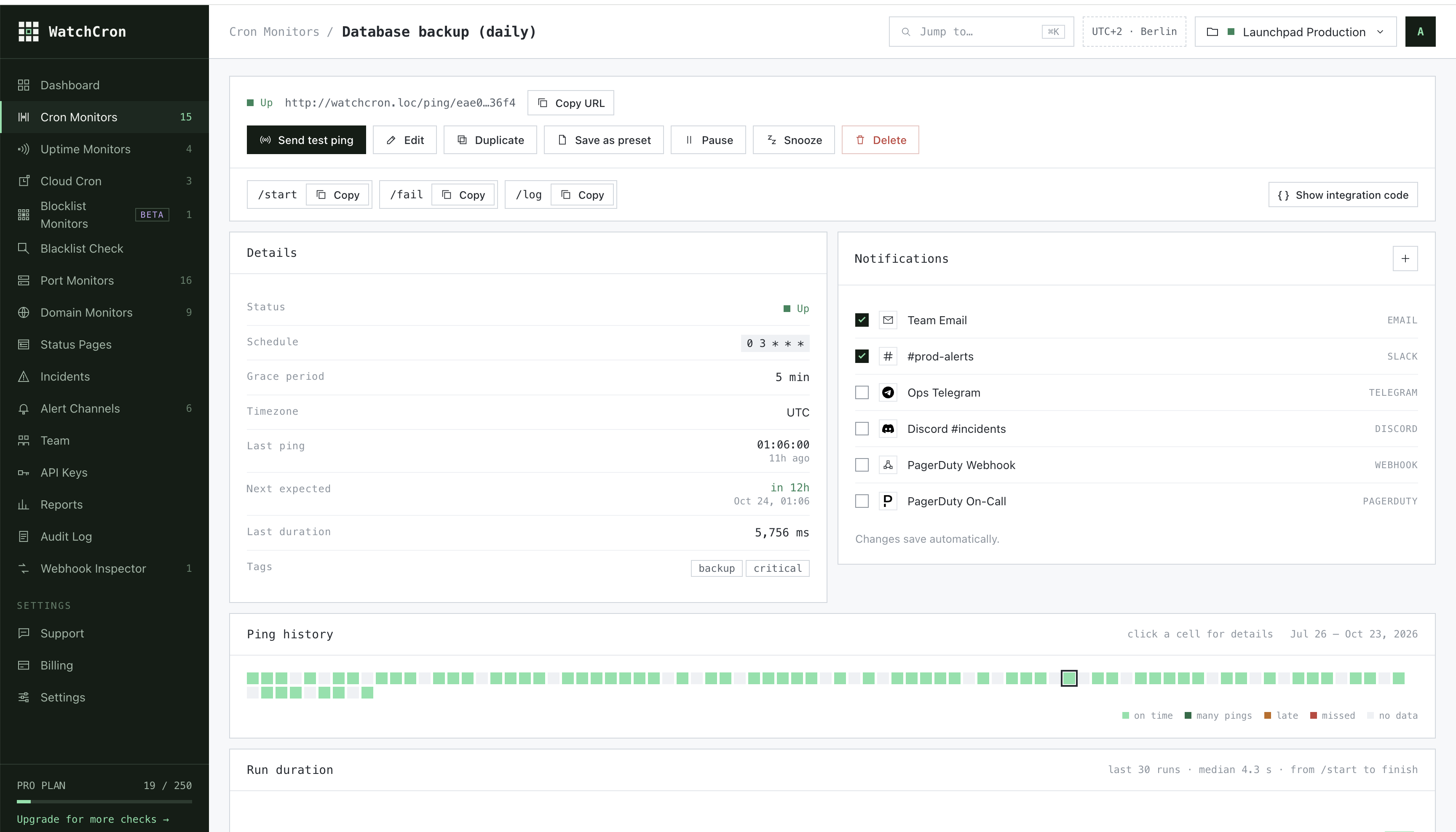
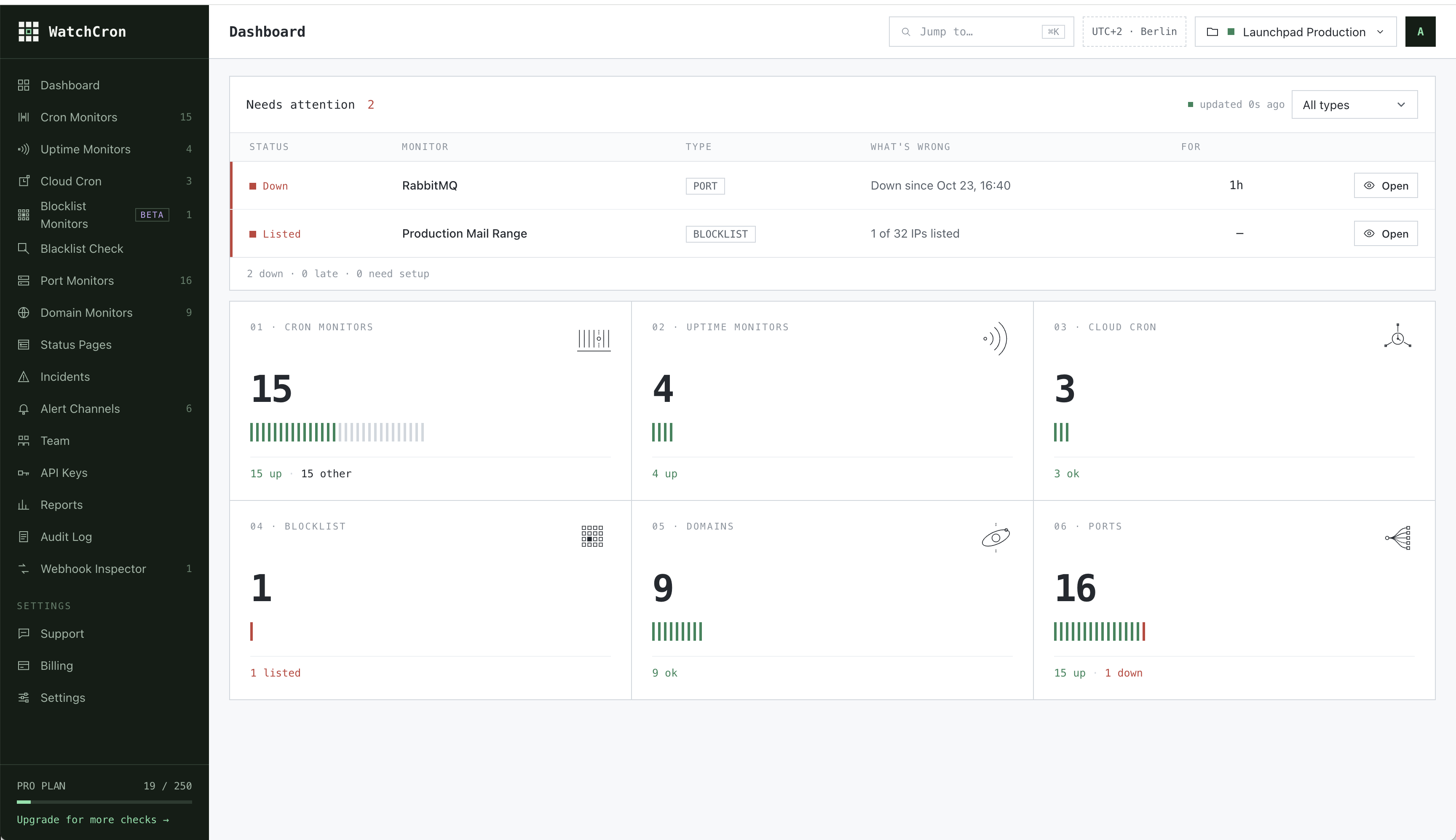
Monitor cron jobs and scheduled tasks from AI agents. Create monitors, get ping URLs for your crontab, check status, view ping history and incidents, pause/resume monitors, and list notification channels. Supports simple
Watchcron MCP Server の設定
以下の設定を使って、このサーバーを MCP 対応クライアントに追加してください。
{
  "mcpServers": {
    "watchcron-mcp": {
      "command": "npx",
      "args": [
        "-y",
        "watchcron-mcp",
        "\\"
      ]
    }
  }
}
Watchcron MCP Server のツール
ツール一覧はまだありません
この掲載には表示できるツール一覧がまだありません。サーバーにツールがないという意味ではありません。対応機能はプロジェクトのドキュメントをご確認ください。
上のボタンで一時的なサンドボックスでこのサーバーを実行し、ツール一覧を取得できます。
概要
What is WatchCron?
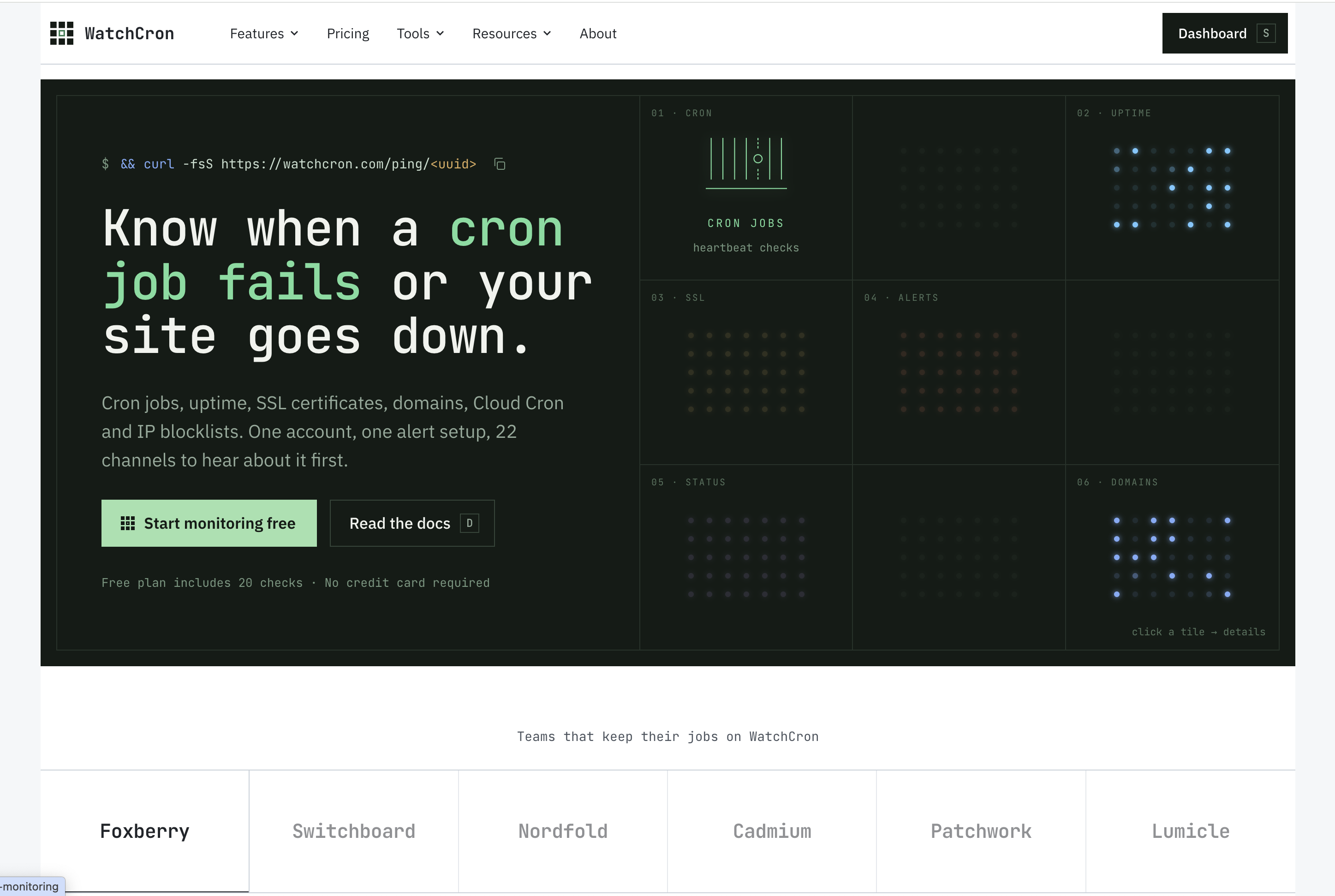
WatchCron is a cron job and heartbeat monitoring service for developers. This MCP server lets AI agents manage your cron monitors directly from Claude, Cursor, or any MCP-compatible client.
How to use WatchCron MCP Server
- Get your API key at watchcron.com
- Install: npx -y watchcron-mcp
- Set environment variable: WATCHCRON_API_KEY=your_api_key
- Ask your AI agent: "Create a monitor for my daily backup cron job"
See the README on GitHub for full configuration examples for Claude Desktop, Claude Code, Cursor, and Windsurf.
Available Tools
- list_monitors — List all cron job monitors with status, schedule, and ping URLs
- create_monitor — Create a new monitor with simple interval or cron expression, get the ping URL
- get_monitor — Get detailed status of a specific monitor
- get_pings — View recent ping history (timestamps, type, duration)
- get_incidents — View status change history (down/up transitions)
- pause_monitor — Pause or resume a monitor
- update_monitor — Change schedule, grace period, tags, or name
- delete_monitor — Remove a monitor permanently
- list_channels — List notification channels (email, Slack, webhook)
Example Prompts
- "Show me all my cron monitors and their status"
- "Create a monitor for a backup script that runs every 6 hours"
- "Set up monitoring for my nightly DB cleanup"
- "Has my payment processing job had any incidents this week?"
- "Pause the staging environment monitor"
Why use WatchCron with AI agents?
Your AI coding assistant can set up cron job monitoring as part of the deployment workflow. When it writes a cron job, it can immediately create a WatchCron monitor and add the ping URL to the crontab — no manual setup needed.
マーケットプレイスの他のコンテンツ

Termany
thinkany-aiAgent-Native Terminal

Gemini MCP
houtini-aiGoogle Gemini MCP - Use Google's visual, video and chat capabilities in your AI Assistant. Uses MCP Apps to preview created images, landing pages, SVGs and video

Full Self Browsing
Lakshman TurlapatiDOM-first AI browser automation for Chrome and MCP clients.

OpenZiti / LLM-Gateway
openzitiNetFoundry LLM Gateway is an OpenAI-compatible API proxy that routes requests across multiple LLM providers using zero-trust networking. Zero trust LLM gateway. OpenAI-compatible proxy with semantic routing and load bala

Capgo MCP
Cap-goConsole, Backend and CLI to manage Capgo Instant update and Native build for Capacitor apps Build and upload to app store your mobile app
コメント