
Where is the source code for Spookyparticles?
The source code is linked from the repository URL on this page.

@banana-intelligence-dot-ai
基本情報
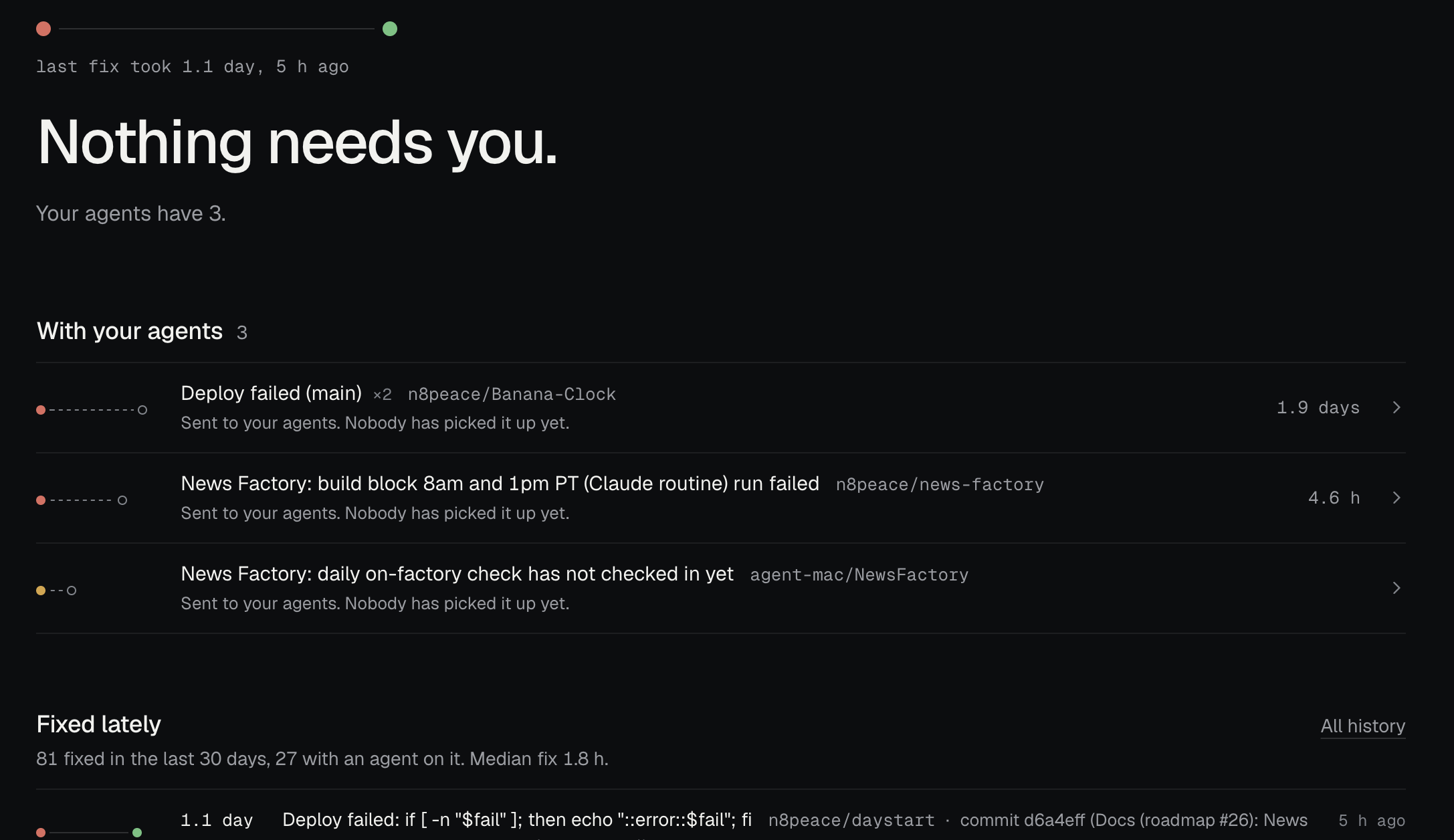
Tells your coding agent when an app you shipped breaks. Free, requires your own coding agent.
以下の設定を使って、このサーバーを MCP 対応クライアントに追加してください。
{
  "mcpServers": {
    "spooky": {
      "type": "http",
      "url": "https://spookyparticles.com/api/mcp",
      "headers": {
        "Authorization": "Bearer YOUR_SPOOKY_API_KEY"
      }
    }
  }
}ツール一覧はまだありません
この掲載には表示できるツール一覧がまだありません。サーバーにツールがないという意味ではありません。対応機能はプロジェクトのドキュメントをご確認ください。
上のボタンでサーバーのエンドポイントに接続し、ツール一覧を取得できます。
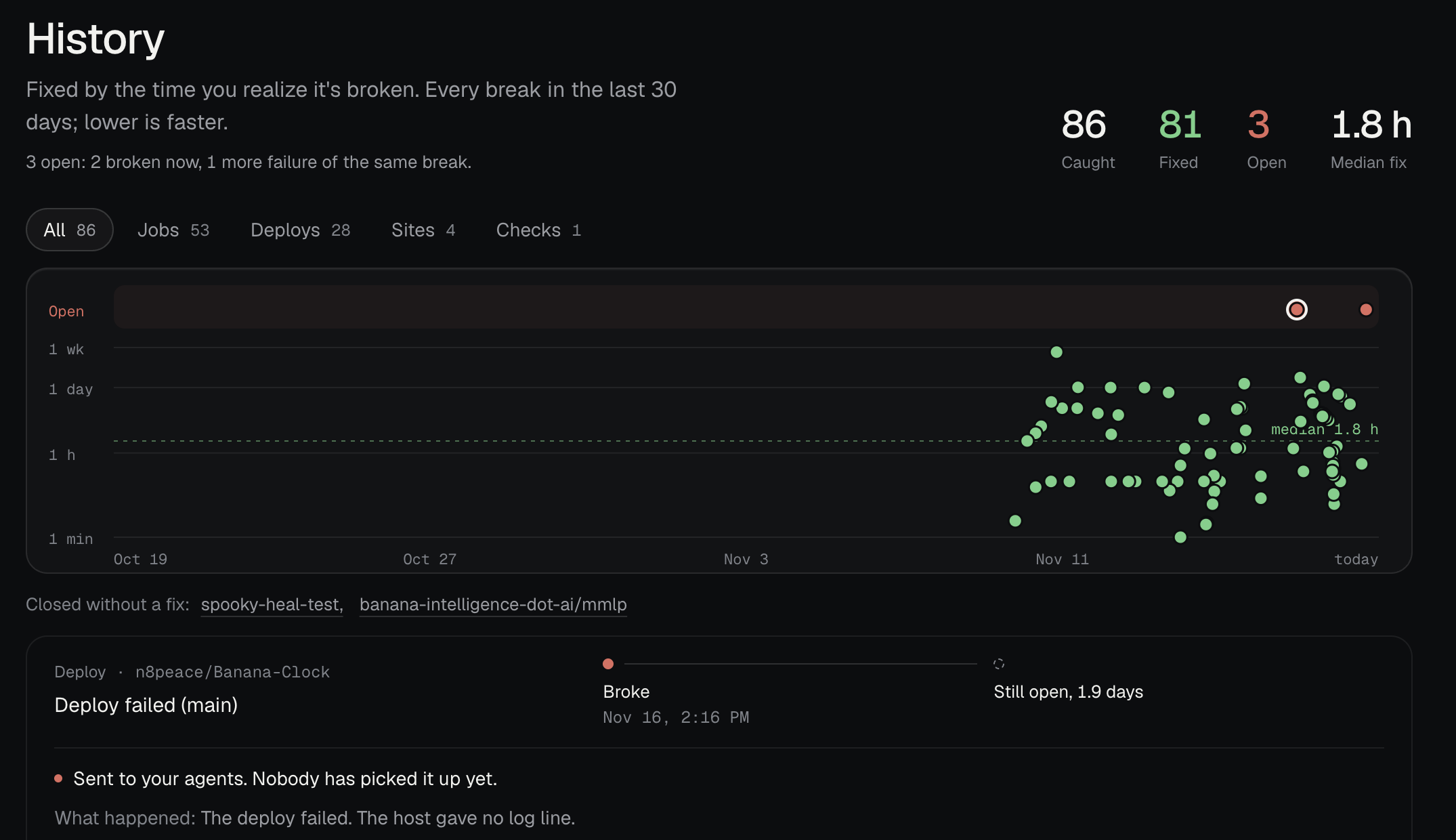
Automate fixes for failed Vercel deploys and cron jobs: sends the cause of each break to your coding agent (Claude Code, Codex, MCP) and pings you only if it still fails.
The README includes setup instructions such as npx skills add banana-intelligence-dot-ai/spookyparticles.
The source code is linked from the repository URL on this page.
If the README contains a parseable MCP configuration block, it is shown in the Config tab.

Free MCP for live and historical pricing for 13,000+ agents and MCPs. Never knowingly pay too much... or charge too little. Know the going rate. https://agentery.com.
Open-source Node.js FHIR MCP server with SMART Backend Services, metadata-aware search/CRUD tools, compact responses, FHIRPath filtering, safe pagination, audit events, and terminology lookup.

A record of what an agent did that the agent cannot quietly rewrite, and a way for anyone to check.

The AI marketing canvas for Claude and MCP agents. Your agent drafts campaigns as cards on a shared board, briefed by your brand rules, approved by you.

Discover flat-rate DeepSeek plans, model limits, API-key instructions, and coding-client setup
コメント