

Screenshotrun MCP Server認証済み注目
@screenshotrun
基本情報
Screenshotrun MCP Server について
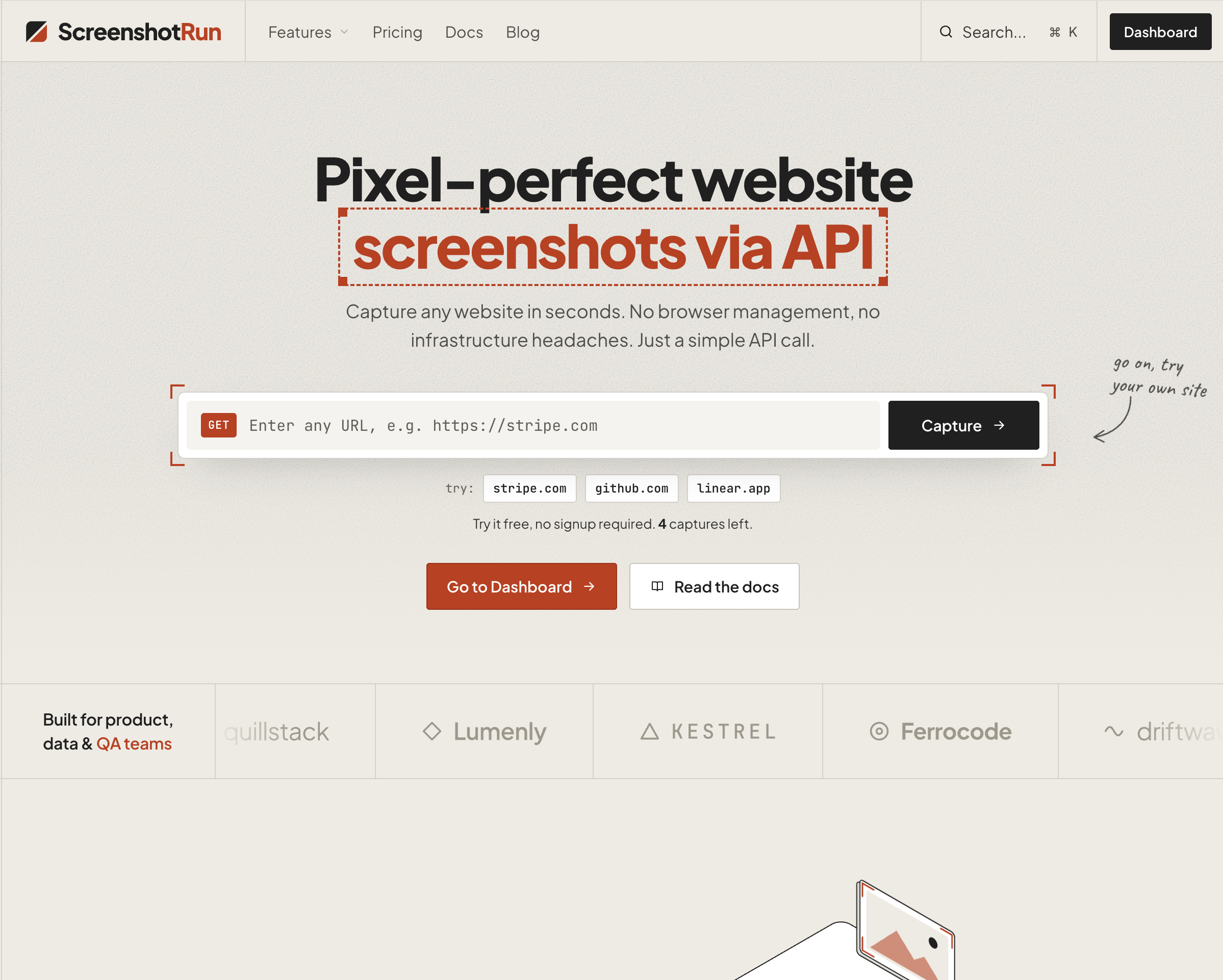
Give your AI agent the ability to see any webpage. Capture screenshots from Claude, Cursor, or any MCP client. Supports full-page, dark mode, mobile emulation, OG image generation, base64 output, custom viewport, ad bloc
Screenshotrun MCP Server の設定
以下の設定を使って、このサーバーを MCP 対応クライアントに追加してください。
{
  "mcpServers": {
    "screenshotrun-mcp": {
      "command": "npx",
      "args": [
        "-y",
        "screenshotrun-mcp",
        "\\"
      ]
    }
  }
}
Screenshotrun MCP Server のツール
ツール一覧はまだありません
この掲載には表示できるツール一覧がまだありません。サーバーにツールがないという意味ではありません。対応機能はプロジェクトのドキュメントをご確認ください。
上のボタンで一時的なサンドボックスでこのサーバーを実行し、ツール一覧を取得できます。
概要
What is screenshotrun-mcp?
MCP server for the ScreenshotRun Screenshot API — gives AI agents the ability to capture website screenshots directly from Claude, Cursor, Windsurf, or any MCP-compatible client.
Tools
| Tool | Description |
|---|---|
take_screenshot | Capture any public URL as PNG, JPEG, WebP, or PDF |
check_usage | Check API quota and remaining credits |
Key features
- Full-page screenshots
- Dark mode emulation
- Mobile/tablet device presets
- OG image generation (1200×630)
- Base64 output
- Ad and cookie banner blocking
- Custom CSS/JS injection
- Retina (2x) resolution
Quick start
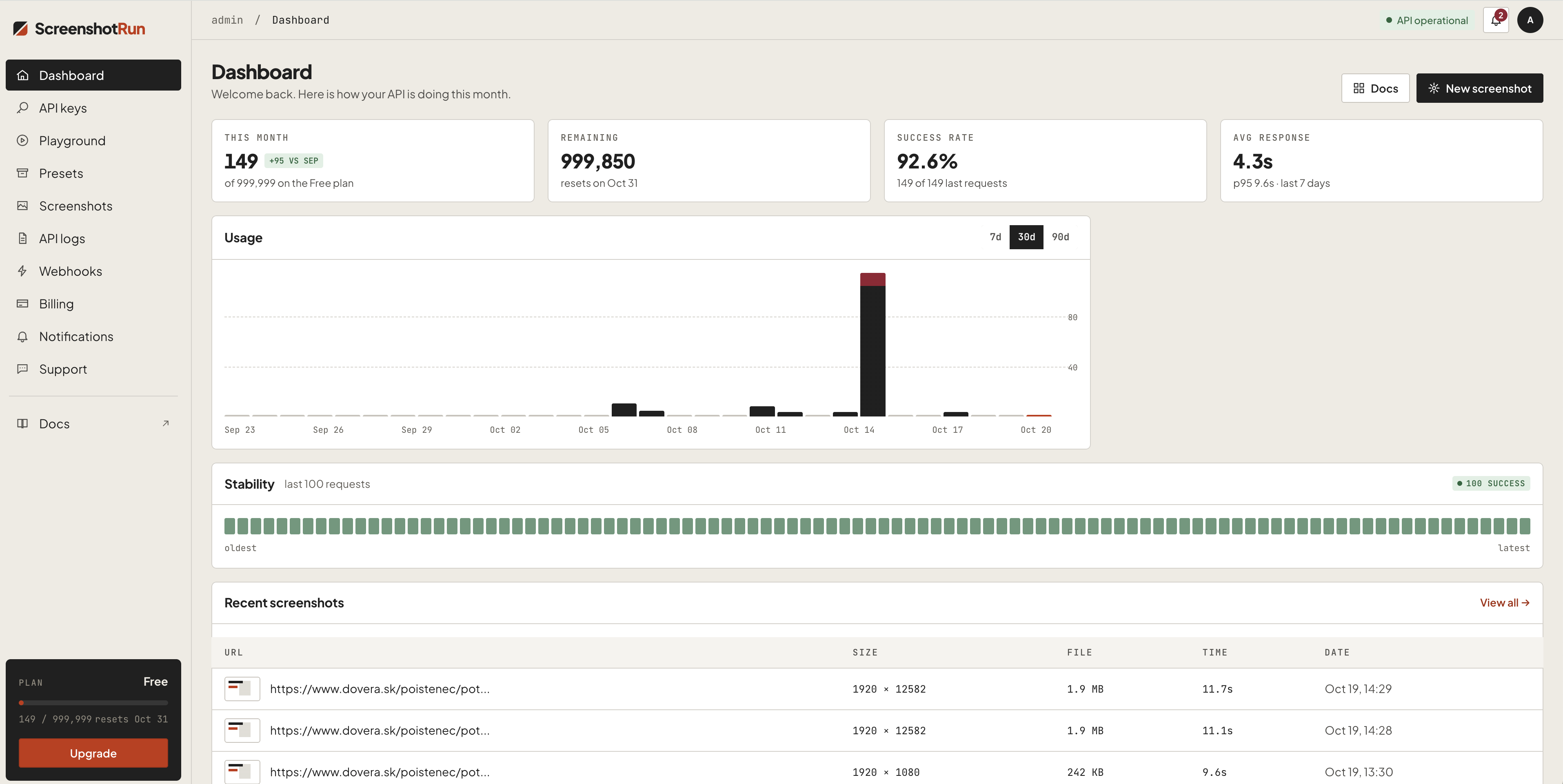
Get a free API key at screenshotrun.com (200 screenshots/month free).
Claude Desktop
Add to claude_desktop_config.json:
{
  "mcpServers": {
    "screenshotrun": {
      "command": "npx",
      "args": ["-y", "screenshotrun-mcp"],
      "env": {
        "SCREENSHOTRUN_API_KEY": "sr_live_your_key_here"
      }
    }
  }
}
「開発者ツール」の他のコンテンツ

Yocoolab
YocoolabMCP server for AI Agents — exposes Yocoolab feedback threads and design selections as tools

Nebelus
NebelusNebelus is an enterprise agentic-AI platform for regulated industries. This MCP server exposes the Nebelus Construction API: ~48 tools that give an MCP client full agent build parity — create/update/probe agents, edit ag

LastPing
LastPingKnow when your AI agents, cron jobs and CI pipelines fail, stall or go quiet. Your agent sets up monitors from a plain description, tells you what is broken and why, reads run history and traces, and writes notes on inci

Capgo MCP
Cap-goConsole, Backend and CLI to manage Capgo Instant update and Native build for Capacitor apps Build and upload to app store your mobile app

Vibgrate MCP
VibgrateQuery your team's drift, vulnerability, and migration data from any AI assistant. Vibgrate MCP connects Cursor, Claude, ChatGPT, Windsurf, or VS Code to Vibgrate Cloud: 51 tools for DriftScores, CVEs and EOL runtimes, up
コメント