

Moxie Docs MCP Server認証済み注目
@Jackalope-Dev
基本情報

Moxie Docs MCP Server について
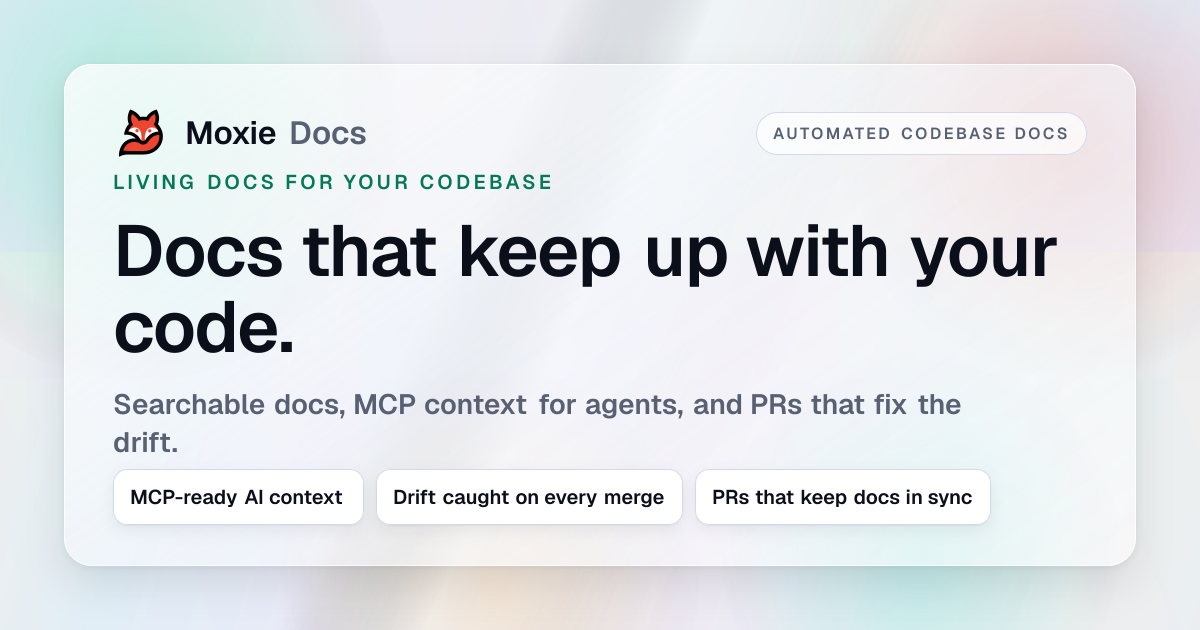
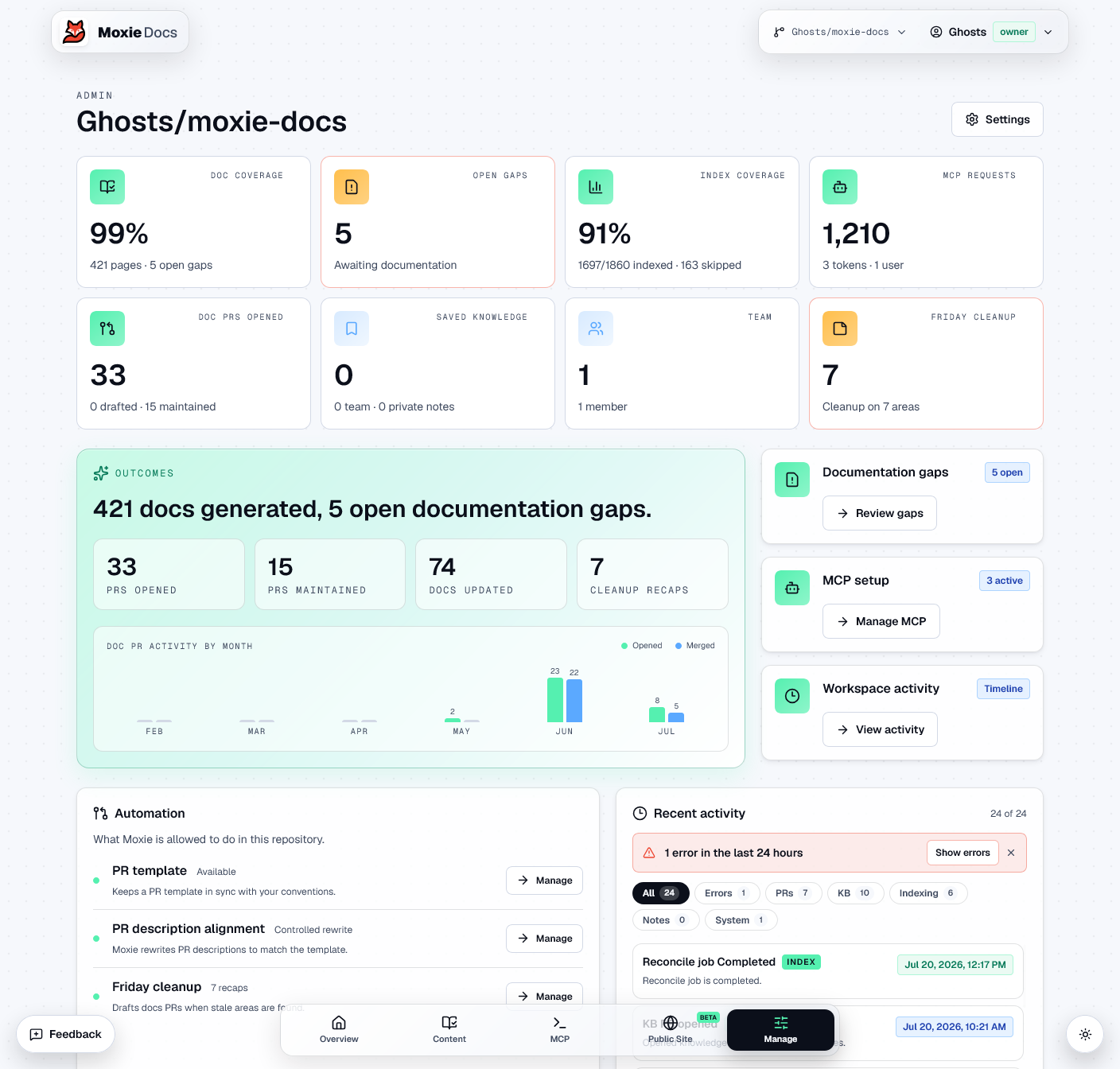
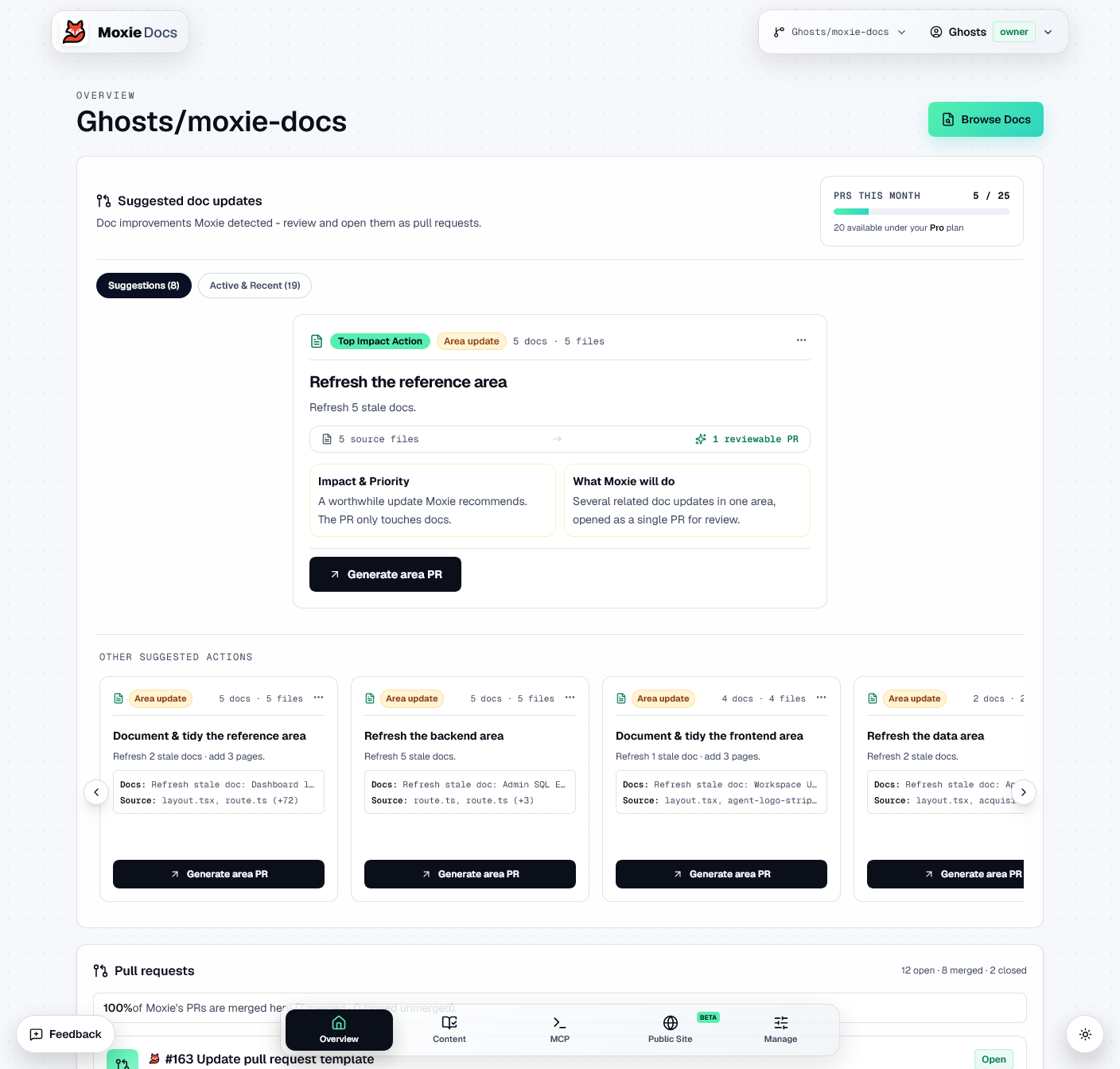
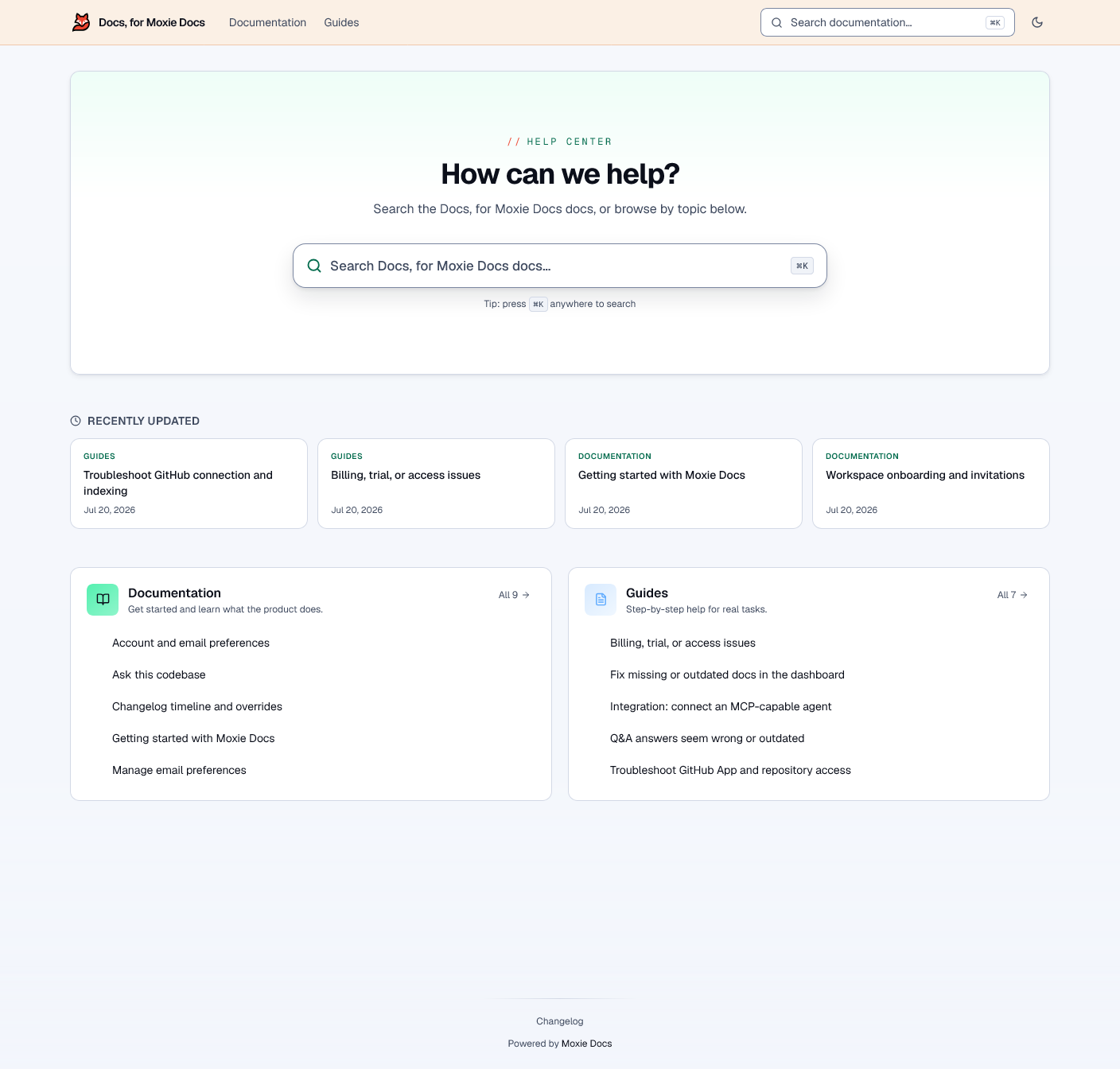
Automated codebase documentation for GitHub: searchable docs, MCP context for AI agents, doc drift detection, and Friday Cleanup PRs.
Moxie Docs MCP Server の設定
以下の設定を使って、このサーバーを MCP 対応クライアントに追加してください。
{
  "mcpServers": {
    "moxie-docs": {
      "command": "npx",
      "args": [
        "-y",
        "moxie-docs"
      ]
    }
  }
}
Moxie Docs MCP Server のツール
ツール一覧はまだありません
この掲載には表示できるツール一覧がまだありません。サーバーにツールがないという意味ではありません。対応機能はプロジェクトのドキュメントをご確認ください。
上のボタンで一時的なサンドボックスでこのサーバーを実行し、ツール一覧を取得できます。
概要
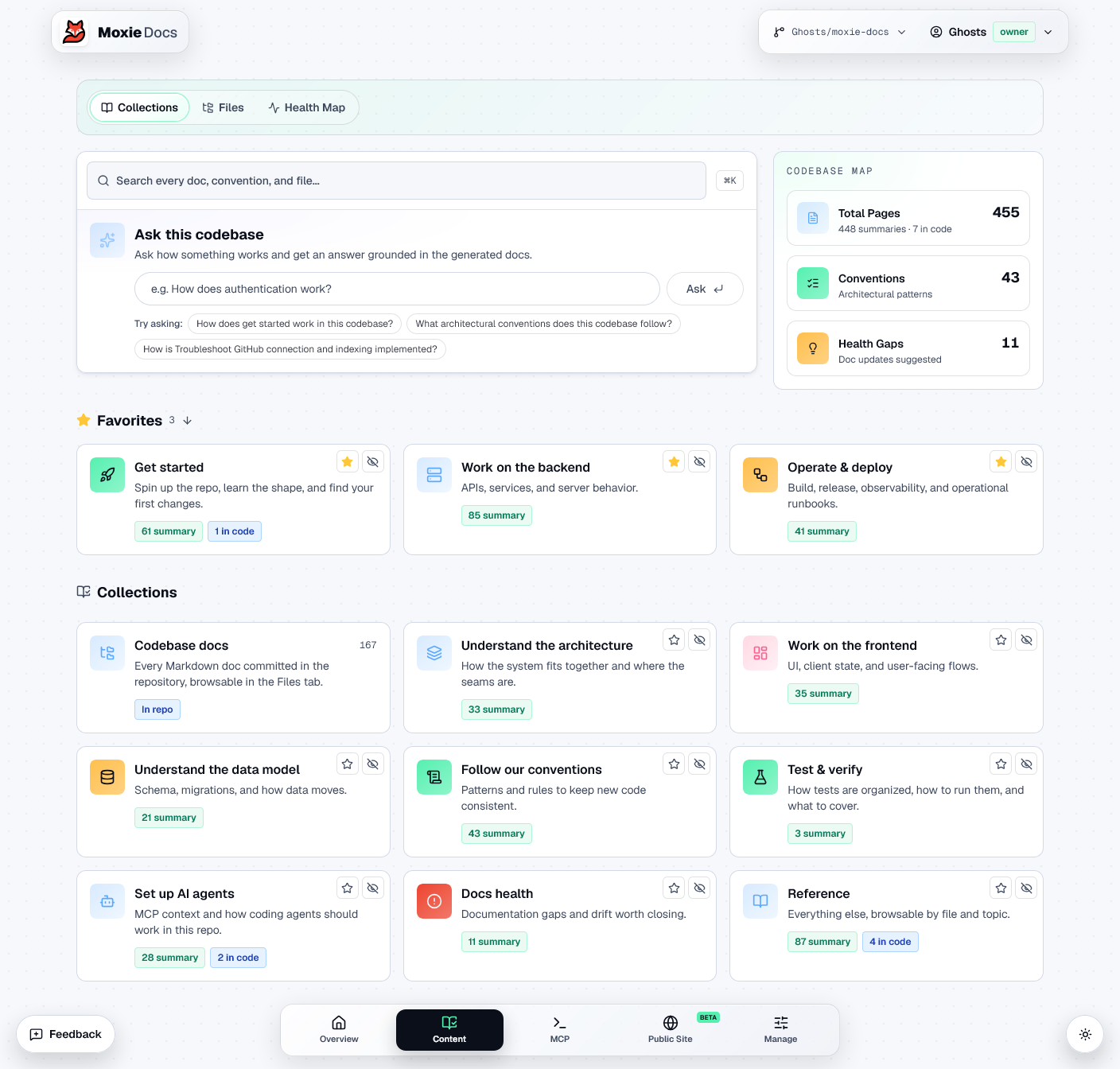
Moxie Docs is a living codebase documentation platform for GitHub repositories. It indexes your codebase, generates human-friendly documentation, detects documentation drift, and exposes real-time, AI-optimized context to coding agents via the Model Context Protocol (MCP).
⚡ Key Features
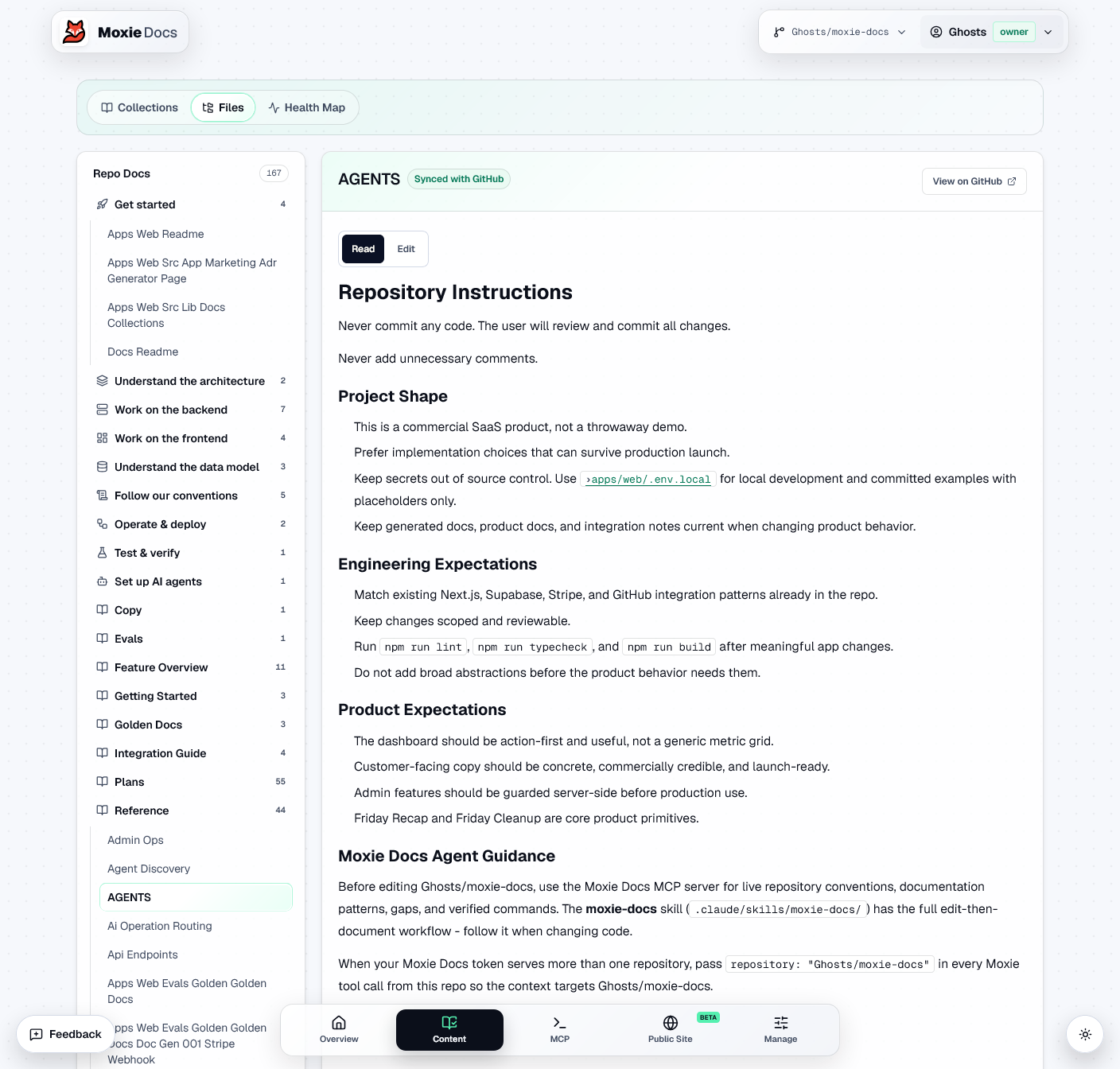
- Live Repository Conventions: Feeds AI agents your codebase standards, architectural rules, and file-pattern guidelines before they edit code.
- Documentation Drift Detection: Automatically flags stale docs, undocumented API changes, and documentation gaps.
- Same-PR Documentation Updates: Recommends exact documentation changes matching your PR code edits so docs stay in sync with code.
- Searchable Codebase Docs: Fast, agent-friendly search across generated documentation, flows, and API patterns.
🛠️ Exposed MCP Tools
| Tool | Purpose |
|---|---|
moxie.get_conventions | Returns repo conventions, architectural patterns, and file rules agents must follow before coding. |
moxie.search_docs | Searches generated repo docs and source explanations for implementation details and flows. |
moxie.list_docs | Lists all generated docs in a paginated table of contents. |
moxie.get_doc_gaps | Identifies missing or stale documentation with severity levels and suggested doc paths. |
moxie.get_doc_impact | Analyzes proposed file changes and returns matching docs & gaps to update in the same PR. |
moxie.propose_doc_update | Generates the target file path and updated doc content for agents to write into their branch. |
moxie.get_ai_context | Delivers a compact, low-token context packet (setup status, commands, conventions, gaps). |
💻 Quick Start
Option 1: One-Line CLI Setup (Recommended)
npx moxie-docs setup
「開発者ツール」の他のコンテンツ

Capgo MCP
Cap-goConsole, Backend and CLI to manage Capgo Instant update and Native build for Capacitor apps Build and upload to app store your mobile app

FARPY
mangomunchrVerified distributed compute for humans, applications, and agents. Submit Blender, Octane, and video workloads, route them across qualified GPUs, track asynchronous execution, download finished artifacts, and verify FARP

SSH MCP Server
hypnosisSSH MCP server for AI agents: remote commands, file transfer, log search and server audits through OpenSSH.

Banking Assistant (Metabind demo)
MetabindInteractive MCP App demo built on Metabind: personal-finance answers render as UI cards (net worth, spending, subscriptions) in Claude and ChatGPT, and natively in iOS/Android apps.

Vibgrate MCP
VibgrateQuery your team's drift, vulnerability, and migration data from any AI assistant. Vibgrate MCP connects Cursor, Claude, ChatGPT, Windsurf, or VS Code to Vibgrate Cloud: 51 tools for DriftScores, CVEs and EOL runtimes, up
コメント