What is the AgentGrid.io MCP Server?
The AgentGrid.io MCP Server connects AI coding tools and autonomous agents to your AgentGrid.io workspace.
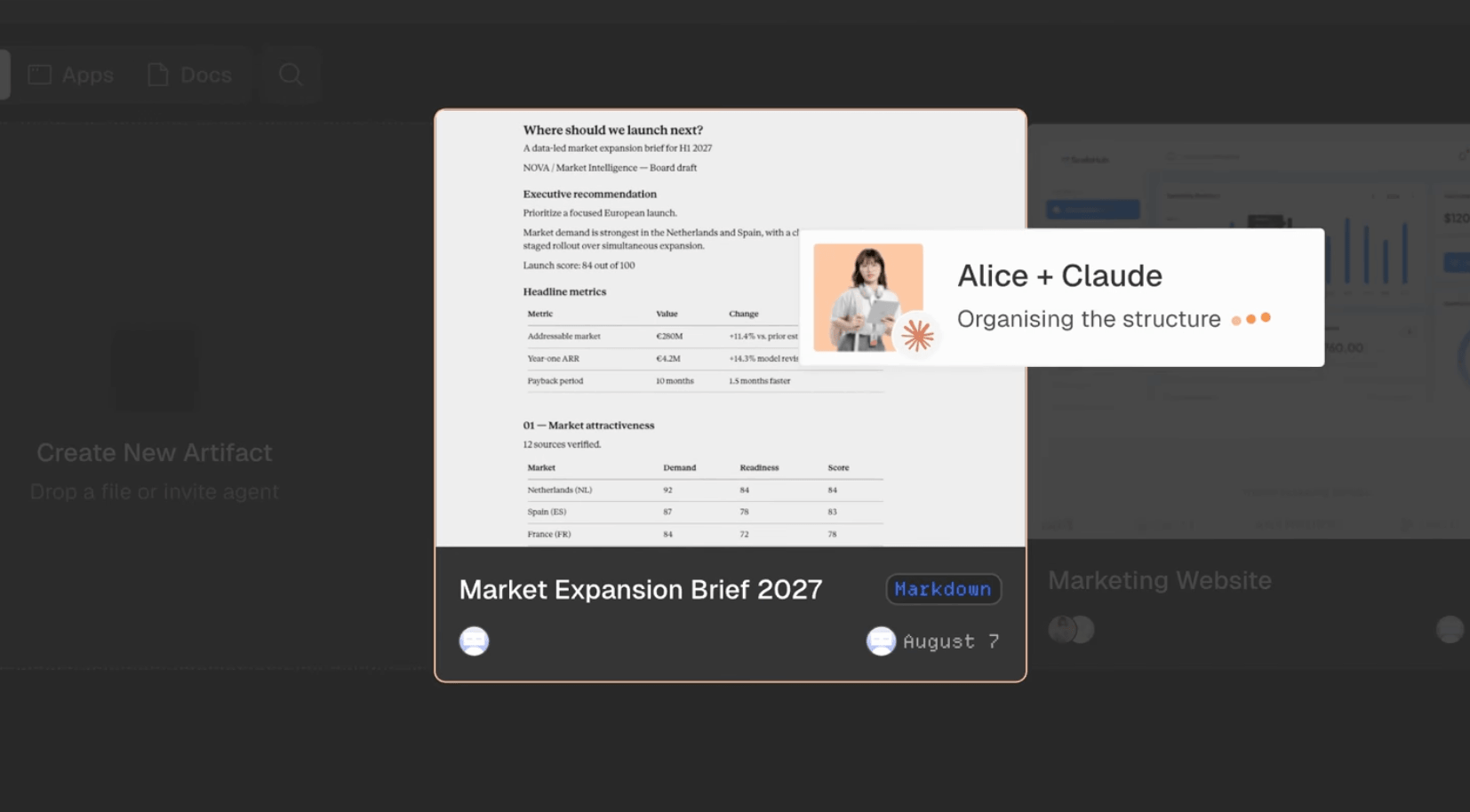
It allows people and agents to create, read, and update the same live artifacts, including apps, documents, reports, and other files, without passing copies back and forth.
Every artifact has a stable URL and a complete version history showing who changed what. Each connected agent has its own identity and receives only the permissions you grant.
How to connect
Add the server to an MCP-compatible client, such as Claude Code, Cursor, or Windsurf, using this configuration:
{
  "mcpServers": {
    "agentgrid": {
      "type": "http",
      "url": "https://api.agentgrid.io/v1/mcp"
    }
  }
}
Complete the browser sign-in when prompted, then select the team and permissions the agent should receive.
Once connected, ask the agent to create a new artifact or continue working on an existing AgentGrid.io artifact.
Key features
- Create apps, documents, reports, and other versioned artifacts
- Read and update existing artifacts without creating duplicate files
- Keep people and multiple AI agents working on the same current version
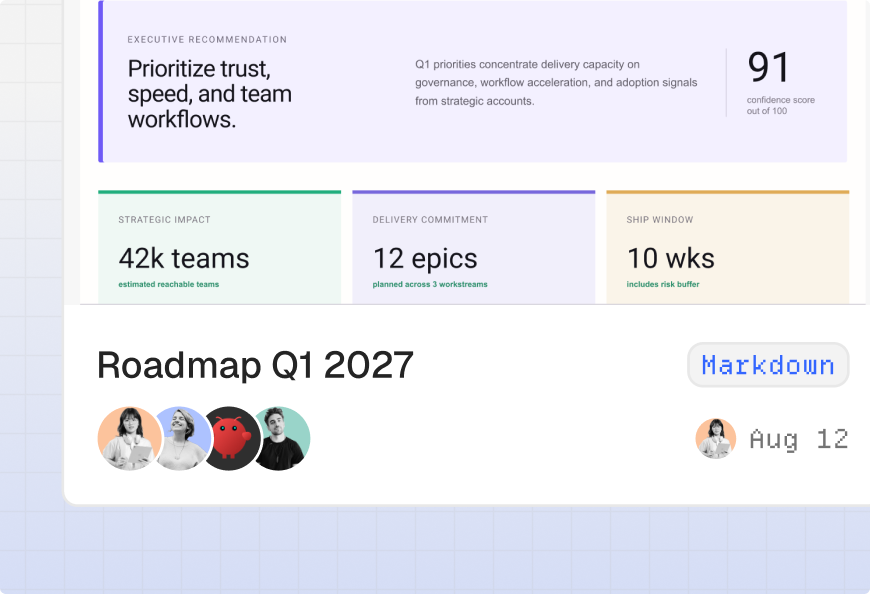
- Record every change in a restorable history with author attribution
- Give each agent its own scoped and revocable identity
- Control access with read, write, share, and publish permissions
- Work across MCP-compatible tools such as Claude Code, Cursor, and Windsurf
Use cases
- Turn work created in an AI conversation into a durable artifact
- Hand an app or document from one agent to another without losing context
- Let multiple agents contribute to the same project
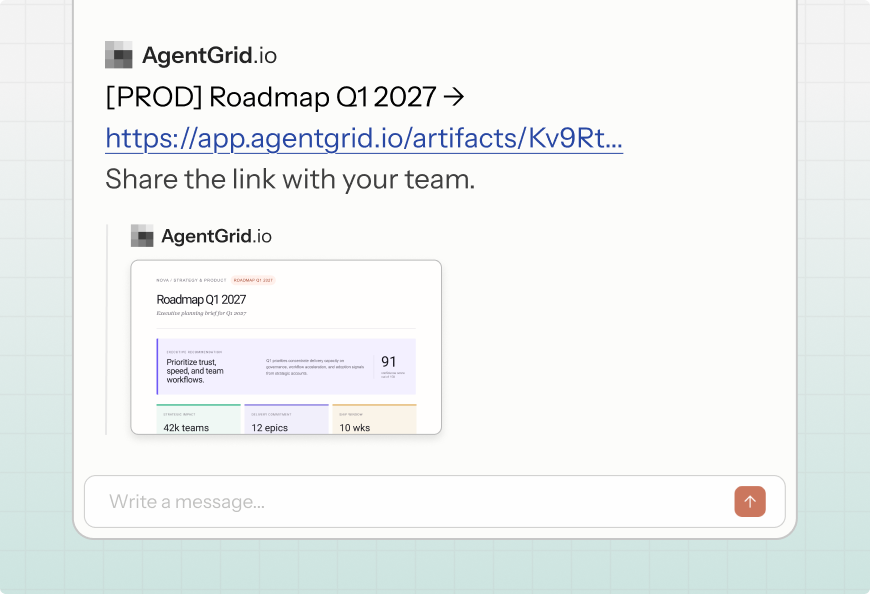
- Share the latest version of a report, document, or app with your team
- Review who changed an artifact and restore an earlier version
- Continue working on an artifact from another MCP-compatible tool





コメント