
Kalender Sync のリモート MCP サーバーとは何ですか?
Kalender Sync のリモート MCP サーバーは、https://app.kalender-sync.de/mcp にホストされた Model Context Protocol エンドポイントです。AI アシスタントはローカルに何もインストール・実行することなく接続できます。

@PPJ Venture Labs UG (haftungsbeschränkt)
基本情報
Connect Google, Microsoft 365/Outlook, iCloud and CalDAV calendars to your AI assistant. Check availability, find and manage events, respond to supported invitations, and create, inspect, pause or delete calendar syncs with explicit permissions. Hosted in the EU.
https://app.kalender-sync.de/mcpclaude mcp add kalender-sync --transport http https://app.kalender-sync.de/mcp --header "Authorization: Bearer ${KALENDER_SYNC_ACCESS_KEY}"ツール一覧はまだありません
この掲載には表示できるツール一覧がまだありません。サーバーにツールがないという意味ではありません。対応機能はプロジェクトのドキュメントをご確認ください。
このサーバーは認証が必要です。ツールの取得にはログインや提供元の認証情報が必要な場合があります。
上のボタンでサーバーのエンドポイントに接続し、ツール一覧を取得できます。
Kalender Sync connects Google Calendar, Microsoft 365/Outlook, Apple iCloud and CalDAV calendars through one EU-hosted remote MCP server. Supported CalDAV services include GMX, WEB.DE, mailbox.org, Posteo, STRATO and kSuite. iCal feeds provide read-only access.
Endpoint: https://app.kalender-sync.de/mcp — Streamable HTTP.
For clients other than Claude and ChatGPT, use a personal access key. In Kalender Sync, open AI assistant → Connect the assistant → Something else, select the calendars and permissions, and choose Create key. Store the key locally and send it as the HTTP header Authorization: Bearer ksa_…. Never paste a key into a chat or a public configuration. The configuration on this page uses an environment-variable placeholder; use your client's supported secret storage or substitution syntax.
OAuth sign-in is available for Claude and ChatGPT. Other clients use the access-key method above.
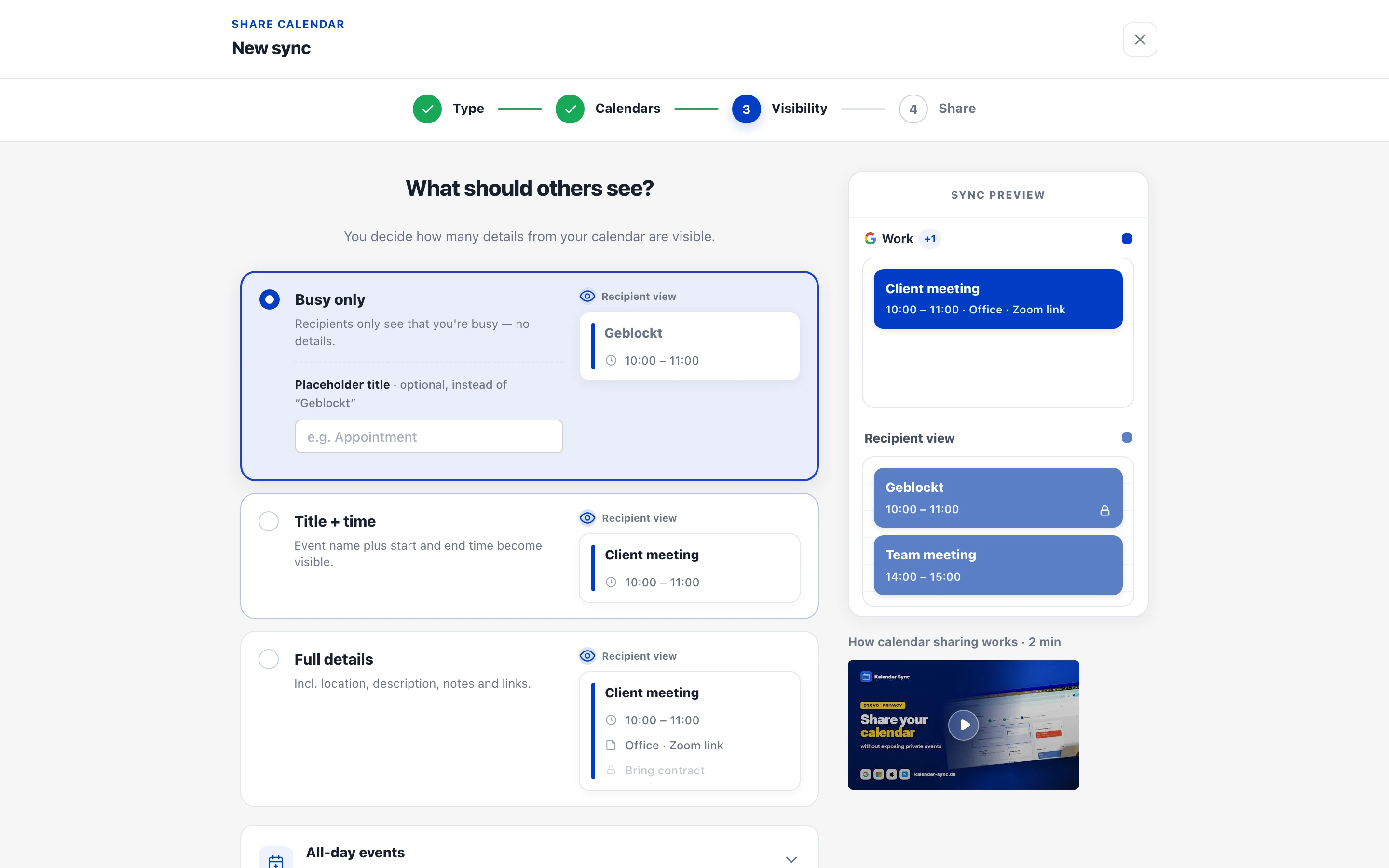
You control which calendars the assistant sees, the detail level, and its permissions to create events, manage existing events and manage syncs. Existing-event management requires full details and the corresponding permission. Sync changes require permission on the target calendar. Syncs keep running if assistant access is revoked; pause or delete the sync separately when needed.
list_calendars, get_availability, search_events, create_event, update_event, delete_event, respond_to_event, send_feedback, list_syncs, diagnose_sync, preview_sync, create_sync, set_sync_paused, preview_delete_sync, delete_sync.
Explore Kalender Sync · Setup and permissions · Pricing
Privacy policy · Terms · Support
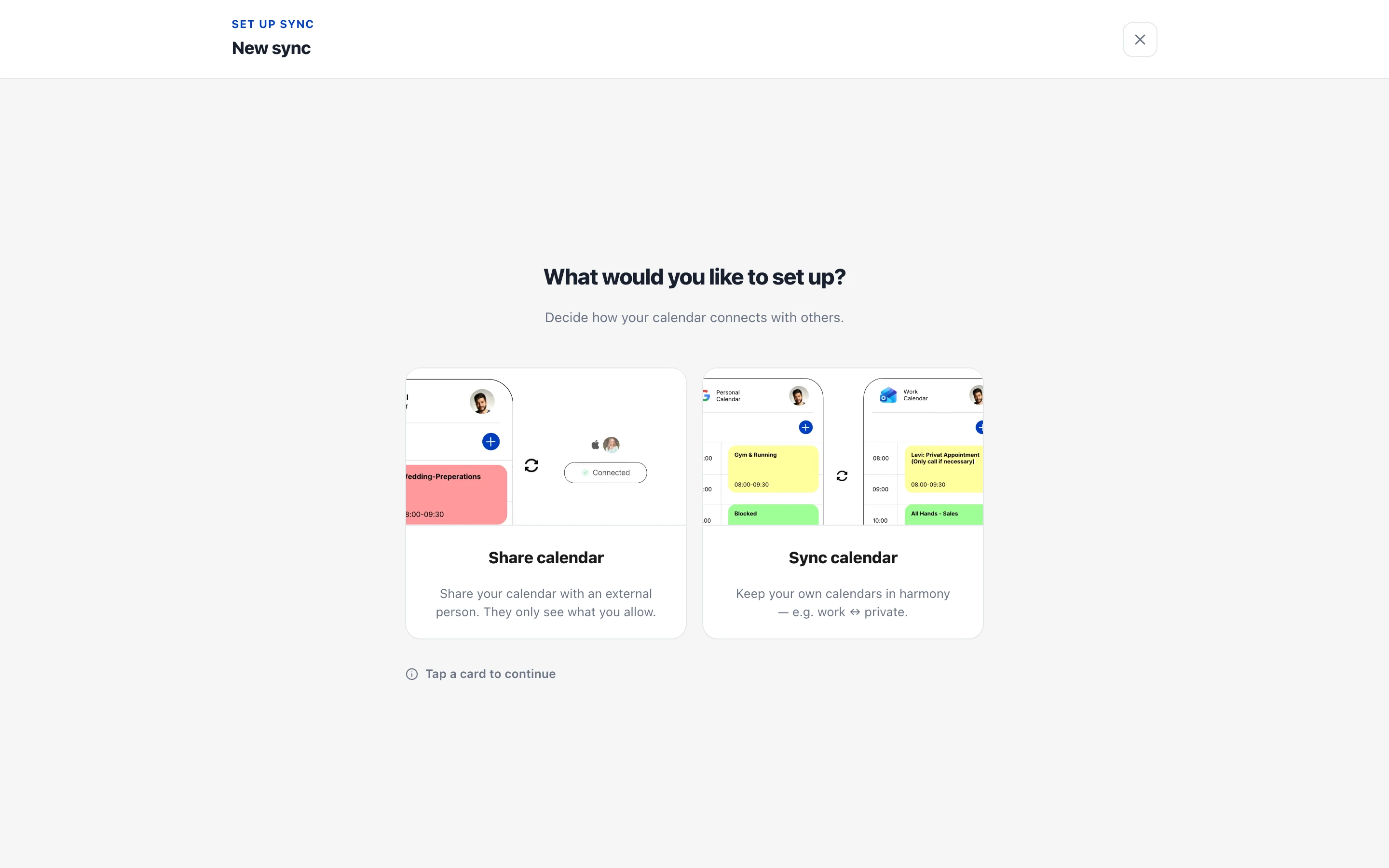
Calendar sync and sharing setup in the Kalender Sync app. Sharing with other people is configured in the app.
Kalender Sync のリモート MCP サーバーは、https://app.kalender-sync.de/mcp にホストされた Model Context Protocol エンドポイントです。AI アシスタントはローカルに何もインストール・実行することなく接続できます。
エンドポイント https://app.kalender-sync.de/mcp を Claude Code、Cursor、VS Code など任意の MCP 対応クライアントに追加してください。このページのセットアップ手順で各クライアントを一度に設定できます。
はい。Kalender Sync は API キーが必要です——取得方法は公式ドキュメントを確認し、クライアントの設定に追加してください。
Kalender Sync は Streamable HTTP エンドポイントを公開しており、これはリモート MCP サーバーで広く使われ、主要な MCP クライアントがサポートするトランスポートです。

Search and read public data from X/Twitter, Reddit, YouTube, Instagram, TikTok, Facebook, Threads, Bluesky, Trustpilot, Amazon, Google Maps, news, forums and the web. 90+ read-only tools plus ready-made research playbook
CVE prioritization using exploitation signals, plus agent heartbeat monitoring and state capsules. Some tools use API-key or x402 access.
One MCP connection for all your Gmail, Google Calendar, Drive and Contacts accounts, Slack workspaces and Notion — free.
Convert web pages to clean Markdown and retrieval-ready chunks with browser rendering support.

Search and read current AWS documentation, check regional availability and load AWS agent skills, with no AWS account needed.
コメント