

FT Optix MCP Server認証済み注目
@asqi-carter
基本情報
FT Optix MCP Server について
MCP for connecting FT Optix Studio to LLMs
FT Optix MCP Server の設定
以下の設定を使って、このサーバーを MCP 対応クライアントに追加してください。
{
  "mcpServers": {
    "ftx-mcp": {
      "type": "http",
      "url": "http://127.0.0.1:8766/mcp"
    }
  }
}
FT Optix MCP Server のツール
ツール一覧はまだありません
この掲載には表示できるツール一覧がまだありません。サーバーにツールがないという意味ではありません。対応機能はプロジェクトのドキュメントをご確認ください。
上のボタンでサーバーのエンドポイントに接続し、ツール一覧を取得できます。
概要
FactoryTalk Optix MCP Server
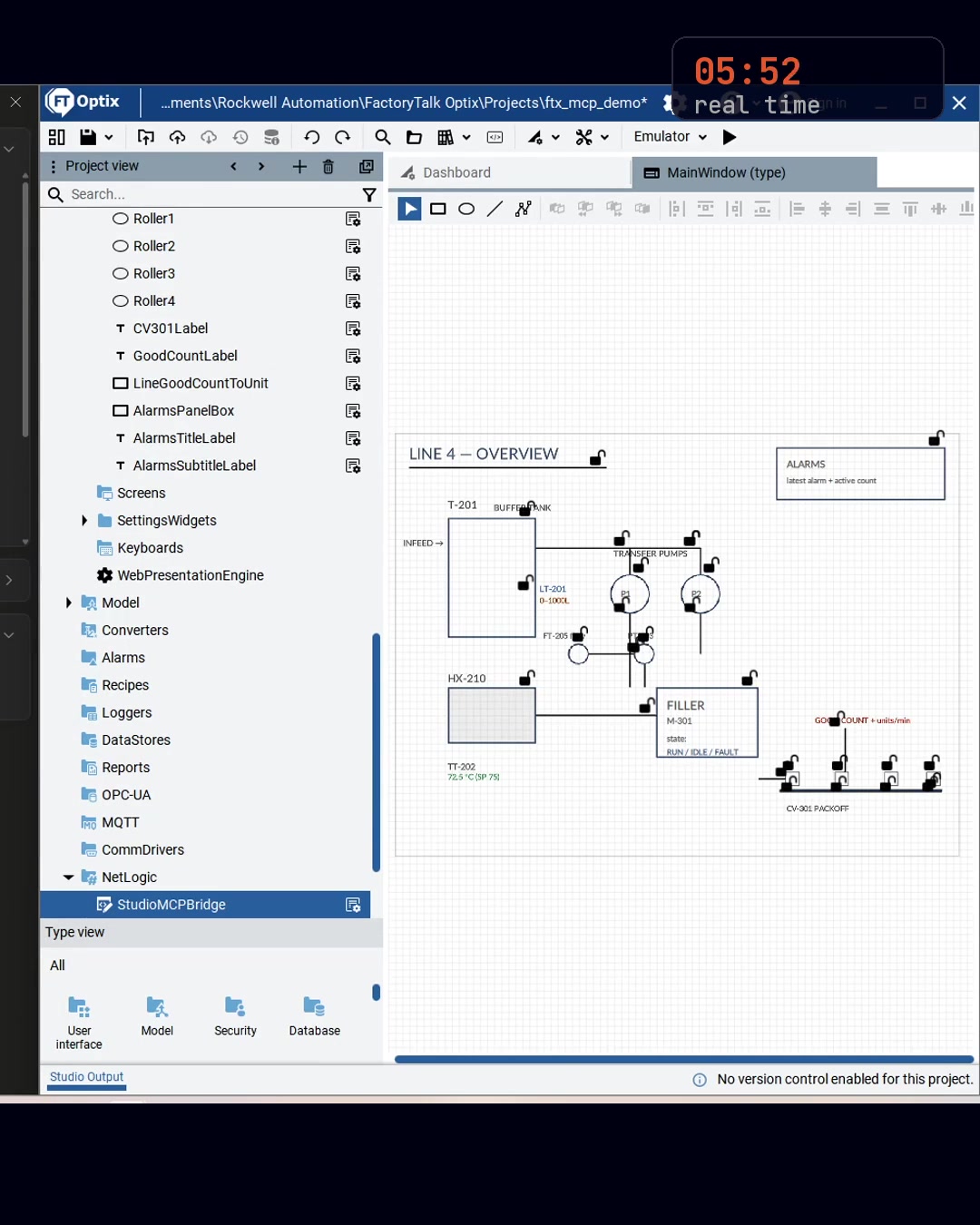
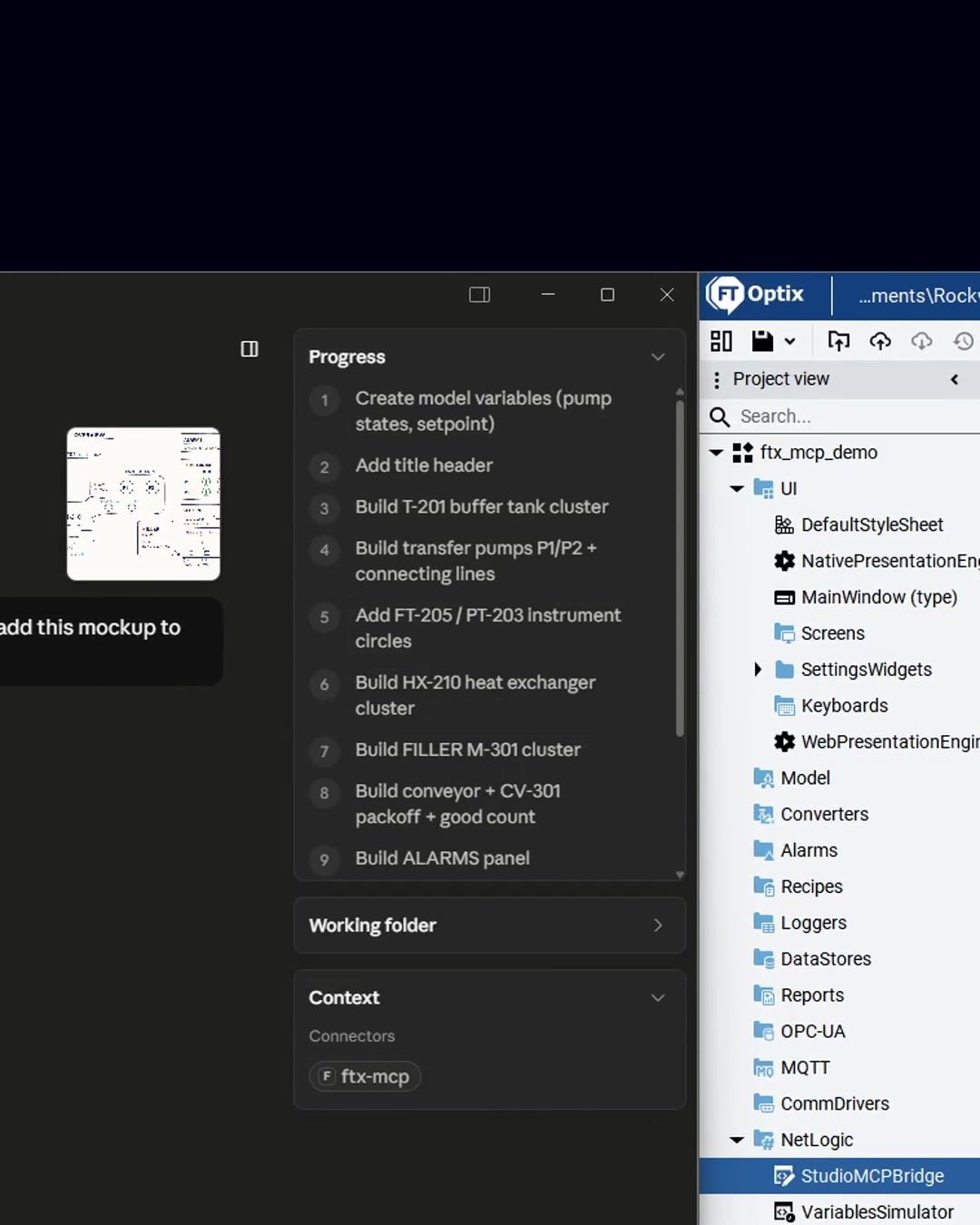
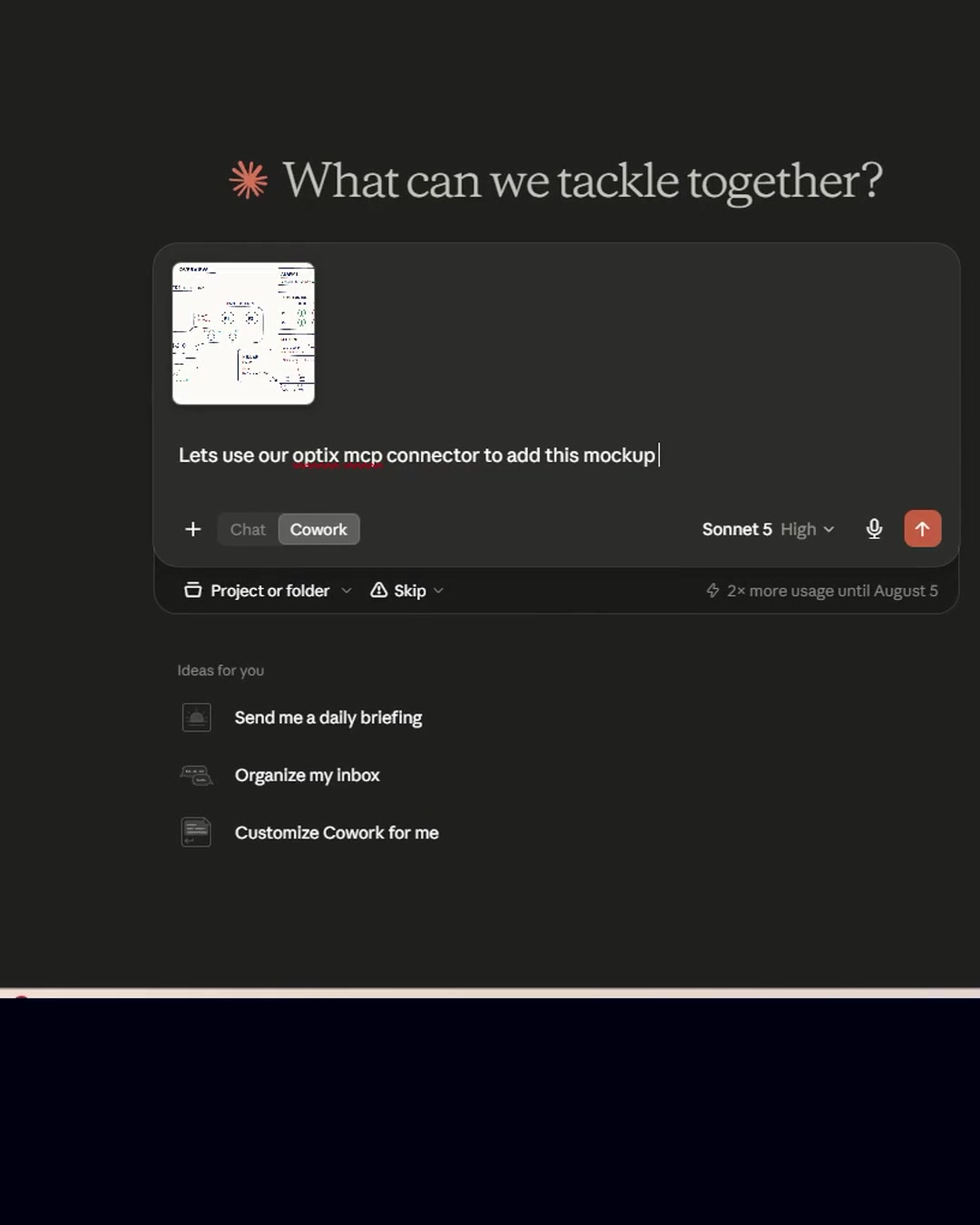
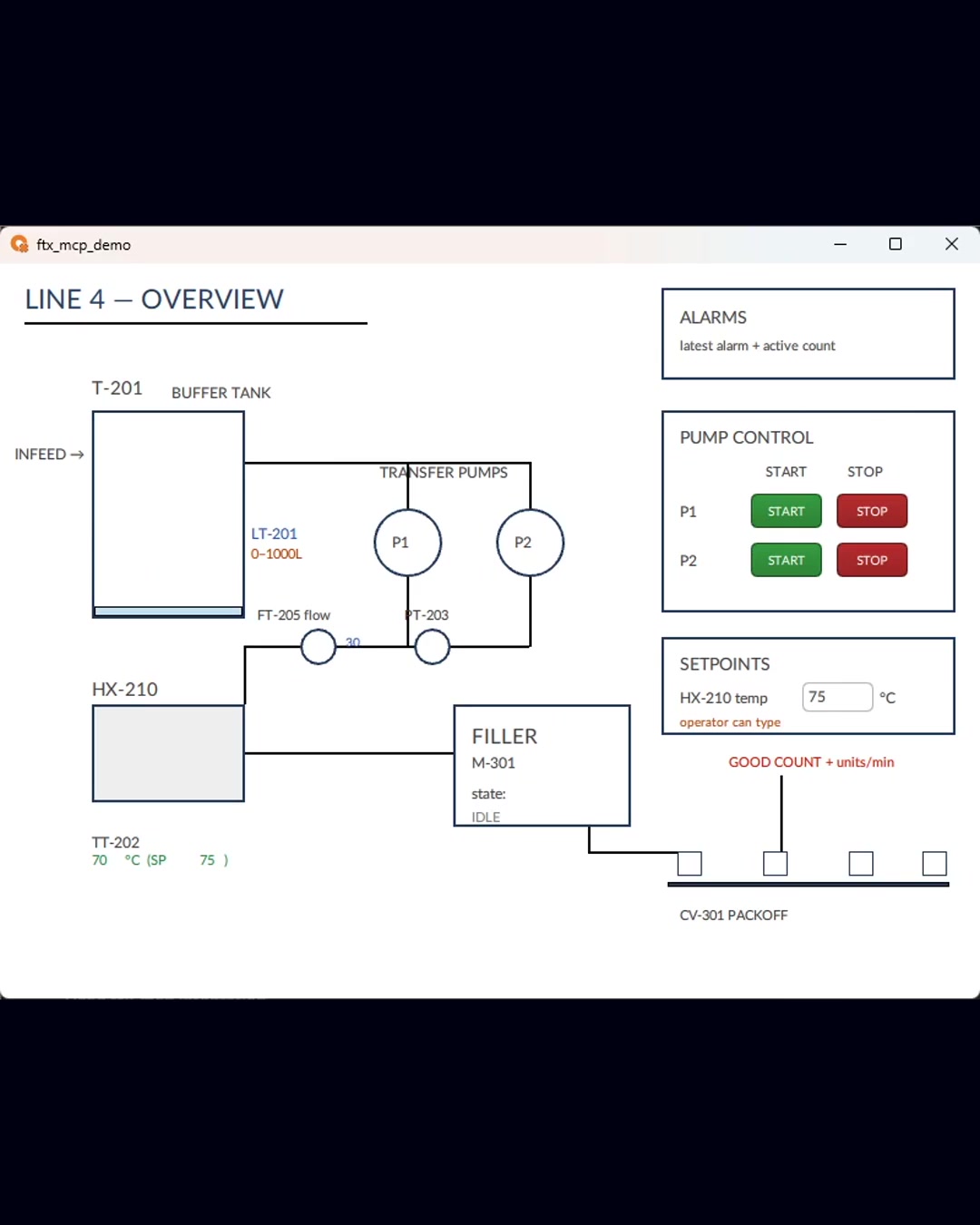
ftx-mcp is an MCP server for Rockwell Automation's FactoryTalk Optix. It connects Claude (Desktop, Code, Cowork) or any MCP client to FT Optix Studio on your Windows machine, so you can author, preview, and verify HMI screens by describing what you want.
How it works
- A Windows service exposes 43 MCP tools over HTTP (
http://127.0.0.1:8766/mcp) - A DesignTime NetLogic bridge (StudioMCPBridge) applies changes to the live Studio project
- Changes are verified against the running emulator with screenshots — author, then verify
Getting started
Install: pip install ftx-mcp, then follow the quick start. Full writeup at asqi.org/resources/ftx-mcp-v1.
マーケットプレイスの他のコンテンツ

OpenZiti / LLM-Gateway
openzitiNetFoundry LLM Gateway is an OpenAI-compatible API proxy that routes requests across multiple LLM providers using zero-trust networking. Zero trust LLM gateway. OpenAI-compatible proxy with semantic routing and load bala

Atomic Mail Agentic
Atomic-MailLet your agents read, send and react to email autonomously, without human involvement

Google Search MCP Server
HasDataHosted Google Search / SERP MCP server from HasData, no Google Cloud project. Organic results, AI Overview, People Also Ask, AI Mode, news and shopping for Claude, Cursor and any MCP client.
OpenZiti MCP Gateway
openzitiNetFoundry MCP Gateway enables secure, isolated access to Model Context Protocol (MCP) tools across distributed systems without exposing public endpoints. Zero trust gateway for MCP servers. Aggregate, filter, and secure

AOCI-CODE
aoci-specLocal MCP server and CLI that keeps a Git-versioned, model-written index of a codebase and its database schema, so coding agents start each task with the whole system in view.
コメント