

Cliptude MCP Server認証済み注目
@Cliptude
基本情報

Cliptude MCP Server について
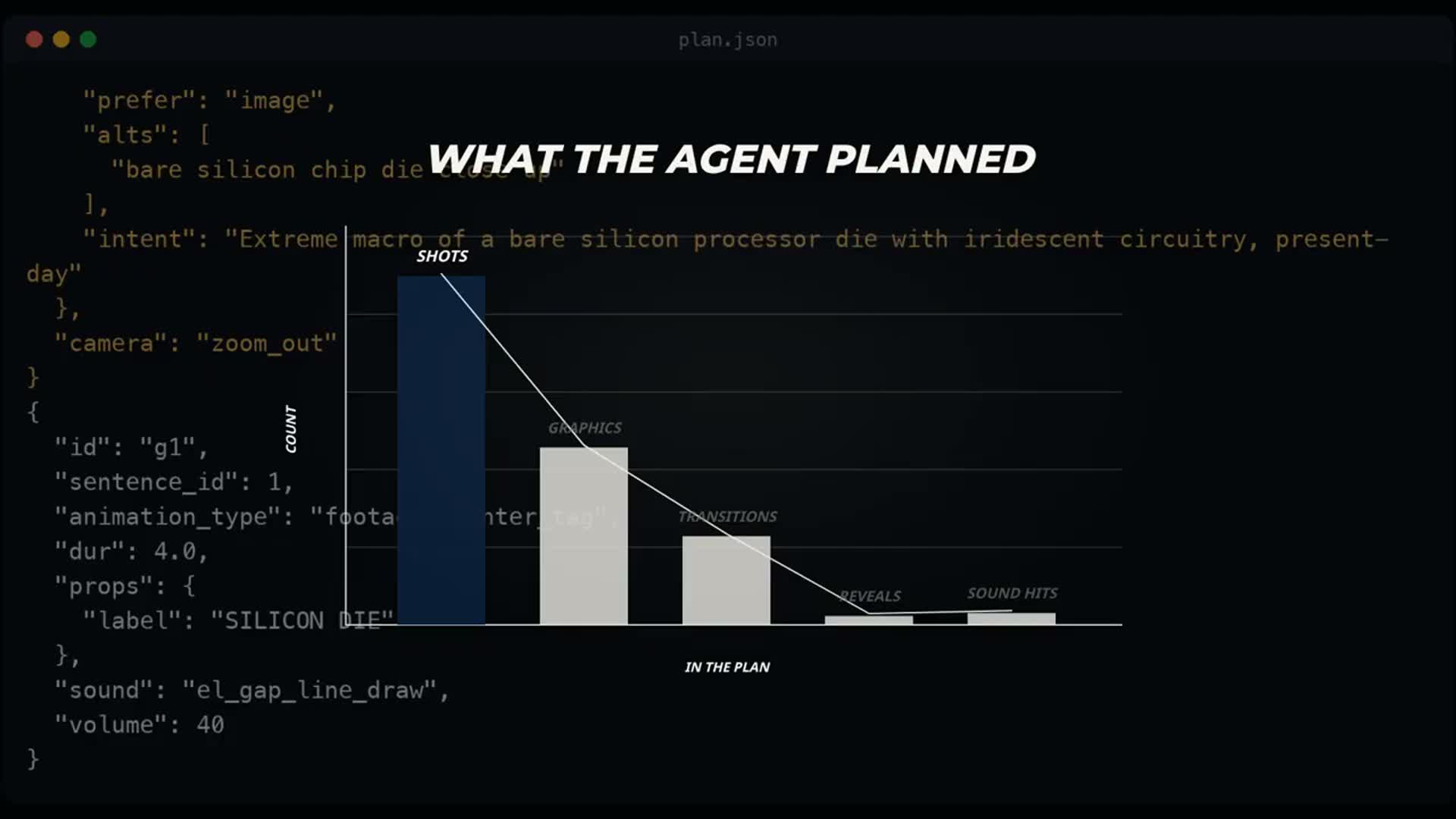
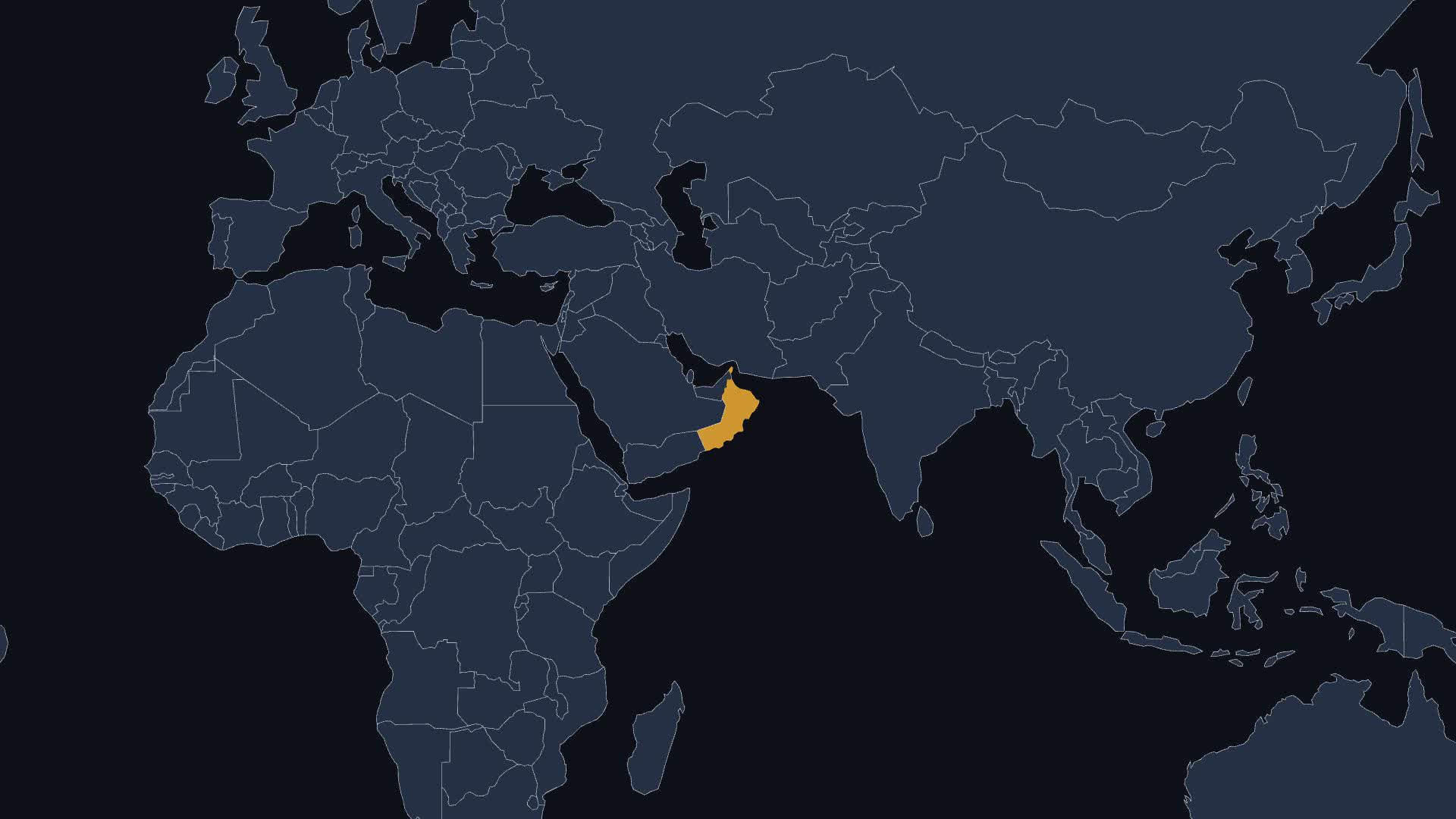
Turn a topic or script into a finished 6–60 minute faceless YouTube documentary with voiceover, real footage, animated maps and charts. Your AI agent plans every shot; Cliptude voices, sources and renders it.


Cliptude MCP Server の設定
以下の設定を使って、このサーバーを MCP 対応クライアントに追加してください。
{
  "mcpServers": {
    "cliptude": {
      "url": "https://mcp.cliptude.com/mcp"
    }
  }
}
Cliptude MCP Server のツール
ツール一覧はまだありません
この掲載には表示できるツール一覧がまだありません。サーバーにツールがないという意味ではありません。対応機能はプロジェクトのドキュメントをご確認ください。
上のボタンでサーバーのエンドポイントに接続し、ツール一覧を取得できます。
概要
What is Cliptude?
Cliptude turns a topic or a script into a finished 6–60 minute YouTube video: voiceover, real footage, animated maps, charts, captions and music. Through MCP, your AI agent (Claude, ChatGPT, Codex, Cursor or any MCP client) researches the topic, writes the narration, plans every shot and graphic, and Cliptude voices, sources and renders exactly that plan.
How to connect
- Remote MCP (recommended): add
https://mcp.cliptude.com/mcpas a connector and sign in with your Cliptude account (OAuth). - CLI:
npm i -g @cliptude/cli, thencliptude auth login.
What you can do
- Make faceless documentaries, Top 10s and avatar videos from a saved template
- Write a script only, or narration audio only, and turn either into a video later
- Plan every shot yourself with the agent-planned flow: create a plan job, read the narration, check and lock the plan, then render
- Estimate credits before rendering; the agent asks before anything that costs credits
- Revise a finished video in the timeline editor and re-render
Example prompt
Make a nine-minute documentary about TSMC and Taiwan. Use my investigative template, plan every shot yourself, and show me the plan before you build anything.
Links
- Website: https://cliptude.com
- Docs: https://cliptude.com/mcp/
- GitHub: https://github.com/cliptude/cliptude
「メディアとデザイン」の他のコンテンツ

diggercamp
Tommaso Savorana (ti es)diggercamp finds independent music by how it sounds. Paste any Bandcamp, YouTube or SoundCloud link and get the closest sonic matches from 4M+ independent tracks — matched by rhythm, timbre, key and energy, not genre tag

transcribe.so
transcribe.soTranscribe YouTube videos, podcasts, meetings and media links into speaker-labelled, timestamped transcripts, then search who said what, ask questions answered with timestamped citations, pull chapters and paste-ready ti

UGCfy AI
UGCfy AIBreak down any TikTok or Instagram Reels ad and rewrite it for your product, right inside Claude, Cursor, or ChatGPT. Hooks, UGC scripts, and CPM. Free, no API key.

SnapDub
SnapDubTurn long videos into captioned vertical clips for TikTok, Reels and Shorts from Claude, ChatGPT, Cursor or any MCP client. Paste a YouTube, Twitch, Kick, Rumble or Zoom link and get clips with titles, virality scores, d

Designesy
LE-VAIDesign quality gate for AI-generated UI. Scores any live URL against a published contract of deterministic checks, with an A–F grade, a per-check breakdown and AI-slop pattern findings; validates DTCG token files and Lot
コメント