

Do texts come from my number?
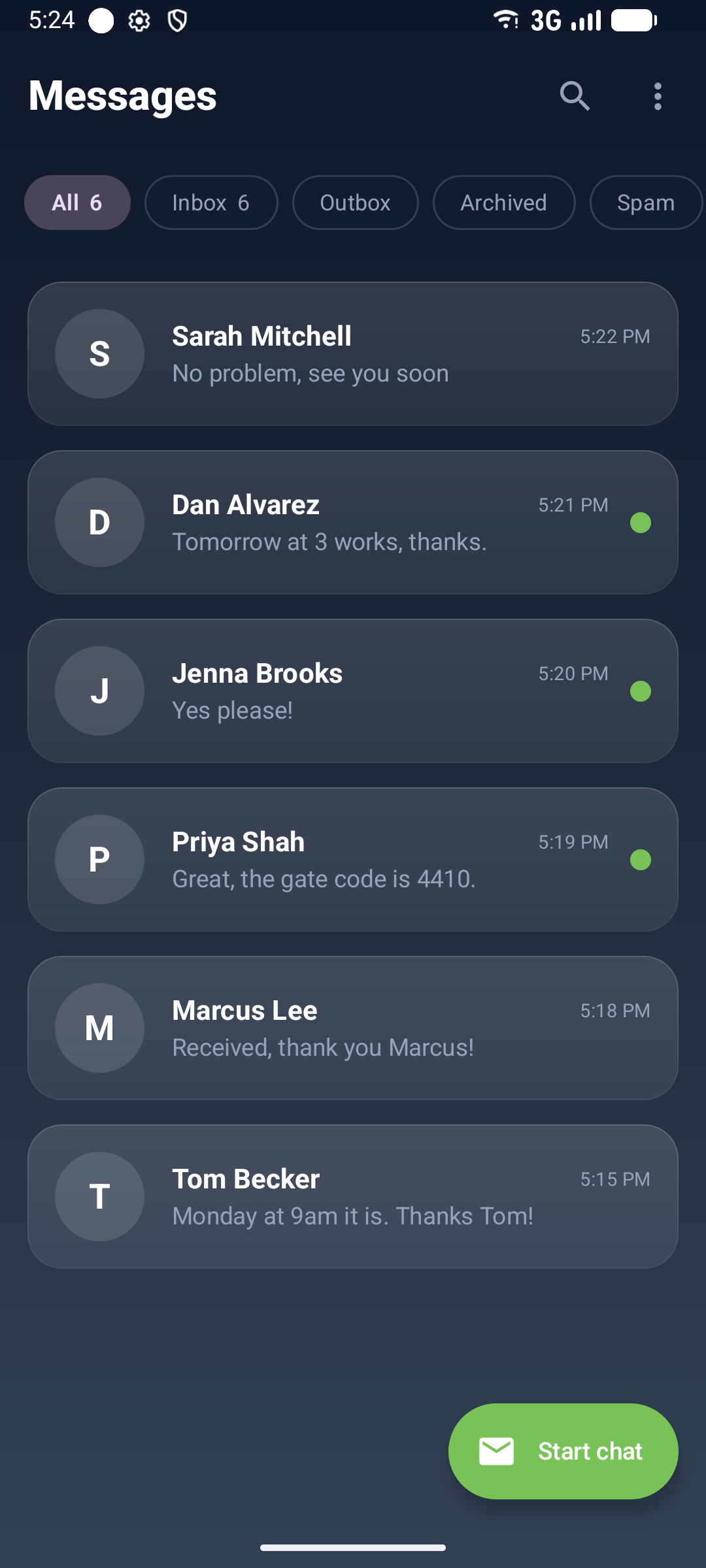
Yes. They are sent by your own Android phone over its SIM, so recipients see your number and replies come back to you.
@Android Texter
基本情報
Give Claude, Cursor or any MCP client a real phone. Send and read SMS and MMS from your own Android phone and number: no Twilio, no 10DLC registration, no per-message carrier fees.
以下の設定を使って、このサーバーを MCP 対応クライアントに追加してください。
{
  "mcpServers": {
    "android-texter": {
      "command": "npx",
      "args": [
        "-y",
        "android-texter-mcp"
      ],
      "env": {
        "ATX_API_KEY": "atx_YOUR_API_KEY_HERE"
      }
    }
  }
}List the Android phones paired to your Android Texter account. Each entry has its id, name, phone_number, status (online or offline), battery_level, last_seen, and its SIMs (slot, label, number) on dual-SIM phones. Texts are sent from these phones with their own numbers and carrier plans, so check that one is online before sending.
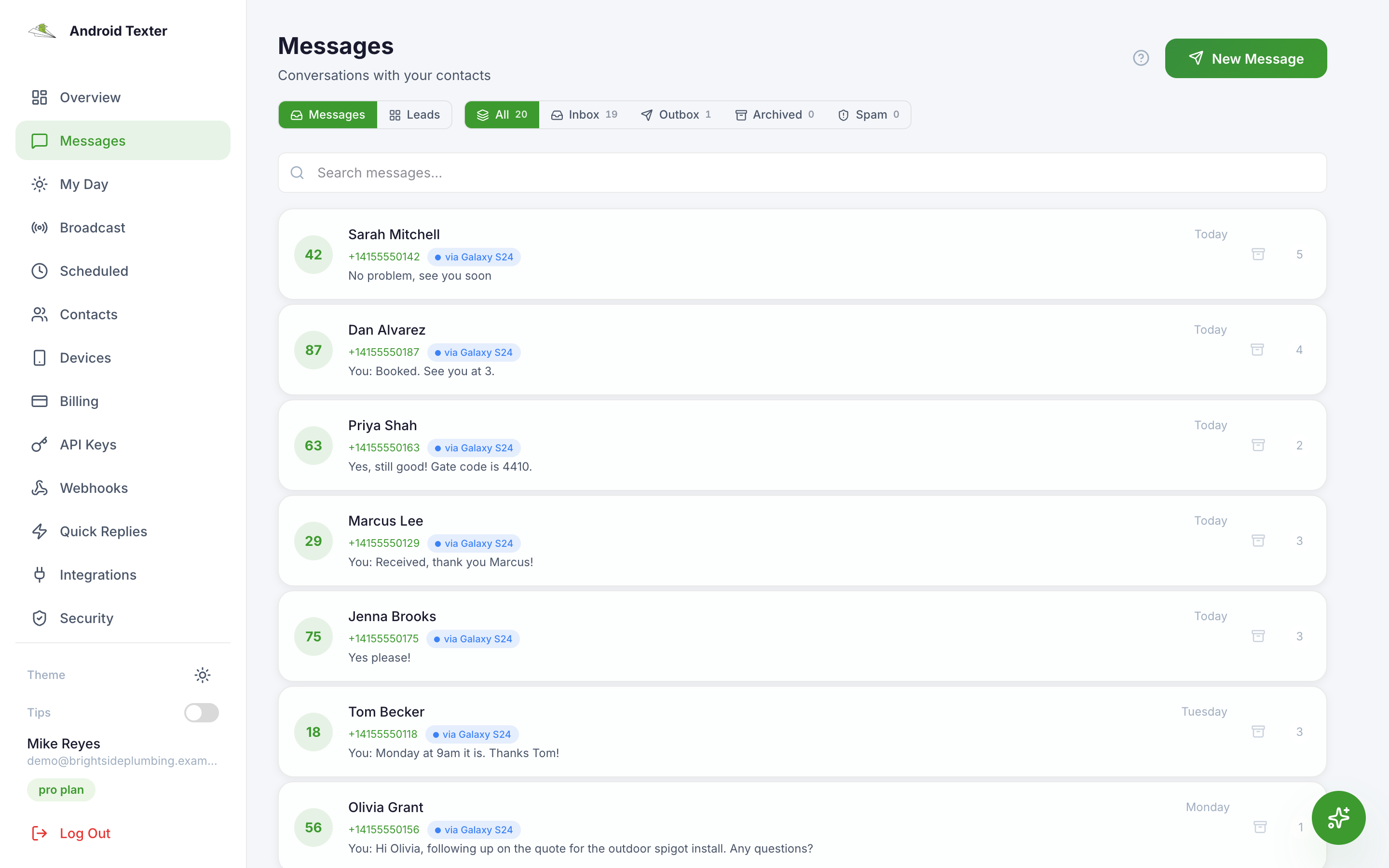
List your text conversations, most recent activity first. Each entry has phone (the other party, or a group's members joined by commas), last_message, last_direction, last_at, message_count, thread_type (direct or group), thread_ref, and the device it is on. Use get_conversation to read one in full.
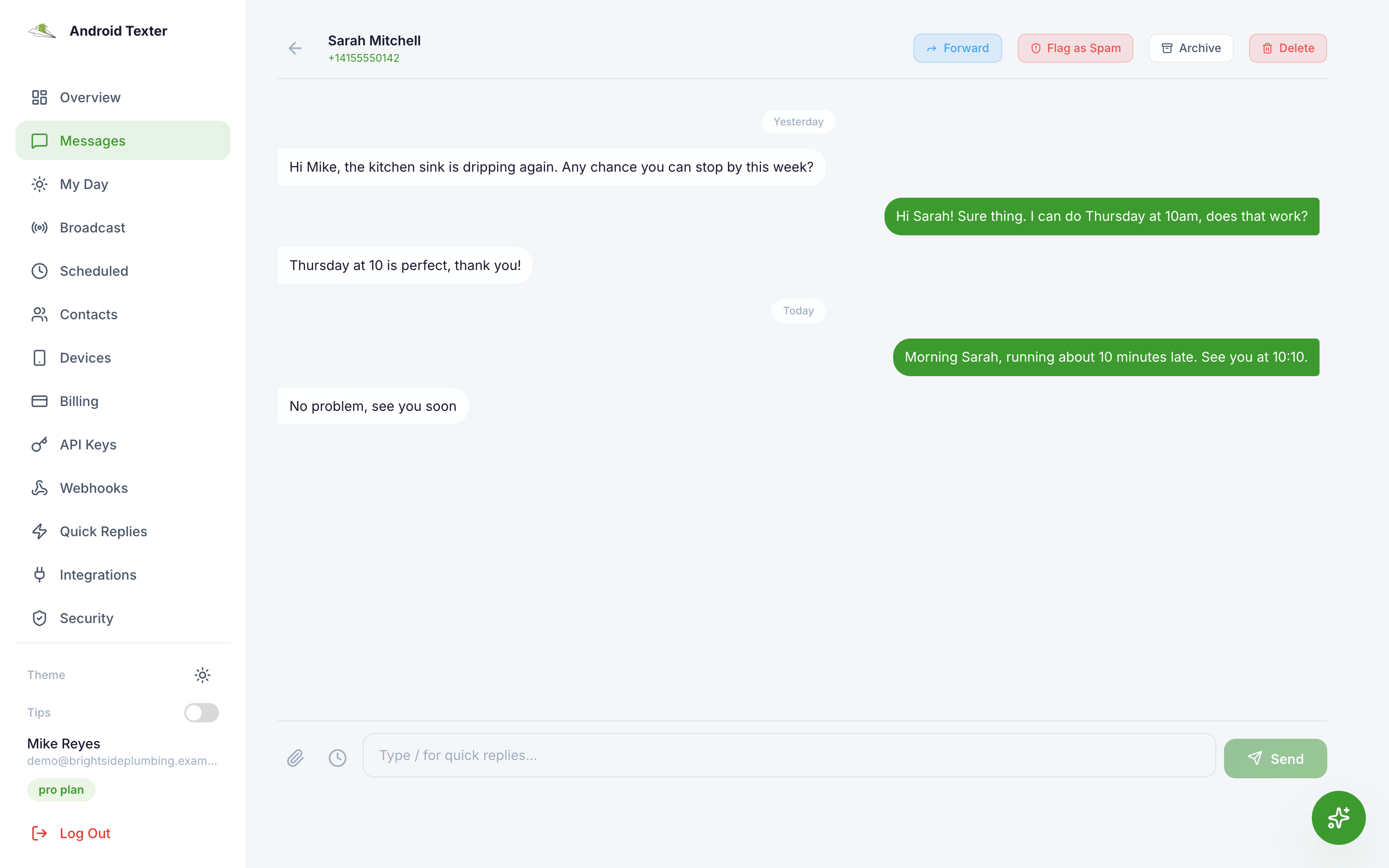
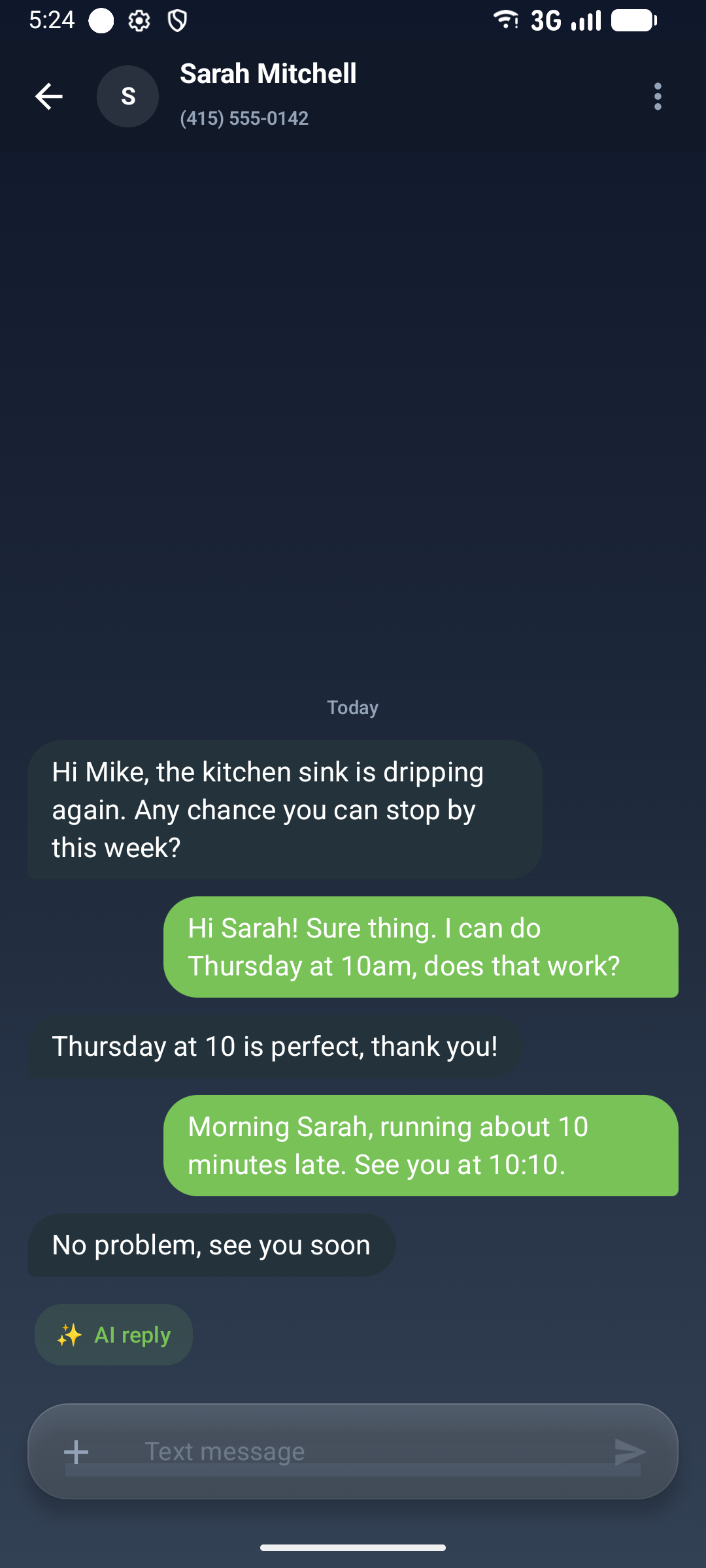
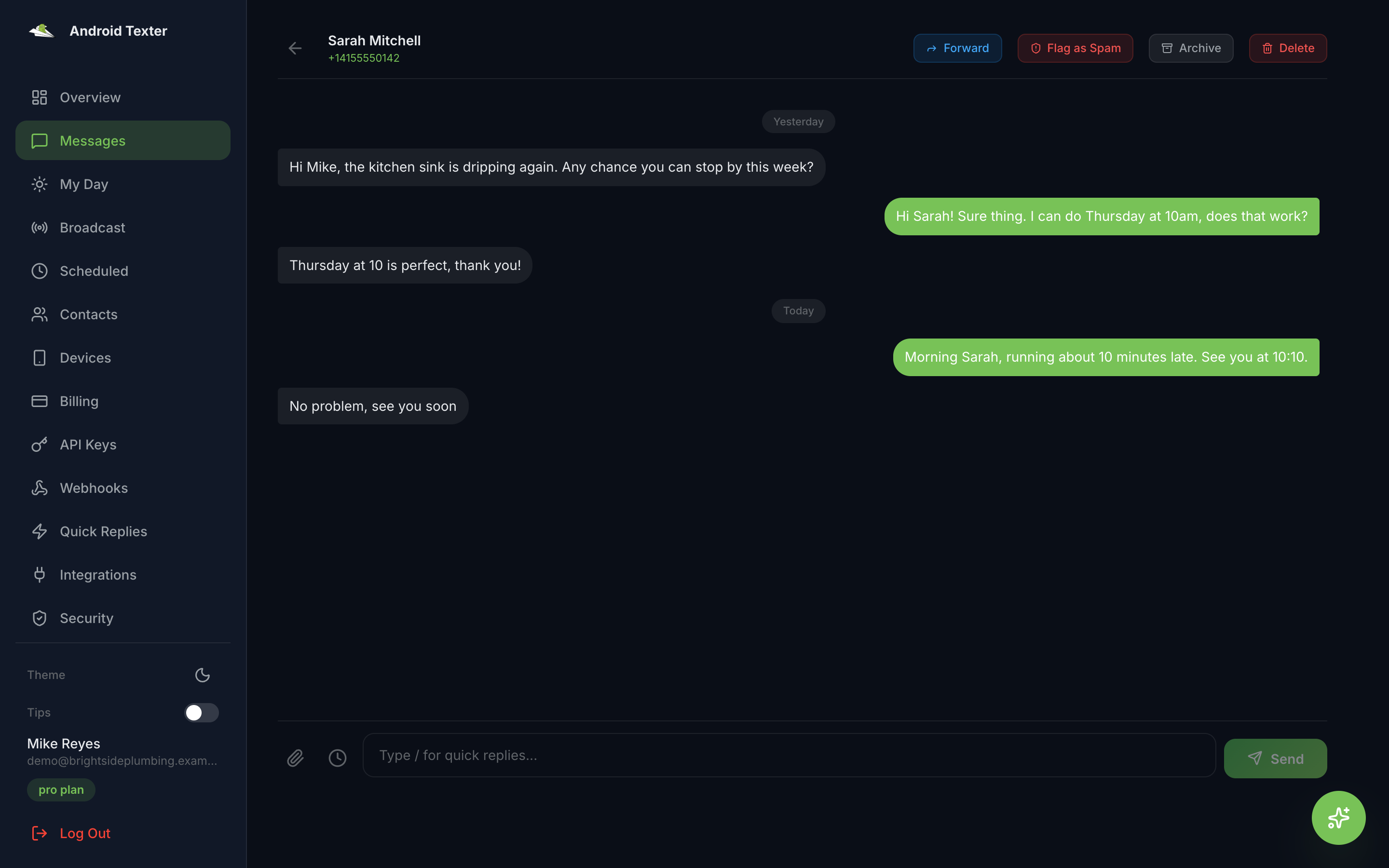
Read the messages in the conversation with one phone number, newest first. Each message has direction (inbound or outbound), body, status, created_at, and media_url for picture messages. For a group conversation, pass the thread_ref from list_conversations.
Search all of your texts, sent and received, for a word or phrase. Matches the message text, the phone number, and the contact's name. Newest first.
Send a text message from one of your paired Android phones, using that phone's own number and carrier plan, to a real person. Confirm the recipient and wording with the user before sending. The call returns once the message is queued and pushed to the phone, not when it is delivered: use get_message_status with the returned message_id to follow it. Pass scheduled_at to send it later instead of now. Free plans have a daily sending limit.
Send the same text to a list of phone numbers (up to 500), each as its own one-to-one message from your paired phone's own number. Only use this when the user has asked to text a list of people, and confirm the list and wording first: every recipient gets a real text. The message can be personalized from each recipient's contact record with {{name}}, {{first_name}}, {{last_name}}, {{full_name}}, {{company}}, {{city}} or {{state}}, and {{first_name|there}} gives a fallback when the field is empty. {{name}} is the name set by save_contact; first_name and last_name are only filled for contacts imported with those fields. Broadcasts send now and cannot be scheduled. Returns sent and failed counts and a message_id per recipient.
Check where an outbound message is: queued (waiting for the phone), sent (the phone handed it to the carrier), delivered, or failed. Pass the message_id returned by send_message or send_broadcast.
List the messages that are scheduled to go out later and have not been sent or cancelled yet, soonest first. Use this before scheduling more, and to get the id needed by cancel_scheduled_message.
Cancel a message that is scheduled for a future send, so it never goes out. Only works while it is still pending; a message that has already been released to the phone cannot be recalled.
List or search your Android Texter contacts. Each contact has id, phone, name, email, company, notes, tags, and line type and carrier when a lookup has been run. Filter by tag to build a list for send_broadcast.
List every tag used on your contacts, for filtering list_contacts.
Create a contact, or update the one that already has this phone number. Only the fields you pass are changed; fields you leave out keep their current values. Tags are added to the contact's existing tags, never removed.
Android Texter turns an Android phone you already own into an SMS gateway. This MCP server lets Claude, Cursor, Windsurf or any MCP client send and read texts through that phone, from your own number. Texts go out over the phone's SIM, so there is no carrier registration, no 10DLC campaign and no per-message carrier fee.
{
  "mcpServers": {
    "android-texter": {
      "command": "npx",
      "args": ["-y", "android-texter-mcp"],
      "env": { "ATX_API_KEY": "atx_YOUR_API_KEY_HERE" }
    }
  }
}
Claude Code: claude mcp add android-texter --scope user --env ATX_API_KEY=atx_YOUR_API_KEY_HERE -- npx -y android-texter-mcp
list_devices: your paired phones and whether they are onlinelist_conversations, get_conversation, search_messages: read your texts, including group threadssend_message: send an SMS, MMS or group text from your phone, now or scheduledsend_broadcast: one message to up to 500 people, personalized per contactget_message_status: follow a sent messagelist_scheduled_messages, cancel_scheduled_message: manage texts set for laterlist_contacts, list_contact_tags, save_contact: your contacts and tagsYes. They are sent by your own Android phone over its SIM, so recipients see your number and replies come back to you.
No. Android Texter uses your phone instead of a carrier API.
The server tells the AI to confirm recipients and wording with you before sending. Read tools are safe to call freely.
https://github.com/argosautomation/androidtexter-sdk (the `mcp` folder). MIT licensed. The package is `android-texter-mcp` on npm, and it is listed in the official MCP registry as `io.github.argosautomation/android-texter`.

Hosted MCP server that lets your AI agent post to Threads, Instagram, YouTube, Facebook, TikTok, Pinterest, Bluesky, Telegram, Discord, Ghost and Naver Blog. Setup for each agent.

Official Mobile Text Alerts server. Send and schedule SMS, manage subscribers and groups, and complete carrier registration from any MCP-compatible AI assistant.

Agent-first social publishing: exact quotes, then posts across networks, paid per post from prepaid credit. Remote MCP. Preview: quotes and sandbox posts now; live posts soon. By Novus Index LLC.

Give your agent an inbox. Its own address on email, Slack and Telegram. A product of Novu

Write, schedule and publish LinkedIn posts in your own voice, reply to comments and read your analytics, all from your AI assistant. Remote MCP server with OAuth sign-in.
コメント