

Do I need to install anything?
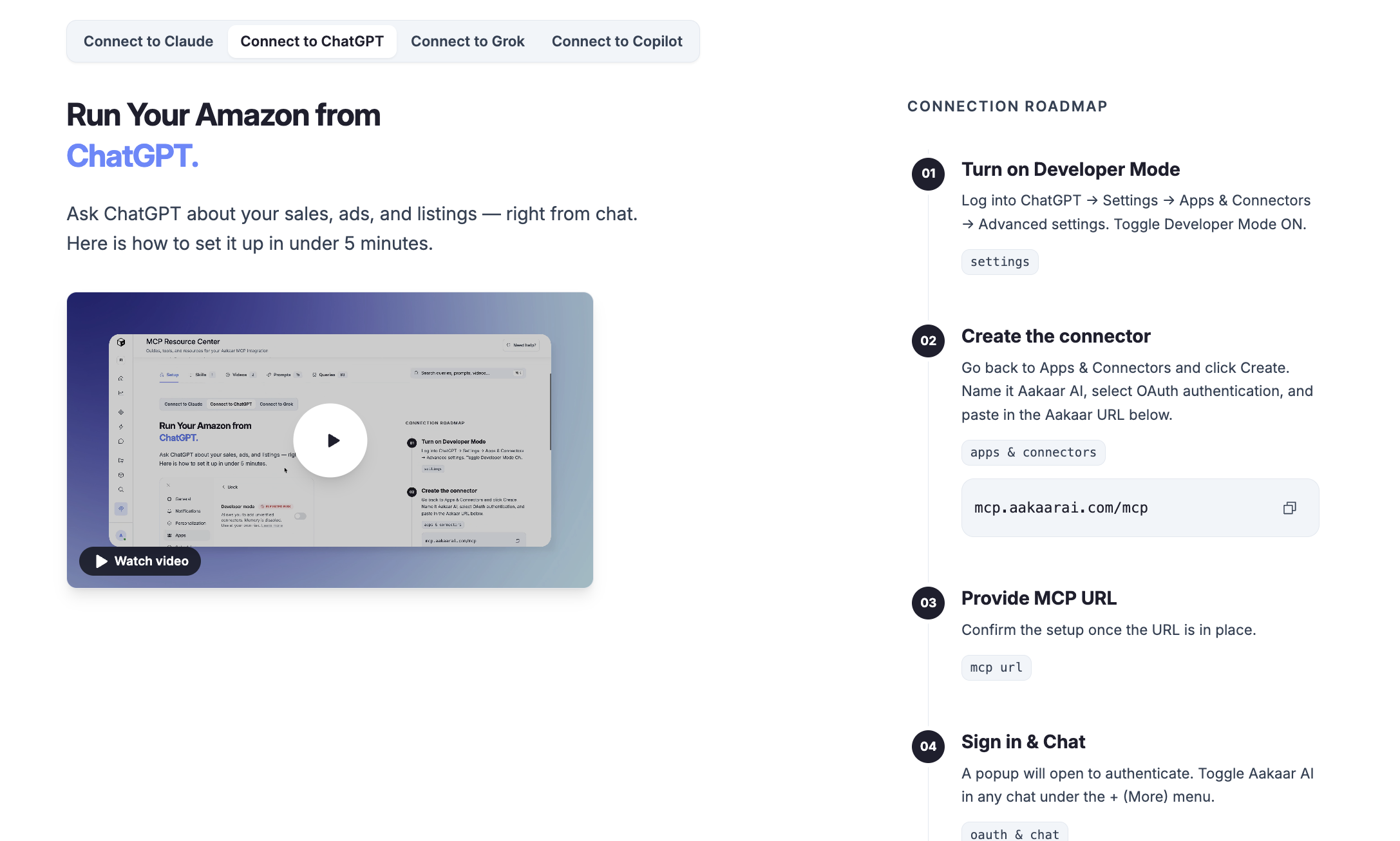
No. The server is hosted by Aakaar AI. Add the server URL to your AI assistant and sign in.

@Aakaar AI
基本情報
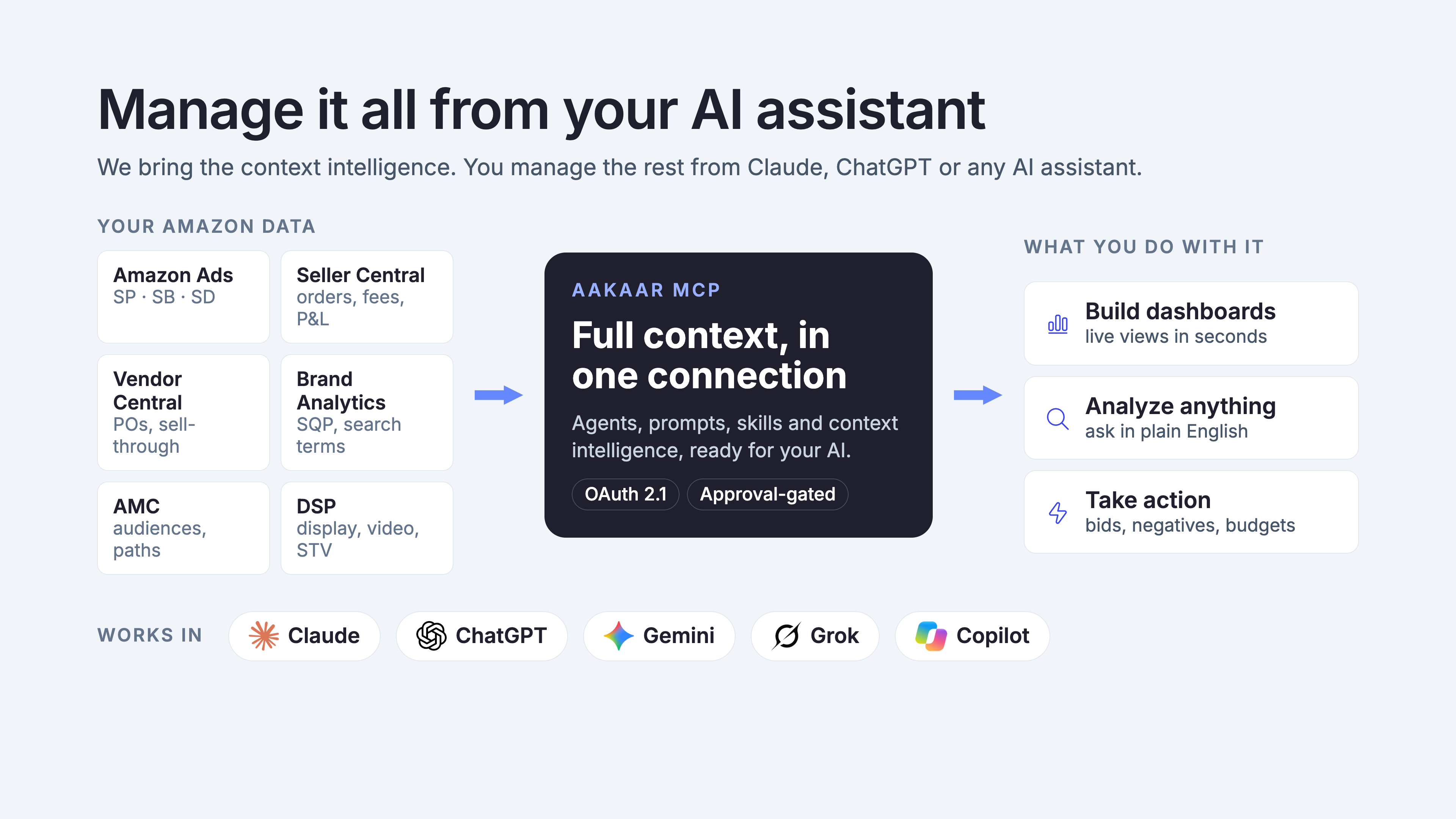
Aakaar AI is an Amazon MCP server that connects any AI assistant, including Claude, ChatGPT and other MCP-compatible tools, to your Amazon Ads, Seller Central, Vendor Central, Amazon Marketing Cloud (AMC) and Amazon DSP
以下の設定を使って、このサーバーを MCP 対応クライアントに追加してください。
{
  "mcpServers": {
    "aakaar-ai": {
      "url": "https://mcp.aakaarai.com/mcp"
    }
  }
}ツール一覧はまだありません
この掲載には表示できるツール一覧がまだありません。サーバーにツールがないという意味ではありません。対応機能はプロジェクトのドキュメントをご確認ください。
このサーバーは認証が必要です。ツールの取得にはログインや提供元の認証情報が必要な場合があります。
上のボタンでサーバーのエンドポイントに接続し、ツール一覧を取得できます。
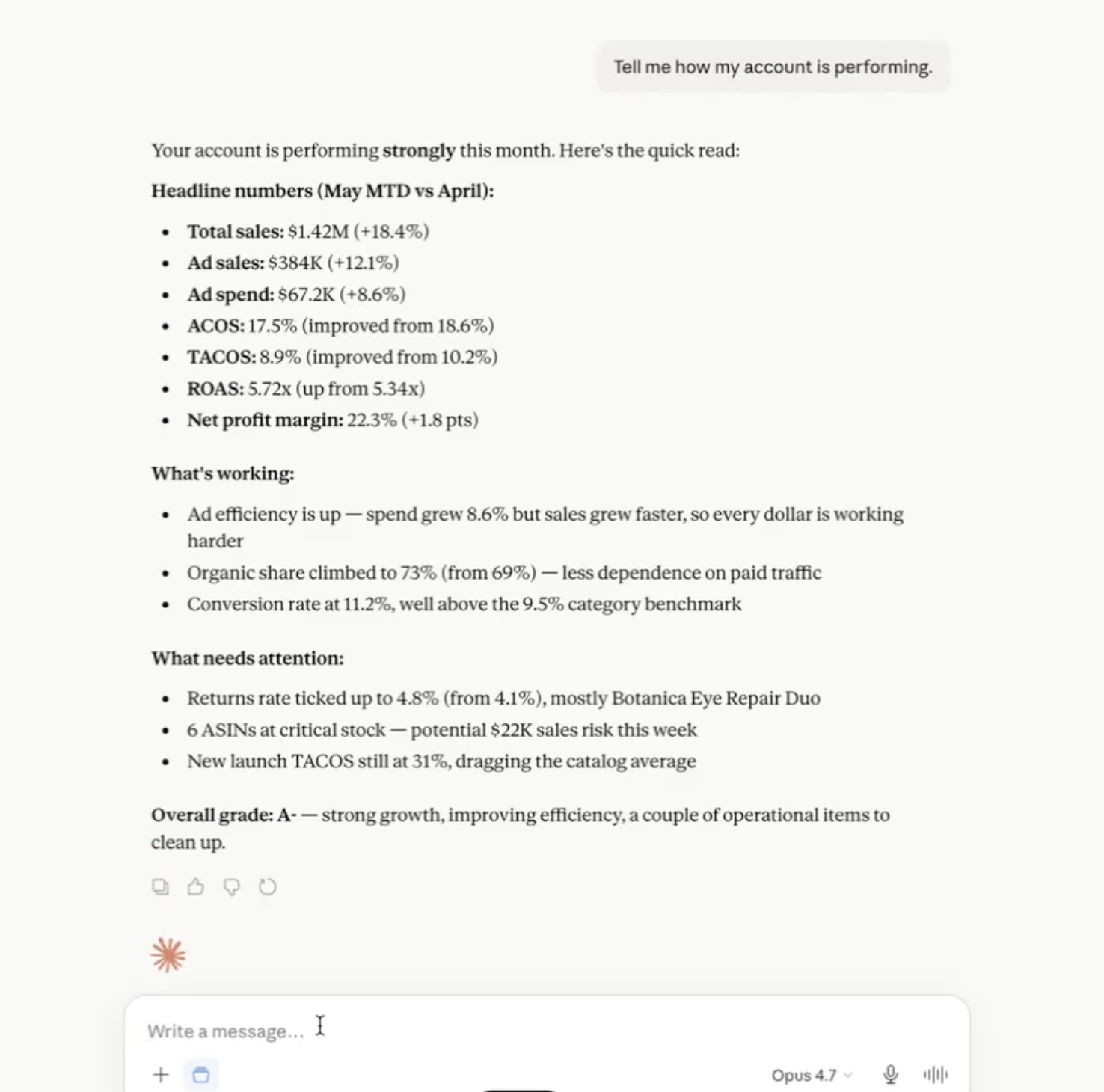
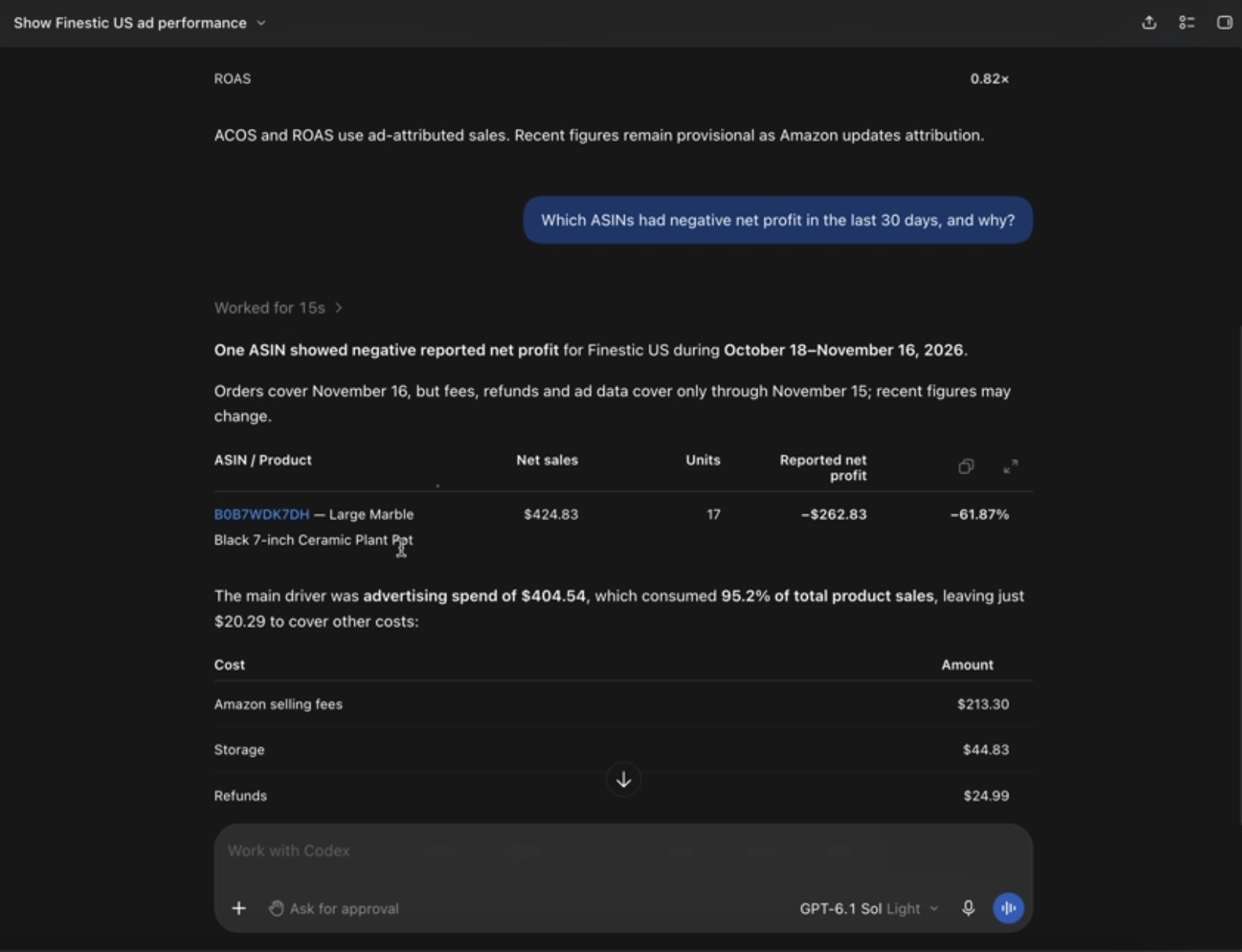
Aakaar MCP connects Claude, ChatGPT, Grok, Microsoft 365 Copilot and other AI assistants to your Amazon seller and Amazon Ads data. Ask questions in plain language and go from insight to action in one conversation. It's a hosted remote MCP server, so there's nothing to install.
Server URL: https://mcp.aakaarai.com/mcp
Sign-in uses OAuth, so no API keys are needed. You need an Aakaar AI account with your Amazon accounts connected.
Any client that supports remote MCP over HTTP with OAuth can use the same server URL.
No. The server is hosted by Aakaar AI. Add the server URL to your AI assistant and sign in.
Reading data runs directly. Changes to campaigns, bids, budgets and listings wait for your approval.
This repository holds the public documentation: https://github.com/Aakaar-ai/aakaar-mcp

HeyLead: AI agent for LinkedIn outreach. Finds the right people, writes in your voice, follows up and handles replies, from Claude Code, Cursor, any MCP client or a web dashboard.

TruVerifAI's Panel Review is the guardian agent for AI's highest-stakes coding decisions: four frontier models argue over an AI coding agent's riskiest designs, diffs, and commits before they execute, with local review g

Toll402 — one MCP server with 2,600+ pay-per-call tools for AI agents: web and PDF reading, structured extraction, provenance (human vs synthetic), trusted lookup with citations, a 4.6M-business verified directory, 50+

Extract, search and tag any document — invoices, receipts, contracts, forms, or your own templates. 13 tools, one sign-in (OAuth 2.1) or API key, free FileTag tier, data residency in the EU, US, Israel or Asia.

NetFoundry MCP Gateway enables secure, isolated access to Model Context Protocol (MCP) tools across distributed systems without exposing public endpoints. Zero trust gateway for MCP servers. Aggregate, filter, and secure
コメント