

FT Optix MCP Server已验证已精选
@asqi-carter
基本信息
关于 FT Optix MCP Server
MCP for connecting FT Optix Studio to LLMs
FT Optix MCP Server 配置
使用下面的配置,将此服务器添加到你的 MCP 客户端。
{
  "mcpServers": {
    "ftx-mcp": {
      "type": "http",
      "url": "http://127.0.0.1:8766/mcp"
    }
  }
}
FT Optix MCP Server 工具
工具列表暂未提供
当前收录暂时没有可展示的工具列表,不代表服务没有工具。请查阅项目文档了解支持的能力。
点击上方按钮,直接连接服务器端点实时获取工具列表。
概览
FactoryTalk Optix MCP Server
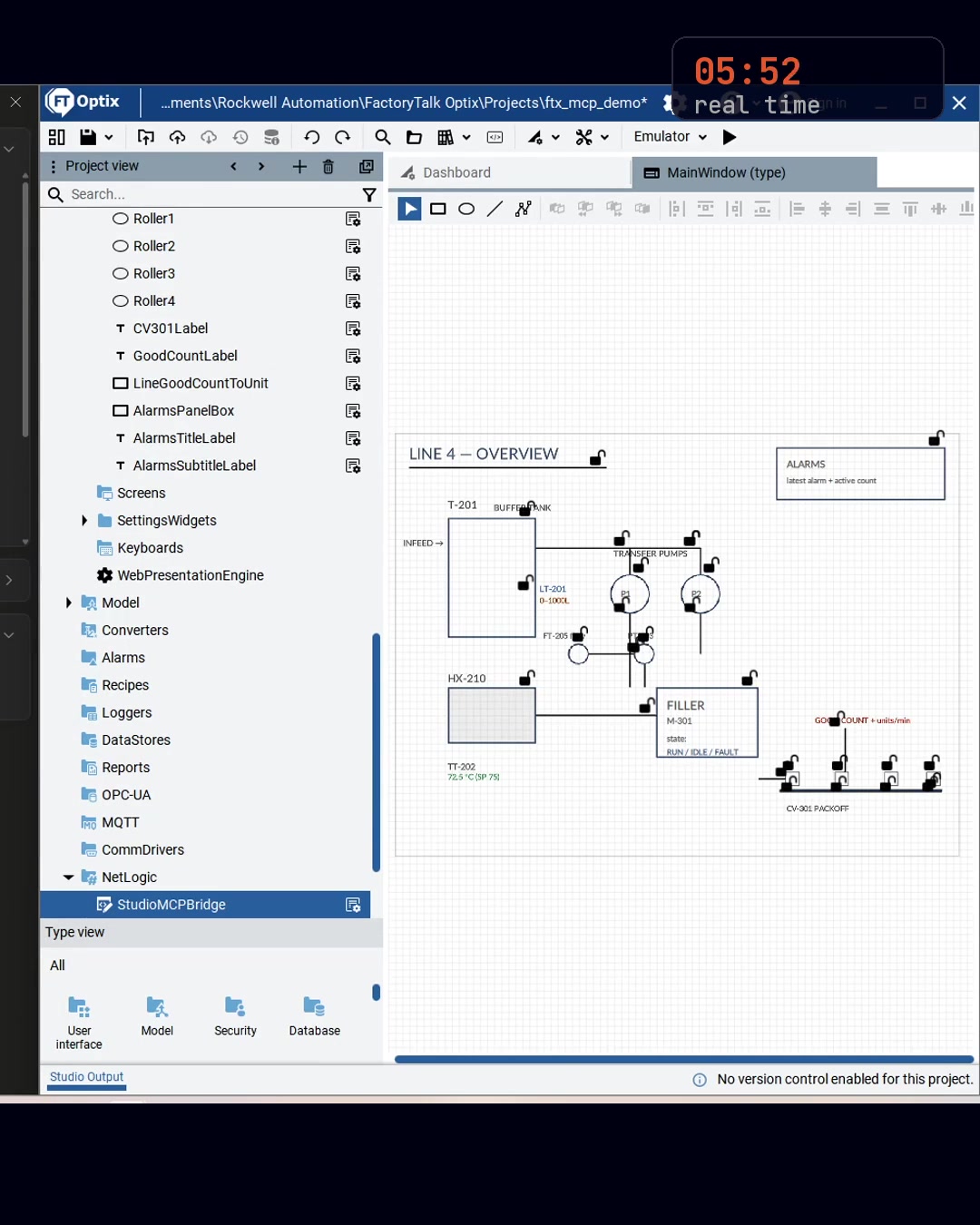
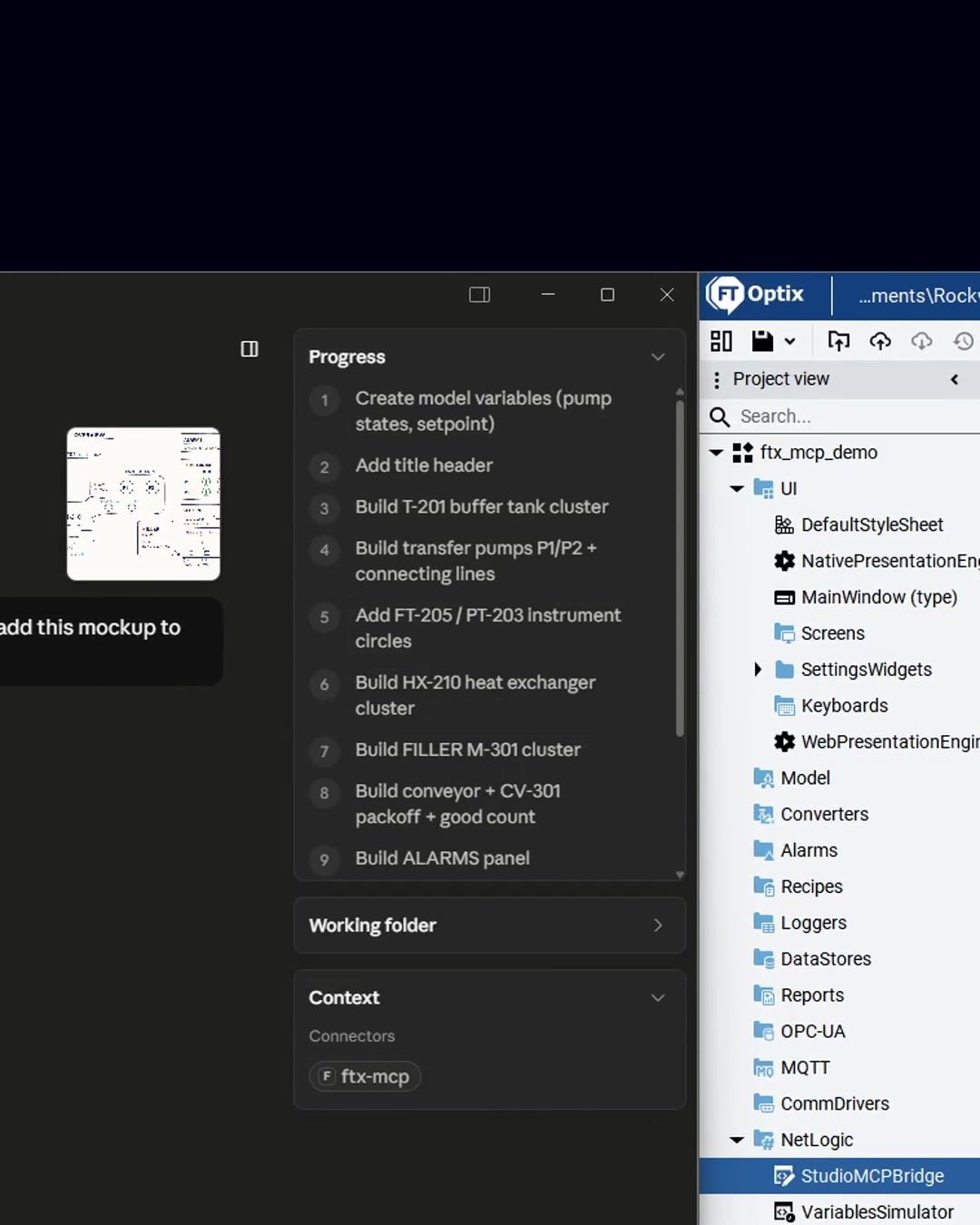
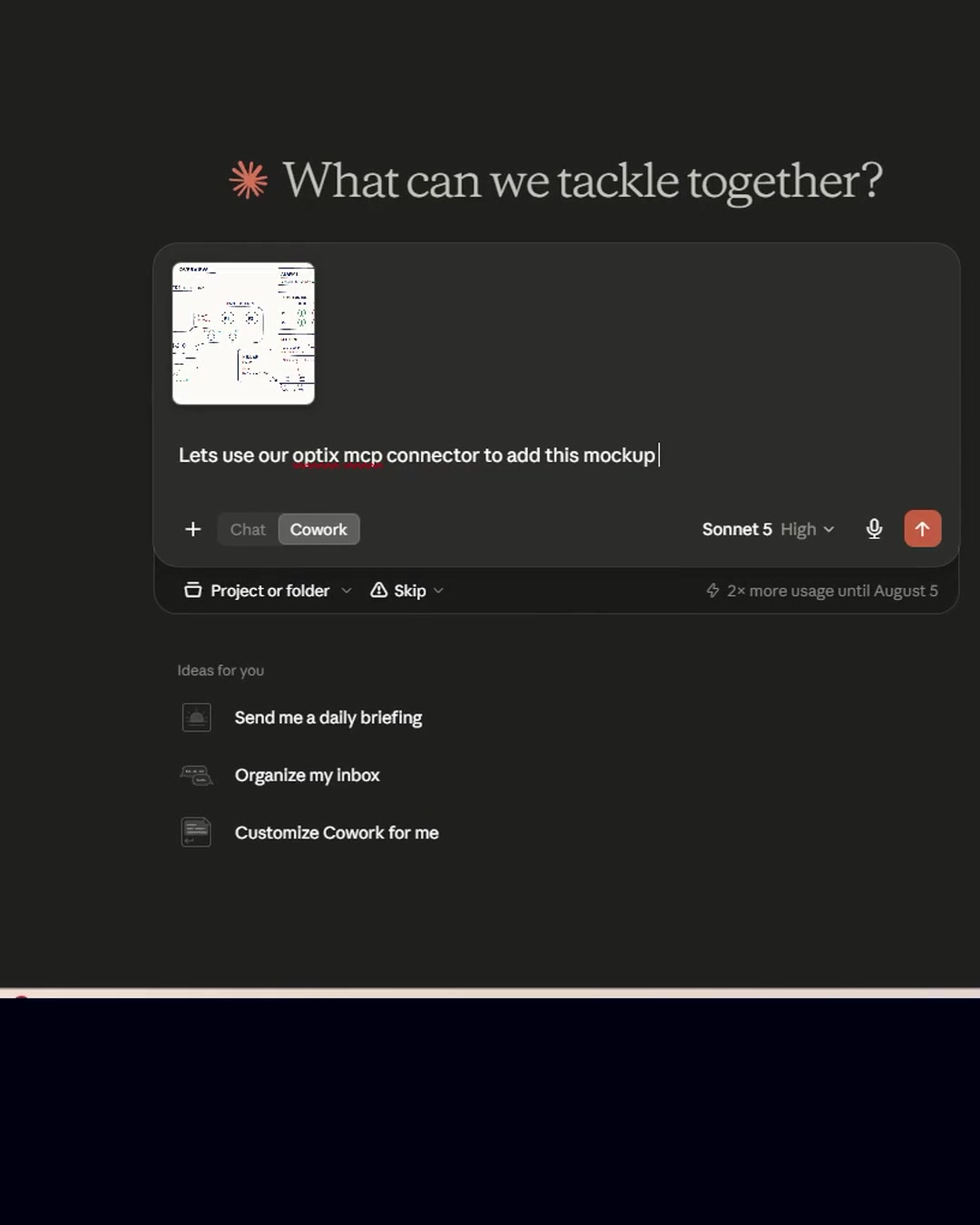
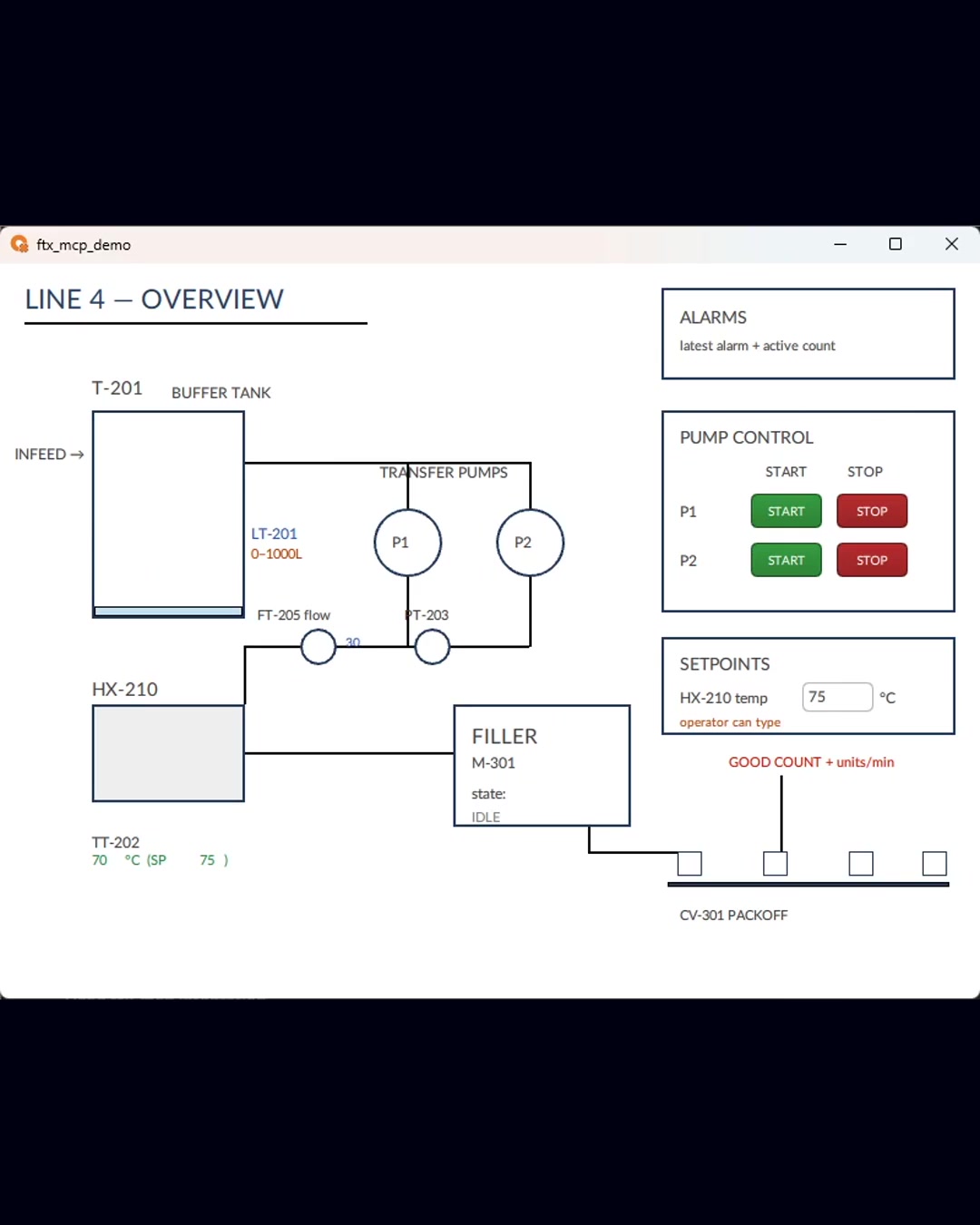
ftx-mcp is an MCP server for Rockwell Automation's FactoryTalk Optix. It connects Claude (Desktop, Code, Cowork) or any MCP client to FT Optix Studio on your Windows machine, so you can author, preview, and verify HMI screens by describing what you want.
How it works
- A Windows service exposes 43 MCP tools over HTTP (
http://127.0.0.1:8766/mcp) - A DesignTime NetLogic bridge (StudioMCPBridge) applies changes to the live Studio project
- Changes are verified against the running emulator with screenshots — author, then verify
Getting started
Install: pip install ftx-mcp, then follow the quick start. Full writeup at asqi.org/resources/ftx-mcp-v1.
更多 MCP 服务器

Instagram MCP Server
HasDataRead public Instagram profiles and post feeds by handle in Claude, Cursor, and other MCP clients. Get follower counts, captions, hashtags, mentions, and engagement counts as structured JSON.

x402-list-mcp
mcccsmMCP server for x402-list.com: discover x402 payment services and on-chain-verified facilitator settlement volumes. Published on npm as x402-list-mcp.

Meticulous
Meticulous
Local MCP (LMCP)
lanchuskeLocal tools that let your AI use Mail, Calendar, Contacts, Teams, Slack, WhatsApp, OneDrive, Google Drive, Notion, Outlook and Office files on Mac and Windows. Runs on your computer.

Full Self Browsing
Lakshman TurlapatiDOM-first AI browser automation for Chrome and MCP clients.
评论