

Cliptude MCP Server已验证已精选
@Cliptude
基本信息

关于 Cliptude MCP Server
Turn a topic or script into a finished 6–60 minute faceless YouTube documentary with voiceover, real footage, animated maps and charts. Your AI agent plans every shot; Cliptude voices, sources and renders it.


Cliptude MCP Server 配置
使用下面的配置,将此服务器添加到你的 MCP 客户端。
{
  "mcpServers": {
    "cliptude": {
      "url": "https://mcp.cliptude.com/mcp"
    }
  }
}
Cliptude MCP Server 工具
工具列表暂未提供
当前收录暂时没有可展示的工具列表,不代表服务没有工具。请查阅项目文档了解支持的能力。
点击上方按钮,直接连接服务器端点实时获取工具列表。
概览
What is Cliptude?
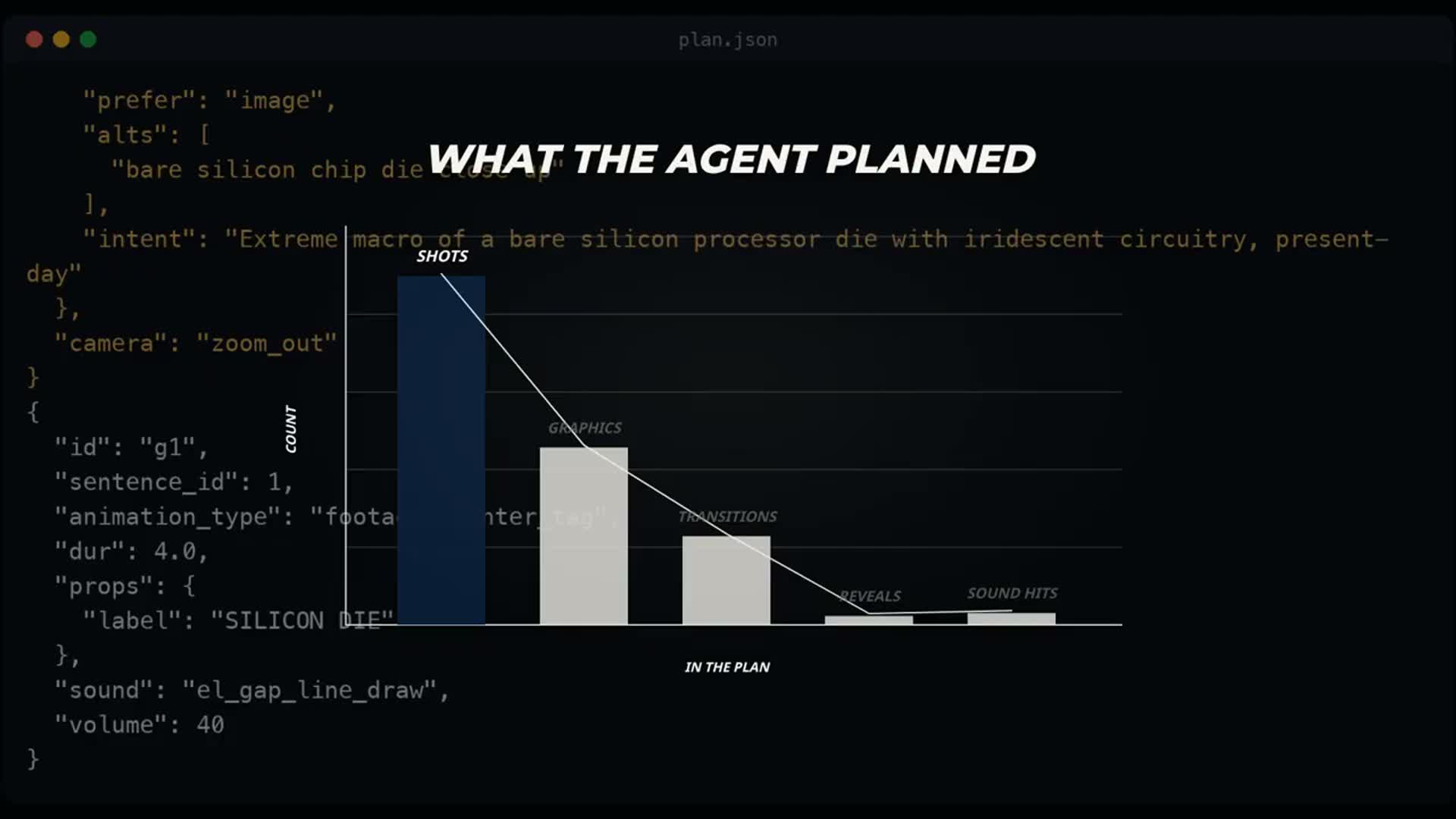
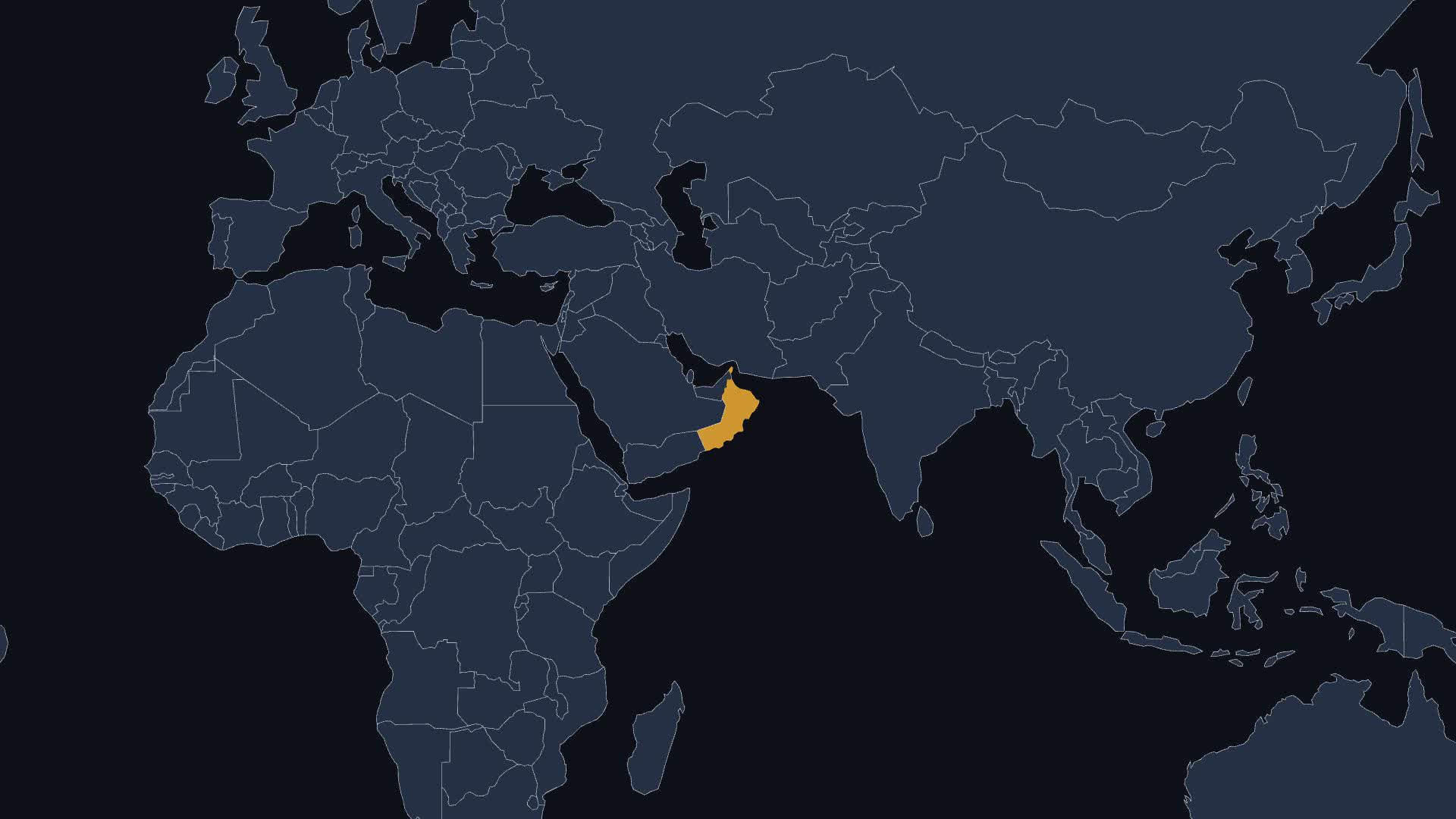
Cliptude turns a topic or a script into a finished 6–60 minute YouTube video: voiceover, real footage, animated maps, charts, captions and music. Through MCP, your AI agent (Claude, ChatGPT, Codex, Cursor or any MCP client) researches the topic, writes the narration, plans every shot and graphic, and Cliptude voices, sources and renders exactly that plan.
How to connect
- Remote MCP (recommended): add
https://mcp.cliptude.com/mcpas a connector and sign in with your Cliptude account (OAuth). - CLI:
npm i -g @cliptude/cli, thencliptude auth login.
What you can do
- Make faceless documentaries, Top 10s and avatar videos from a saved template
- Write a script only, or narration audio only, and turn either into a video later
- Plan every shot yourself with the agent-planned flow: create a plan job, read the narration, check and lock the plan, then render
- Estimate credits before rendering; the agent asks before anything that costs credits
- Revise a finished video in the timeline editor and re-render
Example prompt
Make a nine-minute documentary about TSMC and Taiwan. Use my investigative template, plan every shot yourself, and show me the plan before you build anything.
Links
- Website: https://cliptude.com
- Docs: https://cliptude.com/mcp/
- GitHub: https://github.com/cliptude/cliptude
媒体与设计 分类下的更多 MCP 服务器

JSON2Video
JSON2VideoOfficial JSON2Video MCP server. Video API for automated video production at scale: render videos from templates with AI voiceovers, subtitles and AI images. Remote server with OAuth (https://mcp.json2video.com/mcp) or lo

ProfessionalHeadshot.io
ProfessionalHeadshot.ioOfficial LinkedIn, Slack and GitHub profile photo specs with sources, headshot style guides by use and industry, and a free 0-100 headshot audit. No API key needed.

Notch
NotchCreate finished video ads from chat. Give Notch a brief or product URL — it loads your brand context, writes the script, and produces the finished ad: avatar, scenes, voiceover, captions. Built for performance marketers,

AI Manga & Anime Generator - Mangii MCP
AAAIStudioPublic Mangii MCP metadata (ai.mangii/manga). Remote Streamable HTTP at mcp.mangii.ai.

PageToVid
PageToVidTurn any web page into a narrated video: PageToVid films the real site, writes the script, voices it with AI in 13 languages, captions it and renders an MP4 (16:9, 9:16 or 1:1). It also animates your own content — number
评论