

What are the requirements to run CLI Command Explainer?
Node.js 18 or later is required. No API keys, no Ollama installation, and no configuration files are needed for the built‑in and man‑page tiers.
@zmwaiworld
基本信息
Know what every shell command does before you approve it.
使用下面的配置,将此服务器添加到你的 MCP 客户端。
{
  "mcpServers": {
    "cmd-explain": {
      "command": "npx",
      "args": [
        "-y",
        "cmd-explain"
      ]
    }
  }
}Explains a CLI command in one sentence. Returns the explanation, risk level (low/medium/high), and parsed command structure.
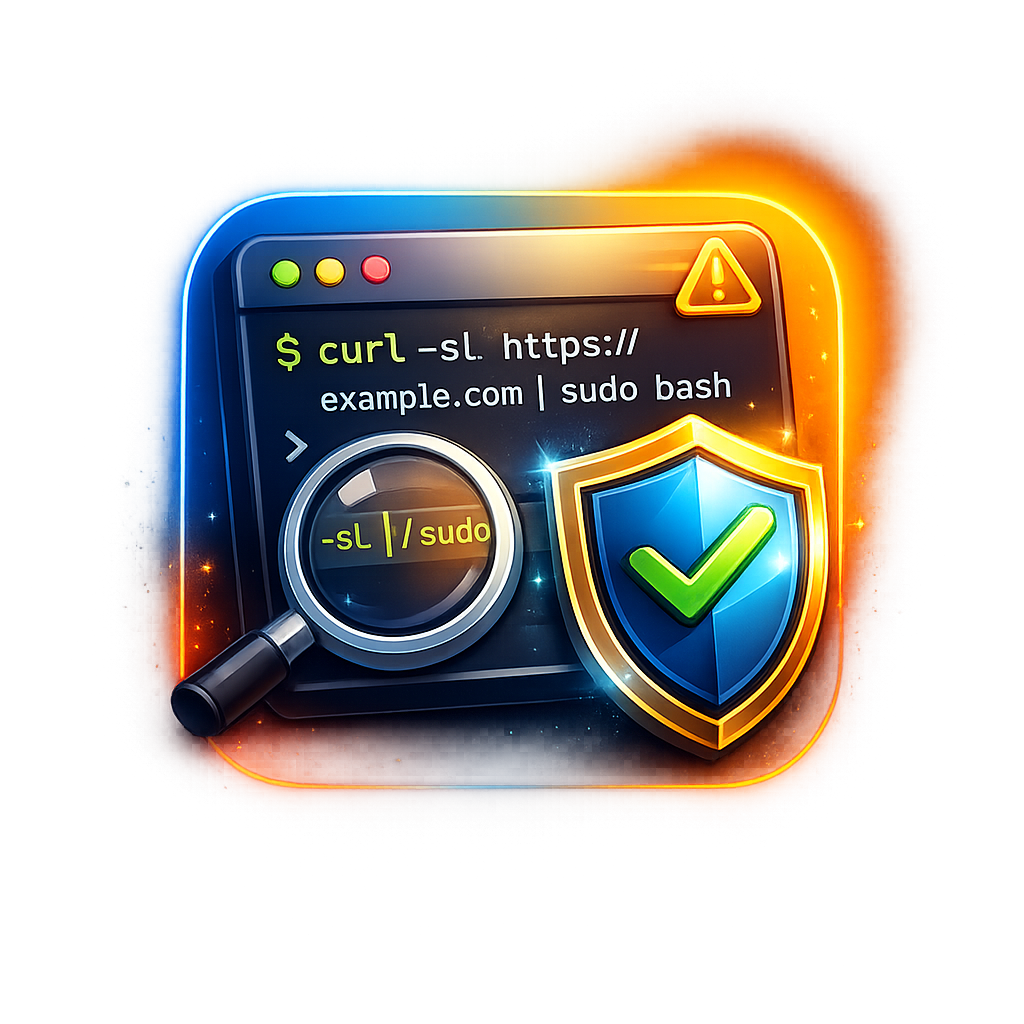
CLI Command Explainer is an MCP server that intercepts every shell command an AI coding agent proposes to run and displays a plain-English explanation with a risk rating before the user approves or denies it. It works with Kiro, Cursor, VS Code, Windsurf, and Claude Code.
Run npx cmd-explain setup — the command auto-detects your IDE, installs the MCP server, and creates a pre‑command hook. Restart your IDE and every agent‑proposed shell command will be explained automatically. Manual install by adding the MCP configuration is also supported.
2>&1, || true, and command substitutionrm -rf / or curl … | sudo bashNode.js 18 or later is required. No API keys, no Ollama installation, and no configuration files are needed for the built‑in and man‑page tiers.
It uses three tiers checked in order: a built‑in dictionary (Tier 1, ~90% of agent commands), system man pages (Tier 2), and optional local AI via Ollama, OpenAI, or Anthropic (Tier 3). Tiers 1 and 2 are fully offline.
Low risk means read‑only commands with no side effects. Medium risk means state‑changing but reversible operations. High risk means destructive or irreversible actions. Unknown risk is applied to commands not recognized by any tier.
Setup and the dictionary work on Windows. Man‑page parsing (Tier 2) uses `--help` only; the other tiers work fully.
Run `npx cmd-explain uninstall`. This removes the MCP configuration and hook files from all detected IDEs cleanly.

Local-first credential broker for MCP. AI coding agents (Claude Code, Cursor, Codex…) call APIs, SSH and databases through scoped presets; secrets stay in your OS keychain and never enter the agent's context.

CronWatch records every run of your scheduled jobs in your own database, and speaks up when one is missed, fails, gets stuck, runs slow or costs too much. CronWatch is free and open-source.

One case file per task — shared by every session, agent and person that touches it. Self-hosted MCP server and live board. MIT.

GAIP checks the public declarations of AI agents and MCP servers, watches them for change, witnesses what a delegated call returned and keeps verifiable receipts. Free, read-only, no account or API key. Every result sta

JiCo for Jira & Confluence: local MCP server for Jira Data Center - redacts personal data before the AI model, holds every write for approval
评论