
What is a #core-web-vitals MCP server?
An MCP server tagged #core-web-vitals implements the Model Context Protocol so AI assistants like Claude, Cursor, and VS Code can access core-web-vitals-related tools, data, or APIs.
Every MCP server and client below is tagged #core-web-vitals — install one to give Claude, Cursor, VS Code, or any other MCP-compatible client access to core-web-vitals tools.

corewebvitals
Query LCP, INP, and CLS field data from real visitors. Three tools: get_metrics, get_timeseries, get_histogram. Filter and group by device, country, page path, browser, OS, and 20+ dimensions. All data is real user monitoring (RUM) at the p75 percentile, the standard Google uses
Check any Shopify store's PageSpeed and Core Web Vitals, find the apps and scripts slowing it down, compare Shopify plan fees, and get a headless estimate.
fullstackdegen
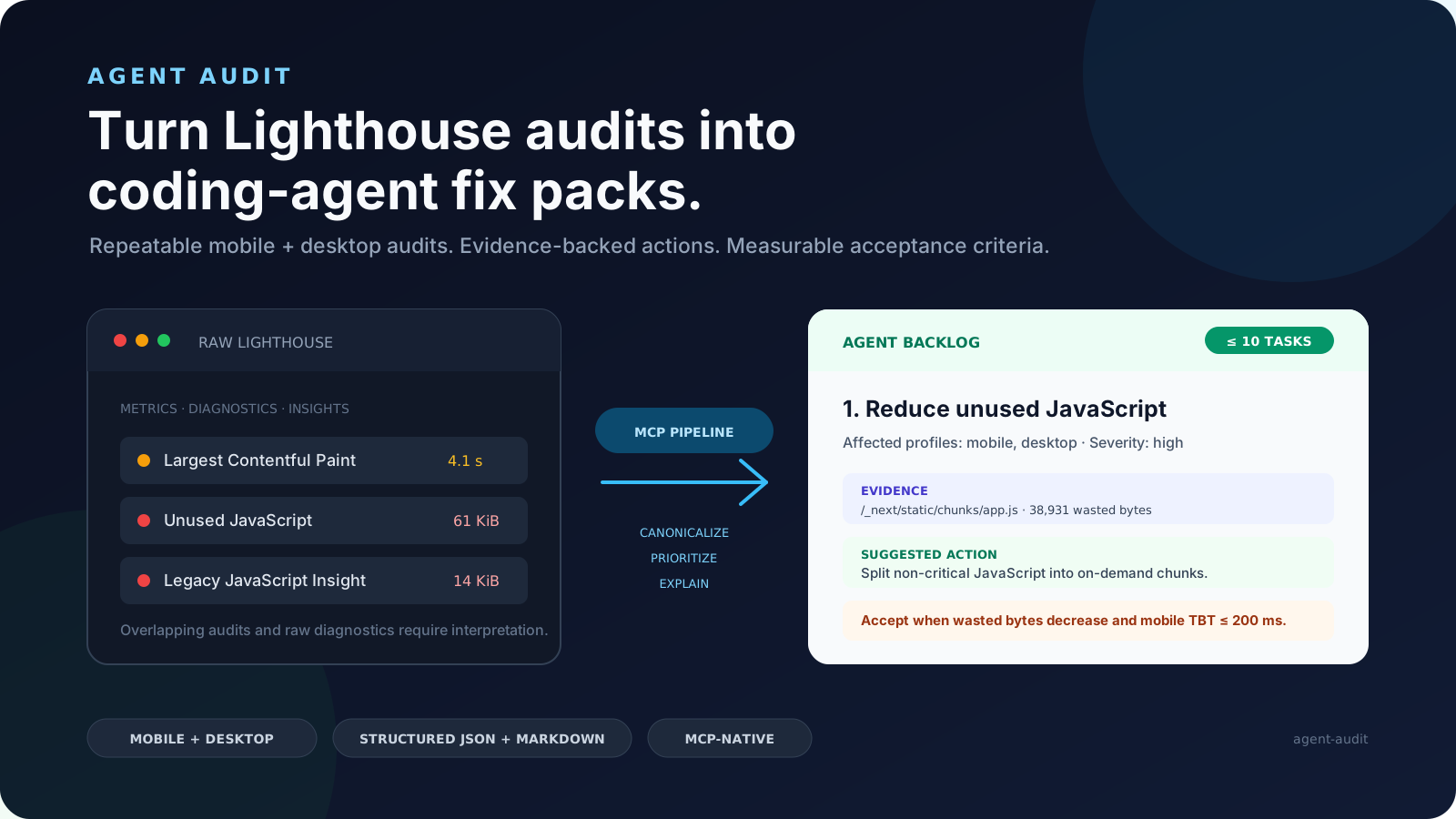
Agent Audit runs Lighthouse against any URL and converts the output into structured fix packs your coding agent can execute. Each fix pack includes the failing audit evidence, CSS selectors to locate the issue in your repo, implementation steps, and acceptance criteria to verify

Thibault Besson-Magdelain
Sorank connects Google Search Console, PageSpeed Insights, and AI citability scoring to your assistant, so it can diagnose why a page underperforms and tell you exactly what to change. Sorank gives your AI assistant dir
glivera
Professional SEO auditing MCP server with 14 tools and 9 specialist agents. Quick audits, deep multi-agent analysis, Core Web Vitals, E-E-A-T scoring, schema validation, local SEO, GEO/AI readiness, and site crawling. Free tier available.
Common questions about MCP servers and clients tagged #core-web-vitals
An MCP server tagged #core-web-vitals implements the Model Context Protocol so AI assistants like Claude, Cursor, and VS Code can access core-web-vitals-related tools, data, or APIs.
mcp.so currently lists 5 MCP servers and clients tagged #core-web-vitals.
Open any server below and copy its install snippet into Claude Desktop, Cursor, VS Code, or another MCP client's configuration — remote servers need no separate download.