

Screenshotrun MCP ServerVerifiedFeatured
@screenshotrun
Basic information
About Screenshotrun MCP Server
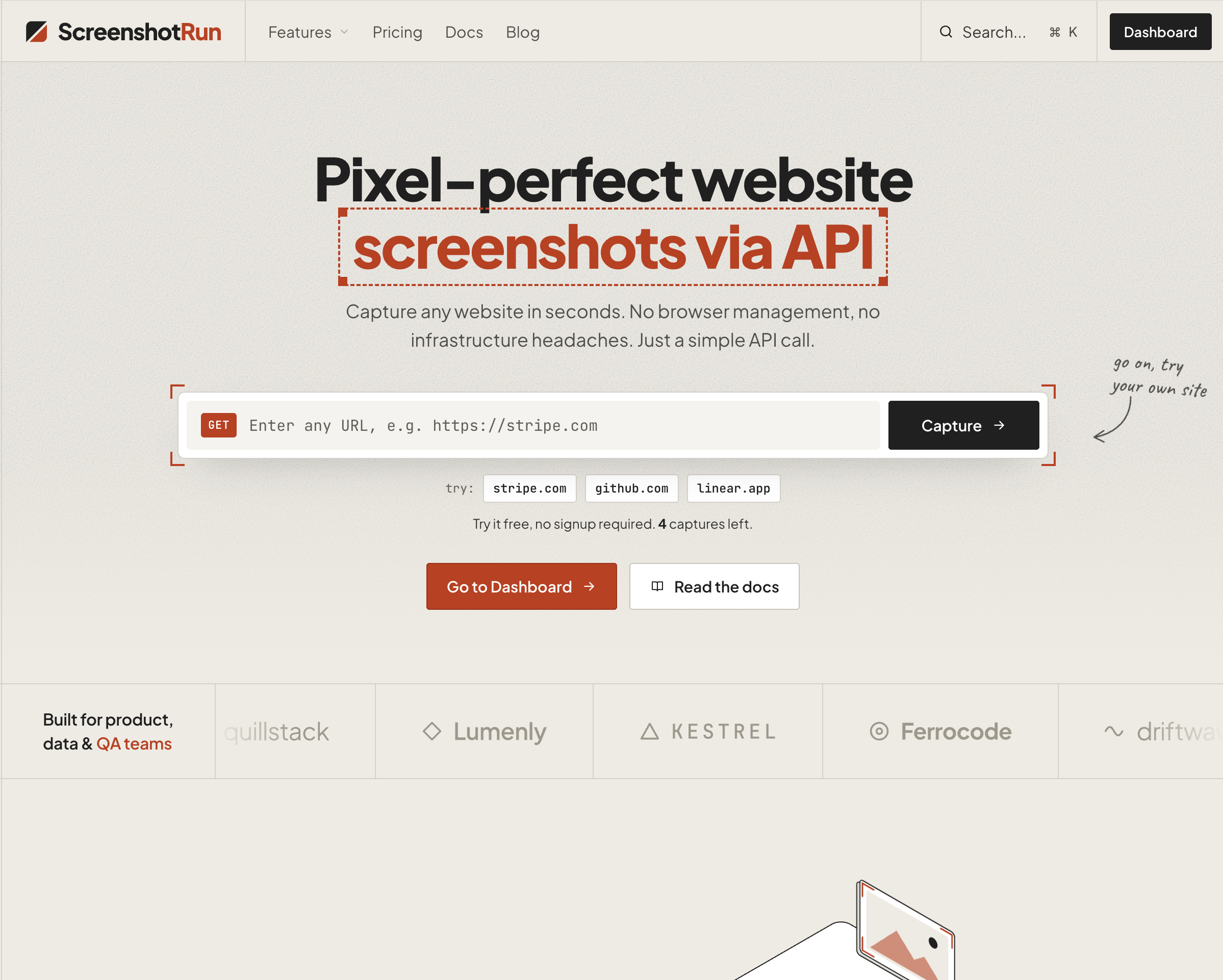
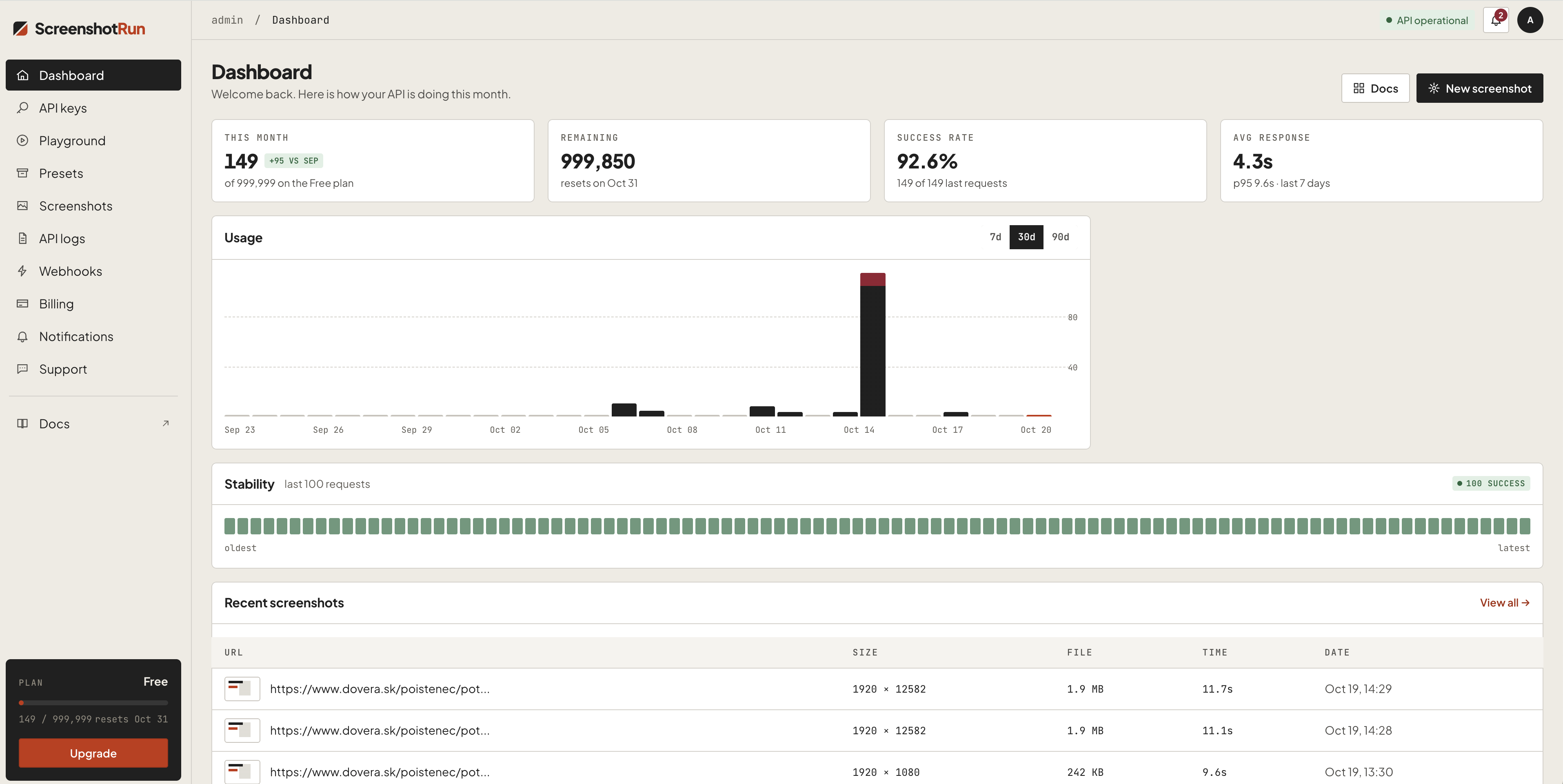
Give your AI agent the ability to see any webpage. Capture screenshots from Claude, Cursor, or any MCP client. Supports full-page, dark mode, mobile emulation, OG image generation, base64 output, custom viewport, ad bloc
Screenshotrun MCP Server config
Add this server to your MCP-compatible client using the configuration below.
{
  "mcpServers": {
    "screenshotrun-mcp": {
      "command": "npx",
      "args": [
        "-y",
        "screenshotrun-mcp",
        "\\"
      ]
    }
  }
}
Screenshotrun MCP Server tools
Tool list not available yet
This listing does not currently have a tool list to display. This does not mean the server has no tools; check its documentation for supported capabilities.
Fetch the live tool list by running this server in a temporary sandbox using the button above.
Overview
What is screenshotrun-mcp?
MCP server for the ScreenshotRun Screenshot API — gives AI agents the ability to capture website screenshots directly from Claude, Cursor, Windsurf, or any MCP-compatible client.
Tools
| Tool | Description |
|---|---|
take_screenshot | Capture any public URL as PNG, JPEG, WebP, or PDF |
check_usage | Check API quota and remaining credits |
Key features
- Full-page screenshots
- Dark mode emulation
- Mobile/tablet device presets
- OG image generation (1200×630)
- Base64 output
- Ad and cookie banner blocking
- Custom CSS/JS injection
- Retina (2x) resolution
Quick start
Get a free API key at screenshotrun.com (200 screenshots/month free).
Claude Desktop
Add to claude_desktop_config.json:
{
  "mcpServers": {
    "screenshotrun": {
      "command": "npx",
      "args": ["-y", "screenshotrun-mcp"],
      "env": {
        "SCREENSHOTRUN_API_KEY": "sr_live_your_key_here"
      }
    }
  }
}
More Developer Tools MCP servers

Nizh
NizhCompliance frameworks delivered to AI agents. Nizh gives your agent read access to your organization's compliance program — SOC 2, ISO 27001, CMMC 2.0, NIST, and more — as MCP tools, so it can check posture, read a contr

Perfex CRM
themesicTurn Perfex CRM into an AI-ready workspace. This MCP server exposes your full REST API to Claude, ChatGPT and any AI agent, so leads, invoices and tasks are one prompt away.

Moxie Docs
Jackalope-DevAutomated codebase documentation for GitHub: searchable docs, MCP context for AI agents, doc drift detection, and Friday Cleanup PRs.

extentos
Asger mølgaardExtentos is a multi-vendor development platform for adding smart-glasses capabilities to existing iOS and Android apps. The simplest analogy is Stripe for smart glasses:

Casefile
azimov777One case file per task — shared by every session, agent and person that touches it. Self-hosted MCP server and live board. MIT.
Comments