

Nilyo MCP ServerVerifiedFeatured
Basic information
About Nilyo MCP Server
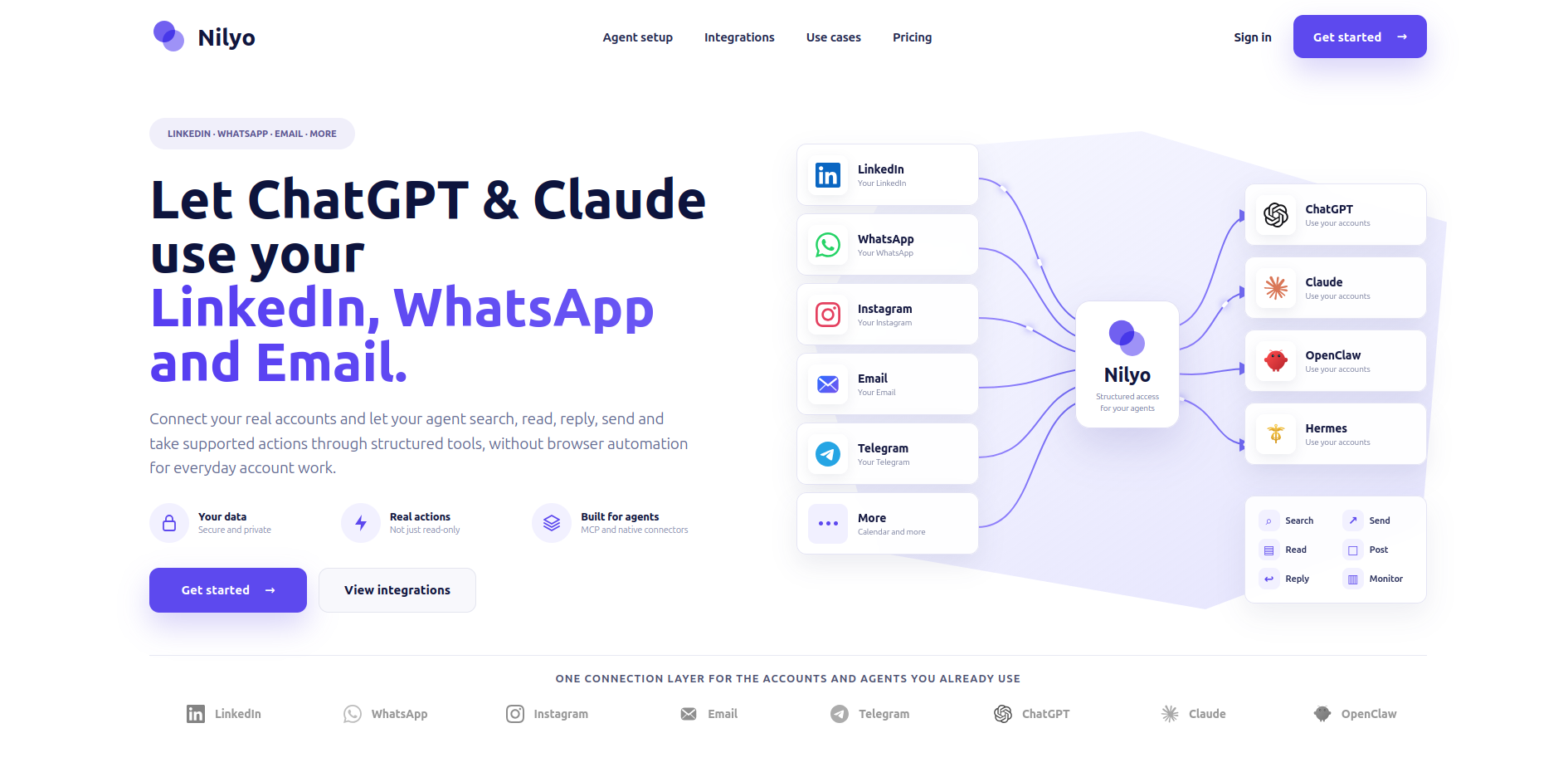
Your own LinkedIn, WhatsApp, Instagram, Telegram, Email and Calendar accounts, usable from any agent — search, read and act on your own accounts.
Nilyo MCP Server config
Add this server to your MCP-compatible client using the configuration below.
{
  "mcpServers": {
    "nilyo": {
      "type": "http",
      "url": "https://nilyo.com/mcp"
    }
  }
}
Nilyo MCP Server tools
Tool list not available yet
This listing does not currently have a tool list to display. This does not mean the server has no tools; check its documentation for supported capabilities.
Fetch the live tool list directly from this server's endpoint using the button above.
Overview
Nilyo connects the accounts you already use to ChatGPT, Claude, Cursor or any MCP-compatible agent, so it can search, read and act for you on your own accounts — no browser automation, no tab switching.
Endpoint: https://nilyo.com/mcp (Streamable HTTP) · Auth: OAuth 2.1 with dynamic client registration · Trial: 7 days, no card
What your agent can do
- LinkedIn — search people, companies, posts and jobs; explore your network ("who do I know at Stripe?"); turn a profile URL into a ready-to-send message or invitation; read and answer conversations; publish, comment and react; Sales Navigator and Recruiter when your account has them; job postings and applicants.
- WhatsApp — send a message to a contact by name ("send a WhatsApp to Julien saying I'm running late"), read and reply to chats, voice notes, media, groups.
- Instagram & Telegram — direct messages, profiles and followers (Instagram), groups and channels (Telegram).
- Email — Gmail, Outlook and any IMAP mailbox: folders, threads, search, attachments, drafts, sending and replies.
- Calendar — Google and Microsoft calendars: list, create and update events.
- Cross-channel — check your email history before replying on LinkedIn, confirm a LinkedIn exchange on WhatsApp, summarize every inbox each morning and draft the replies that still need an answer.
Built for agents
- 170+ intent-named tools, each with a title, description and MCP annotations (read-only / destructive / open-world).
- Exact ID resolution: names and URLs are resolved to provider IDs before any action; the agent never guesses between two of your accounts.
- Corrective errors with next steps instead of silent failures.
- Human-like pacing on every provider (per-account serialization, daily budgets) so your accounts stay safe.
- Accounts are connected once, from the conversation: secure sign-in link, or a WhatsApp/Telegram QR code shown in the chat. Credentials never transit through the agent.
- Realtime: register webhook destinations (n8n, OpenClaw, Hermes, any HTTPS receiver) for new messages and events.
Connect
- Add
https://nilyo.com/mcpto your MCP client (Claude, ChatGPT, Cursor, OpenClaw, Hermes, n8n…). - Sign in or create your Nilyo account on the OAuth page (7-day free trial).
- Ask for a task — your agent will offer to connect the account it needs.
Setup guide: https://nilyo.com/setup-for-agents · Pricing: https://nilyo.com/pricing · Privacy: https://nilyo.com/privacy · Support: https://nilyo.com/support
Tools
list_connected_accounts— List the user's own accounts connected to Nilyo with provider, owner display name, identifier (LinkedIn public id, phone, email), connection status and reconnection hints.account_connect— Get a secure connection (or reconnection) link for one of the user's provider accounts: LinkedIn, WhatsApp, Instagram, Telegram, Google/Gmail, Microsoft/Outlook or generic IMAP email.whatsapp_connect— Connect or reconnect the user's WhatsApp account directly in the conversation without leaving the agent.telegram_connect— Connect or reconnect the user's Telegram account directly in the conversation: returns a QR code image to scan from Telegram > Settings > Devices > Link Desktop Device, then poll account_connection_status until connected.imap_connect— Connect a generic IMAP/SMTP mailbox directly from the conversation with the mailbox credentials (alternative to the account_connect browser link, which is preferred when the user does not want to type a password in the chat).account_connection_status— Check an in-conversation WhatsApp/Telegram connection started with whatsapp_connect or telegram_connect.account_get_subscription— Show the user's Nilyo plan, trial/subscription status, account limits, team seats and members, plus the available billing actions (subscribe, upgrade, add seats, invite).linkedin_get_profile_from_url— Resolve a full LinkedIn person profile URL into the real LinkedIn profile and stable system user ID required by downstream actions.linkedin_search_people— Search LinkedIn Classic people with the user's own LinkedIn account.linkedin_search_companies— Search LinkedIn companies from the user's own account.linkedin_list_my_connections— List/search the LinkedIn connections of the account owner.linkedin_list_conversations— List LinkedIn private conversations.linkedin_read_conversation— Read a LinkedIn private conversation plus recent messages.linkedin_send_message— Send a message in an EXISTING LinkedIn chat.linkedin_start_conversation— Start a new LinkedIn conversation and send a message.linkedin_send_invitation— Send a LinkedIn connection/relation request from the user's own account.linkedin_create_post— Publish a LinkedIn post from the user's own account, optionally on a managed company page using post_as.linkedin_comment_on_post— Publish a comment/reply on a LinkedIn post on behalf of the user.linkedin_react_to_post— Add a LinkedIn reaction to a post on behalf of the user.linkedin_search_posts— Search LinkedIn posts using the user's own account.linkedin_search_jobs— Search LinkedIn jobs with the user's own account.linkedin_sales_navigator_search_people— Search LinkedIn Sales Navigator leads using the user's own Sales Navigator-capable LinkedIn account.linkedin_recruiter_search_people— Search LinkedIn Recruiter candidates using the user's Recruiter-capable account.linkedin_classic_list_job_applicants— List applicants for a LinkedIn Classic job owned by the connected account.messaging_send_to_contact— One-step send for voice-style requests: 'send a WhatsApp to Julien saying I'm 10 minutes late'.messaging_resolve_recipient— Turn a person's name, nickname, phone number or handle into the exact WhatsApp/Instagram/Telegram recipient BEFORE sending: searches the user's 1-to-1 chats (ranked by most recent exchange) and contacts.messaging_list_chats— List chats for WhatsApp, Instagram or Telegram.messaging_list_messages— List messages in a known chat with full V2 filters/pagination.messaging_send_message— Send a message in an existing LinkedIn, WhatsApp, Instagram or Telegram chat.message_send_voice_note— Send an audio attachment as a native/playable voice note where the connected provider supports it (notably WhatsApp/Telegram).message_send_native_media— Send one media/file attachment using the provider's native rendering mode where supported.whatsapp_is_number_registered— Check whether a phone number corresponds to a WhatsApp user/account before starting outreach or resolving a WhatsApp recipient.instagram_get_profile— Get an Instagram user profile by provider user ID/username where supported.instagram_list_followers— List followers of the connected Instagram account or a known Instagram user where supported.email_list_folders— List Gmail labels, Outlook folders or IMAP folders.email_list_folder_messages— List messages inside one exact folder.email_list_messages— List email messages from the user's connected Gmail, Microsoft/Outlook OR generic IMAP mailbox.email_read_message— Read a specific email including body/headers from Gmail, Microsoft/Outlook or IMAP.email_get_attachment— Retrieve one exact attachment from Gmail, Outlook/Microsoft or IMAP.email_send— Send or reply to an email from the user's connected Gmail, Microsoft/Outlook or IMAP account.email_create_draft— Create an email draft without sending.email_move_or_label— Move/label one exact email.calendar_list_calendars— List calendars for the connected Google or Microsoft account.calendar_list_events— List events of a calendar in a date range.calendar_create_event— Create an event with attendees, times and description.calendar_update_event— Update an existing event.webhook_create_destination— Create a realtime event destination for this Nilyo user.webhook_list_available_events— List realtime Unipile V2 event types Nilyo can subscribe an agent to, plus the common event envelope.feedback_report_bug— Report a bug to the Nilyo team as a tracked issue.feedback_request_feature— Send a feature request or improvement idea to the Nilyo team as a tracked issue: a missing action, provider or capability, a workflow that needs too many steps, a confusing result.
More Productivity MCP servers

EQIQs
EQIQsEQIQs brings working-style and compatibility insights into Claude. Managers and coaches can take or send a short assessment, compare two people, get a read on a team of up to 12, prepare for meetings with tips that fit t

Reachium LinkedIn MCP Server
ReachiumA remote LinkedIn MCP server. Connect Claude to LinkedIn and run campaigns, content, leads and inbox through 80+ tools — with scoped keys, preview-and-confirm before anything sends, and hard daily caps.

AdWhispr - Research, Clone, & Launch Ads from Claude/ChatGPT
AdWhisprRemote MCP server that turns Claude, ChatGPT, or Cursor into a full ad workflow: research any brand's live Facebook and TikTok ads, clone the proven winners for your own brand, and launch real campaigns on Google, TikTok

RADAAR
RADAAROfficial repository bringing RADAAR's social media and content management tools to AI agents like Cursor, VS Code, and ChatGPT. Built on the agent-plugins.org standard, it connects seamlessly to the MCP server. Schedule

IncidentVault
Copliancy IncIncident reporting and claims management for multi-location businesses: incidents, claims, tasks, risk checks and inspections, with role and location limits on every call.
Comments