
Where is the source code for iter0?
The server is hosted by iter0, and its code is not published. The GitHub repository holds the connection guide and an agent skill.

@inchwormz
Basic information
Build, edit and publish websites and apps with iter0 from Claude Code, Codex or other Agents via MCP

Add this server to your MCP-compatible client using the configuration below.
{
  "mcpServers": {
    "iter0": {
      "url": "https://iter0.com/api/mcp"
    }
  }
}Tool list not available yet
This listing does not currently have a tool list to display. This does not mean the server has no tools; check its documentation for supported capabilities.
Fetch the live tool list directly from this server's endpoint using the button above.
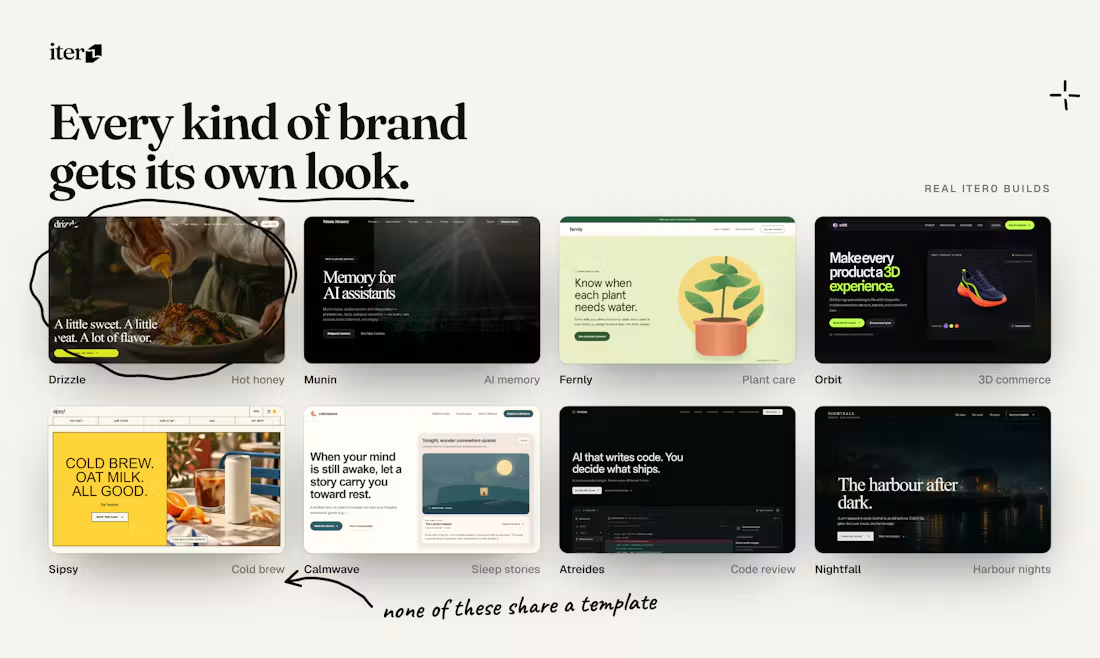
iter0 is an AI website builder. Its MCP server lets Claude Code, Cursor, Codex and other MCP clients build, edit, check and publish websites for you.
There is nothing to install. Add the remote server https://iter0.com/api/mcp to your MCP client (Streamable HTTP), then sign in with your iter0 account when the client asks. Setup steps for each client are at https://iter0.com/mcp.
The server is hosted by iter0, and its code is not published. The GitHub repository holds the connection guide and an agent skill.
Two tools work without signing in. Building, editing and publishing need a free iter0 account, through OAuth sign-in.

CronWatch records every run of your scheduled jobs in your own database, and speaks up when one is missed, fails, gets stuck, runs slow or costs too much. CronWatch is free and open-source.

Official Porkbun MCP server, maintained by Porkbun. Check domain availability and pricing, register, renew and transfer domains, and manage DNS records, nameservers, URL forwarding, glue records, DNSSEC and domain contac

DOM-first AI browser automation for Chrome and MCP clients.

Read public Instagram profiles and post feeds by handle in Claude, Cursor, and other MCP clients. Get follower counts, captions, hashtags, mentions, and engagement counts as structured JSON.

The Datris Data Platform - Open Source Version
Comments