

Screenshotrun MCP Server已验证已精选
@screenshotrun
基本信息
关于 Screenshotrun MCP Server
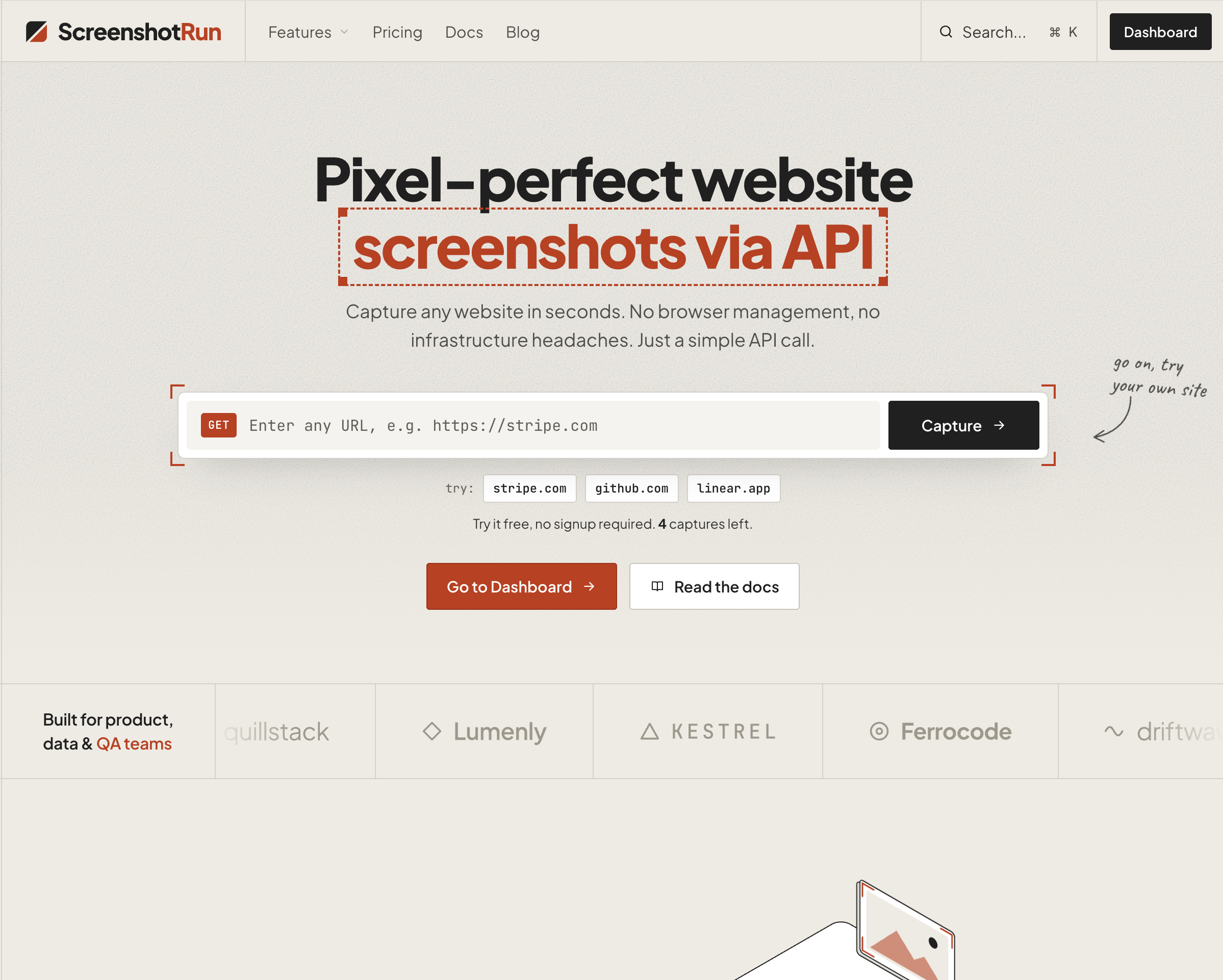
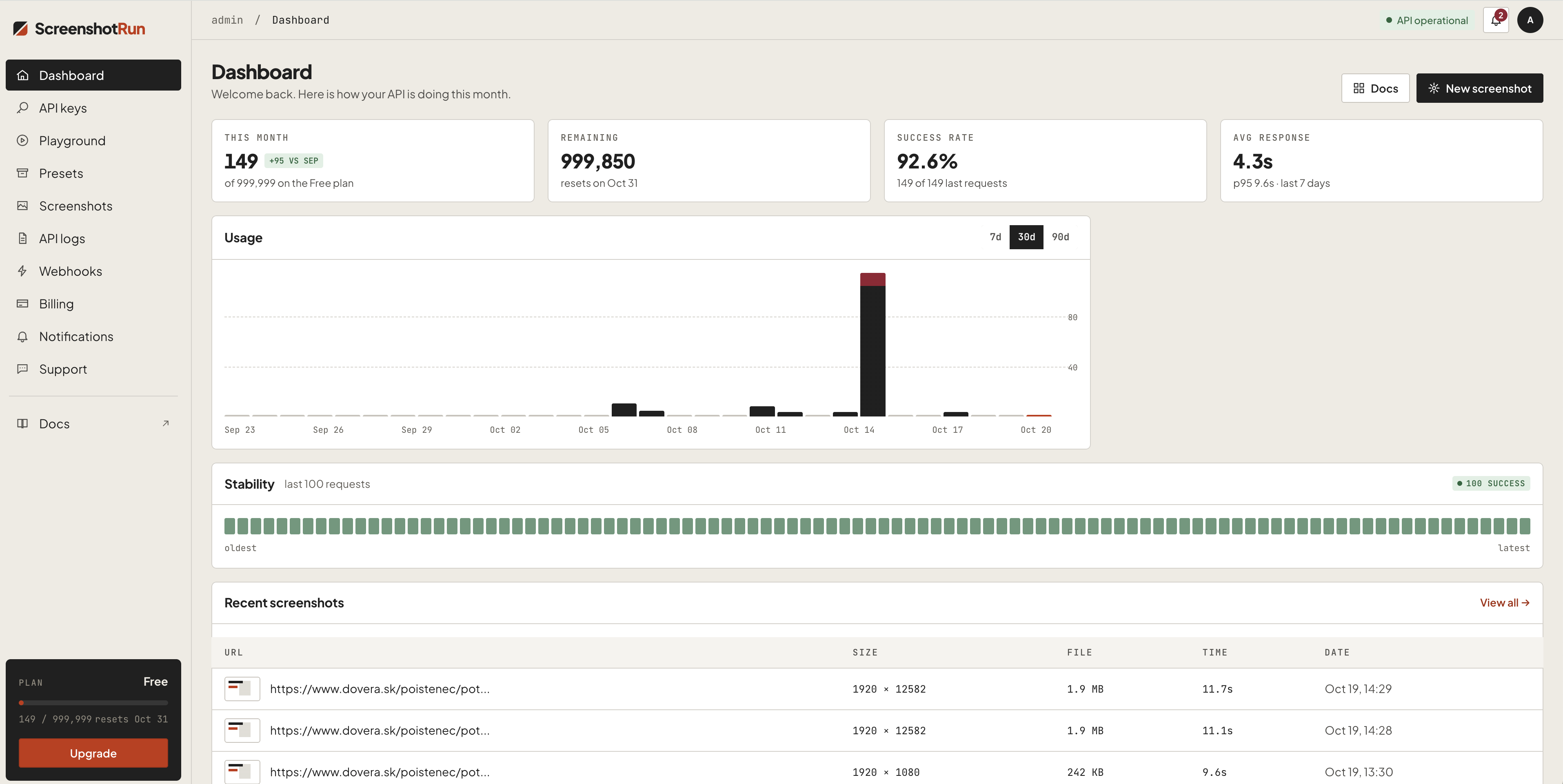
Give your AI agent the ability to see any webpage. Capture screenshots from Claude, Cursor, or any MCP client. Supports full-page, dark mode, mobile emulation, OG image generation, base64 output, custom viewport, ad bloc
Screenshotrun MCP Server 配置
使用下面的配置,将此服务器添加到你的 MCP 客户端。
{
  "mcpServers": {
    "screenshotrun-mcp": {
      "command": "npx",
      "args": [
        "-y",
        "screenshotrun-mcp",
        "\\"
      ]
    }
  }
}
Screenshotrun MCP Server 工具
工具列表暂未提供
当前收录暂时没有可展示的工具列表,不代表服务没有工具。请查阅项目文档了解支持的能力。
点击上方按钮,在临时沙箱中运行此服务器并实时获取工具列表。
概览
What is screenshotrun-mcp?
MCP server for the ScreenshotRun Screenshot API — gives AI agents the ability to capture website screenshots directly from Claude, Cursor, Windsurf, or any MCP-compatible client.
Tools
| Tool | Description |
|---|---|
take_screenshot | Capture any public URL as PNG, JPEG, WebP, or PDF |
check_usage | Check API quota and remaining credits |
Key features
- Full-page screenshots
- Dark mode emulation
- Mobile/tablet device presets
- OG image generation (1200×630)
- Base64 output
- Ad and cookie banner blocking
- Custom CSS/JS injection
- Retina (2x) resolution
Quick start
Get a free API key at screenshotrun.com (200 screenshots/month free).
Claude Desktop
Add to claude_desktop_config.json:
{
  "mcpServers": {
    "screenshotrun": {
      "command": "npx",
      "args": ["-y", "screenshotrun-mcp"],
      "env": {
        "SCREENSHOTRUN_API_KEY": "sr_live_your_key_here"
      }
    }
  }
}
开发工具 分类下的更多 MCP 服务器

extentos
Asger mølgaardExtentos is a multi-vendor development platform for adding smart-glasses capabilities to existing iOS and Android apps. The simplest analogy is Stripe for smart glasses:

Foremerge
naw103Catch intent conflicts before code conflicts. The open-source coordination protocol for coding agents, built above Git.

Meticulous
Meticulous
Moxie Docs
Jackalope-DevAutomated codebase documentation for GitHub: searchable docs, MCP context for AI agents, doc drift detection, and Friday Cleanup PRs.

Routebase
RoutebaseRoutebase keeps your API's design, docs, contract tests, mocks and monitoring in one living OpenAPI spec so they can't drift apart. Agents work on that same source of truth, under your team's permissions.
评论