

Ramen MCP Server已验证已精选
@bkraad47
基本信息

关于 Ramen MCP Server
Multi-zone MCP server for GKE/EKS/AKS: Python tools from git, NeMo guardrails, SSO, autoscaling.
Ramen MCP Server 配置
使用下面的配置,将此服务器添加到你的 MCP 客户端。
{
  "mcpServers": {
    "ramen": {
      "url": "https://<edge>/mcp",
      "headers": {
        "Authorization": "Bearer rmk_...",
        "ramen-group": "demo",
        "ramen-zone": "a"
      }
    },
    "ramen-stdio": {
      "command": "uvx",
      "args": [
        "ramen-mcp-bridge@latest"
      ],
      "env": {
        "RAMEN_BRIDGE_TARGET": "<edge>:443",
        "RAMEN_BRIDGE_TLS": "1",
        "RAMEN_MCP_KEY": "rmk_...",
        "RAMEN_BRIDGE_GROUP": "demo",
        "RAMEN_BRIDGE_ZONE": "a"
      }
    }
  }
}
Ramen MCP Server 工具
工具列表暂未提供
当前收录暂时没有可展示的工具列表,不代表服务没有工具。请查阅项目文档了解支持的能力。
点击上方按钮,直接连接服务器端点实时获取工具列表。
概览
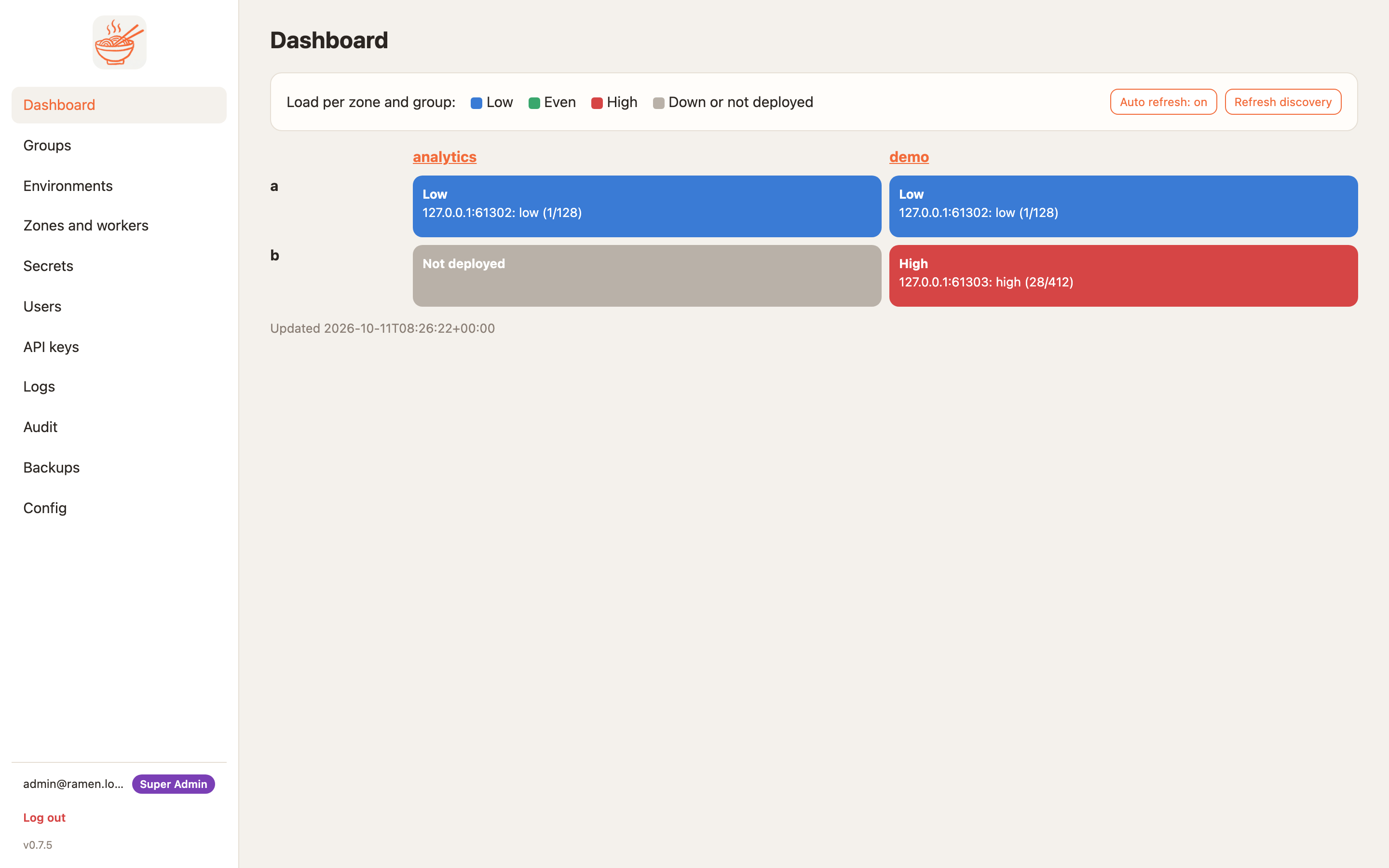
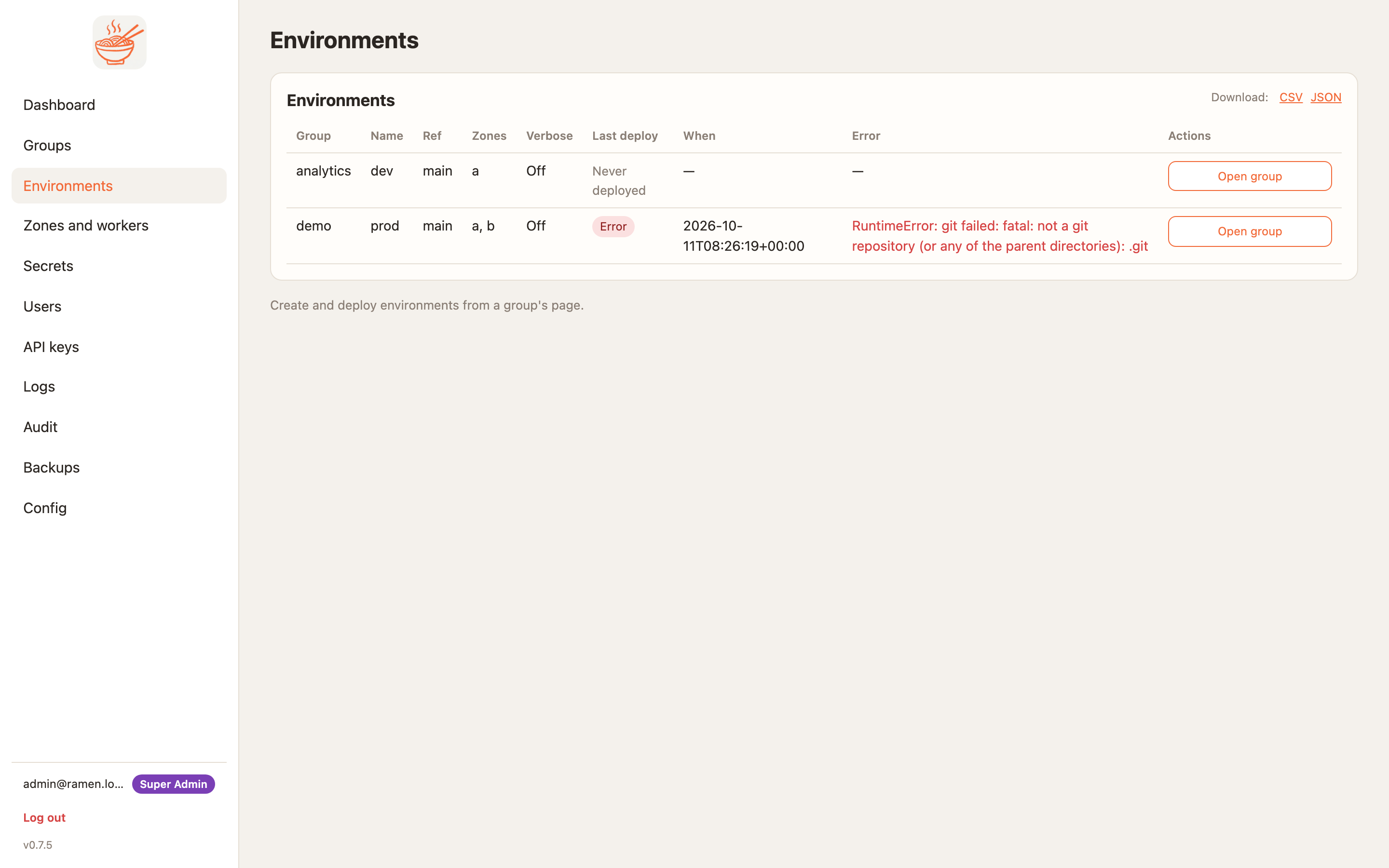
Build your MCP tools in Python, deploy them across zones on GKE, EKS and AKS. Ramen turns a git repo of tools, resources and prompts into a fleet of MCP workers behind one cloud load balancer, and keeps who-can-call-what, secrets, guardrails, canary gates and the audit trail in one console. It is a platform for your tools, not a gateway in front of someone else's. Open source, BSD-3-Clause.
- Repo: https://github.com/bkraad47/ramen · Docs: https://bkraad47.github.io/ramen/
- Demo tools: https://github.com/bkraad47/ramen-demo-mcp-group · Bridge: https://pypi.org/project/ramen-mcp-bridge/
Features
- Git → bucket → worker. Deploy syncs your repo to a bucket; workers load it by content hash. No git credentials on pods.
- Canary by default. Roll a canary, smoke-test
tools/list, check tool schemas for breaking changes, run your golden cases, then promote. - Rust MCP node + Python 3.12 runtime in every worker: Streamable HTTP and gRPC on one port, bearer keys, IP allow-lists, health and logs.
- Guardrails per tool, inside the runtime: NVIDIA NeMo Guardrails or your own
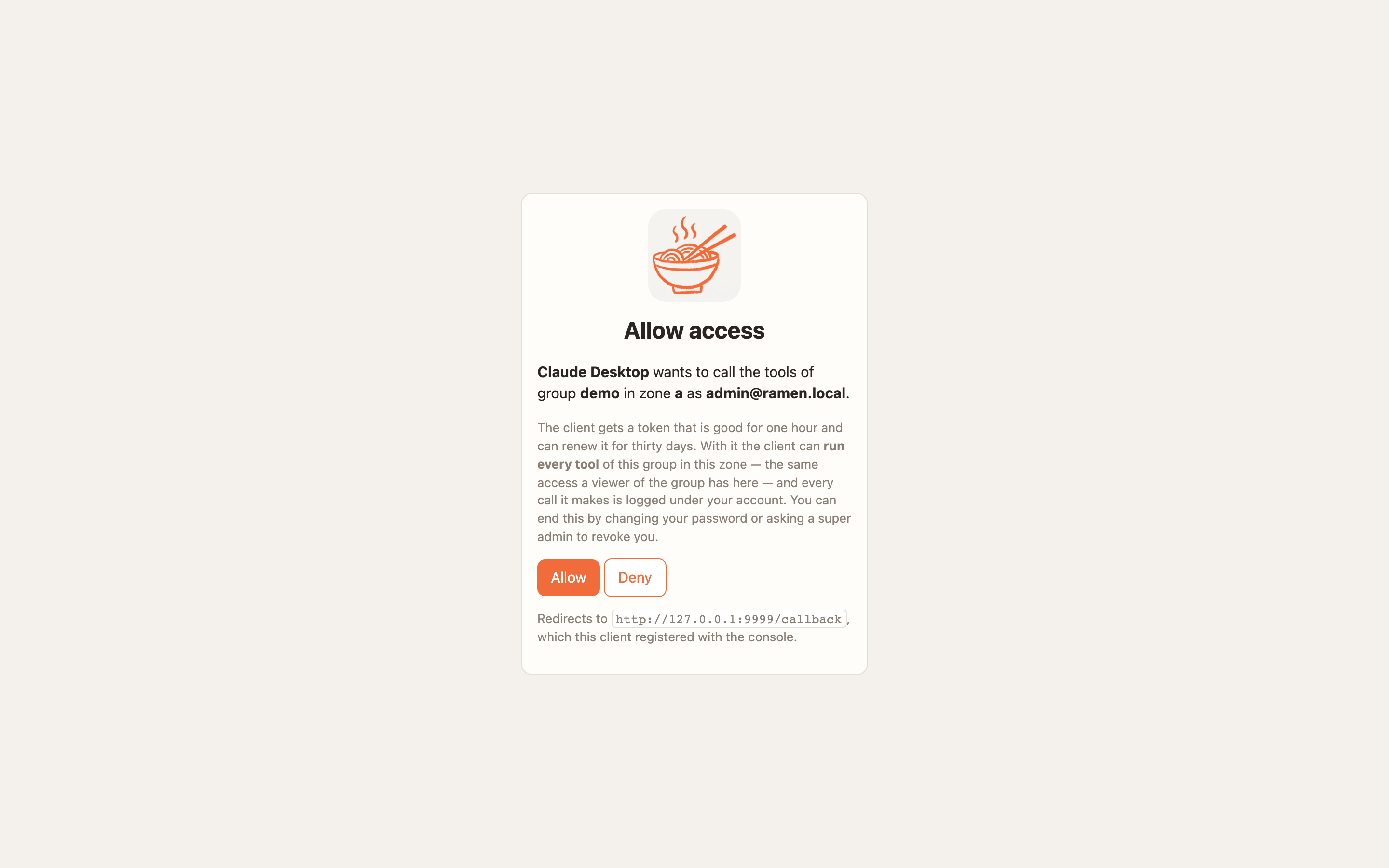
policy.py, checked before the call and after the result, fail-closed. - Sign-in with Entra ID, Google Workspace or any OIDC provider. Groups from the provider map to roles, including custom roles and per-tool access. The console is an OAuth 2.1 authorization server.
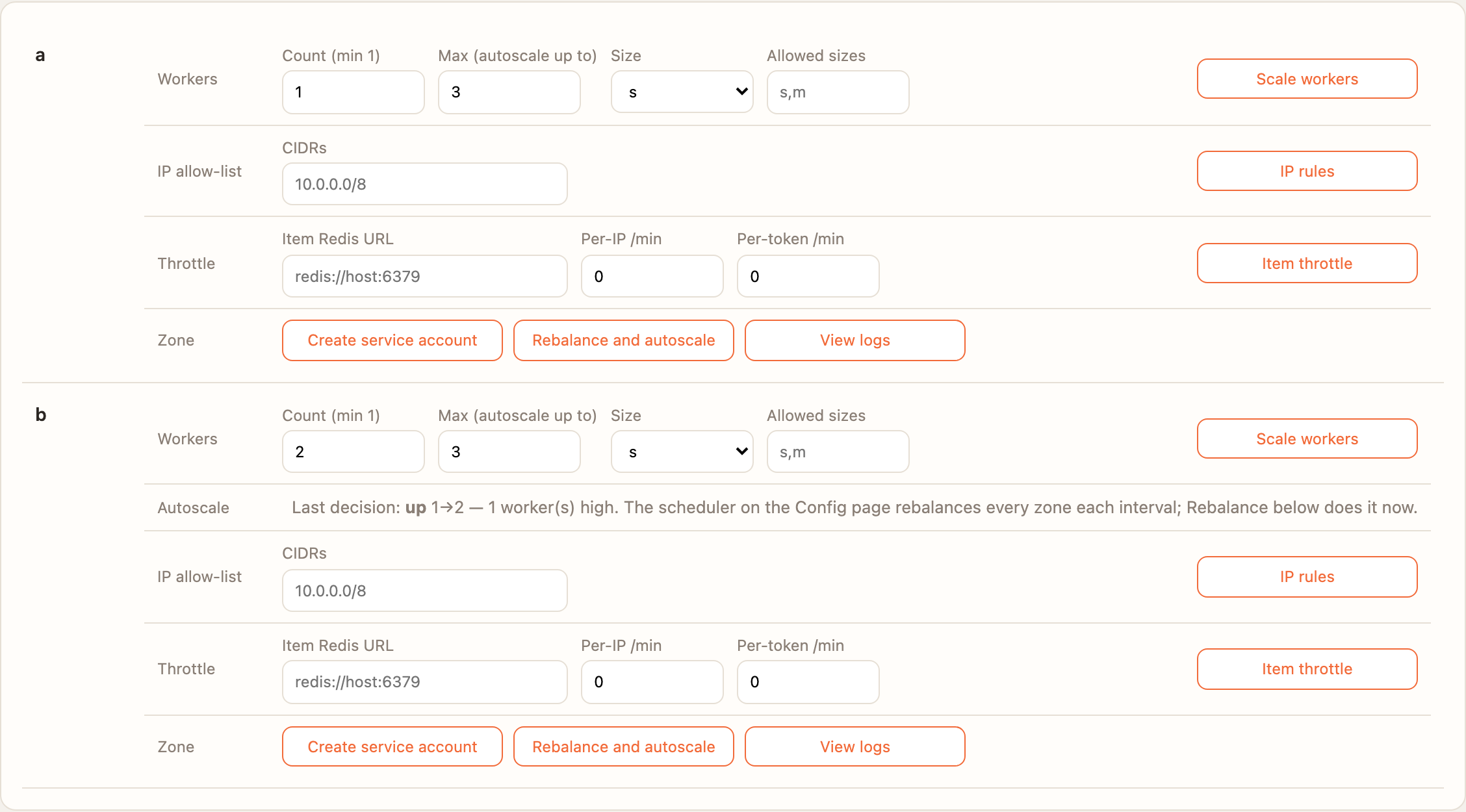
- Autoscaling of each zone between 1 and a max you set, from in-flight calls and call rate.
- Secrets in the cloud's secret store, never shown again; audit of every change; Redis throttles; backups.
- Three clouds: Terraform for GKE, EKS and AKS.
Platforms
Clients connect from macOS, Windows and Linux: any Streamable HTTP client directly, stdio-only clients through
ramen-mcp-bridge (run with uvx, nothing to install) or the one-click .mcpb bundle. The local docker compose
stack runs on macOS and Linux. Workers and console run as Linux containers on GKE, EKS or AKS.
Try it locally (5 commands)
Needs Docker with compose v2, uv, git and make.
git clone https://github.com/bkraad47/ramen && cd ramen
make up       # console https://localhost:8443 + one worker on localhost:8080
make demo     # group `demo` from the demo repo, an rmk_ key, a canary deploy, then a tools/call
#   PASS: demo_calculator_tool(2,3,add) -> 5
open https://localhost:8443    # login admin@ramen.local / changeme-ramen
make down
Connect a client
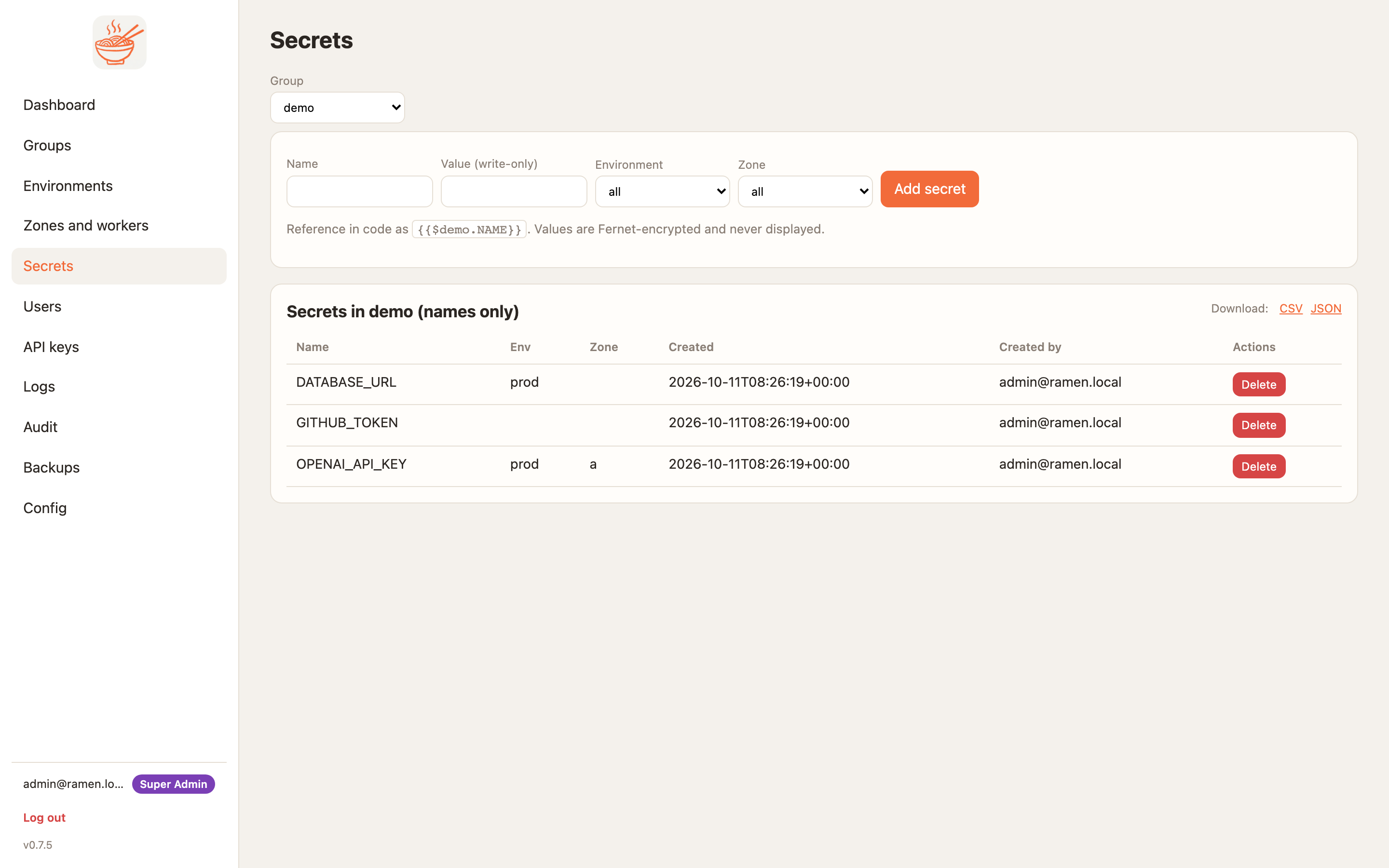
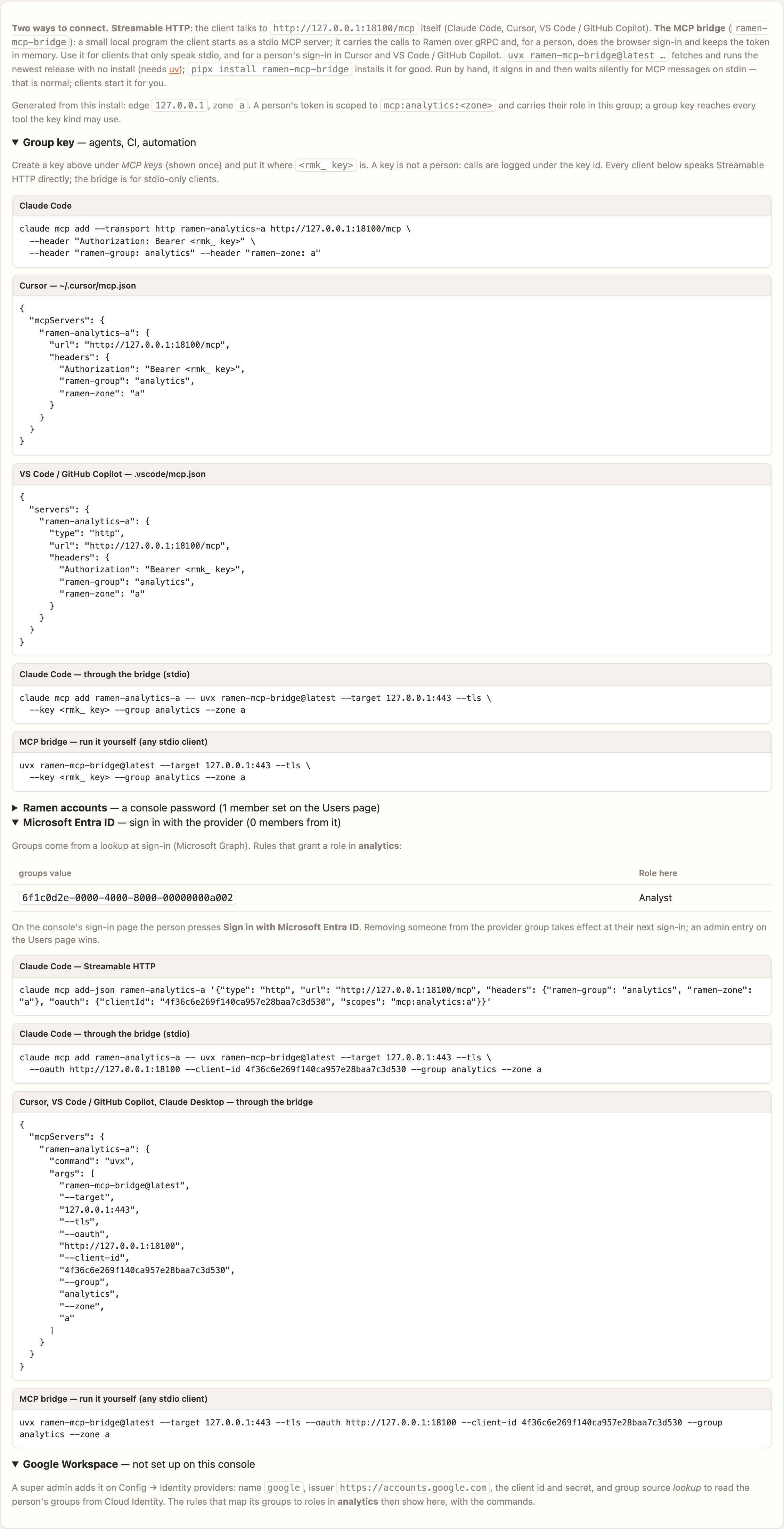
Get an rmk_ group key in the console (Groups → your group → Generate key). Replace <edge> with your
deployment's edge host and demo/a with your group and zone. Two ways in, same key:
{
  "mcpServers": {
    "ramen": {
      "url": "https://<edge>/mcp",
      "headers": {
        "Authorization": "Bearer rmk_...",
        "ramen-group": "demo",
        "ramen-zone": "a"
      }
    },
    "ramen-stdio": {
      "command": "uvx",
      "args": ["ramen-mcp-bridge@latest"],
      "env": {
        "RAMEN_BRIDGE_TARGET": "<edge>:443",
        "RAMEN_BRIDGE_TLS": "1",
        "RAMEN_MCP_KEY": "rmk_...",
        "RAMEN_BRIDGE_GROUP": "demo",
        "RAMEN_BRIDGE_ZONE": "a"
      }
    }
  }
}
ramen— Streamable HTTP, no bridge: Cursor, VS Code, Claude Code, Windsurf.ramen-stdio— the stdio bridge, for stdio-only clients such as Claude Desktop.
Locally, use localhost:8080, zone local, http:// and no RAMEN_BRIDGE_TLS.
Sign in as a person instead of a key (a super admin registers an OAuth client with redirect
http://127.0.0.1/callback; your account needs a role in the group):
{
  "mcpServers": {
    "ramen": {
      "command": "uvx",
      "args": ["ramen-mcp-bridge@latest", "--target", "<edge>:443", "--tls",
               "--oauth", "https://<edge>", "--client-id", "<client id>",
               "--group", "demo", "--zone", "a"]
    }
  }
}
Demo tools
The demo group ships demo_calculator_tool, unit_convert and word_count, a demo_readme resource and a
get_calculation_prompt prompt, with NeMo rails that block prompt-injection phrases on the way in. No model or API
key needed. Your own tools replace them.
What is verified
v0.7.5 was deployed on GKE, EKS and AKS and passed the same 33 checks on each: canary deploy with guardrails and golden cases, custom roles and per-tool access, a person's token over Streamable HTTP and through the bridge, Entra ID sign-in with group lookup, and autoscaling under load (64 concurrent calls, no 5xx). CI runs both transports on Linux and on a Windows runner.
FAQ
Is there a hosted endpoint? No. Ramen is self-hosted: you run it locally or in your own cloud account.
Do I need the bridge? Only for clients that speak stdio alone. Anything that sends HTTP with a header connects directly.
What languages can tools be written in? Python. The Rust node handles the protocol, auth and transport.
License? BSD-3-Clause.
开发工具 分类下的更多 MCP 服务器

Mcp-Warden
ermolukLocal-first credential broker for MCP. AI coding agents (Claude Code, Cursor, Codex…) call APIs, SSH and databases through scoped presets; secrets stay in your OS keychain and never enter the agent's context.

UXKIN
Real UI references for AI coding agents: 500,000+ real screens, 15k+ website design systems with a DESIGN.md, and 30k+ UI elements, so your agent builds UI that looks real, not AI slop.

OrangePro
Aamir SiddiquiOrangePro local-first CLI + MCP server for behavior mapping, grounded test generation, and dynamic proof.

BetterBugs
BetterBugsThe BetterBugs MCP (Model Context Protocol) enables you to load BetterBugs bug reports (via report links) directly to your preferred AI Agents and developer environments with MCP Client capabilities (such as Cursor, VS C

Casefile
azimov777One case file per task — shared by every session, agent and person that touches it. Self-hosted MCP server and live board. MIT.
评论