

OzBridge MCP Server
@sena-labs
基本信息

关于 OzBridge MCP Server
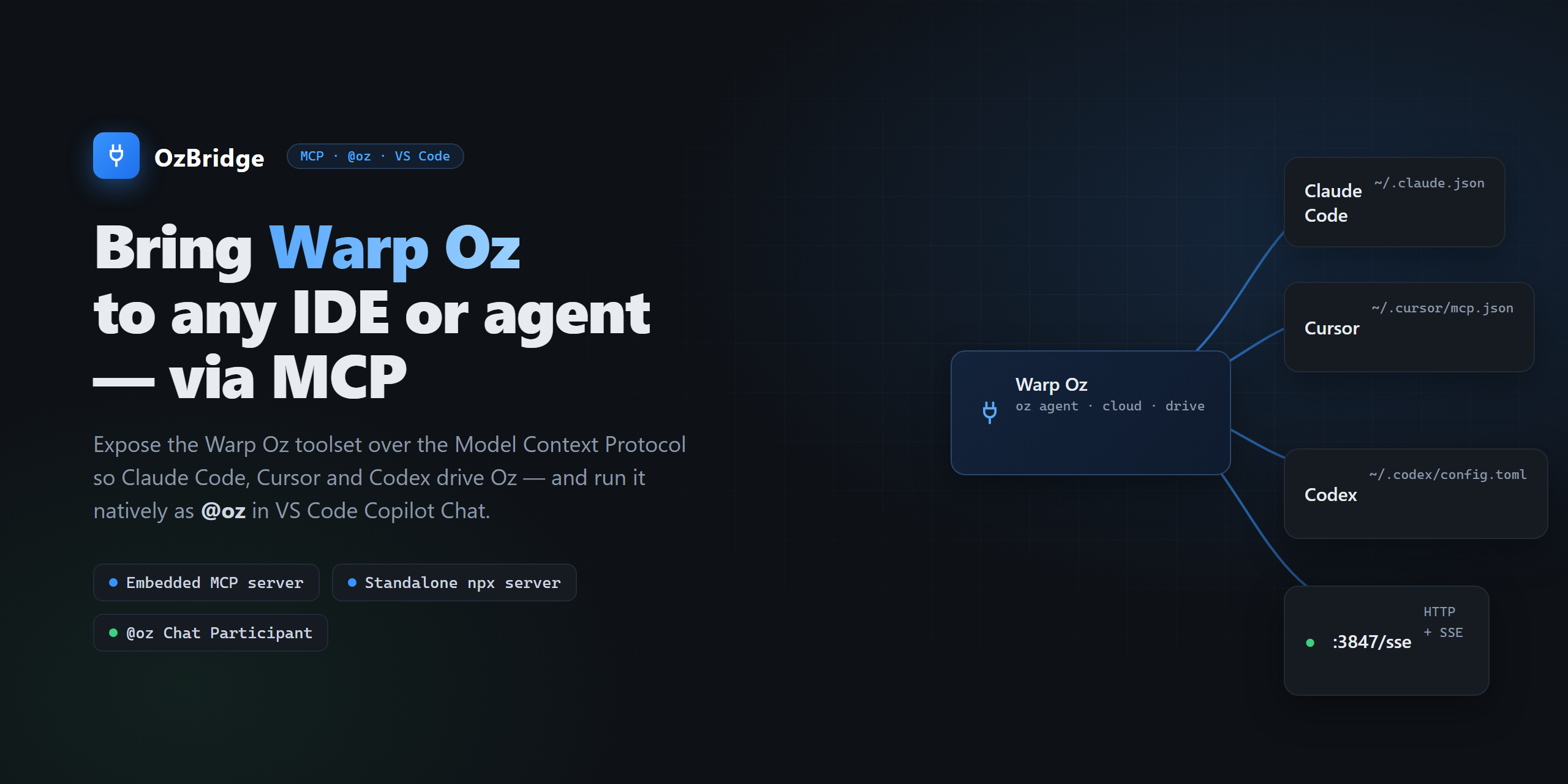
Run Warp Oz agents from any MCP client: Claude Code, Cursor, Codex, VS Code. Six tools over stdio or SSE, driving the documented oz CLI. Standalone, or embedded in the OzBridge VS Code extension. Requires Warp with the o

OzBridge MCP Server 配置
使用下面的配置,将此服务器添加到你的 MCP 客户端。
{
  "mcpServers": {
    "oz-bridge": {
      "command": "npx",
      "args": [
        "-y",
        "@sena-labs/oz-mcp-server",
        "--stdio"
      ]
    }
  }
}
OzBridge MCP Server 工具
6Run a Warp Oz AI agent locally in the host workspace and return its full output synchronously. Runs `oz agent run` with your prompt and blocks until the agent finishes. Use for local coding tasks — refactor, write/run tests, debug, explain code — that should NOT consume cloud credits; for cloud execution call `oz_agent_run_cloud` instead. NOT read-only: the agent may create or modify files in the workspace. Requires the `oz` CLI on PATH (install Warp).
Launch a Warp Oz AI agent in Warp's cloud (not on the local machine). ⚠️ CONSUMES WARP CREDITS — confirm with the user before calling. Returns the run id immediately WITHOUT waiting for completion; poll the terminal status and output with `oz_run_get`, or find the run later via `oz_run_list`. Requires the `oz` CLI on PATH and a Warp account with cloud credits.
Fetch the current status and output of a single Warp Oz run by its id. Read-only and idempotent — safe to call repeatedly while polling a cloud run to completion (SUCCEEDED / FAILED). Typically called after `oz_agent_run_cloud`, which returns the run id; ids also come from `oz_run_list`.
List recent Warp Oz runs (id, status, timing), newest first. Read-only. Use to discover run ids to pass to `oz_run_get`, or to review recent agent activity.
List the AI model ids available to the connected Warp Oz account (from `oz model list`) and report the current default. Read-only; takes no arguments. Call this first to discover valid ids before passing `model` to `oz_agent_run` / `oz_agent_run_cloud`, or before `oz_set_default_model`.
Set the default Oz model for every OzBridge surface by writing `defaultModel` into the workspace `.warp/warp-bridge.yaml` (the highest-precedence config source). Persistent side effect: edits that file on disk. The id is validated against `oz model list` when reachable. Requires a workspace root (an extension workspace, or `--cwd` for the standalone server).
概览
What is OzBridge
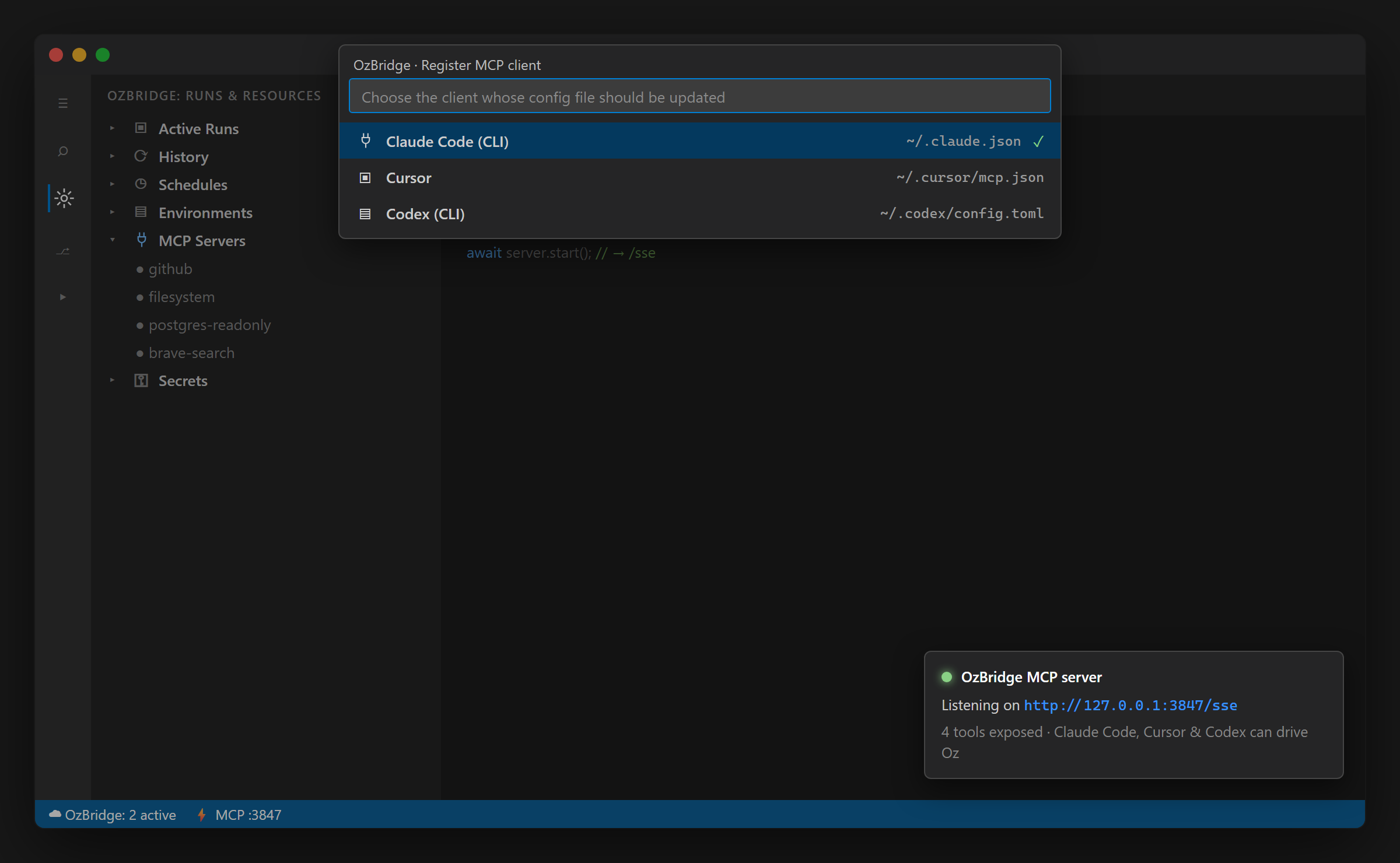
OzBridge brings Warp Oz agents to any MCP client. Run it standalone, or embedded in the OzBridge VS Code extension, where Oz also appears as the @oz chat participant.
Tools
- oz_agent_run - run an Oz agent locally
- oz_agent_run_cloud - launch a cloud run
- oz_run_get - fetch a run status and output by id
- oz_run_list - list recent runs, filtered by status
- oz_list_models - list model ids and the current default
- oz_set_default_model - set the default Oz model
Requirements
Warp installed with the oz CLI on PATH, and a Warp account. A free account is enough for local runs.
Independent project, not affiliated with, endorsed by, or sponsored by Warp.
AI 与智能体 分类下的更多 MCP 服务器

AON — Agent Offer Network
AONAON MCP connects AI agents to real, buyable products and services with live pricing and tracked links—enabling builders to earn developer revenue share from attributed clicks and conversions.

BlazingCDN MCP - Content Delivery for Video, Software & Static Files
BlazingCDNOfficial MCP server for BlazingCDN - AI agents (Claude, Cursor, Windsurf) manage CDN resources, purge cache, query metrics, domains, Anycast CDN, Video CDN and Media CDN

Melaya
Melaya Labs**Melaya gives an AI assistant hands.** It is a remote MCP server, so there is nothing to install and no API key to configure — one URL works in Claude, ChatGPT, Le Chat, Cursor and any MCP client. ### Your Android phon

imageat
incendiesOfficial MCP server for imageat — AI image and video generation for AI assistants. Generate images and videos, and use 20+ editing tools (background remove/replace, inpainting, object eraser, relight, virtual try-on) dir

Voibe Transcription
Ayush ChaturvediGive ears to Claude/Openclaw/Hermes/Codex/Grok Bot. Voibe turns recordings into text your AI agent can work with. Ask your agent to transcribe a meeting, interview, call, lecture, podcast episode or voice memo. The raw
评论