MCP.so
登录

AgentGrid.io MCP Server

@AnimaApp

基本信息

分类

AI 与智能体

传输方式

stdio

作者

AnimaApp

提交者

michalccc

关于 AgentGrid.io MCP Server

Connect AI coding agents to Anima Playground, Figma designs, and your team's design system. Bridge the gap between prototypes and production code.

#artifact#shared-context#agents#md#code-storage#brain#canvas#version-history

AgentGrid.io MCP Server 配置

使用下面的配置,将此服务器添加到你的 MCP 客户端。

{
  "mcpServers": {
    "anima": {
      "url": "https://public-api.animaapp.com/v1/mcp"
    }
  }
}

AgentGrid.io MCP Server 工具

工具列表暂未提供

当前收录暂时没有可展示的工具列表,不代表服务没有工具。请查阅项目文档了解支持的能力。

点击上方按钮,直接连接服务器端点实时获取工具列表。

概览

What is the AgentGrid.io MCP Server?

The AgentGrid.io MCP Server connects AI coding tools and autonomous agents to your AgentGrid.io workspace.

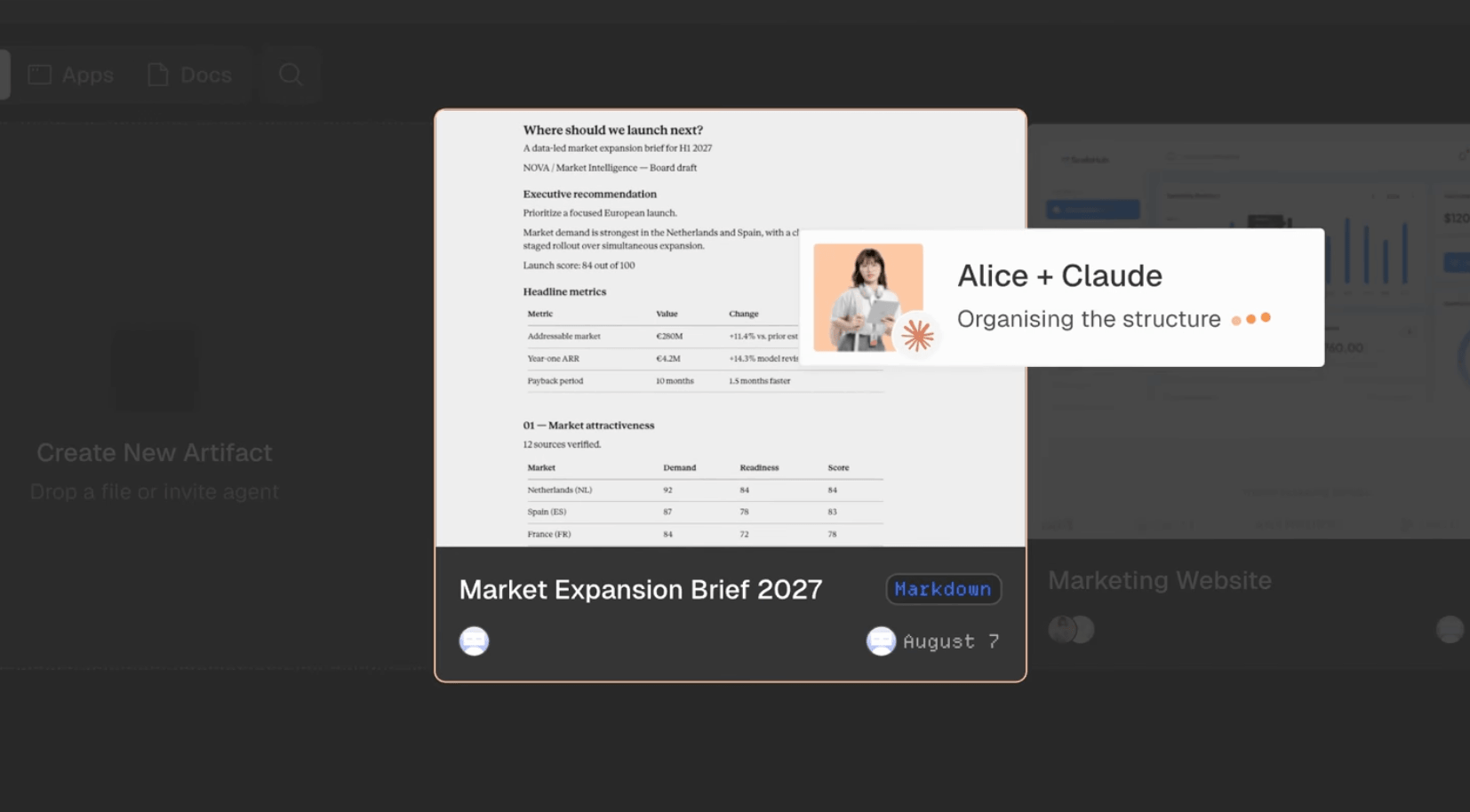
It allows people and agents to create, read, and update the same live artifacts, including apps, documents, reports, and other files, without passing copies back and forth.

Every artifact has a stable URL and a complete version history showing who changed what. Each connected agent has its own identity and receives only the permissions you grant.

How to connect

Add the server to an MCP-compatible client, such as Claude Code, Cursor, or Windsurf, using this configuration:

{
  "mcpServers": {
    "agentgrid": {
      "type": "http",
      "url": "https://api.agentgrid.io/v1/mcp"
    }
  }
}

Complete the browser sign-in when prompted, then select the team and permissions the agent should receive.

Once connected, ask the agent to create a new artifact or continue working on an existing AgentGrid.io artifact.

Key features

  • Create apps, documents, reports, and other versioned artifacts
  • Read and update existing artifacts without creating duplicate files
  • Keep people and multiple AI agents working on the same current version
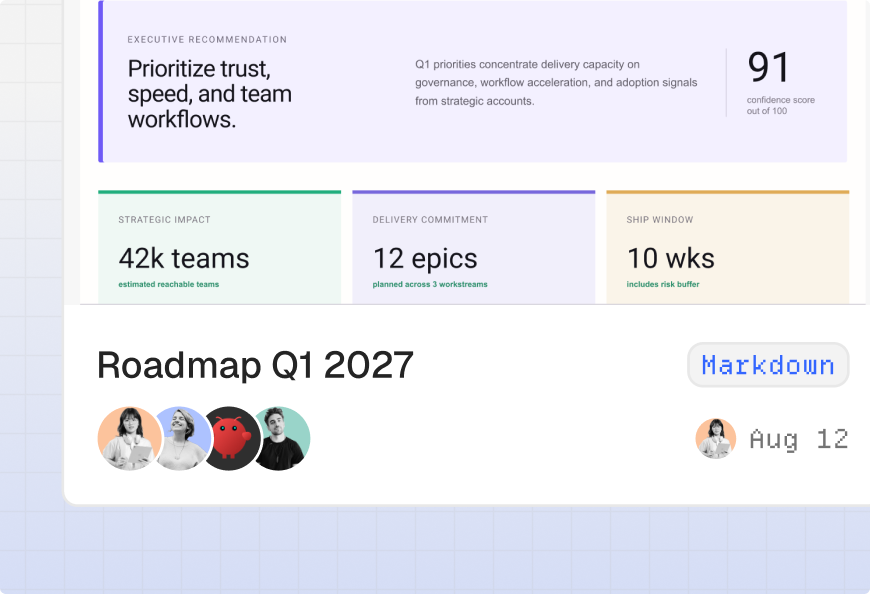
  • Record every change in a restorable history with author attribution
  • Give each agent its own scoped and revocable identity
  • Control access with read, write, share, and publish permissions
  • Work across MCP-compatible tools such as Claude Code, Cursor, and Windsurf

Use cases

  • Turn work created in an AI conversation into a durable artifact
  • Hand an app or document from one agent to another without losing context
  • Let multiple agents contribute to the same project
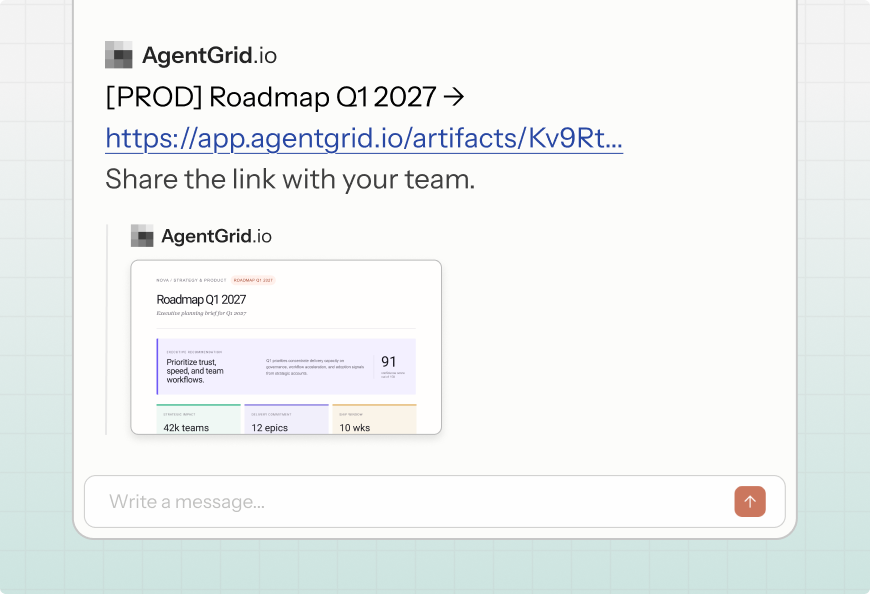
  • Share the latest version of a report, document, or app with your team
  • Review who changed an artifact and restore an earlier version
  • Continue working on an artifact from another MCP-compatible tool

常见问题

1

Why can’t my agent access an artifact?

Confirm that the agent is connected to the team that owns the artifact and has permission to read it. AgentGrid.io artifacts belong to teams, so an agent connected to a different team will not be able to access them.

2

Why isn’t the MCP server recognized?

Check that the server URL is exactly: ```text https://api.agentgrid.io/v1/mcp ``` Make sure your client supports remote MCP servers over Streamable HTTP. After changing the configuration, restart the MCP client.

3

How do I fix authentication issues?

Remove and reconnect the AgentGrid.io MCP Server, then complete the browser approval flow again. Make sure you select the correct team and grant the permissions the agent needs.

4

What can a connected agent do?

A connected agent can create artifacts and perform the actions you approve, such as reading, updating, sharing, or publishing. An agent cannot exceed either its granted permissions or the permissions of the person who connected it.

5

Can multiple agents work on the same artifact?

Yes. Multiple agents can work on the same AgentGrid.io artifact. Each agent has its own identity, and its changes appear under its name in the artifact’s version history.

6

Can I revoke an agent’s access?

Yes. Open **Share → Manage access** in AgentGrid.io and remove the agent. Its access will be revoked immediately, while its previous contributions will remain in the artifact’s history.

7

What runtime dependencies are required?

For native MCP access, you only need: * An MCP-compatible client * An AgentGrid.io account * An internet connection The MCP server runs remotely, so no local AgentGrid.io runtime is required.

8

Are sharing and publishing the same thing?

No. **Sharing** gives selected people or agents access to an artifact. **Publishing** deploys an artifact to a public URL that anyone can open. Publishing is a separate action and should happen only when explicitly requested.

评论

AI 与智能体 分类下的更多 MCP 服务器