
Kalender Sync 远程 MCP 服务器是什么?
Kalender Sync 的远程 MCP 服务器是一个托管的 Model Context Protocol 端点,地址是 https://app.kalender-sync.de/mcp,AI 助手无需在本地安装或运行任何东西即可连接。

@PPJ Venture Labs UG (haftungsbeschränkt)
基本信息
Connect Google, Microsoft 365/Outlook, iCloud and CalDAV calendars to your AI assistant. Check availability, find and manage events, respond to supported invitations, and create, inspect, pause or delete calendar syncs with explicit permissions. Hosted in the EU.
https://app.kalender-sync.de/mcpclaude mcp add kalender-sync --transport http https://app.kalender-sync.de/mcp --header "Authorization: Bearer ${KALENDER_SYNC_ACCESS_KEY}"工具列表暂未提供
当前收录暂时没有可展示的工具列表,不代表服务没有工具。请查阅项目文档了解支持的能力。
此服务需要认证,获取工具列表可能需要登录或使用服务提供方的凭据。
点击上方按钮,直接连接服务器端点实时获取工具列表。
Kalender Sync connects Google Calendar, Microsoft 365/Outlook, Apple iCloud and CalDAV calendars through one EU-hosted remote MCP server. Supported CalDAV services include GMX, WEB.DE, mailbox.org, Posteo, STRATO and kSuite. iCal feeds provide read-only access.
Endpoint: https://app.kalender-sync.de/mcp — Streamable HTTP.
For clients other than Claude and ChatGPT, use a personal access key. In Kalender Sync, open AI assistant → Connect the assistant → Something else, select the calendars and permissions, and choose Create key. Store the key locally and send it as the HTTP header Authorization: Bearer ksa_…. Never paste a key into a chat or a public configuration. The configuration on this page uses an environment-variable placeholder; use your client's supported secret storage or substitution syntax.
OAuth sign-in is available for Claude and ChatGPT. Other clients use the access-key method above.
You control which calendars the assistant sees, the detail level, and its permissions to create events, manage existing events and manage syncs. Existing-event management requires full details and the corresponding permission. Sync changes require permission on the target calendar. Syncs keep running if assistant access is revoked; pause or delete the sync separately when needed.
list_calendars, get_availability, search_events, create_event, update_event, delete_event, respond_to_event, send_feedback, list_syncs, diagnose_sync, preview_sync, create_sync, set_sync_paused, preview_delete_sync, delete_sync.
Explore Kalender Sync · Setup and permissions · Pricing
Privacy policy · Terms · Support
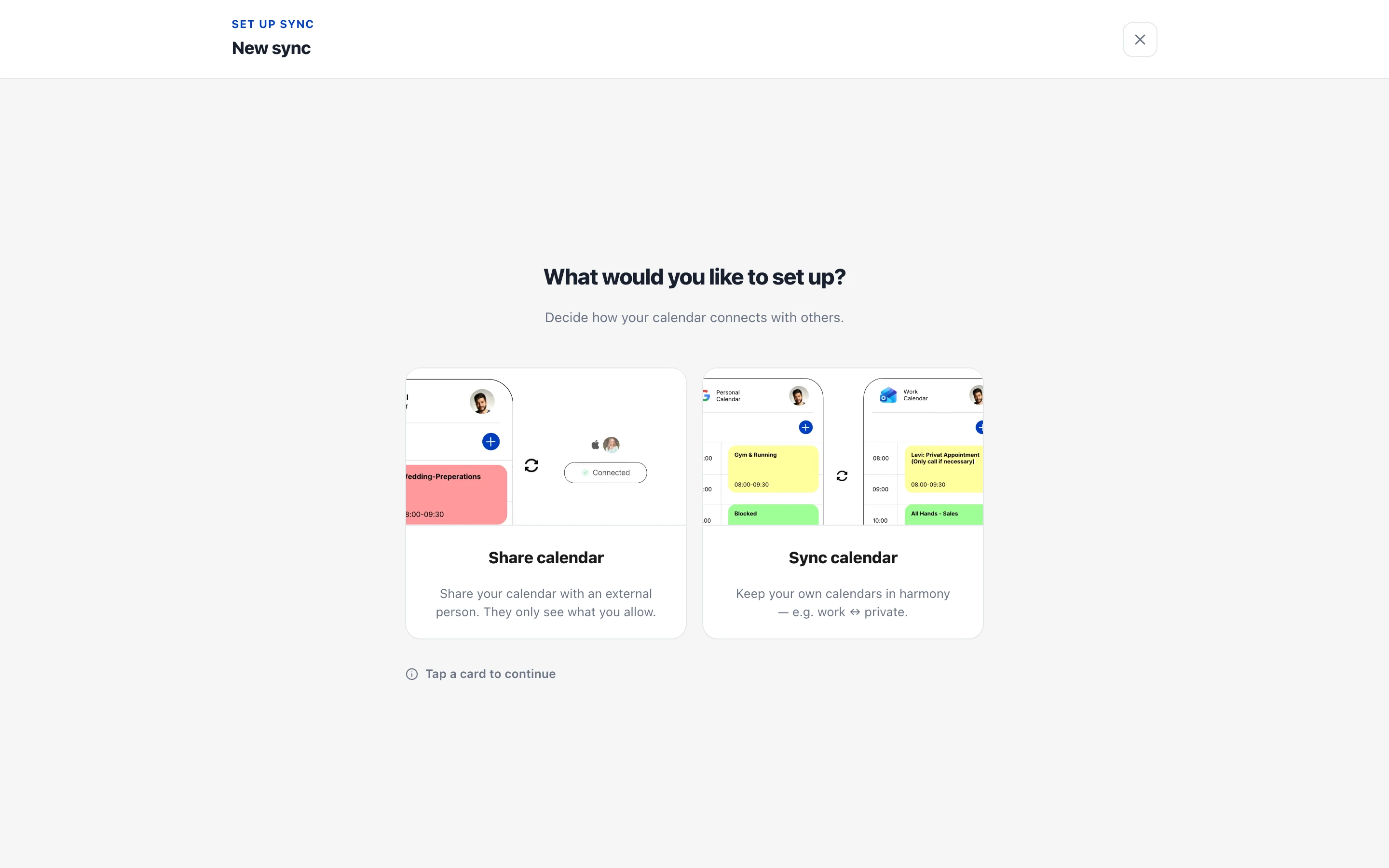
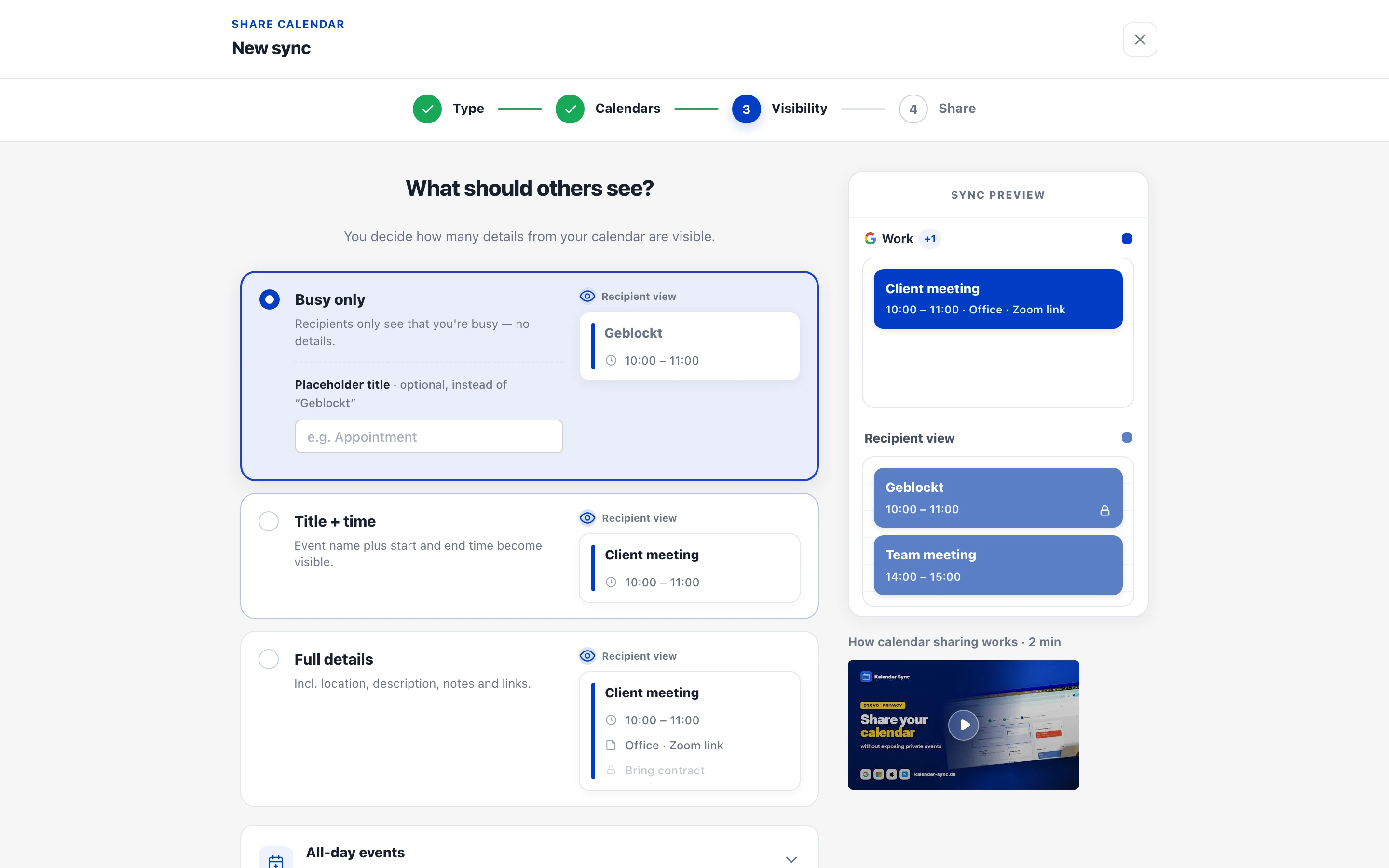
Calendar sync and sharing setup in the Kalender Sync app. Sharing with other people is configured in the app.
Kalender Sync 的远程 MCP 服务器是一个托管的 Model Context Protocol 端点,地址是 https://app.kalender-sync.de/mcp,AI 助手无需在本地安装或运行任何东西即可连接。
把端点 https://app.kalender-sync.de/mcp 添加到任意支持 MCP 的客户端,比如 Claude Code、Cursor 或 VS Code。本页的接入代码块可以一步配置好每个客户端。
需要。Kalender Sync 需要一个 API key——具体获取方式请查看官方文档,拿到后填进客户端配置里即可。
Kalender Sync 暴露的是 Streamable HTTP 端点,这是远程 MCP 服务器普遍使用、主流客户端都支持的传输方式。

Check one exact Gold Coast or Brisbane City property address. Free address/coverage check and short summary; paid structured Agent JSON adds available building, street and surrounding context, with Brisbane routed journe

AOI is a commercial environmental-intelligence gateway that gives AI agents programmatic access to 38 real-world intelligence capabilities — climate risk, satellite monitoring, methane detection, water & soil, vegetation
Convert web pages to clean Markdown and retrieval-ready chunks with browser rendering support.

Search and read public data from X/Twitter, Reddit, YouTube, Instagram, TikTok, Facebook, Threads, Bluesky, Trustpilot, Amazon, Google Maps, news, forums and the web. 90+ read-only tools plus ready-made research playbook

AIsa is one key for 950+ data APIs across SEO and AI visibility, finance, social, web search, sales and agent mail — the go-to-market data stack behind prospecting, competitor research and brand monitoring. Five tools ra
评论