
Where is the source code for iter0?
The server is hosted by iter0, and its code is not published. The GitHub repository holds the connection guide and an agent skill.

@inchwormz
基本信息
Build, edit and publish websites and apps with iter0 from Claude Code, Codex or other Agents via MCP

使用下面的配置,将此服务器添加到你的 MCP 客户端。
{
  "mcpServers": {
    "iter0": {
      "url": "https://iter0.com/api/mcp"
    }
  }
}工具列表暂未提供
当前收录暂时没有可展示的工具列表,不代表服务没有工具。请查阅项目文档了解支持的能力。
点击上方按钮,直接连接服务器端点实时获取工具列表。
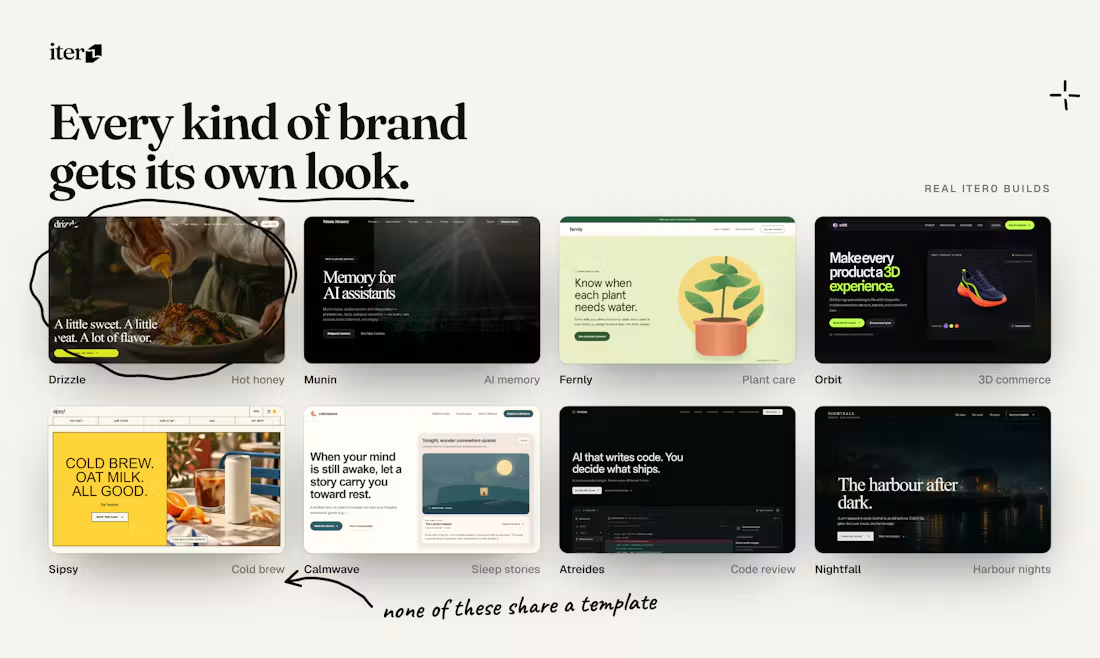
iter0 is an AI website builder. Its MCP server lets Claude Code, Cursor, Codex and other MCP clients build, edit, check and publish websites for you.
There is nothing to install. Add the remote server https://iter0.com/api/mcp to your MCP client (Streamable HTTP), then sign in with your iter0 account when the client asks. Setup steps for each client are at https://iter0.com/mcp.
The server is hosted by iter0, and its code is not published. The GitHub repository holds the connection guide and an agent skill.
Two tools work without signing in. Building, editing and publishing need a free iter0 account, through OAuth sign-in.

Hosted Google Search / SERP MCP server from HasData, no Google Cloud project. Organic results, AI Overview, People Also Ask, AI Mode, news and shopping for Claude, Cursor and any MCP client.

Catch intent conflicts before code conflicts. The open-source coordination protocol for coding agents, built above Git.


Agent-Native Terminal

Serve your docs to AI agents over SSH and MCP. Agents use ls, cat, grep, find, and pipes against a virtual filesystem backed by your documentation. Identity-scoped access, governed writing with human approval, and portab
评论