

GripForge MCP Server已验证已精选
@gripforgeai
基本信息

关于 GripForge MCP Server
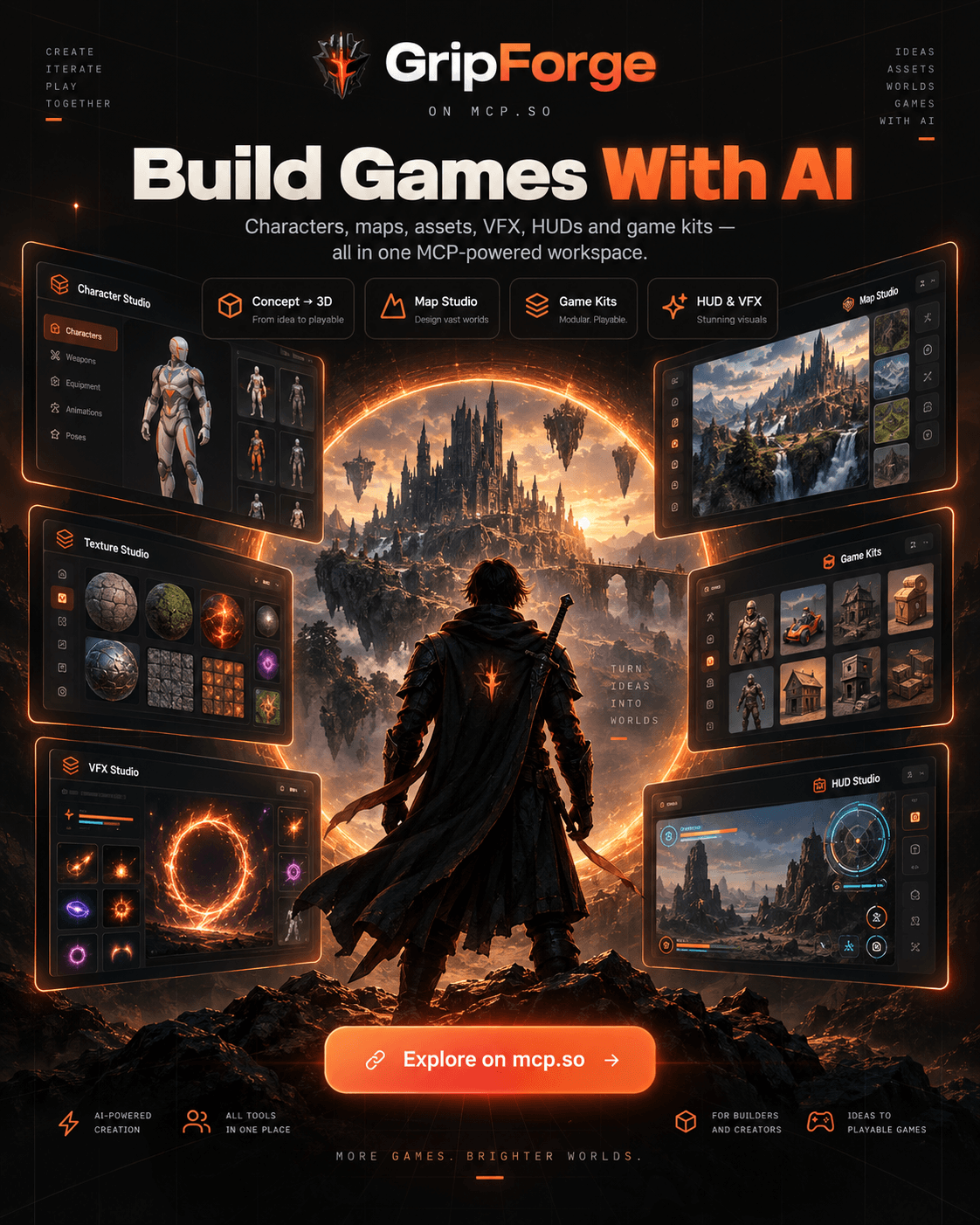
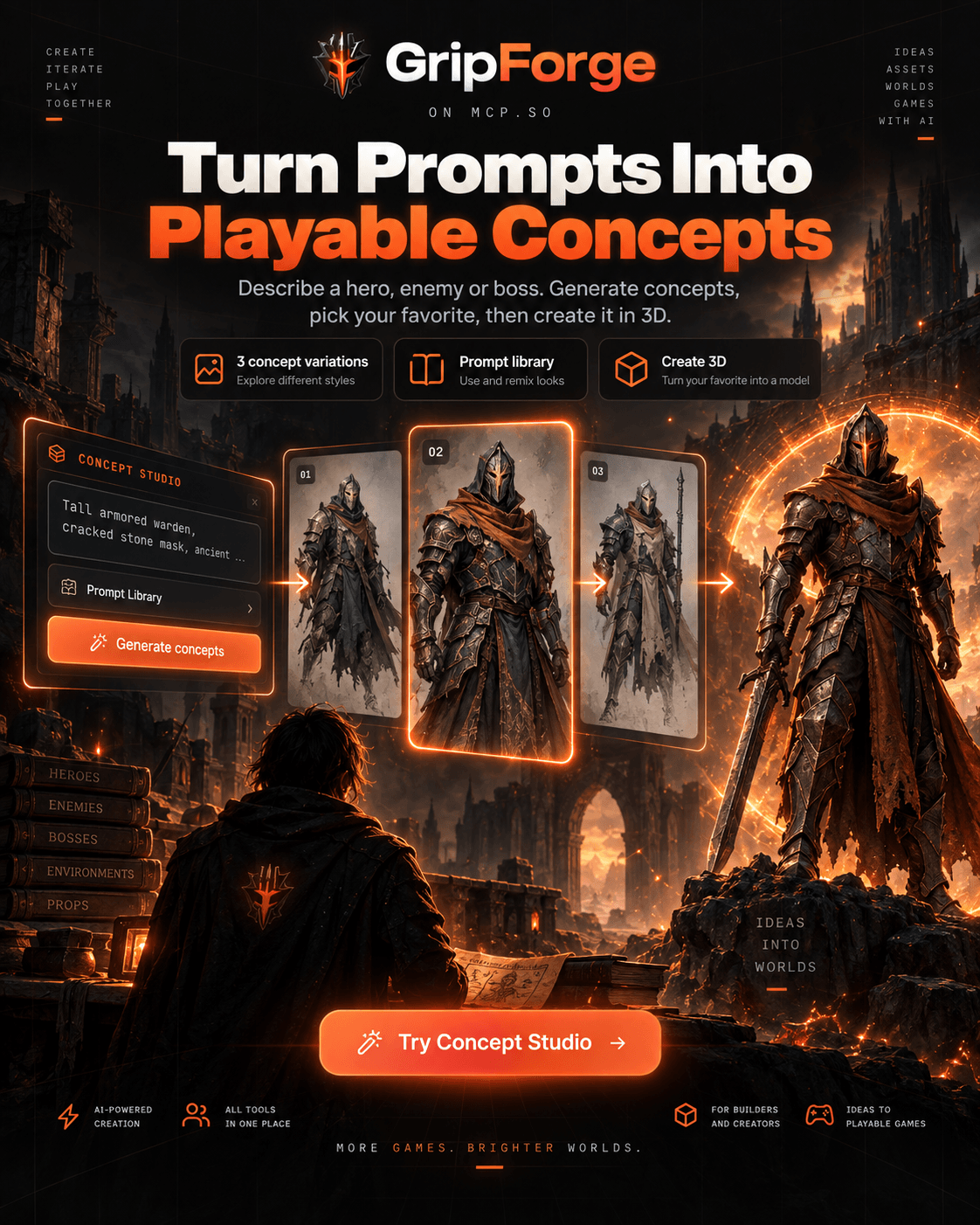
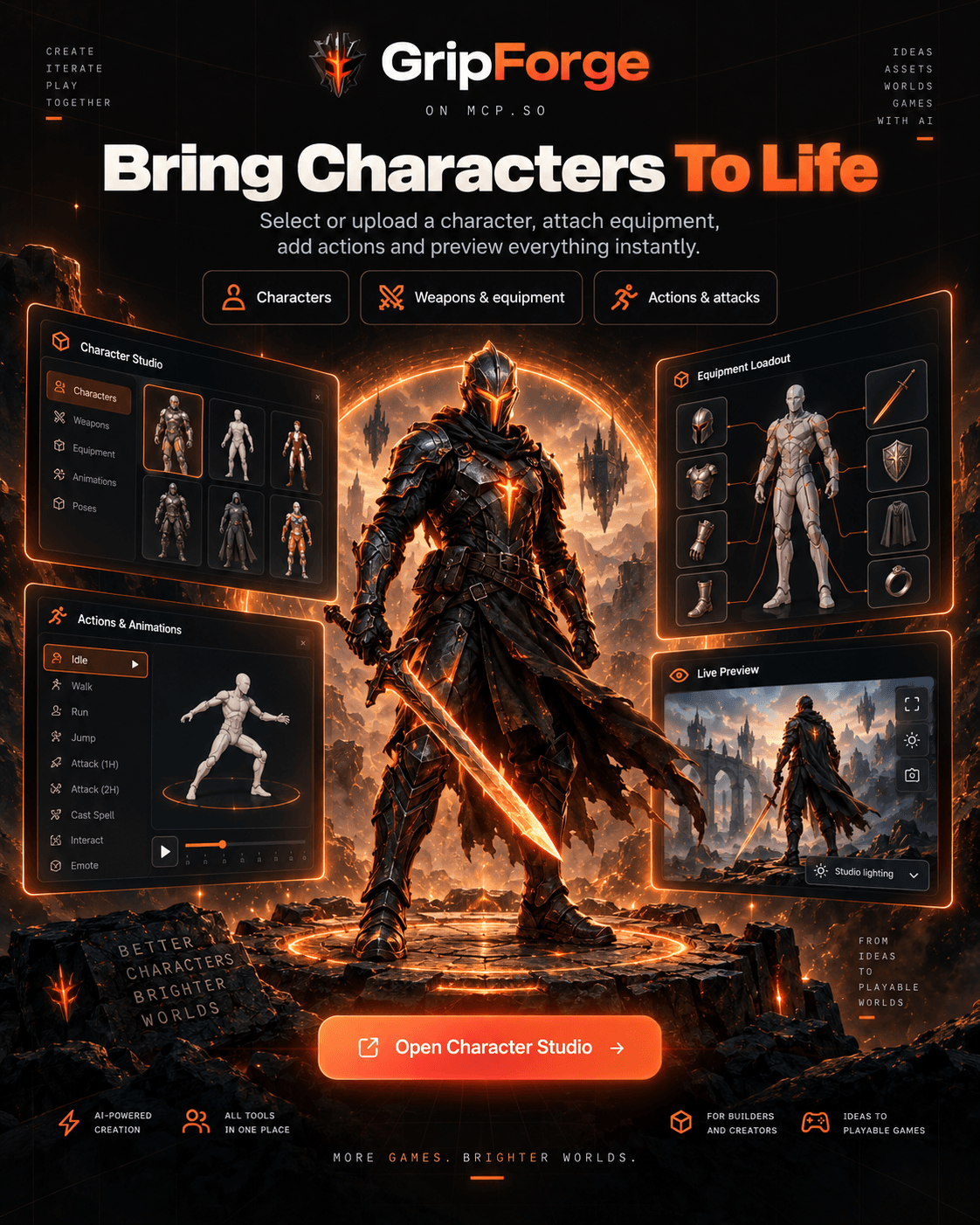
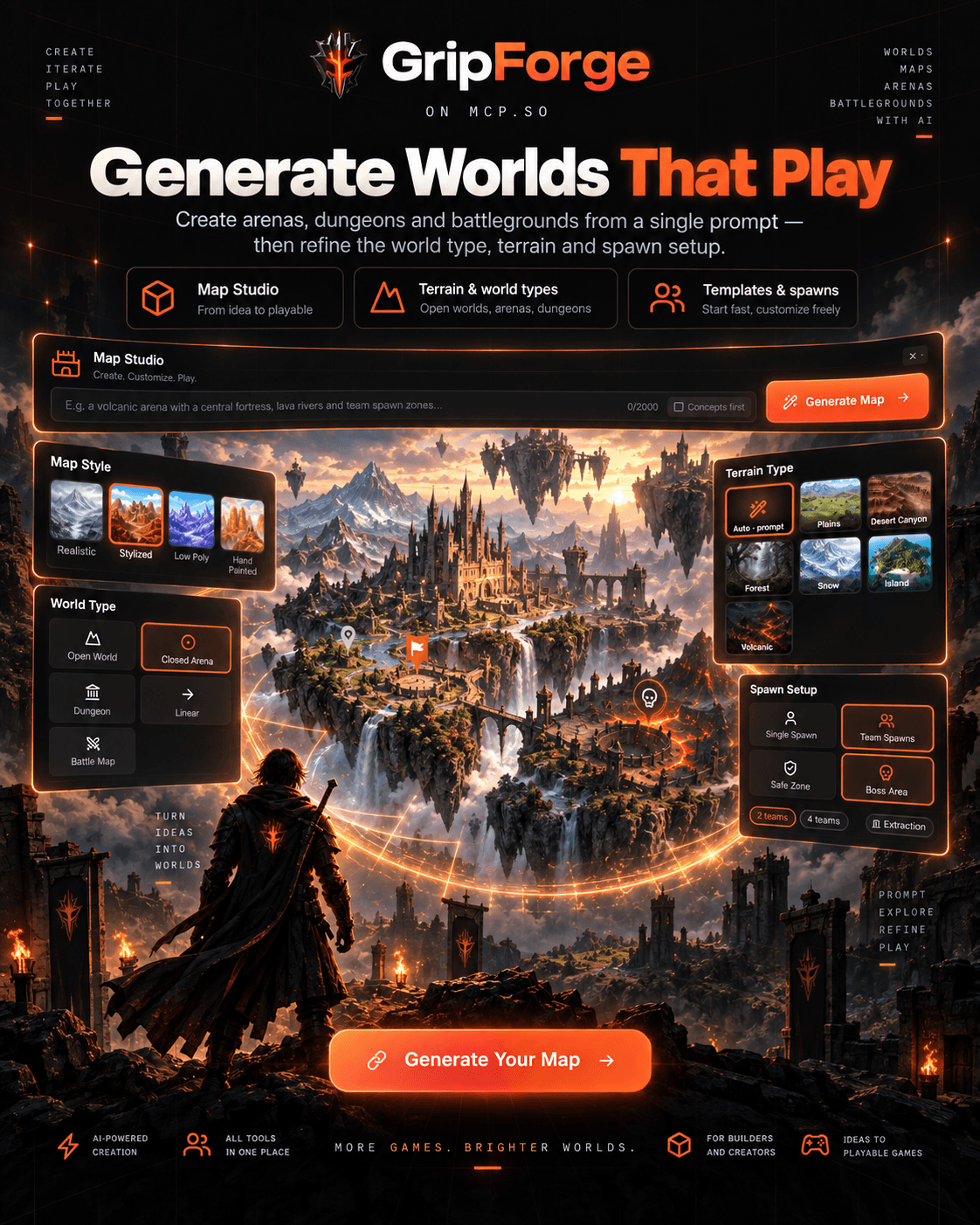
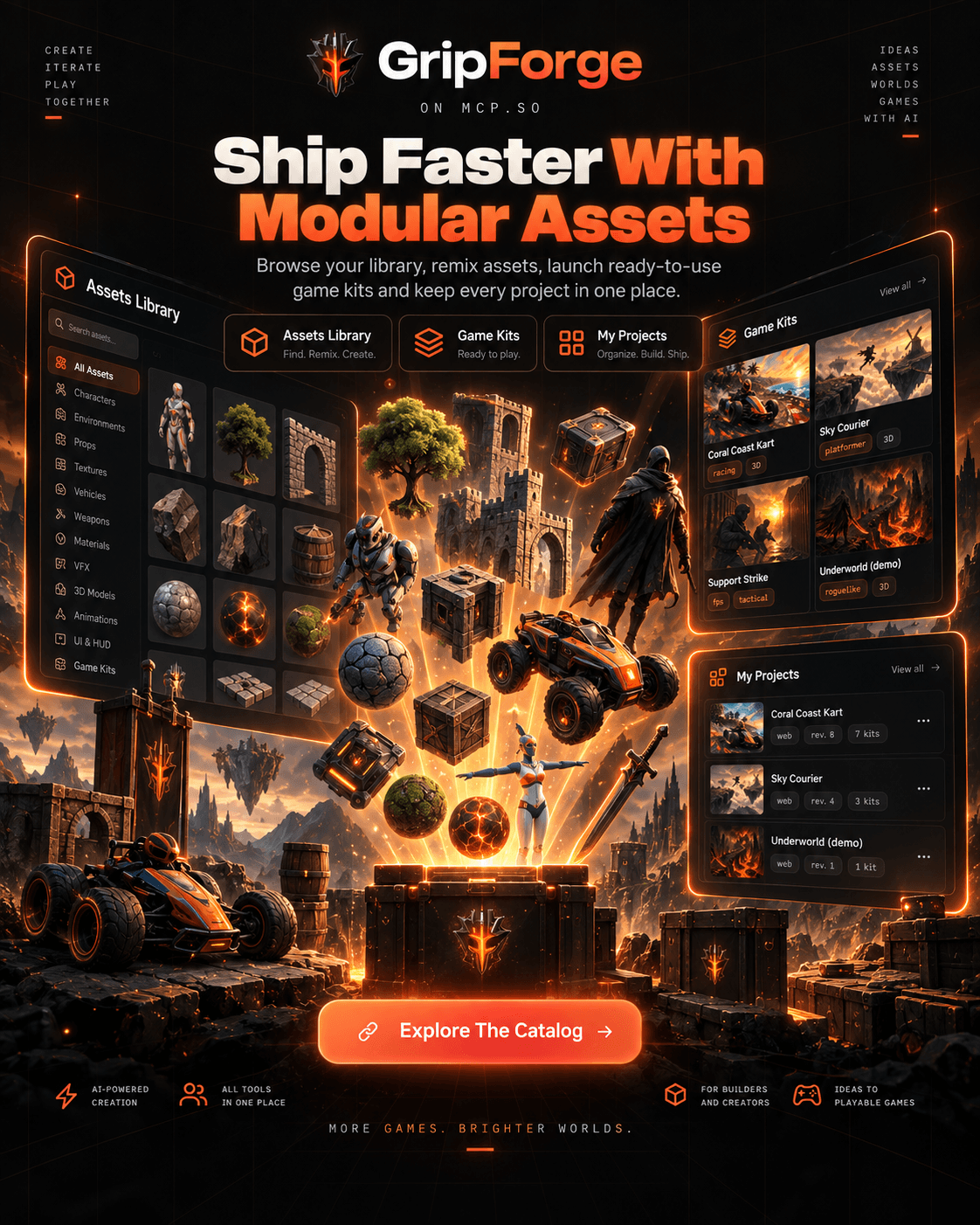
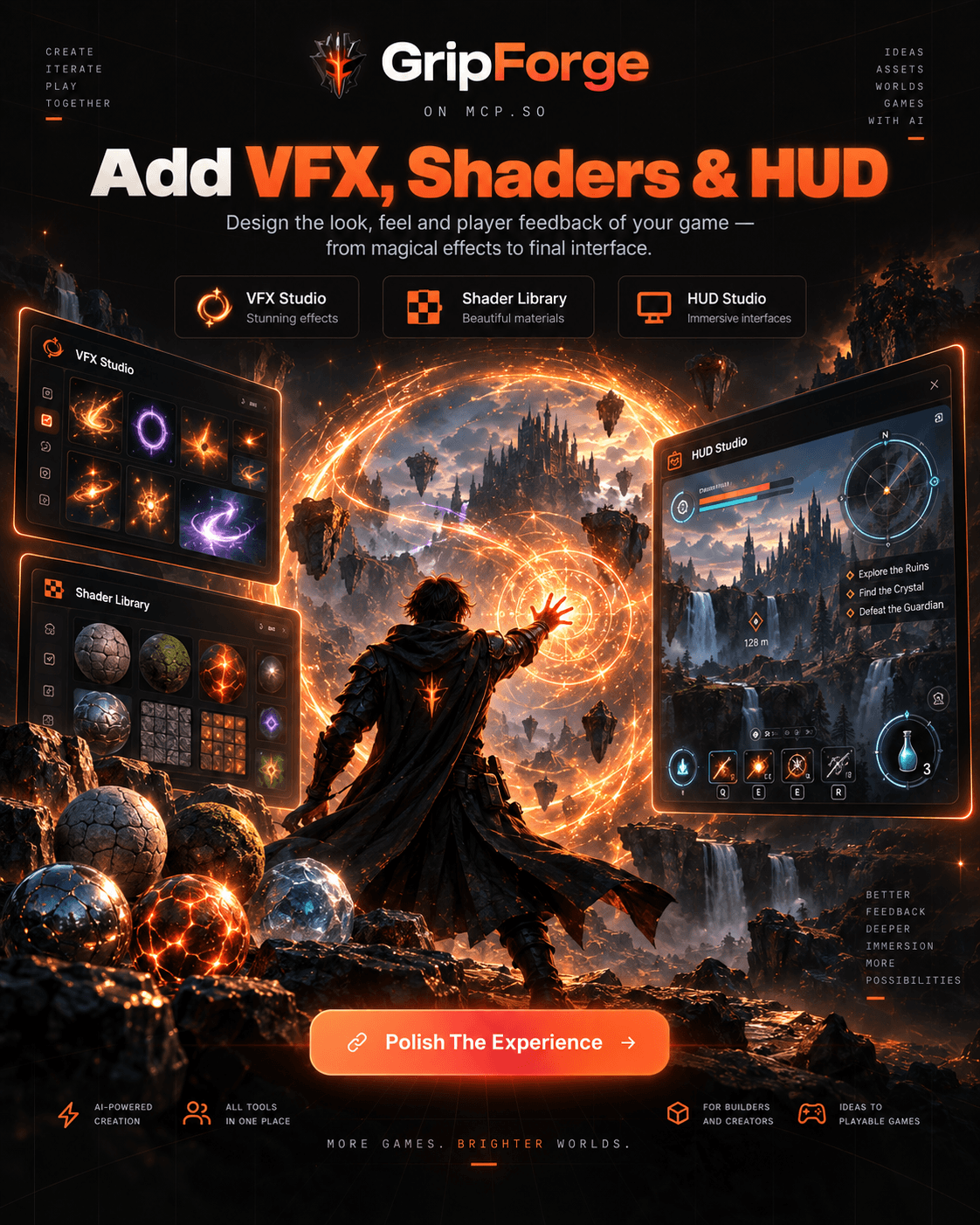
你的 AI 制作游戏所需的工具。把提示词变成可用于生产的游戏资源——带武器的动画角色、无缝贴图、地形、VFX、HUD——以及 Unity、Godot、U
GripForge MCP Server 配置
使用下面的配置,将此服务器添加到你的 MCP 客户端。
{
  "mcpServers": {
    "gripforge": {
      "command": "npx",
      "args": [
        "-y",
        "@gripforgeai/mcp"
      ],
      "env": {
        "GRIPFORGE_API_KEY": "gf_..."
      }
    }
  }
}
GripForge MCP Server 工具
工具列表暂未提供
当前收录暂时没有可展示的工具列表,不代表服务没有工具。请查阅项目文档了解支持的能力。
点击上方按钮,在临时沙箱中运行此服务器并实时获取工具列表。
概览
What is GripForge MCP?
The tools your AI needs to make your games. Turn prompts into production-ready game assets — animated characters with their weapons attached, seamless textures, terrain, VFX, HUDs — and playable game kits Unity, Godot, Unreal or Three.js can load.
How to use
Hosted — nothing to install. Point any remote-capable MCP client at https://gripforge.ai/mcp
with your API key (create one at https://gripforge.ai/account):
{
  "mcpServers": {
    "gripforge": {
      "url": "https://gripforge.ai/mcp",
      "headers": { "x-api-key": "gf_..." }
    }
  }
}
Claude Code, in one line:
claude mcp add --transport http gripforge https://gripforge.ai/mcp --header "x-api-key: gf_..."
Local, via npm — when the agent must write files into your repository:
{
  "mcpServers": {
    "gripforge": {
      "command": "npx",
      "args": ["-y", "@gripforgeai/mcp"],
      "env": { "GRIPFORGE_API_KEY": "gf_..." }
    }
  }
}
Key features
- Characters that move. Describe one, get a rigged T-pose with an animation set — idle, run, attack — re
- Weapons in hand. GripForge finds the hand bone on any rig, scales the prop, closes the fist around thed plus Three.js, Unity and Godot snippets.
- Seamless textures. Tileable material sets from a prompt or from your own image, upscaled without inven
- Terrain and maps. Playable room graphs, top-down shooter layouts with spawns and lanes, greybox recons
- VFX and HUD. Animated effects and interface kits exported for your engine.
- Playable game kits. Assemble modular capabilities — movement, combat, enemies, worlds — into a game that runs in the browser, then bind your own assets to it.
- One Library. Everything generated lands in a locker your engine can pull from, and that your agent can search by look ("Devil May Cry like", "genshin").
Use cases
- "Attach this sword to my knight, right hand, then export the armed GLB." — the agent handles the bone, t get a file that loads.
- "Make me a boss for an ashen underworld, with three phases and an arena." — stats, attacks and engine snippets come back together.
- "Give this floor a mossy cobblestone texture that tiles." — a seamless set, saved to the Library.
- "Build a playable roguelike slice I can try in the browser." — a game kit project with its assets bound, playable from a link.
FAQ
Do I need to install anything? No. The hosted endpoint works from any MCP client that speaks streamable HTTP. The npm package exists for one reason: letting the agent write files directly into your repository.
Which engines are supported? Unity, Godot, Unreal and Three.js — assets come with the binds and snippets each one expects.
How is it billed? Credits, per generation. Reading the Library, animating an existing character, level and map kits cost nothing; generating a character or a weapon costs 10.
Where do my assets live? In your workspace Library. You can pull them into your repository, push your ow community catalog.
Can I use my own concept art? Yes — pass an image and GripForge builds the T-pose sheet from it rather t
开发工具 分类下的更多 MCP 服务器

Capgo MCP
Cap-goConsole, Backend and CLI to manage Capgo Instant update and Native build for Capacitor apps Build and upload to app store your mobile app

how.is — domain & website intelligence
how.isRemote MCP server for domain and website checks: DNS, WHOIS/RDAP, domain age, TLS, DNSSEC, email auth (SPF/DKIM/DMARC), blocklists, a trust verdict ("should my agent click, sign in to, or pay this site?"), availability +

Meticulous
Meticulous
Pugi
Pugi Inc.Pugi is an AI product team that builds, checks and publishes websites and apps. Its MCP server gives agents a passive website security check graded A+ to F (headers, TLS, cookies, exposed keys in scripts), free with a no

MilliGate (x402 Crypto Paywall)
MilliGate CoreMilliGate is a developer-first remote MCP server that functions as a secure crypto paywall. By leveraging the HTTP 402 (Payment Required) protocol, it allows developers to monetize AI agents, APIs, and digital infrastruc
评论