

Do I need to install anything?
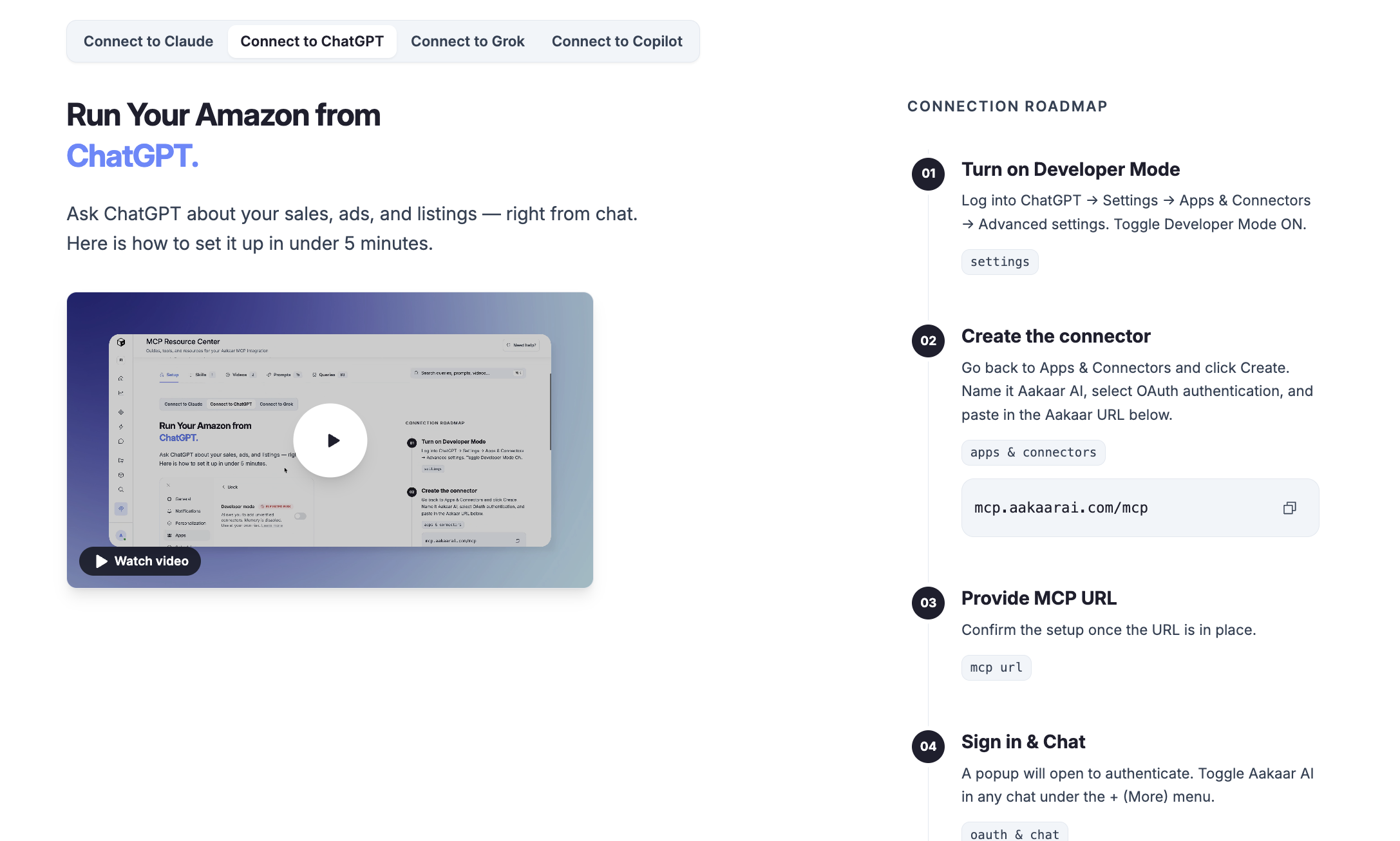
No. The server is hosted by Aakaar AI. Add the server URL to your AI assistant and sign in.

@Aakaar AI
基本信息
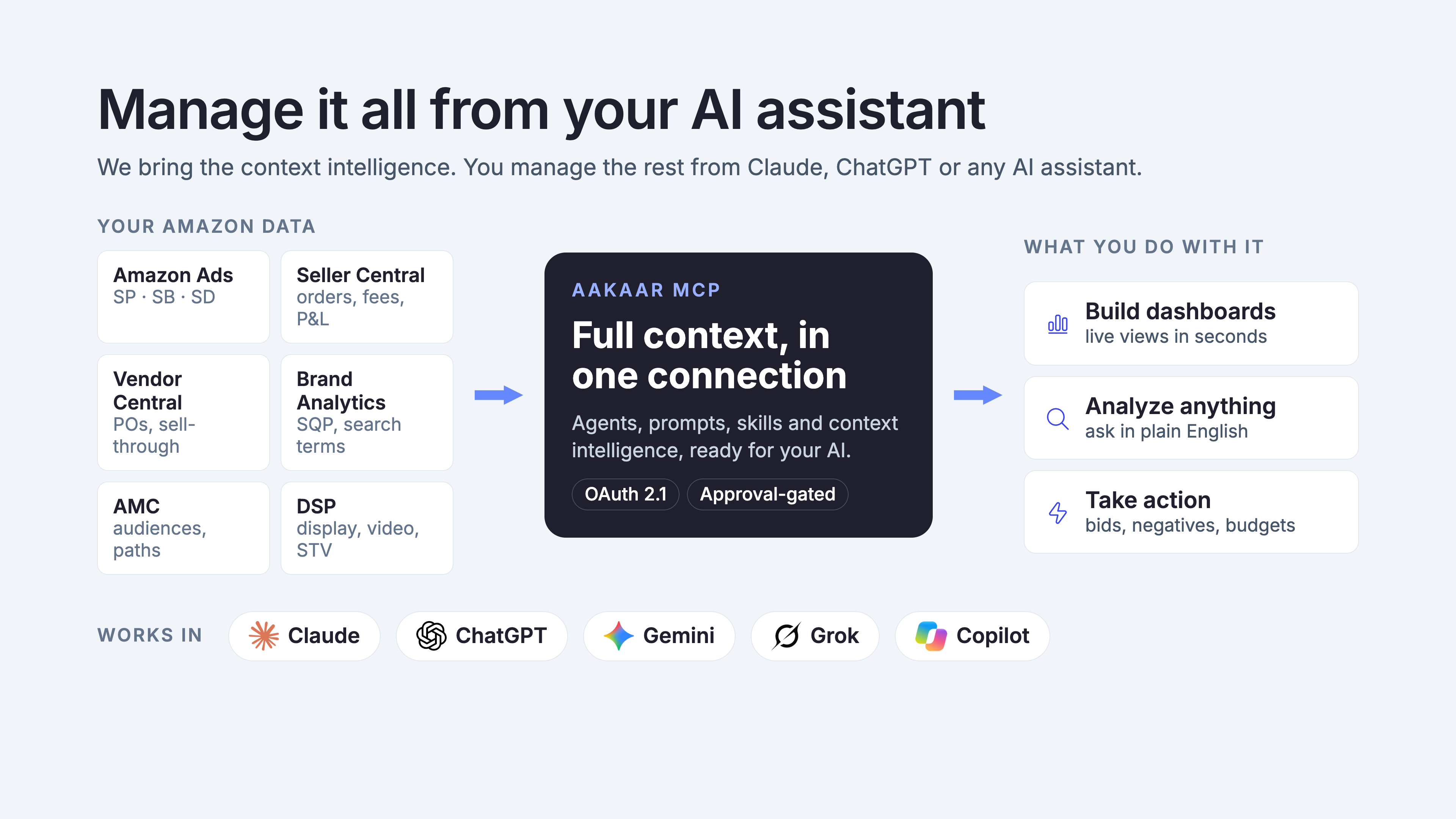
Aakaar AI is an Amazon MCP server that connects any AI assistant, including Claude, ChatGPT and other MCP-compatible tools, to your Amazon Ads, Seller Central, Vendor Central, Amazon Marketing Cloud (AMC) and Amazon DSP
使用下面的配置,将此服务器添加到你的 MCP 客户端。
{
  "mcpServers": {
    "aakaar-ai": {
      "url": "https://mcp.aakaarai.com/mcp"
    }
  }
}工具列表暂未提供
当前收录暂时没有可展示的工具列表,不代表服务没有工具。请查阅项目文档了解支持的能力。
此服务需要认证,获取工具列表可能需要登录或使用服务提供方的凭据。
点击上方按钮,直接连接服务器端点实时获取工具列表。
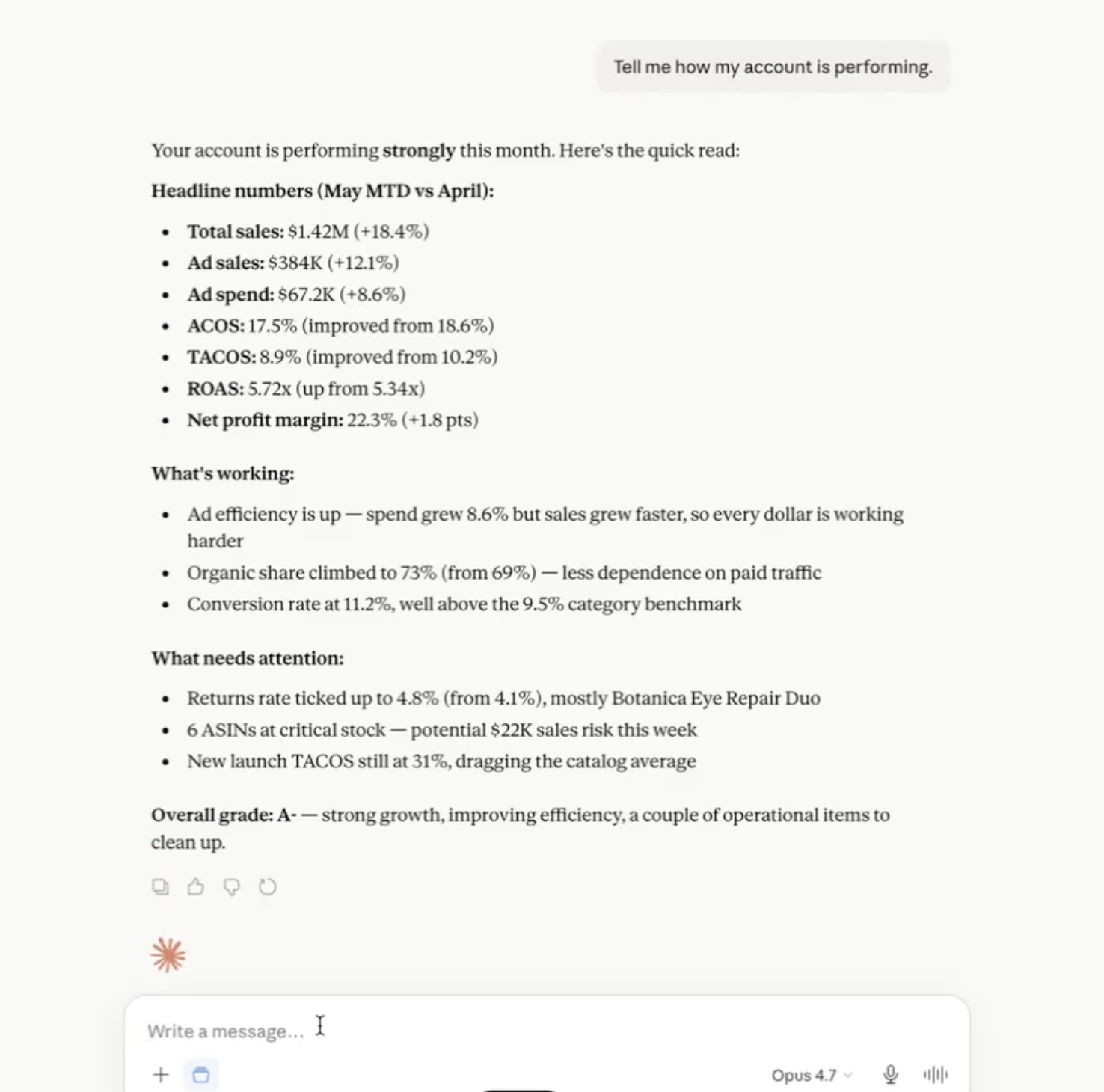
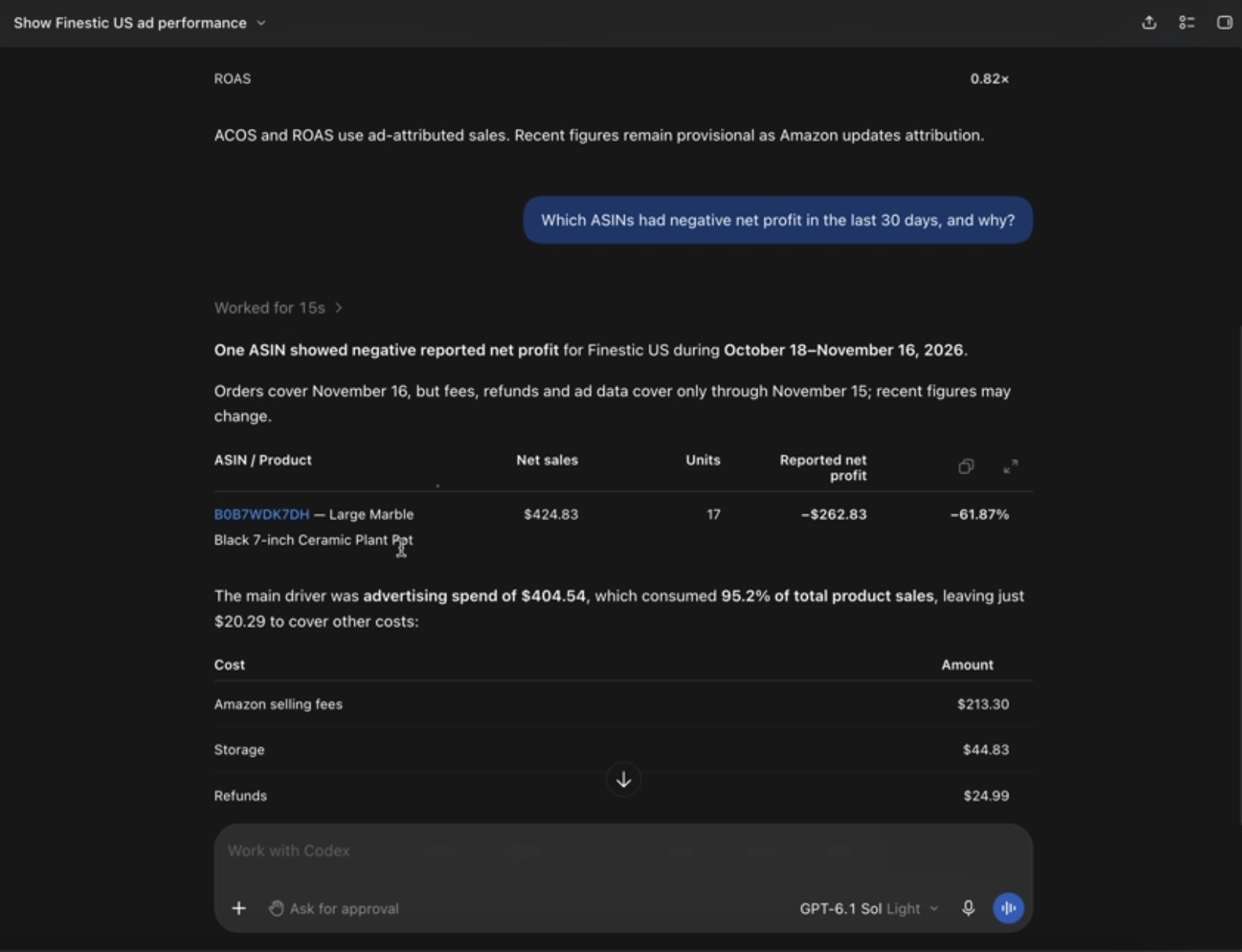
Aakaar MCP connects Claude, ChatGPT, Grok, Microsoft 365 Copilot and other AI assistants to your Amazon seller and Amazon Ads data. Ask questions in plain language and go from insight to action in one conversation. It's a hosted remote MCP server, so there's nothing to install.
Server URL: https://mcp.aakaarai.com/mcp
Sign-in uses OAuth, so no API keys are needed. You need an Aakaar AI account with your Amazon accounts connected.
Any client that supports remote MCP over HTTP with OAuth can use the same server URL.
No. The server is hosted by Aakaar AI. Add the server URL to your AI assistant and sign in.
Reading data runs directly. Changes to campaigns, bids, budgets and listings wait for your approval.
This repository holds the public documentation: https://github.com/Aakaar-ai/aakaar-mcp

Describe an automation in plain English and get a working flow with human approval steps, built in your FlowRunner workspace. Free plan, no credit card.

scvd.store is an evidence observatory for agentic commerce. Independent signed observation of what other people's endpoints, artifacts and payments actually did among other things. USDC on Base, Arbitrum One, World Chain

Krafters is a French club of specialized AIs for freelancers and small businesses. Its connector opens the member's AI kits for Facebook and Instagram ads, SEO/GEO and short videos directly in Claude, and gives the next

Launch Meta ads with your AI agent. Bulk-create Facebook and Instagram ads, import Google Drive creatives, launch partnership ads with authorized creators, and review saved builds before launch.
Presentation Intelligence is an AI-native presentation creation and design platform. Through this remote MCP server, AI assistants can automatically generate, structure, and refine professional slides via natural languag
评论