

Watchcron MCP ServerVerifiedFeatured
@watchcron
Basic information
About Watchcron MCP Server
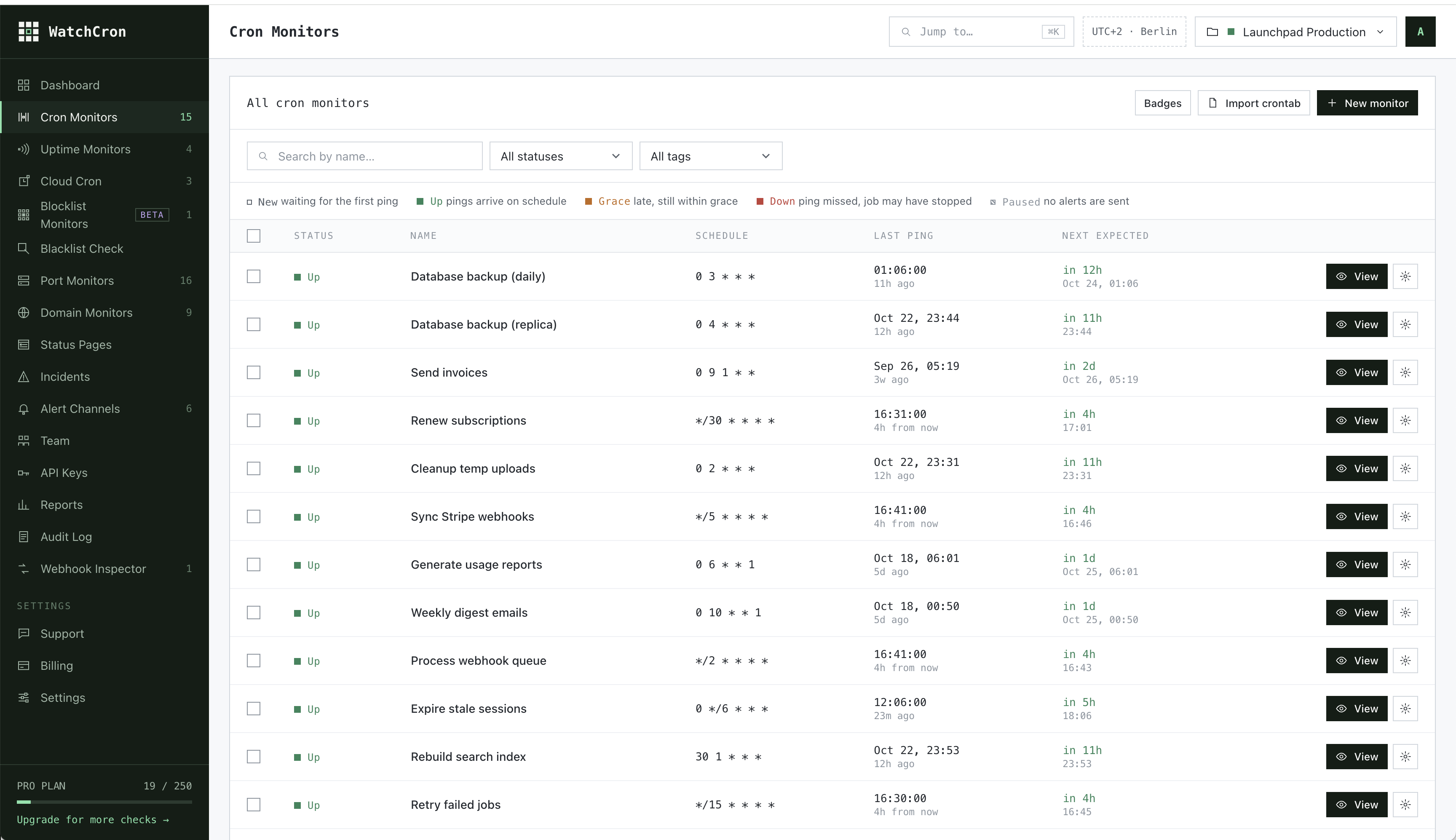
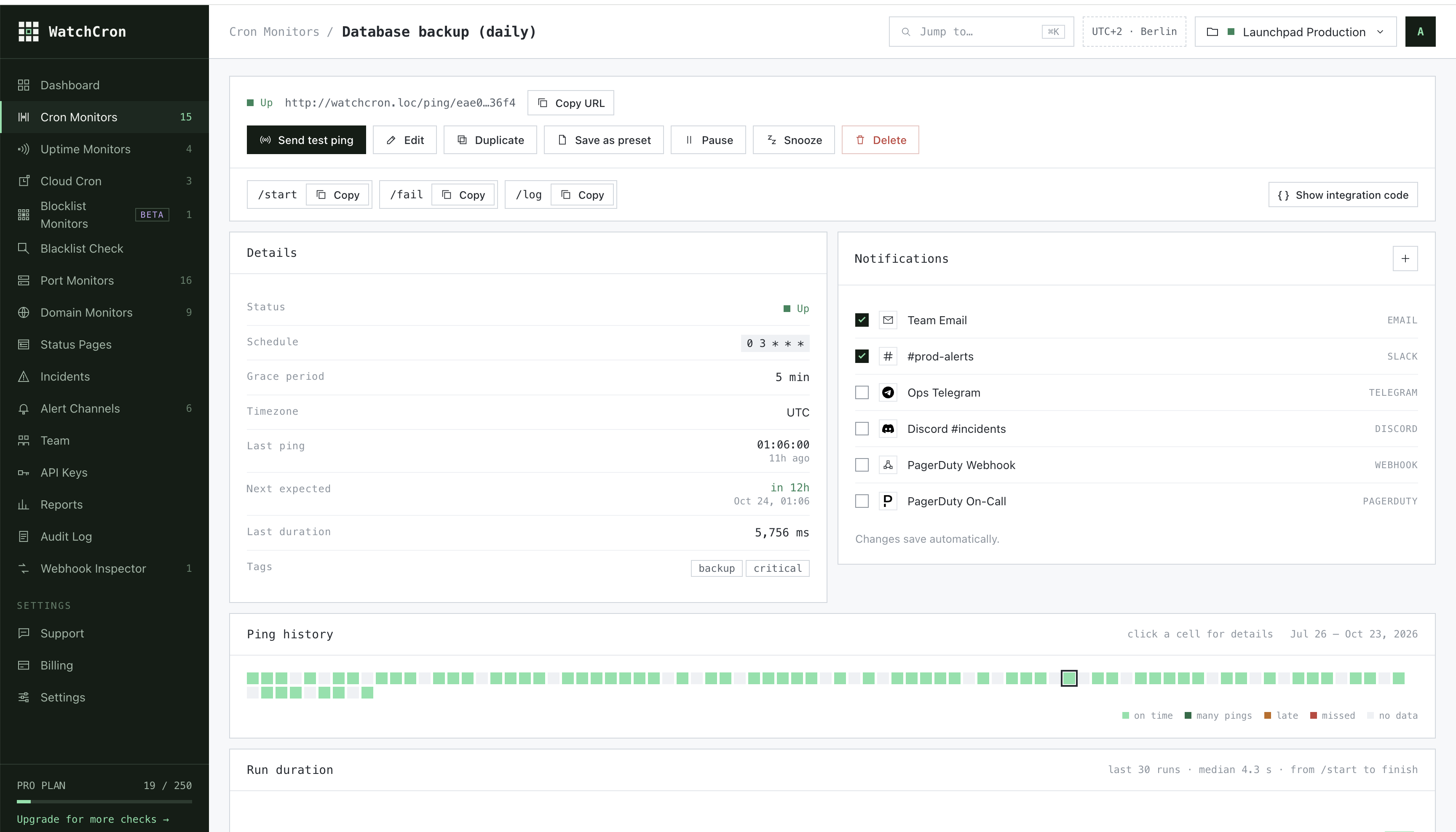
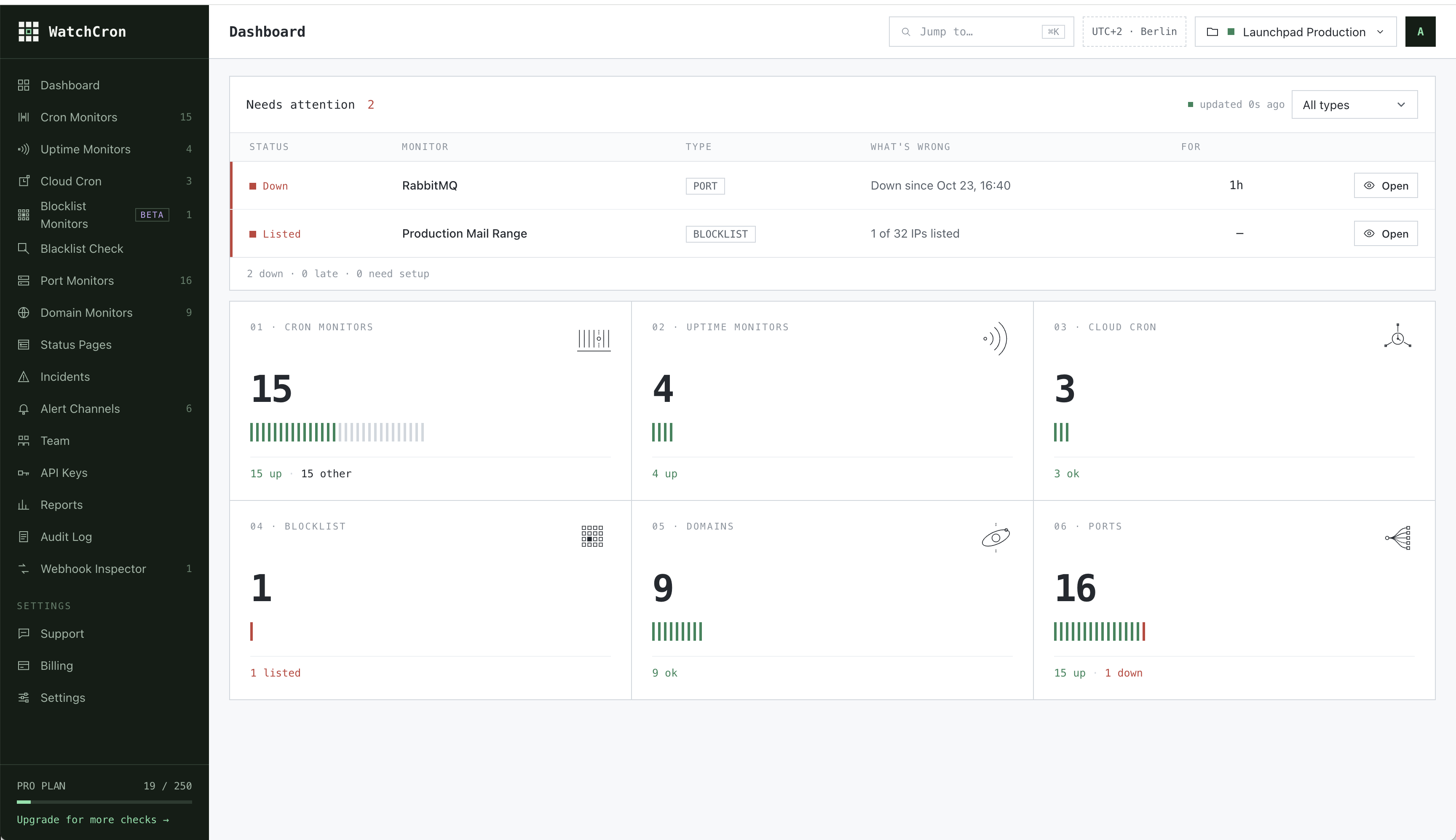
Monitor cron jobs and scheduled tasks from AI agents. Create monitors, get ping URLs for your crontab, check status, view ping history and incidents, pause/resume monitors, and list notification channels. Supports simple
Watchcron MCP Server config
Add this server to your MCP-compatible client using the configuration below.
{
  "mcpServers": {
    "watchcron-mcp": {
      "command": "npx",
      "args": [
        "-y",
        "watchcron-mcp",
        "\\"
      ]
    }
  }
}
Watchcron MCP Server tools
Tool list not available yet
This listing does not currently have a tool list to display. This does not mean the server has no tools; check its documentation for supported capabilities.
Fetch the live tool list by running this server in a temporary sandbox using the button above.
Overview
What is WatchCron?
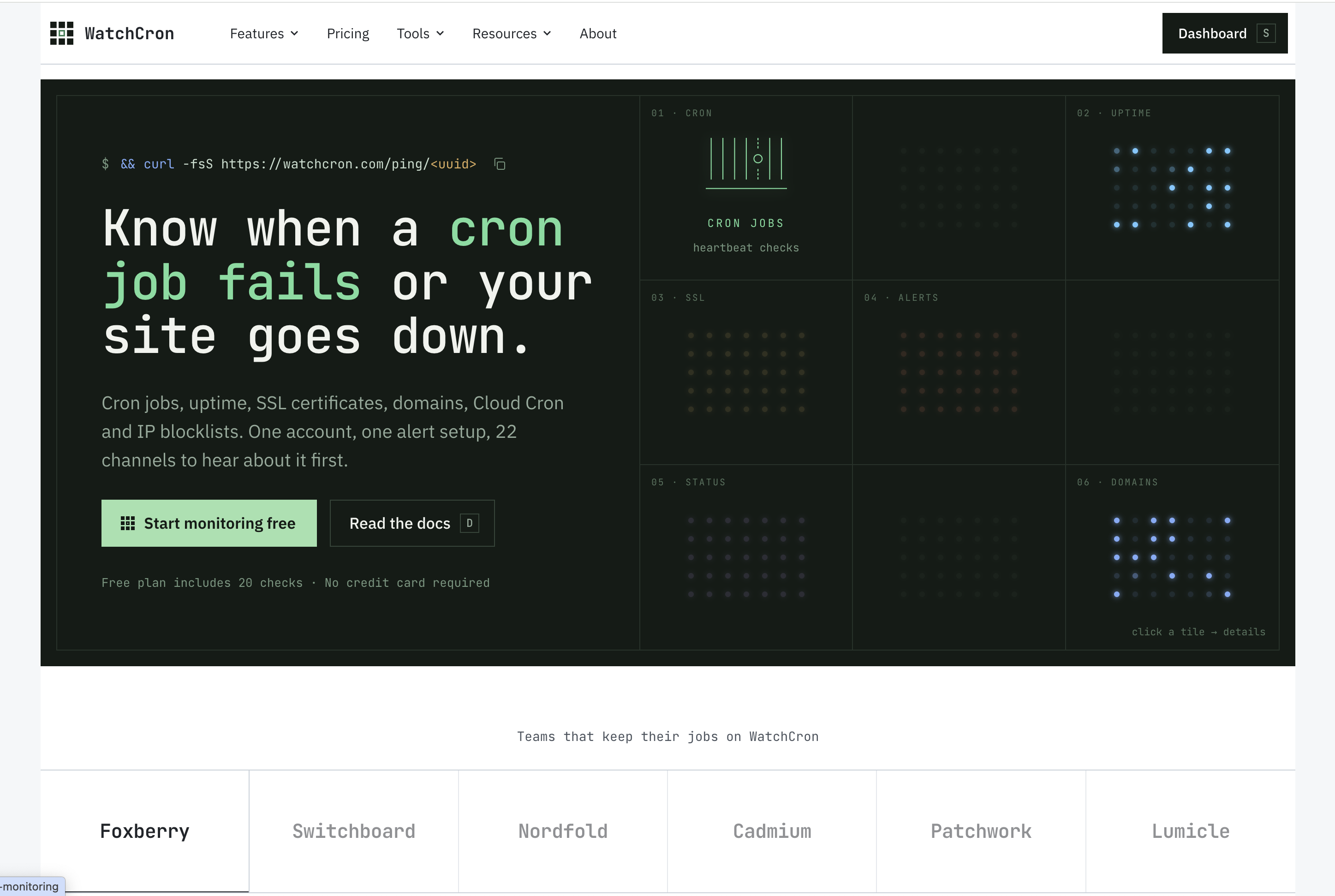
WatchCron is a cron job and heartbeat monitoring service for developers. This MCP server lets AI agents manage your cron monitors directly from Claude, Cursor, or any MCP-compatible client.
How to use WatchCron MCP Server
- Get your API key at watchcron.com
- Install: npx -y watchcron-mcp
- Set environment variable: WATCHCRON_API_KEY=your_api_key
- Ask your AI agent: "Create a monitor for my daily backup cron job"
See the README on GitHub for full configuration examples for Claude Desktop, Claude Code, Cursor, and Windsurf.
Available Tools
- list_monitors — List all cron job monitors with status, schedule, and ping URLs
- create_monitor — Create a new monitor with simple interval or cron expression, get the ping URL
- get_monitor — Get detailed status of a specific monitor
- get_pings — View recent ping history (timestamps, type, duration)
- get_incidents — View status change history (down/up transitions)
- pause_monitor — Pause or resume a monitor
- update_monitor — Change schedule, grace period, tags, or name
- delete_monitor — Remove a monitor permanently
- list_channels — List notification channels (email, Slack, webhook)
Example Prompts
- "Show me all my cron monitors and their status"
- "Create a monitor for a backup script that runs every 6 hours"
- "Set up monitoring for my nightly DB cleanup"
- "Has my payment processing job had any incidents this week?"
- "Pause the staging environment monitor"
Why use WatchCron with AI agents?
Your AI coding assistant can set up cron job monitoring as part of the deployment workflow. When it writes a cron job, it can immediately create a WatchCron monitor and add the ping URL to the crontab — no manual setup needed.
More MCP servers

Capgo MCP
Cap-goConsole, Backend and CLI to manage Capgo Instant update and Native build for Capacitor apps Build and upload to app store your mobile app

Gologin MCP Server
gologinappMCP server for managing Gologin browser profiles, proxies, fingerprints and cloud browser sessions through AI conversations

Local MCP (LMCP)
lanchuskeLocal tools that let your AI use Mail, Calendar, Contacts, Teams, Slack, WhatsApp, OneDrive, Google Drive, Notion, Outlook and Office files on Mac and Windows. Runs on your computer.

Medplum
medplumMedplum is a healthcare platform that helps you quickly develop high-quality compliant applications.

Full Self Browsing
Lakshman TurlapatiDOM-first AI browser automation for Chrome and MCP clients.
Comments