MCP.so
Sign In
P

Photo Mosaic & AI Collage Maker - Collager.ai MCP ServerVerifiedFeatured

@Collager.ai

Basic information

Transport

Streamable HTTP

Authentication

None

Category

Media & Design

Author

Collager.ai

Submitted by

Collager.ai

About Photo Mosaic & AI Collage Maker - Collager.ai MCP Server

Photo mosaic maker and AI photo collage maker: turn your own photos into a photo mosaic - one picture made of hundreds of your photos - or into a heart, number or word photo collage in seconds. No sign-in or API key needed.

#photo mosaic#photo collage#collage maker#ai collage maker#heart collage#photo mosaic maker#images#design

Connection details

https://collager.ai/mcp

Setup

claude mcp add photo-mosaic-ai-collage-maker-collager-ai --transport http https://collager.ai/mcp

Photo Mosaic & AI Collage Maker - Collager.ai MCP Server tools

6

Builds a photo collage in the shape of a heart, a number (age, anniversary, year), a word, a star, a flower and more from the user's photos, and returns a watermarked preview within seconds. Use when the user asks for a heart collage, a birthday/anniversary number collage, a 'photo collage in the shape of ...', or a collage from several photos. Pass the photos as public links in photo_urls, or as files the user attached (photos). 1 to 300 photos; if there are fewer photos than cells, photos repeat. The result id (clg_...) is a private handle valid for 30 days; photos and results are deleted after 30 days. The preview is watermarked; the full-resolution file is downloaded from the collager.ai page given in full_resolution_page. Building can take up to a minute - if status is still processing, call get_shape_collage with the id.

Returns the status and the watermarked preview of a collage made with make_shape_collage, by its id (clg_...). Use when make_shape_collage answered status "processing", or to show the collage again.

Shows the menu of Collager.ai photo collages with a real example: the shapes make_shape_collage can draw (hearts of 27-164 photos, numbers, words, I love you, circle, star, flower, grid, your own mask) and how many photos fill each without repeats. Call it first when the user only mentions Collager.ai, says hello to it, or asks what it can make.

Shows the plan of the photo collage the user picked (shape, how many photos it holds, background) with a real example, and how to attach the photos. Use it when the user has chosen a shape but has not attached the photos yet. After the user attaches the photos or shares links, call make_shape_collage with the same shape and background.

Shows the looks of a Collager.ai photo mosaic (one large picture made of hundreds or thousands of small photos) with example images: soft classic, clean subject, stronger mosaic, uniform or mixed tile sizes. Use before start_photo_mosaic when the user wants to choose a style.

Gives the link where the user builds a photo mosaic: one main photo recreated from many small photos (best with 100-2000 photos - family archive, wedding, team, school year). The user uploads the photos on collager.ai, picks the style, and the site builds a watermarked preview in minutes. Call it only after the user has decided to make a photo mosaic; to show the options first, use list_mosaic_styles.

Overview

What is Collager.ai?

Collager.ai is a photo mosaic maker and AI photo collage maker. It turns the user's own photos into a photo mosaic - one big picture (a portrait, a couple, a pet) recreated from hundreds or thousands of small photos - or into a photo collage in a shape: a heart, a birthday or anniversary number, a word, a star or a flower.

This remote MCP server lets any assistant (Claude, ChatGPT, Cursor, VS Code, Codex) make these collages right in the chat. No sign-in and no API key are needed to connect.

Examples
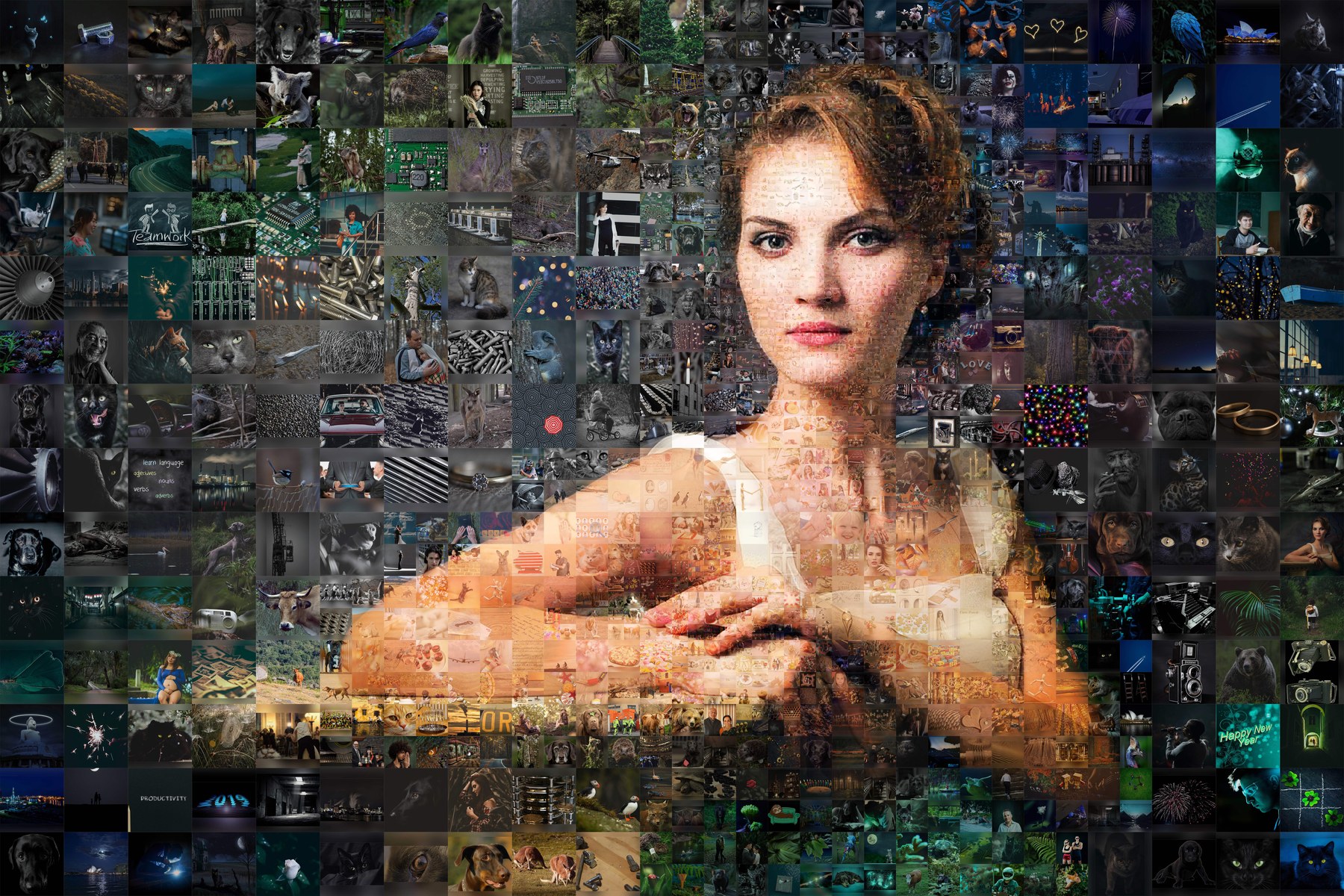
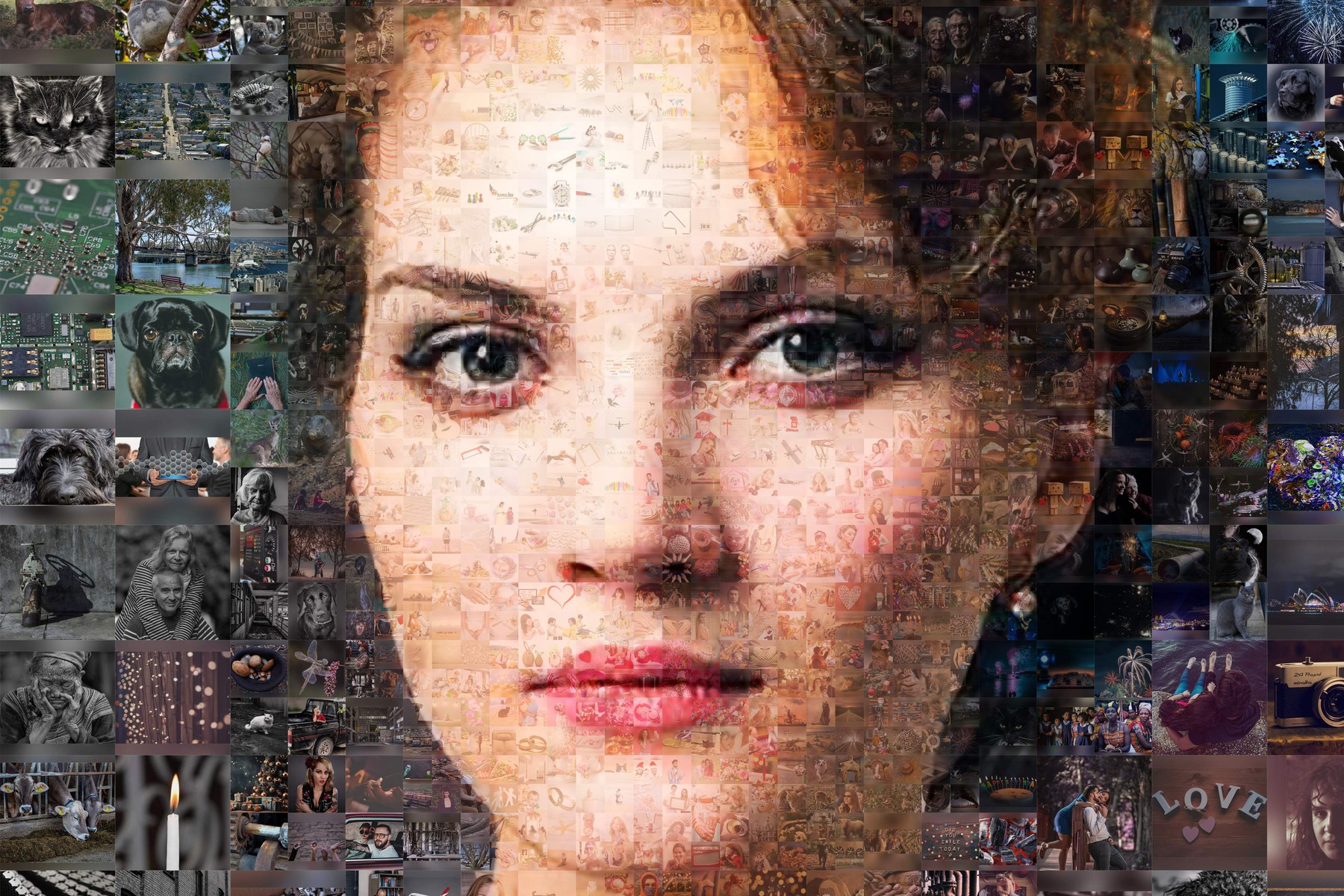
Photo mosaic maker example: a portrait recreated from thousands of small photos with Collager.ai

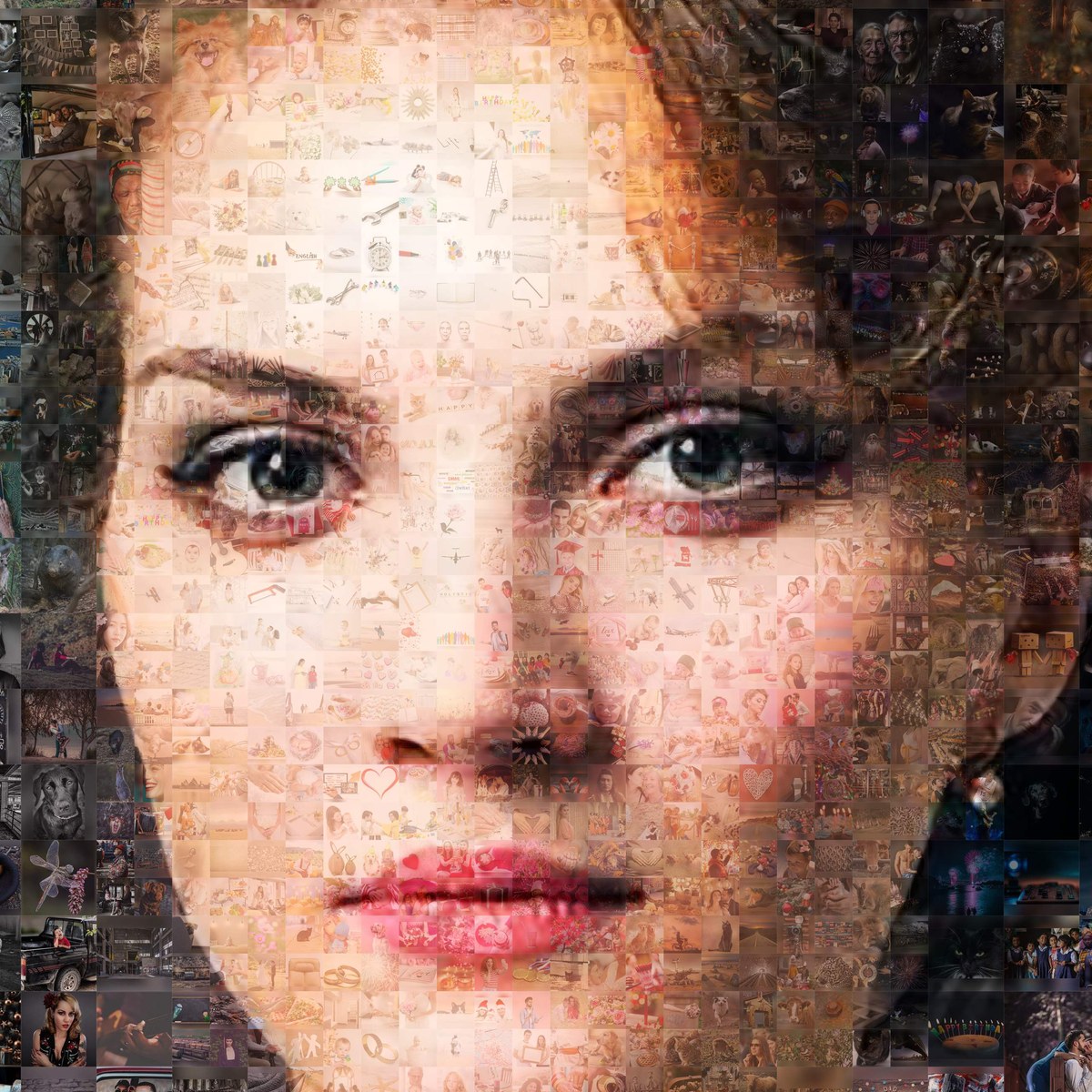
Zoom into the photo mosaic: the face is built from real small photos

Closer still: every tile of the photo mosaic is a recognisable photo

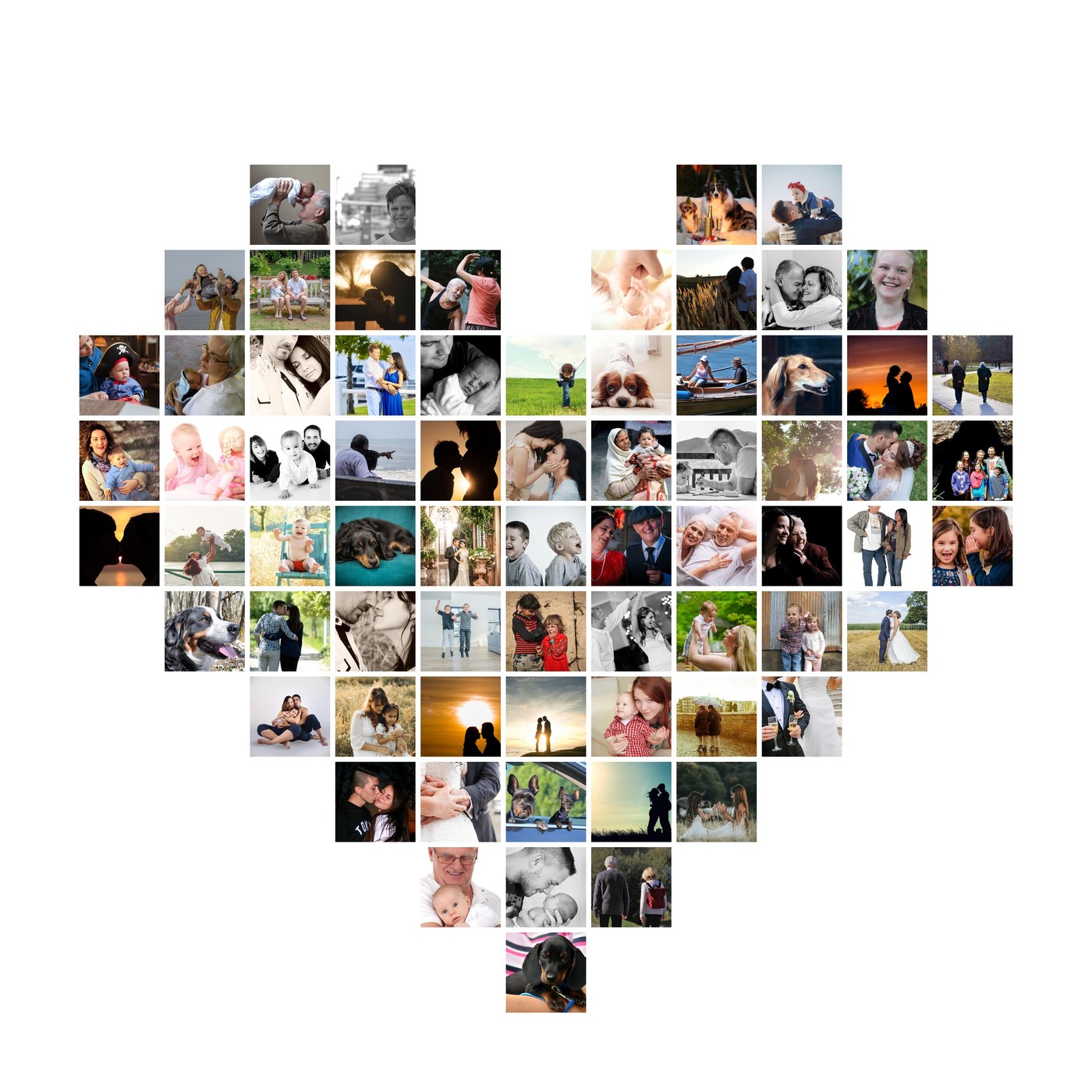
Heart photo collage made of 70 different photos with Collager.ai

Tools

ToolWhat it does
make_shape_collageBuilds a photo collage in a shape from photo links or attached photos and returns a watermarked preview in seconds
get_shape_collageStatus and preview of a collage by its id
list_collage_shapesHearts of 27-164 photos, numbers, words, "I love you", circle, star, flower, daisy, grid, your own mask - and how many photos fill each
list_mosaic_stylesThe looks of a photo mosaic with example images: soft classic, clean subject, stronger mosaic, uniform tiles
start_photo_mosaicThe link and steps to build a photo mosaic from 100-2000 photos on collager.ai

Example prompts

  • "Make a heart photo collage from these photos"
  • "Make the number 30 out of these photos for my mom's birthday"
  • "What shapes can you make?"
  • "I want a photo mosaic of my dog made of all his photos"

How the result is delivered

The preview is watermarked. The full-resolution file without the watermark is downloaded on collager.ai (one credit). Prices are never shown in the chat.

Privacy

Photos are used only to build the collage or mosaic - never published, sold or used to train AI models - and are deleted automatically within 30 days. Collager.ai arranges the user's own photos; it does not generate people or scenes with AI.

Links

Frequently asked questions

1

What is the Photo Mosaic & AI Collage Maker - Collager.ai remote MCP server?

The Photo Mosaic & AI Collage Maker - Collager.ai remote MCP server is a hosted Model Context Protocol endpoint at https://collager.ai/mcp, so AI assistants can connect to it without installing or running anything locally.

2

How do I connect to the Photo Mosaic & AI Collage Maker - Collager.ai MCP server?

Add the endpoint https://collager.ai/mcp to any MCP-compatible client such as Claude Code, Cursor, or VS Code. The setup snippets on this page configure each client in one step.

3

Does the Photo Mosaic & AI Collage Maker - Collager.ai MCP server require authentication?

No. Photo Mosaic & AI Collage Maker - Collager.ai's MCP server does not require authentication — you can connect directly with the endpoint URL.

4

Which transport does the Photo Mosaic & AI Collage Maker - Collager.ai MCP server use?

Photo Mosaic & AI Collage Maker - Collager.ai exposes a Streamable HTTP endpoint, the transport used by remote MCP servers and supported by all major MCP clients.

Comments