
What is the Nusii MCP Server remote MCP server?
The Nusii MCP Server remote MCP server is a hosted Model Context Protocol endpoint at https://app.nusii.com/mcp, so AI assistants can connect to it without installing or running anything locally.

@Nusii
Basic information
Nusii MCP server for drafting, pricing, and tracking business proposals. Connect Claude, ChatGPT, Gemini or Microsoft Copilot to your Nusii account. Assistants only create and edit drafts: you review and send every proposal from Nusii.
https://app.nusii.com/mcpclaude mcp add nusii-mcp-server --transport http https://app.nusii.com/mcpTool list not available yet
This listing does not currently have a tool list to display. This does not mean the server has no tools; check its documentation for supported capabilities.
This server requires authentication. Tool discovery may require signing in or credentials from the provider.
Fetch the live tool list directly from this server's endpoint using the button above.
Nusii is proposal software for agencies and freelancers. Its MCP server lets AI assistants such as Claude, ChatGPT, Gemini and Microsoft Copilot work with your Nusii account.
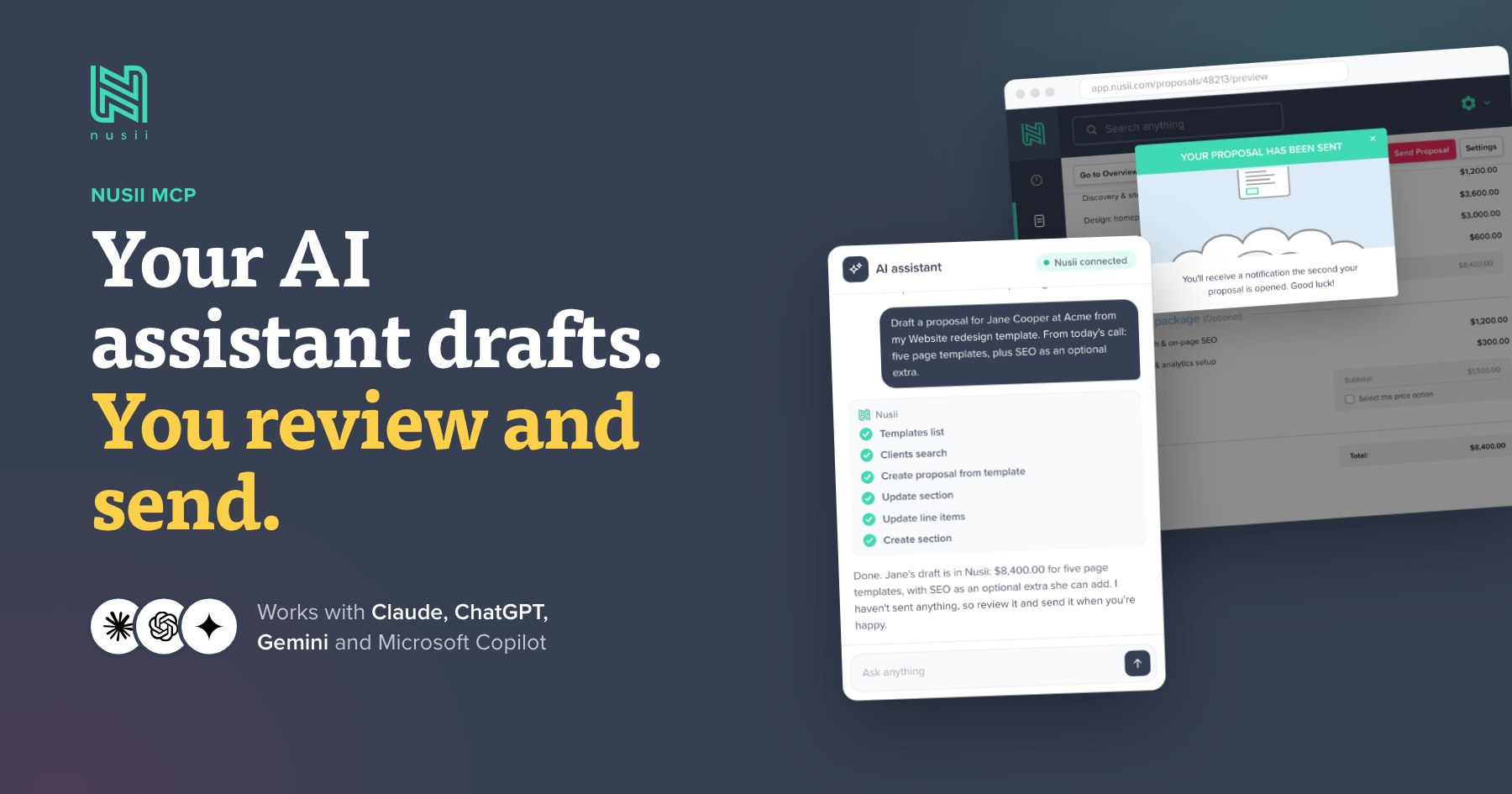
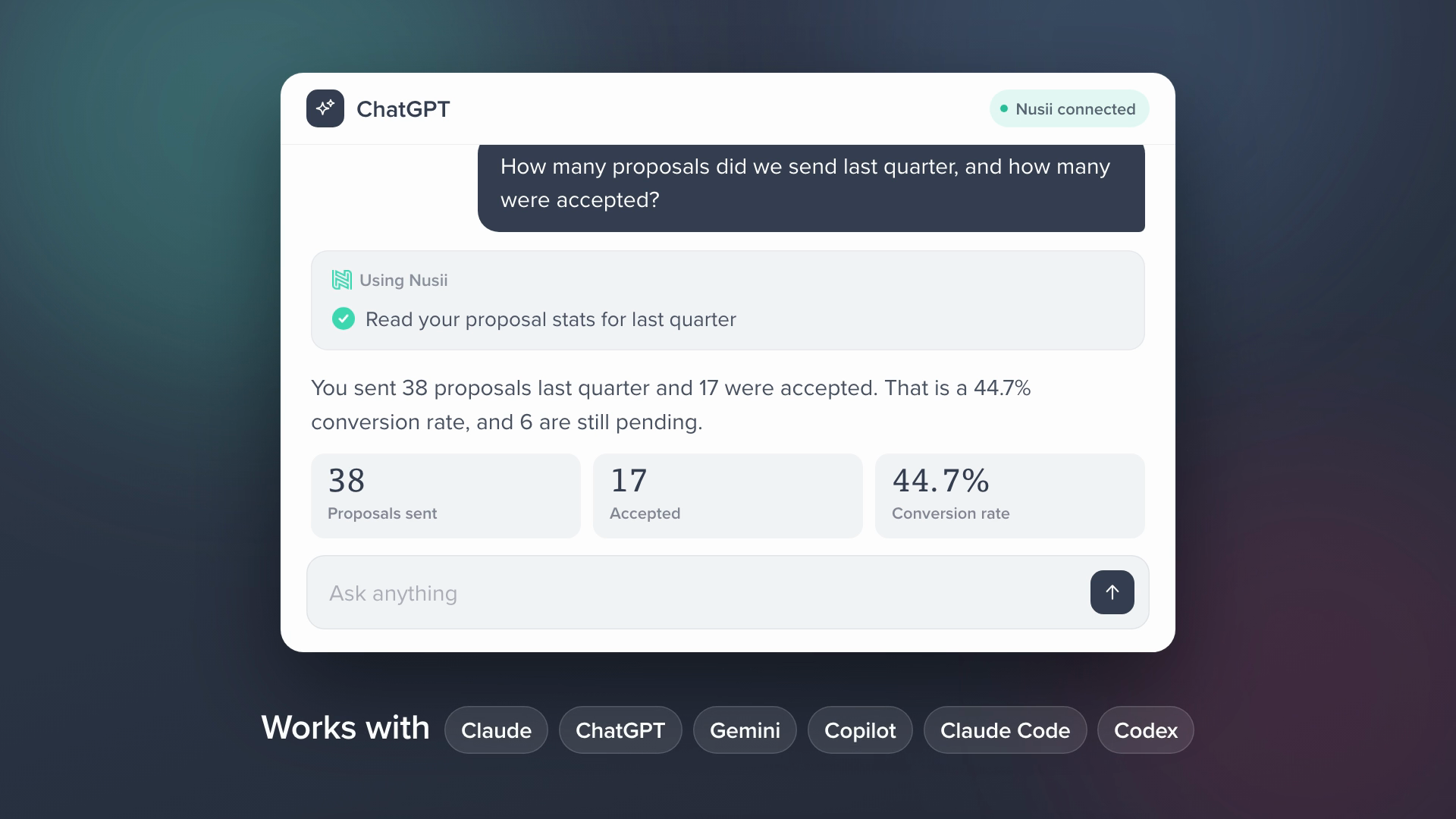
With read access, an assistant can:
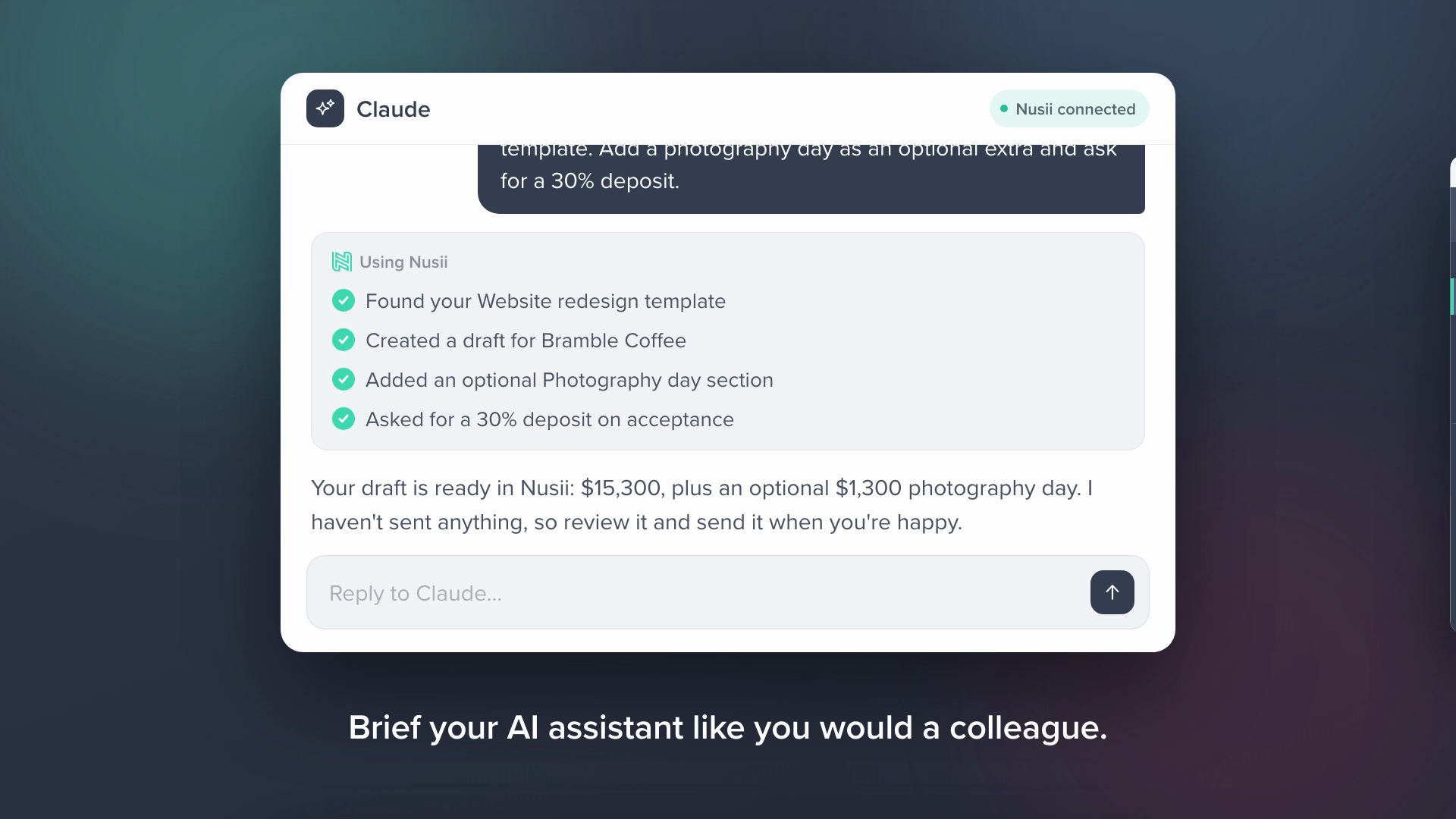
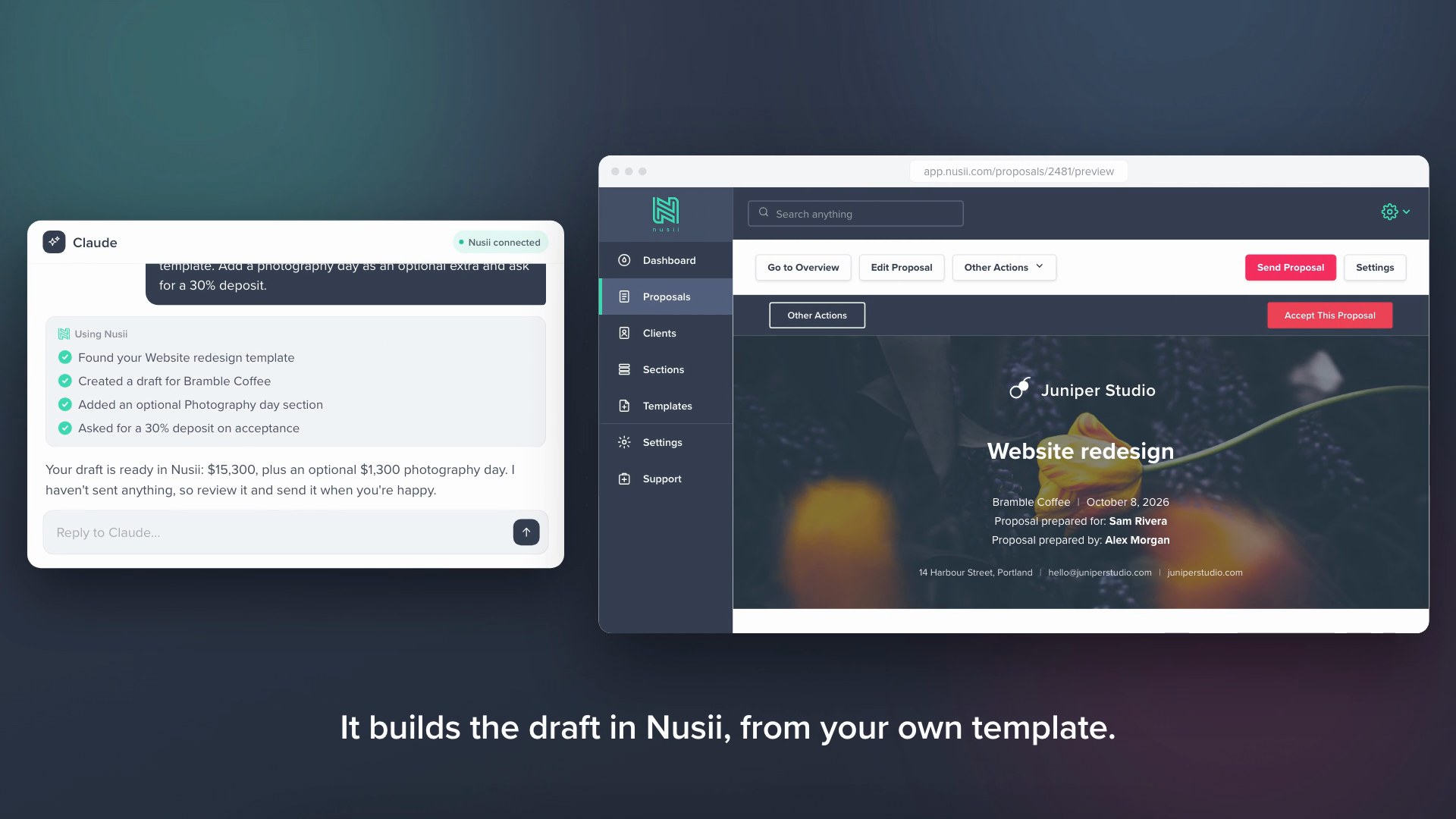
With write access, it can also:
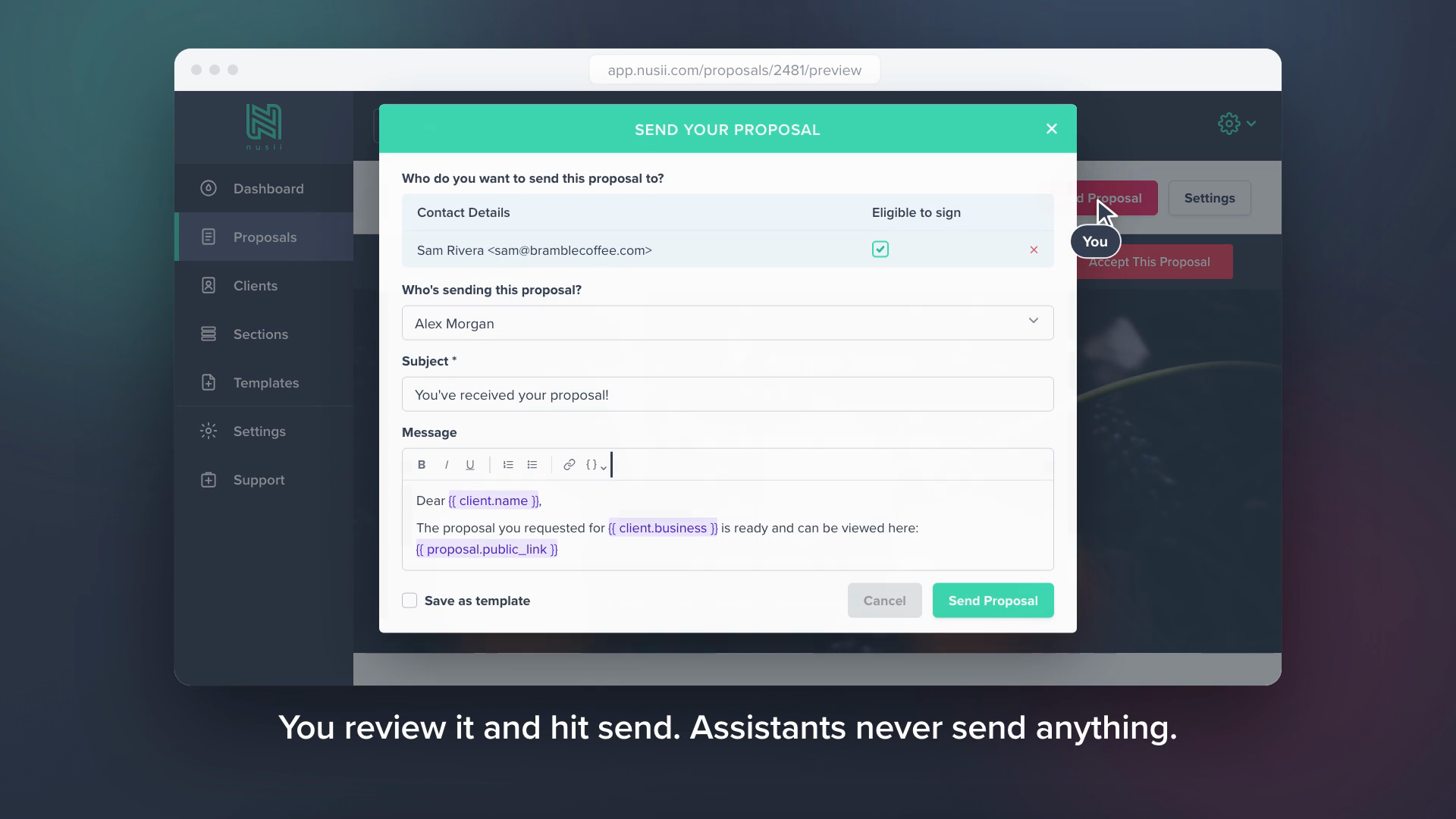
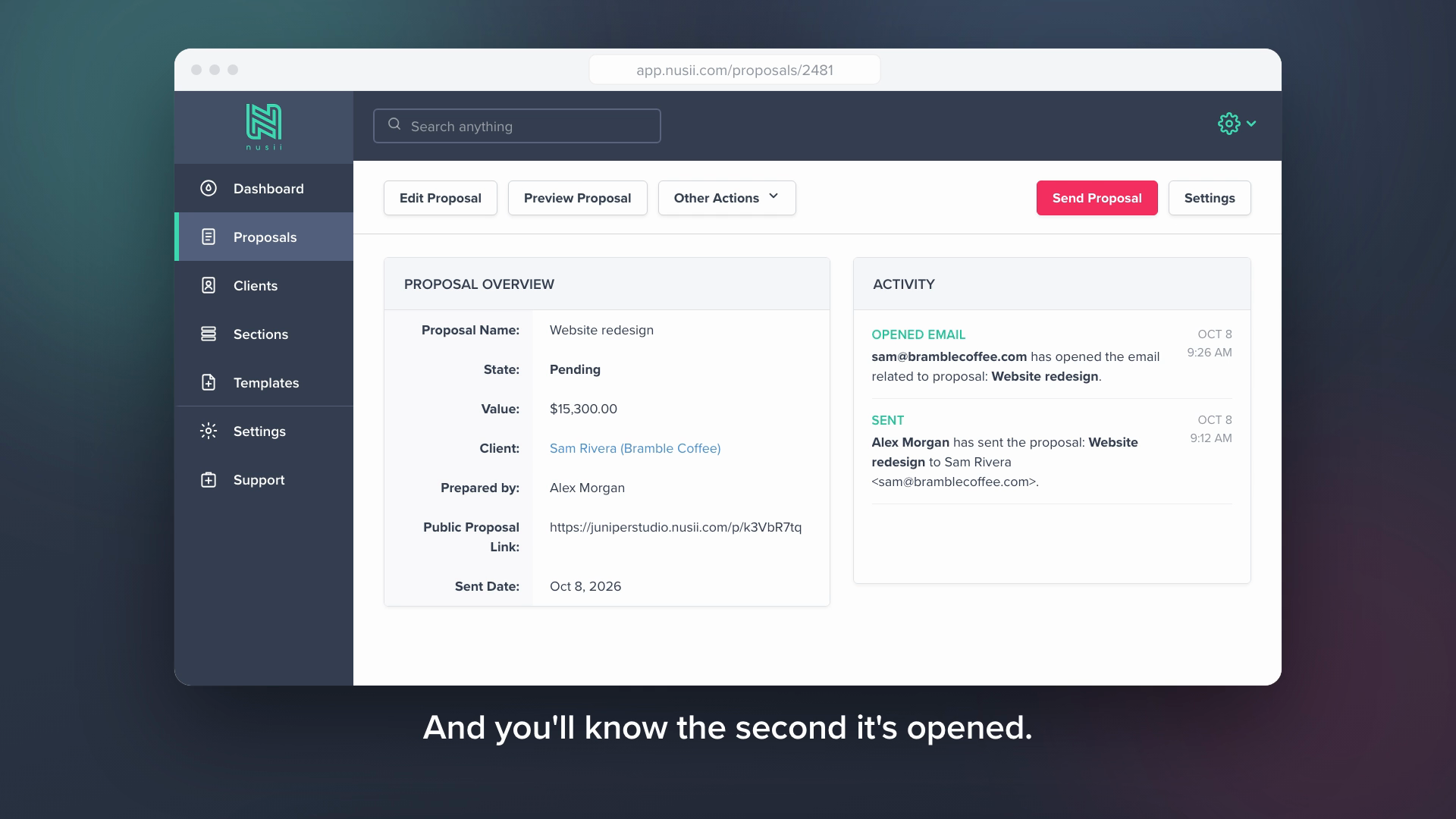
Whichever assistant you use, the server address is the same: https://app.nusii.com/mcp
In Claude, Nusii is listed in the connector directory, so connecting is a couple of clicks. In other apps, add the server address and approve access with your normal Nusii login.
Full setup guide: Connect AI assistants to Nusii
The Nusii MCP Server remote MCP server is a hosted Model Context Protocol endpoint at https://app.nusii.com/mcp, so AI assistants can connect to it without installing or running anything locally.
Add the endpoint https://app.nusii.com/mcp to any MCP-compatible client such as Claude Code, Cursor, or VS Code. The setup snippets on this page configure each client in one step.
Yes. Nusii MCP Server uses OAuth: the first time you connect, your MCP client opens a browser window to sign in and authorize access, then reuses the credentials for future sessions.
Nusii MCP Server exposes a Streamable HTTP endpoint, the transport used by remote MCP servers and supported by all major MCP clients.

AdsMCP is the MCP entry point into the Adgentek Ad Server. Call ads_serve with the conversation context and get back a native ad matched to user intent, or no ad when one does not fit. Publishers earn on a CPM basis. Fre
APIR is the evidence record for AI agents

Live crypto trading signals via API. Full trade setups with entry, stop-loss, take-profit, leverage, and automated verification. Built for Claude Code, OpenAI Codex, and 30+ AI agents.

Aard connects Macroeconomic and other official data from 170+ publishers including World Bank, IMF, BIS, ECB, Eurostat, and National Statistical Offices. Aard is powered by a large graph of the metadata universe and an
Hosted 3GPP MCP server: cited search across Rel-15 through Rel-20 TS/TR specs, recent TDocs, company proposals and meeting decisions. OAuth 2.1; no local index required.
Comments