

What do I need to run it
Node.js or Python, Google Chrome, and a Node Mantis API key.

@Anton Zuyeu
Basic information
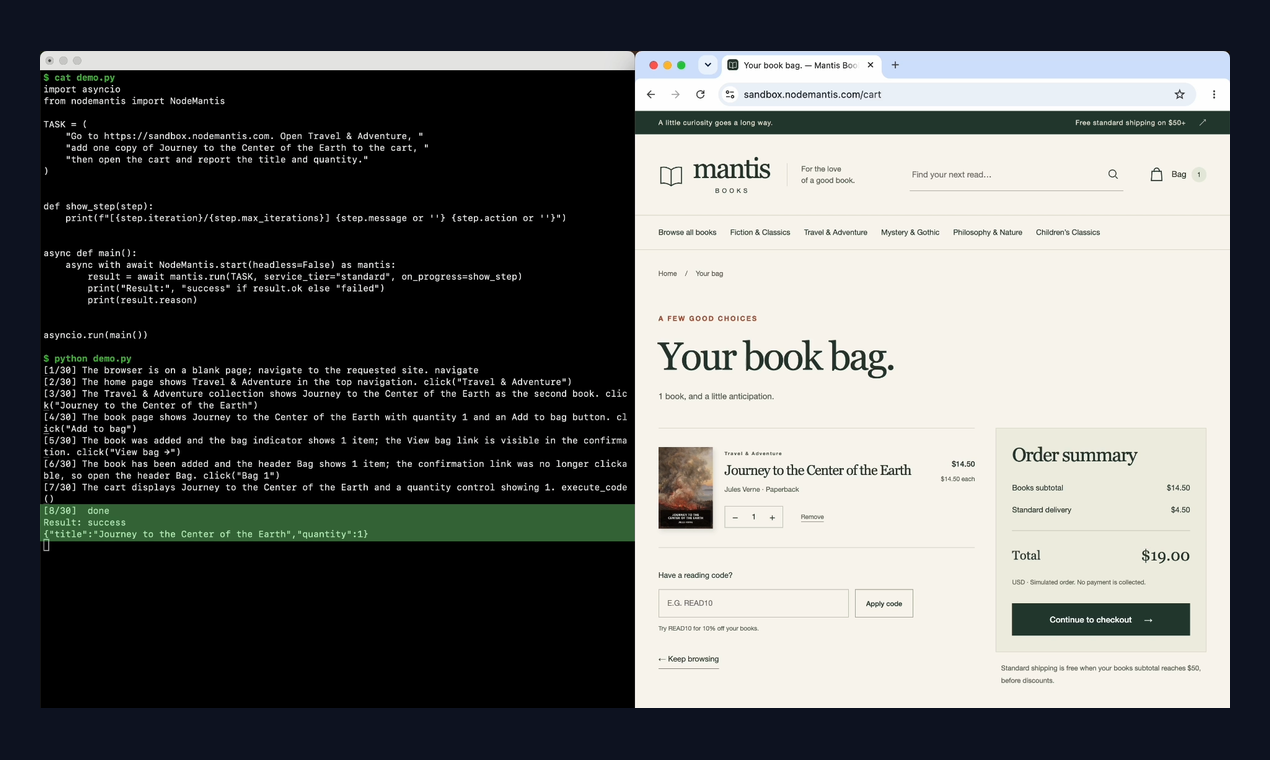
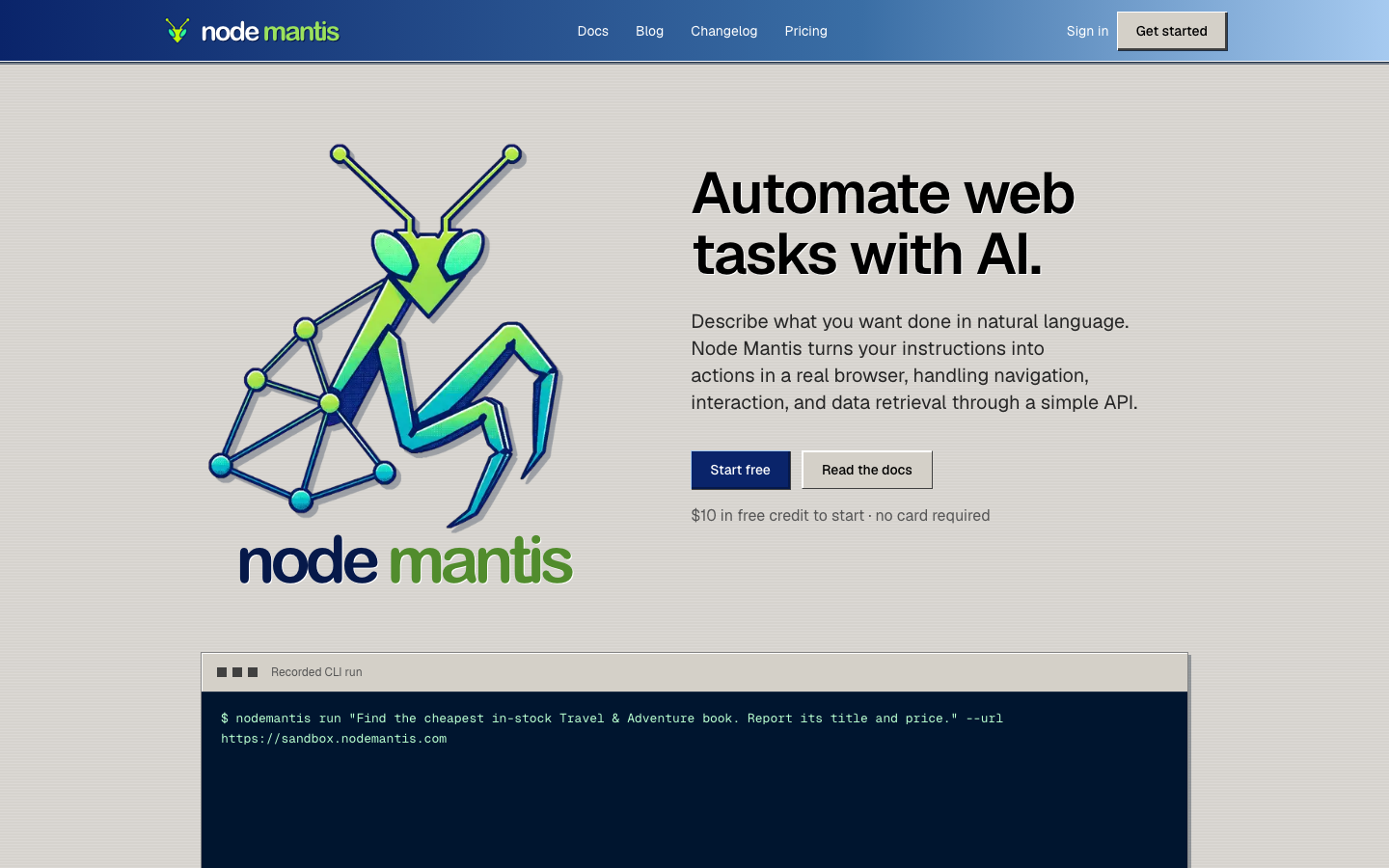
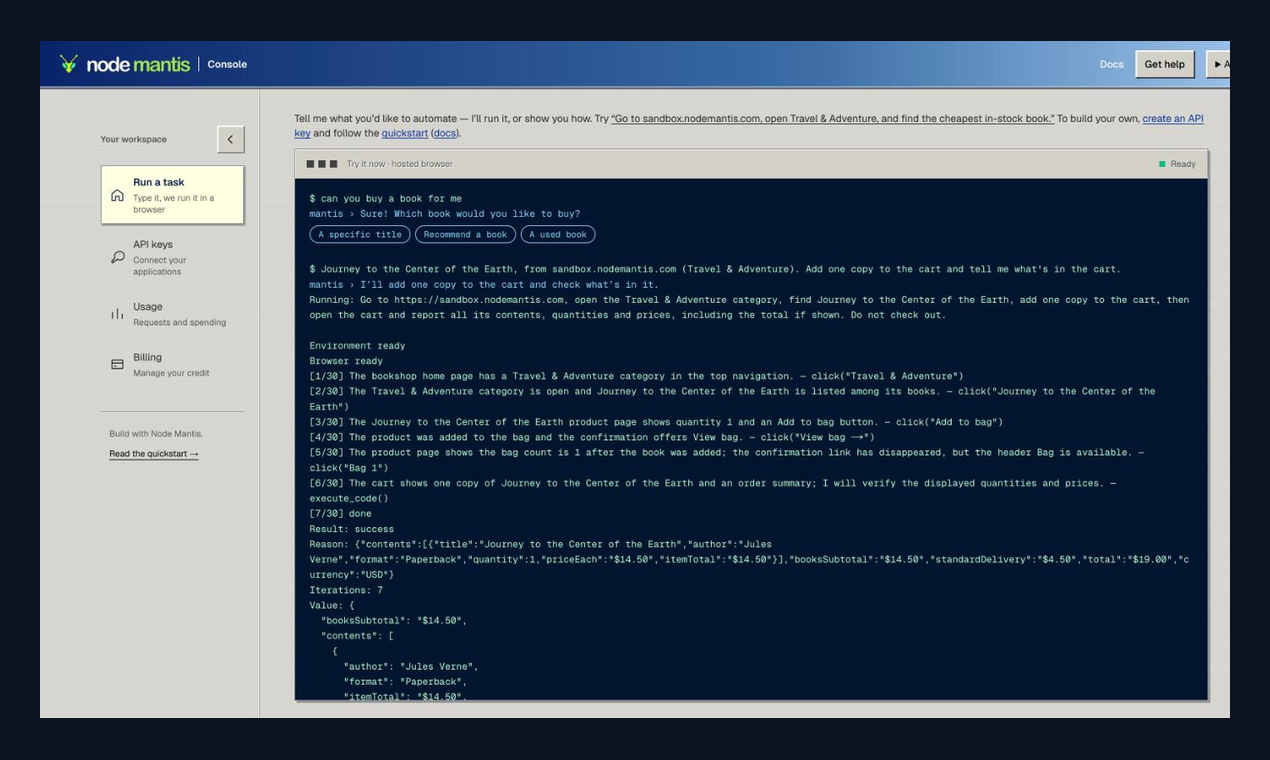
Web automation for AI assistants. Ask for a task on a website in plain English and Node Mantis carries it out in a real browser, then hands back the result as structured data.
Add this server to your MCP-compatible client using the configuration below.
{
  "mcpServers": {
    "node-mantis": {
      "command": "npx",
      "args": [
        "-y",
        "node-mantis",
        "mcp"
      ],
      "env": {
        "NODEMANTIS_API_KEY": "<your-node-mantis-api-key>"
      }
    }
  }
}Carry out a task on a website from a plain-English goal: navigate, click, type, fill in forms and read the outcome, in a real browser. Returns the outcome and, when result_schema is given, the data in that shape. If the task is still going when the call returns, the reply has status "running" and a task_id: call get_task with it. Each call starts a fresh browser session with no saved logins.
Open one page and read data from it without changing anything on it. Returns the data, shaped by result_schema when given. Use run_task instead when getting to the data takes clicking, typing or several pages. If reading is still going when the call returns, the reply has status "running" and a task_id: call get_task with it.
Wait for a task started by run_task or retrieve_data and return its status, latest progress and, once finished, its result. Returns as soon as the task finishes, or after wait_seconds with status "running" (call again). Tasks are kept for an hour after they finish and are lost when this server restarts.
Stop a running task and close its browser. A task that already finished is left unchanged.
Node Mantis is web automation for AI assistants. Once it is added to an assistant that supports MCP, the assistant can carry out tasks on websites for you. You describe the task in plain English, Node Mantis works through the site in a real browser, and the result comes back as structured data.
npx -y node-mantis mcp, or uvx node-mantis mcp if you prefer Python.Setup steps for Claude Code, Claude Desktop, Cursor, VS Code and Codex are in the docs: https://nodemantis.com/docs/mcp
run_task carries out a task, retrieve_data reads data from a page without acting on it, get_task returns status and results, cancel_task stops a running task.node-mantis package on npm and PyPI.Node.js or Python, Google Chrome, and a Node Mantis API key.
A call waits up to 45 seconds. If the task is still running, it returns a task id and the assistant checks back with `get_task` until the result is ready.
Yes. Pass a JSON Schema with the task and the result is returned as data that follows it.
The MCP layer is open source under the MIT licence at https://github.com/Node-Mantis/node-mantis-mcp.

🔮 Platform-neutral Browser Use for AI agents: real Chrome automation with a CLI + SDKs, no lock-in, dead simple.

Give your AI agent the live web. One MCP server for Search, Fetch, Browser, and Agent: browse real sites, extract structured data, fill forms, and run multi-step workflows. Search and Fetch are free.
Official Chrome DevTools MCP server from Google that lets coding agents control, debug and profile a live Chrome browser.

Give your AI agent its own proxies. QuantumProxies exposes residential, mobile, datacenter, ISP and IPv6 endpoints as MCP tools: list your plans, generate ready-to-use proxy strings with credentials, target by country, s

Playwright MCP server
Comments