

MCP DB WizardVerifiedFeatured
@srmadscience
Basic information

About MCP DB Wizard
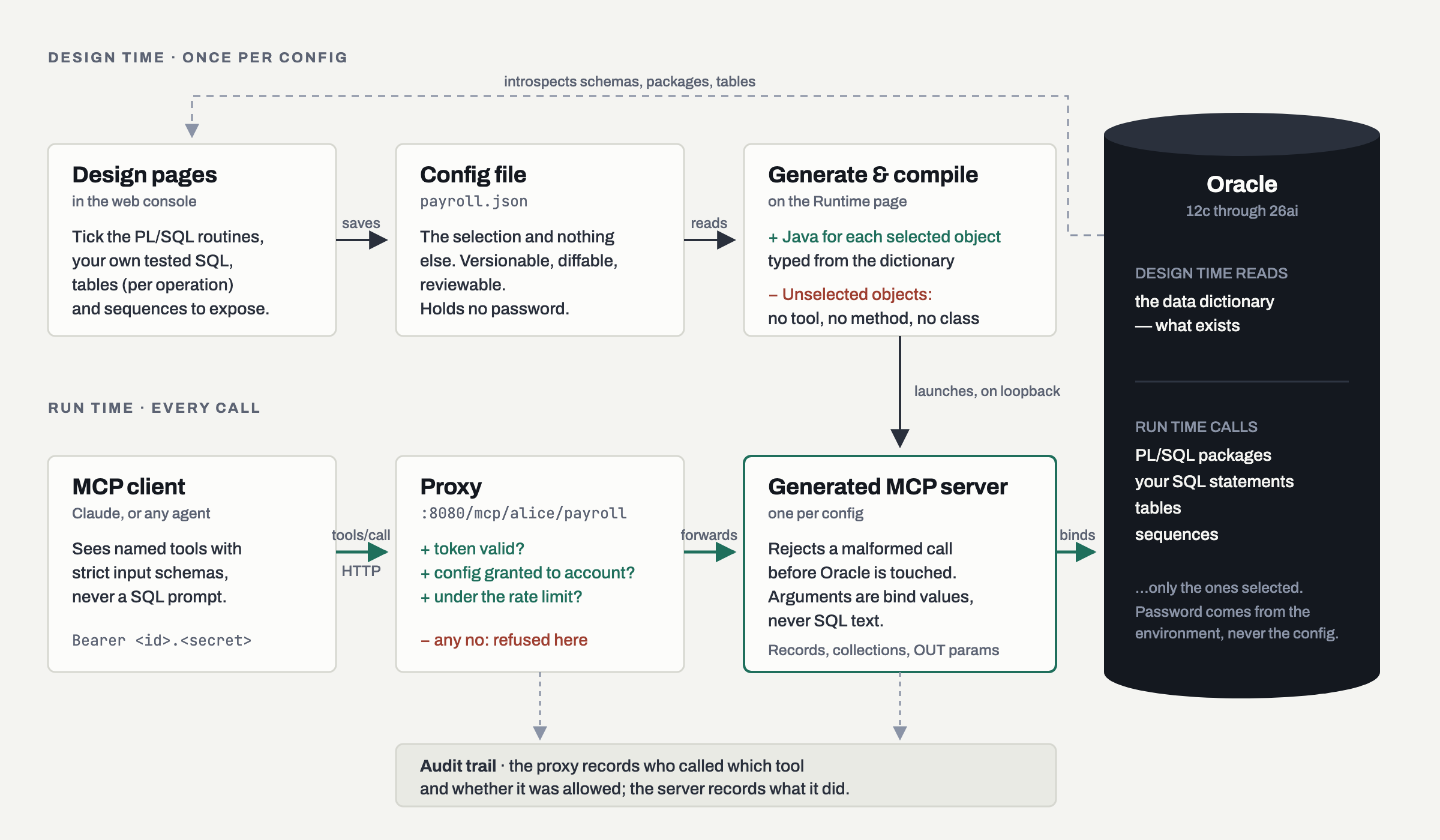
Oracle MCP server with no run-sql tool: It generates tools for each of the PL/SQL procedures, tables and approved SQL you choose. The server doesn't expose a SQL prompt, and can't reveal how it's connected to Oracle.
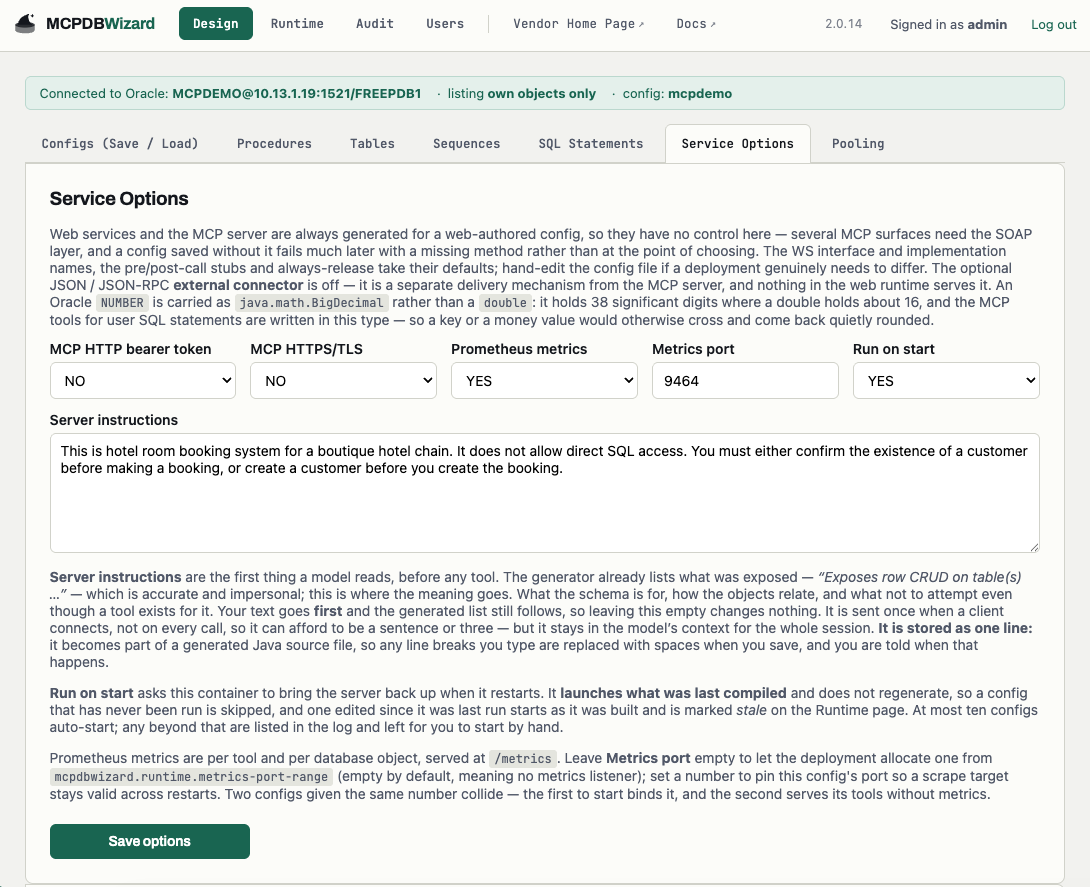
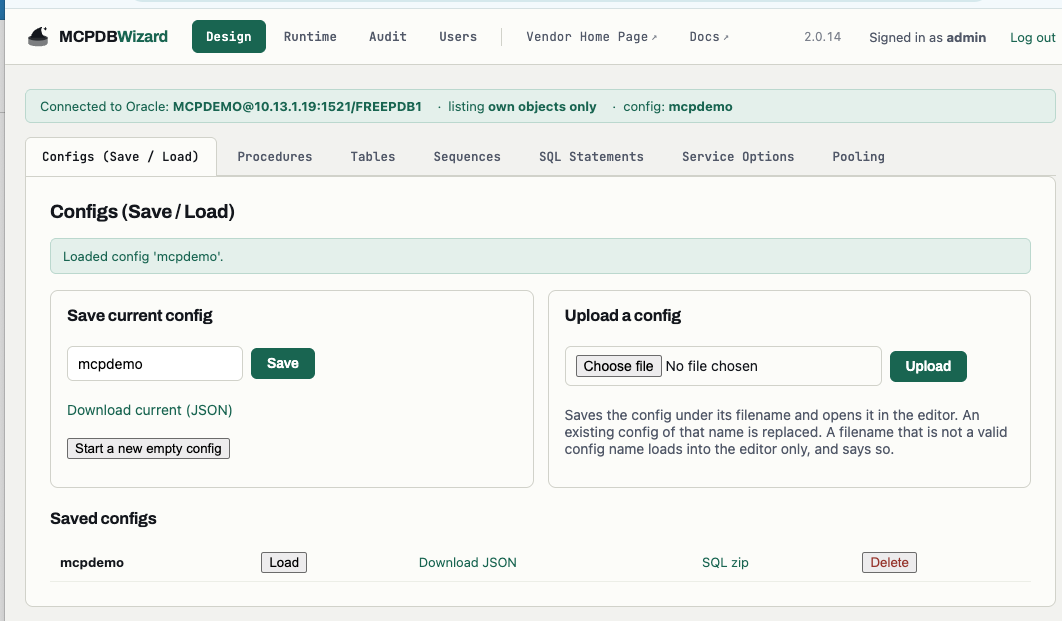
MCP DB Wizard config
Add this server to your MCP-compatible client using the configuration below.
{
  "mcpServers": {
    "mcpdbwizard": {
      "url": "http://localhost:8080/mcp/<owner>/<config>",
      "headers": {
        "Authorization": "Bearer <id>.<secret>"
      }
    }
  }
}
MCP DB Wizard tools
Tool list not available yet
This listing does not currently have a tool list to display. This does not mean the server has no tools; check its documentation for supported capabilities.
Fetch the live tool list directly from this server's endpoint using the button above.
Overview
What is MCP DB Wizard?
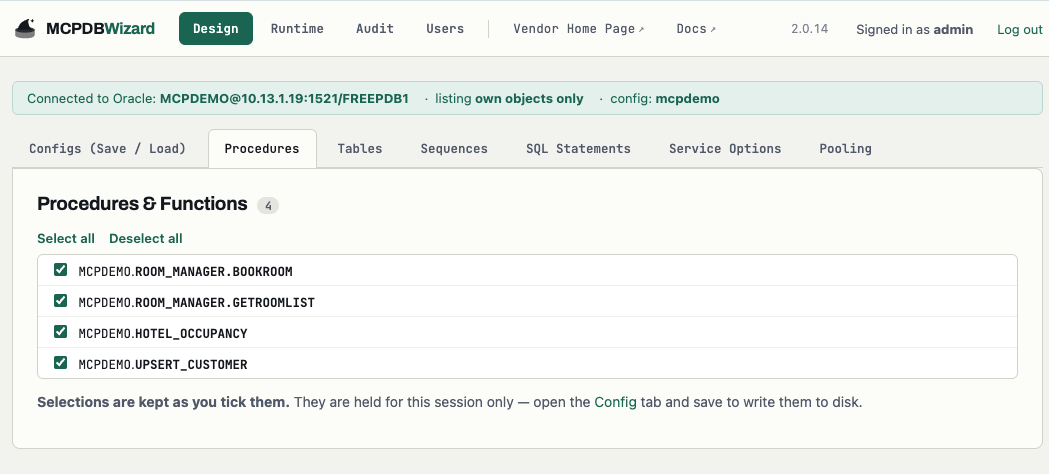
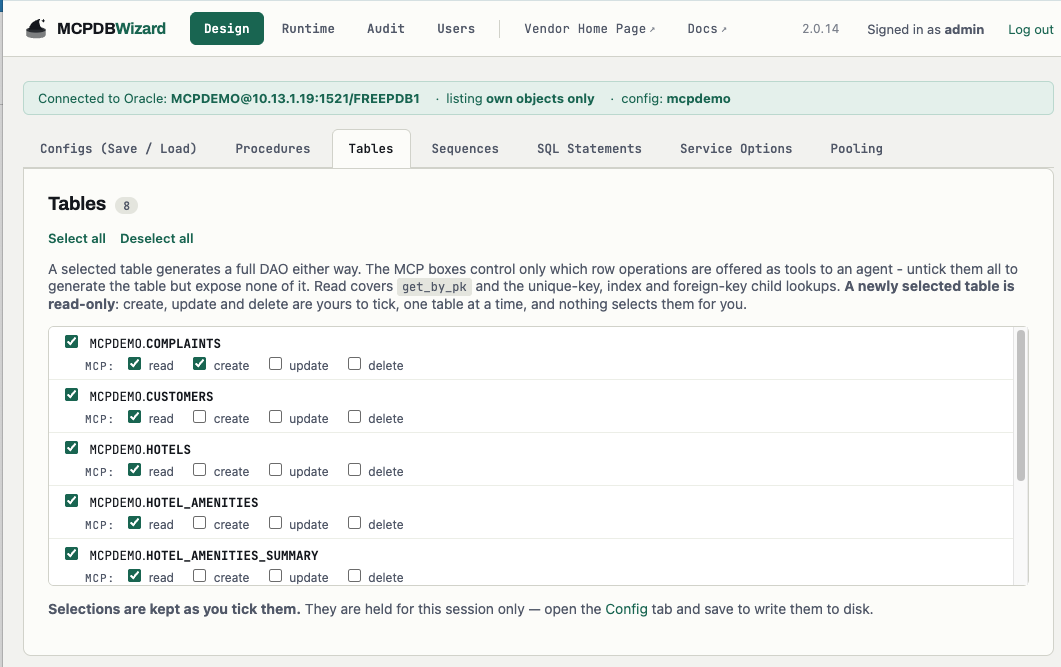
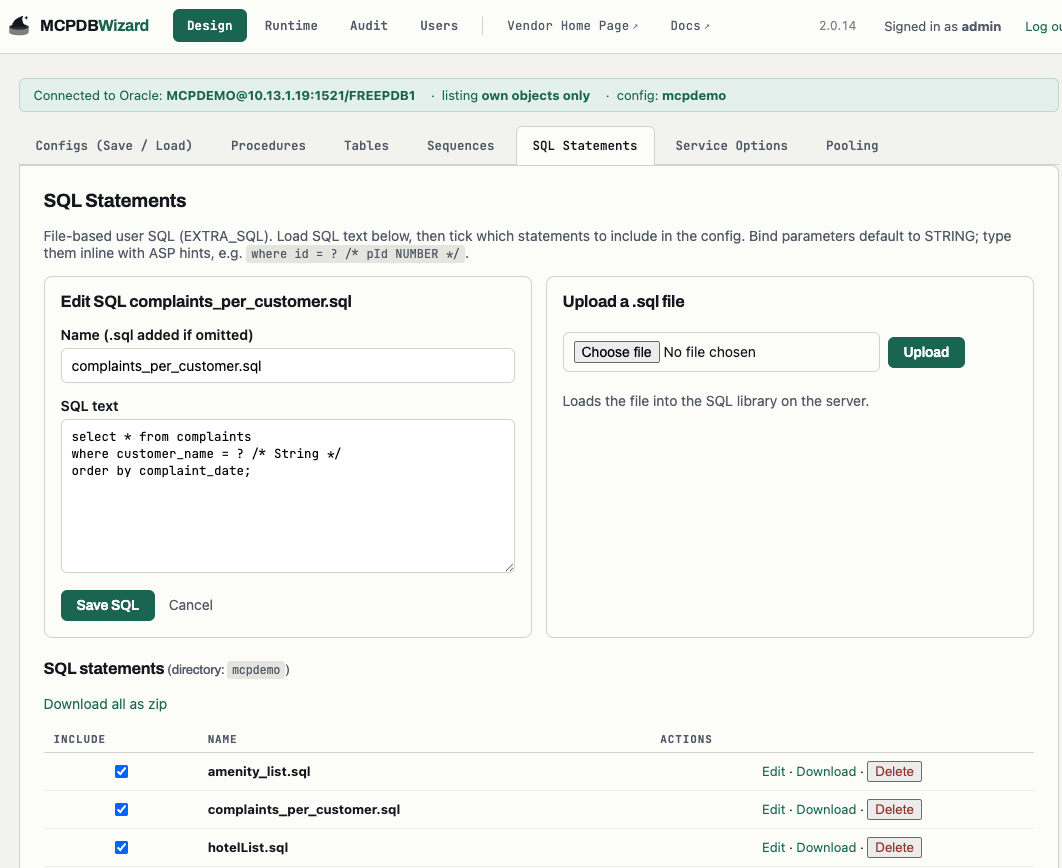
An MCP server for Oracle, built from the objects you choose. Tick the PL/SQL packages, tables, sequences and your own tested SQL statements in a web console, and it generates a Model Context Protocol server exposing exactly those to an AI agent as typed tools, each with a JSON Schema derived from the real signature.
There is no run-sql tool. Anything you did not select has no tool, no method and no class: it is absent from the server rather than refused at run time. The agent cannot write SQL, because the generated tools are the only surface that exists.
Key features
- Call any PL/SQL routine: any number of OUT and IN OUT parameters, records (including nested records) and collections
- Typed tools with JSON Schemas generated from Oracle's own data dictionary
- A proxy in front of every server: per-user bearer tokens, per-config grants, rate limits and an audit trail
- Oracle 12c through 26ai, regression-tested against six live instances
- Runs as one Docker image, on your machine or in your cloud, next to your own Oracle
How to use it
Run the Docker image, sign in to the console, choose your objects and start the server. The quickstart goes from nothing to a working tool call. Then point your MCP client at /mcp/<owner>/<config> with the API token the console issues.
Why no SQL prompt?
Every other Oracle MCP server hands the model a SQL string to run. MCP DB Wizard hands it a fixed list of tools you chose and tested, a list your security team can read, sign off and diff between releases. Why it is built this way.
More Databases MCP servers

MongoDB MCP Server
mongodb-jsA Model Context Protocol server to connect to MongoDB databases and MongoDB Atlas Clusters.

Local YDB MCP
astandrikSafety-first stdio MCP server with 38 tools for operating Docker-based local-ydb environments locally or over SSH.

Neon MCP Server
neondatabase-labsMCP server for interacting with Neon Management API and databases

ClickHouse MCP Server
ClickHouseConnect ClickHouse to your AI assistants.

Expired Domains MCP | Karma.Domains
karma-domainsConnect Karma.Domains to ChatGPT, Claude, Cursor, VS Code, or another MCP client — and find a domain in plain language. The same auctions, expired, backorder, and buy-now data you use in the app, plus saved filters, note
Comments