

Is Leverage MCP Server official?
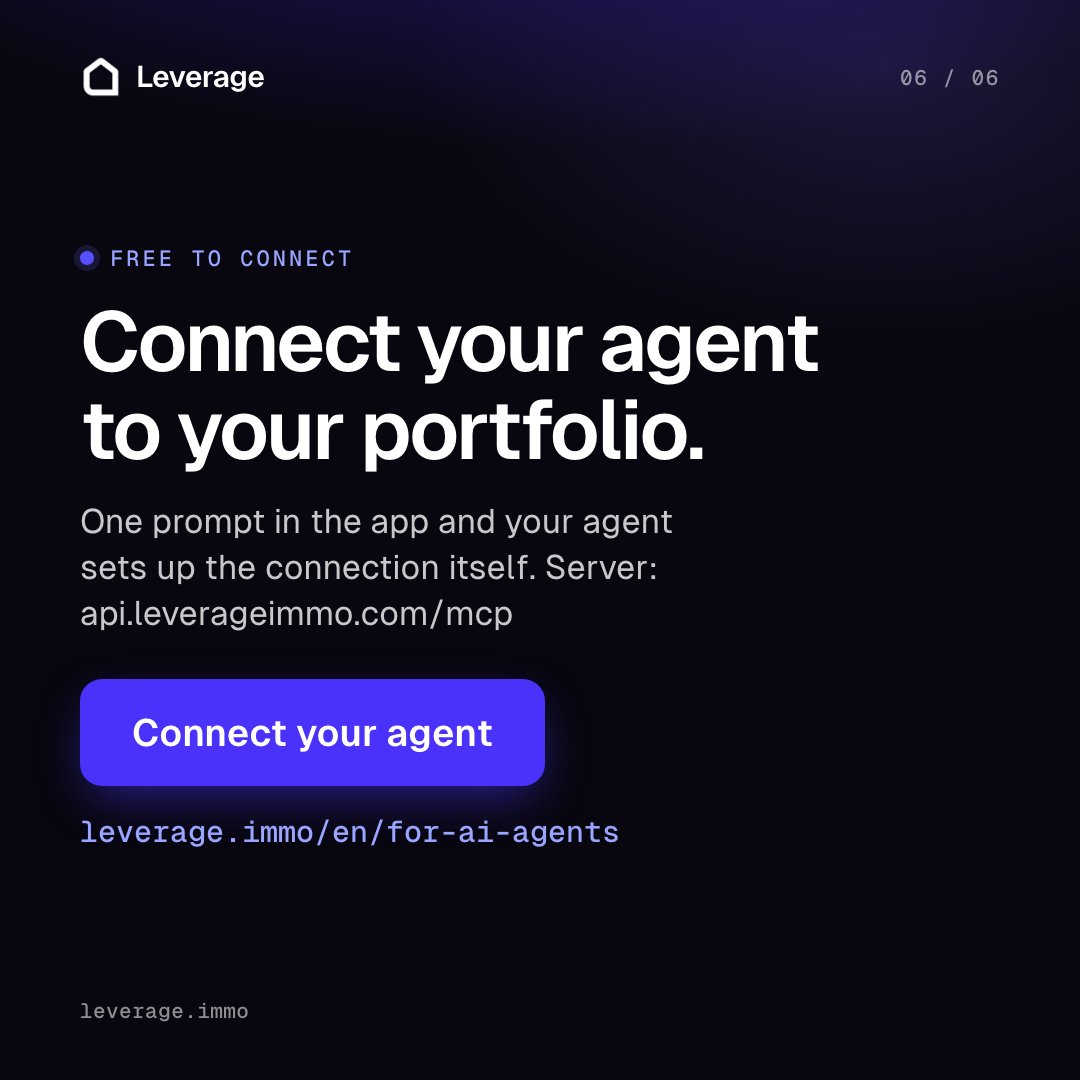
Yes. It is the hosted server run by Leverage Immo GmbH at `https://api.leverageimmo.com/mcp`. The server code itself is not open source.

@Leverage Immo GmbH
Basic information
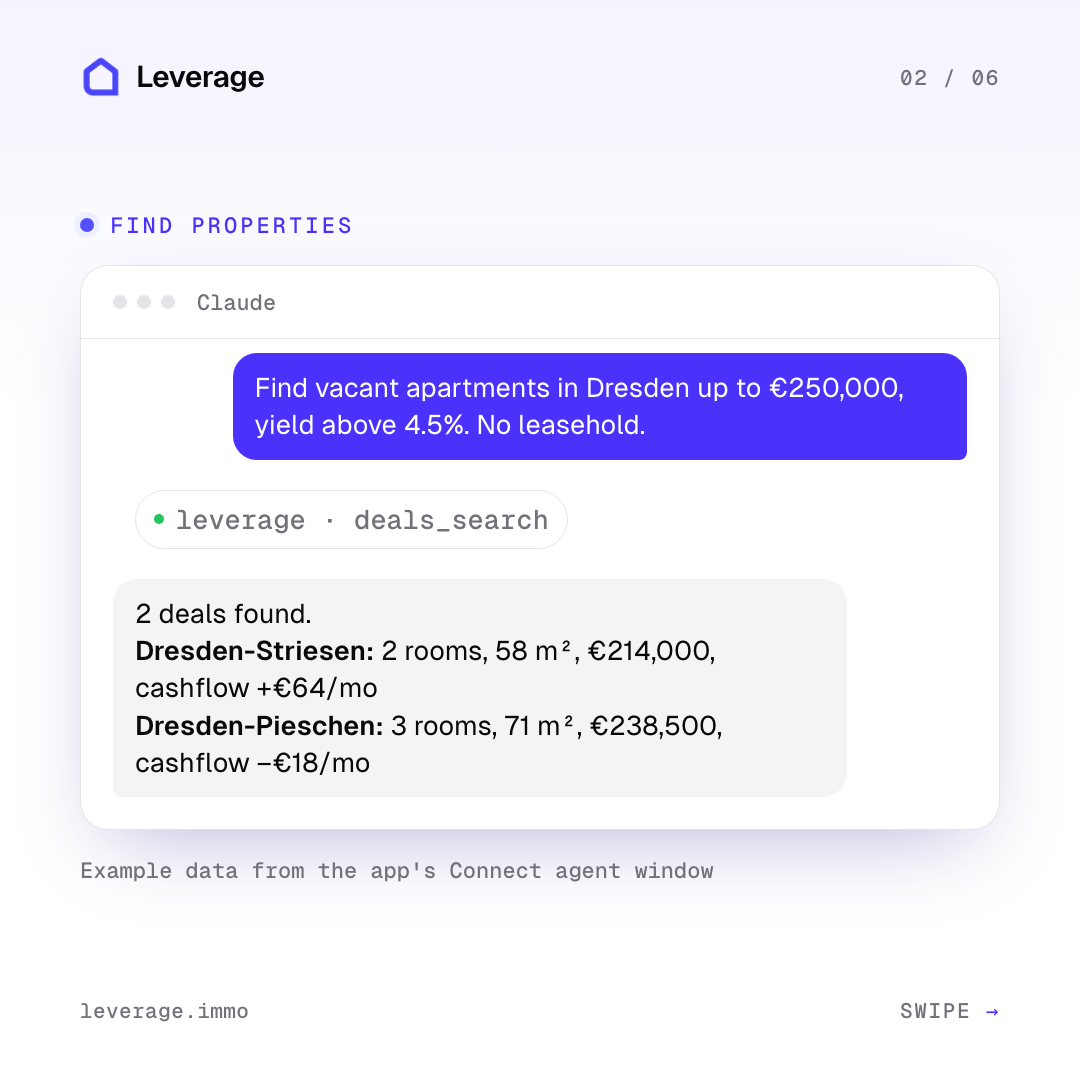
Real estate investment analysis for AI agents: deal search across German portals, reproducible yield and financing figures, document extraction and due diligence.


Add this server to your MCP-compatible client using the configuration below.
{
  "mcpServers": {
    "leverage": {
      "type": "http",
      "url": "https://api.leverageimmo.com/mcp"
    }
  }
}Tool list not available yet
This listing does not currently have a tool list to display. This does not mean the server has no tools; check its documentation for supported capabilities.
This server requires authentication. Tool discovery may require signing in or credentials from the provider.
Fetch the live tool list directly from this server's endpoint using the button above.
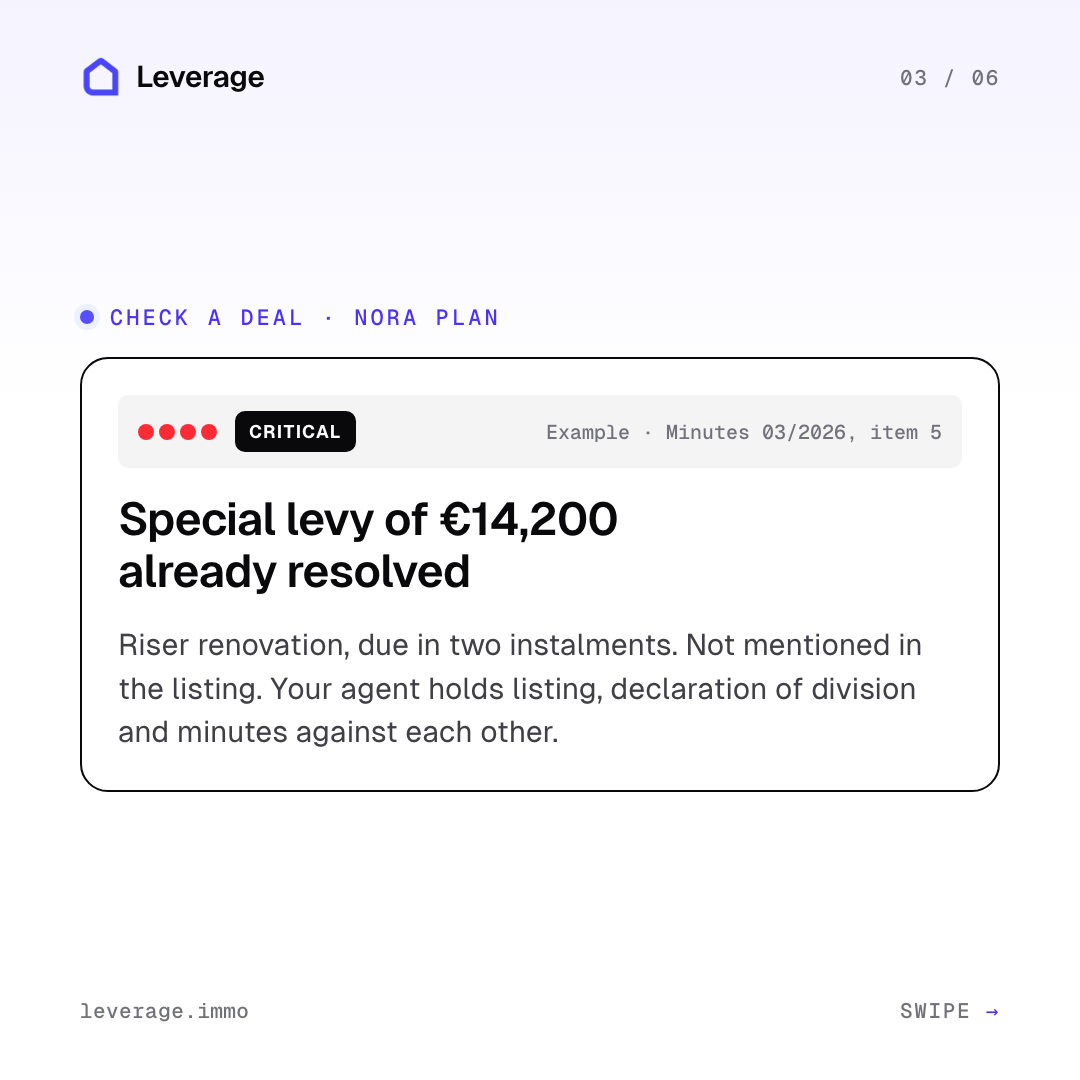
Leverage MCP Server is the hosted MCP server of Leverage, a platform for property investors in Germany. It lets Claude, Cursor, Codex and other agents search German property portals, get reproducible yield and financing figures, extract documents and run due diligence on your own Leverage account.
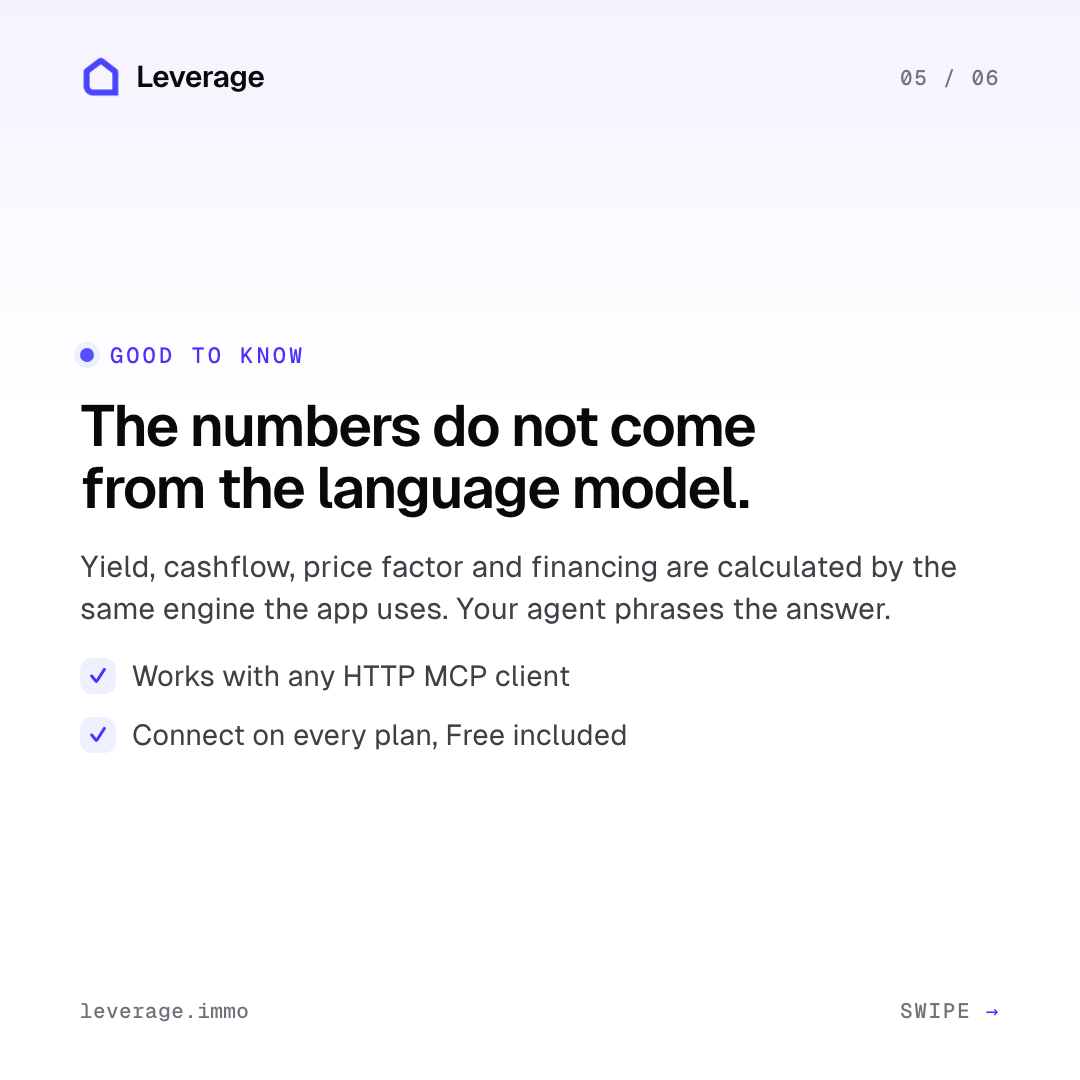
Instead of guessing from pasted listing text, an agent works with your real portfolio, properties, loans and acquisition profiles, and gets key figures such as yield, cashflow and financing from the same calculation engine the Leverage app uses. The server is not open source: the GitHub repository only holds documentation for the hosted service.
You need a Leverage account. The API and MCP surface is open to every plan, Free included, but calls are metered against a monthly budget of API credits, and some features need a higher plan (see FAQ).
| Server URL | https://api.leverageimmo.com/mcp |
| Transport | Streamable HTTP |
| Authentication | OAuth 2.0 with self-registration; you sign in with your Leverage account in the browser |
There is no API key to paste for OAuth clients. Clients that cannot complete a browser sign-in (config-file or headless setups) can use a personal connector URL instead, created in the Leverage profile under Integrations → MCP connector. It looks like https://api.leverageimmo.com/mcp/c/lvgmcp_…, gives full access to every tool and should be treated like a password.
claude mcp add --transport http leverage https://api.leverageimmo.com/mcp
Run /mcp and authenticate leverage to complete the browser sign-in.
Open Customize → Connectors, click + and add a custom connector named Leverage with the URL https://api.leverageimmo.com/mcp. Leave the advanced OAuth fields empty, click Add and complete the sign-in. On Team or Enterprise workspaces an Owner first adds it under Organization Settings → Connectors.
Add to ~/.cursor/mcp.json:
{
  "mcpServers": {
    "leverage": {
      "type": "http",
      "url": "https://api.leverageimmo.com/mcp"
    }
  }
}
Add to .vscode/mcp.json (the top-level key is servers):
{
  "servers": {
    "leverage": {
      "type": "http",
      "url": "https://api.leverageimmo.com/mcp"
    }
  }
}
Leverage also documents Codex, ChatGPT (developer mode), Perplexity, OpenCode and Windsurf. Per-client steps live at https://api.leverageimmo.com/agent-setup/prompt.md.
The server announces its tools to the client, and Leverage's agent guide (/skill.md) groups them by area:
portfolio_get, properties_list, properties_get, properties_create, properties_keyfigures_get, plus loans, tenancies and units tools. portfolio_refinancing_scenario_run and portfolio_stress_test_run run deterministic scenarios.deals_search and the free deals_search_count, which the docs recommend for sizing a search before spending credits.acquisition_profiles_* and search_agents_*, including search_agents_run_now.documents_upload, documents_extract, deals_text_extract and deals_document_extract.due_diligence_report_get, datarooms_list, datarooms_get.routines_* and notifications_owner_email, which emails only the account owner.plan_upgrade_required: routines, external due diligence and deal screenings need Max 5x, Max 20x or Lifetime Unlimited.api_credit_limit_reached: the monthly API credit budget is spent. Don't retry; it resets at the start of the next calendar month.Retry-After time.…/mcp URL is the OAuth endpoint.Yes. It is the hosted server run by Leverage Immo GmbH at `https://api.leverageimmo.com/mcp`. The server code itself is not open source.
Every plan can use the API and MCP, including Free. Agent calls spend API credits from a monthly budget: Free 25, Starter 50, Plus 150, Pro 500, Max 5x 2,500 and Max 20x 10,000. Reading and editing your own data and the deterministic calculations cost nothing; searches, document extraction and PDF exports cost credits.
No. OAuth clients sign in with your Leverage account in the browser. Headless or config-file clients can use a personal connector URL from Profile → Integrations instead.
Leverage documents Claude (web, desktop and Cowork), ChatGPT, Perplexity, Claude Code, Codex, Cursor, OpenCode, Windsurf and VS Code. Any client that speaks streamable HTTP MCP should work.
Leverage says it searches listings from the major German property portals. The service is aimed at the German property market.
Yes. Revoke a connected agent under Profile → Integrations → Connected agents. If a connector URL may have leaked, regenerate it there, which revokes the old one.

IBAN validation API and MCP server: bank code checked against national registers (DE, AT, BE, CZ, SK, BG, CH, LI), BIC resolved with its source, SEPA Instant and Verification of Payee readiness, bank-level sanctions (OFA

Certified, sworn, notarised and apostilled translations in 150+ languages: check coverage, price your documents, place an order and track it, with no API key.

Household budgeting app with an AI assistant. Connect Claude, ChatGPT or any MCP client to your vokse household over OAuth 2.1 and work with your zero-based envelope budget, accounts, transactions, recurring payments, re

Live Korean market measurements for AI agents — SK Hynix ADR premium, realized leverage multiples for KODEX/SOXL/TQQQ, VIX regime, Korean semiconductor sector RRG. Pre-computed daily values, structured responses, CC BY 4

On-chain credit pool for ERC-8004 AI agents on Robinhood Chain: agents borrow USDG, repay it and earn a public credit score. Contracts, SDK, CLI, MCP server (@priors/mcp), x402 helpers (@priors/x402) and an agent skill.
Comments