
What is the Kalender Sync remote MCP server?
The Kalender Sync remote MCP server is a hosted Model Context Protocol endpoint at https://app.kalender-sync.de/mcp, so AI assistants can connect to it without installing or running anything locally.

@PPJ Venture Labs UG (haftungsbeschränkt)
Basic information
Transport
Streamable HTTP
Authentication
API Key
Category
Productivity
Author
PPJ Venture Labs UG (haftungsbeschränkt)
Submitted by
Paul Koch
Connect Google, Microsoft 365/Outlook, iCloud and CalDAV calendars to your AI assistant. Check availability, find and manage events, respond to supported invitations, and create, inspect, pause or delete calendar syncs with explicit permissions. Hosted in the EU.
https://app.kalender-sync.de/mcpclaude mcp add kalender-sync --transport http https://app.kalender-sync.de/mcp --header "Authorization: Bearer ${KALENDER_SYNC_ACCESS_KEY}"Tool list not available yet
This listing does not currently have a tool list to display. This does not mean the server has no tools; check its documentation for supported capabilities.
This server requires authentication. Tool discovery may require signing in or credentials from the provider.
Fetch the live tool list directly from this server's endpoint using the button above.
Kalender Sync connects Google Calendar, Microsoft 365/Outlook, Apple iCloud and CalDAV calendars through one EU-hosted remote MCP server. Supported CalDAV services include GMX, WEB.DE, mailbox.org, Posteo, STRATO and kSuite. iCal feeds provide read-only access.
Endpoint: https://app.kalender-sync.de/mcp — Streamable HTTP.
For clients other than Claude and ChatGPT, use a personal access key. In Kalender Sync, open AI assistant → Connect the assistant → Something else, select the calendars and permissions, and choose Create key. Store the key locally and send it as the HTTP header Authorization: Bearer ksa_…. Never paste a key into a chat or a public configuration. The configuration on this page uses an environment-variable placeholder; use your client's supported secret storage or substitution syntax.
OAuth sign-in is available for Claude and ChatGPT. Other clients use the access-key method above.
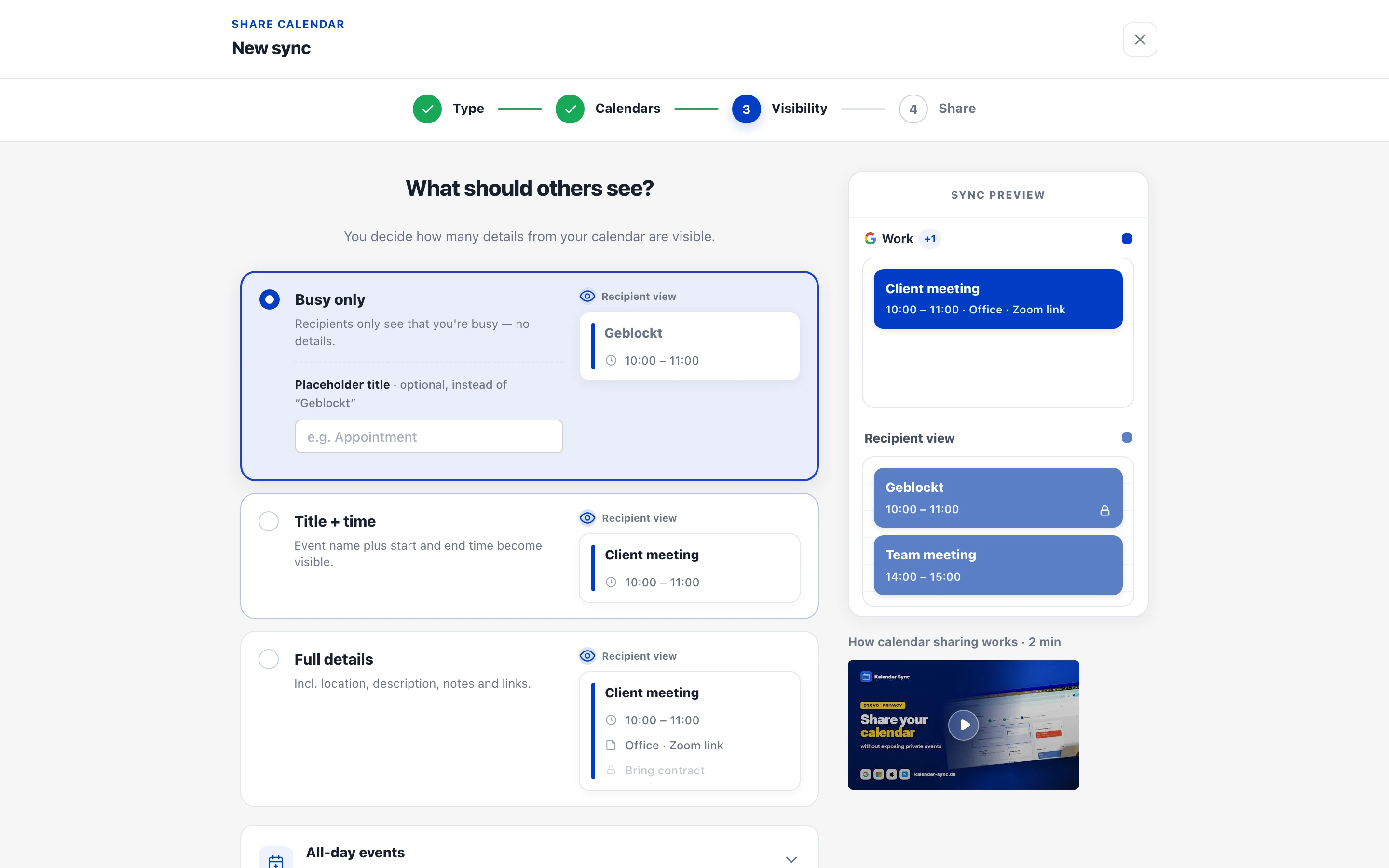
You control which calendars the assistant sees, the detail level, and its permissions to create events, manage existing events and manage syncs. Existing-event management requires full details and the corresponding permission. Sync changes require permission on the target calendar. Syncs keep running if assistant access is revoked; pause or delete the sync separately when needed.
list_calendars, get_availability, search_events, create_event, update_event, delete_event, respond_to_event, send_feedback, list_syncs, diagnose_sync, preview_sync, create_sync, set_sync_paused, preview_delete_sync, delete_sync.
Explore Kalender Sync · Setup and permissions · Pricing
Privacy policy · Terms · Support
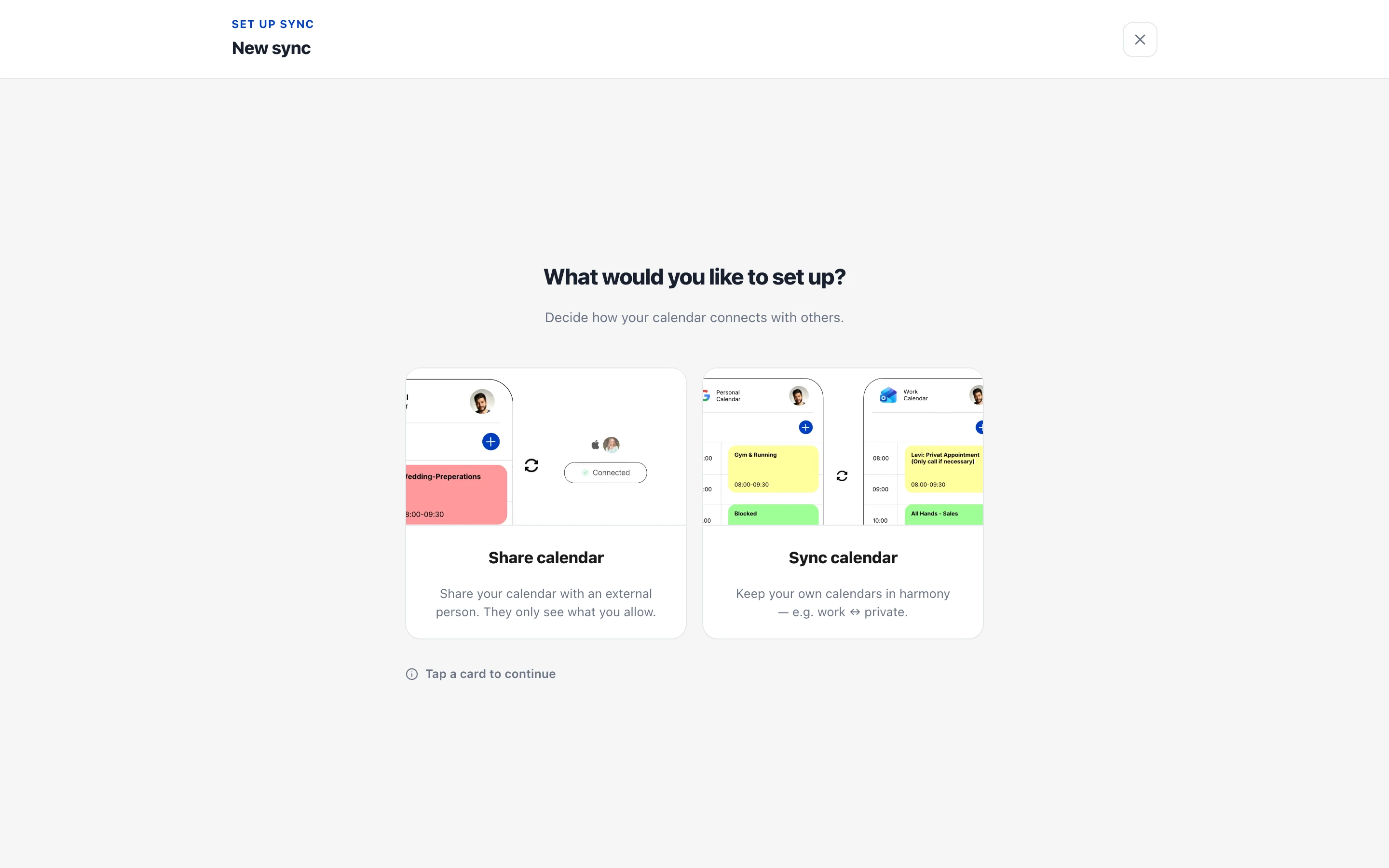
Calendar sync and sharing setup in the Kalender Sync app. Sharing with other people is configured in the app.
The Kalender Sync remote MCP server is a hosted Model Context Protocol endpoint at https://app.kalender-sync.de/mcp, so AI assistants can connect to it without installing or running anything locally.
Add the endpoint https://app.kalender-sync.de/mcp to any MCP-compatible client such as Claude Code, Cursor, or VS Code. The setup snippets on this page configure each client in one step.
Yes. Kalender Sync requires an API key — check the official documentation for how to obtain one, then include it in your client's configuration.
Kalender Sync exposes a Streamable HTTP endpoint, the transport used by remote MCP servers and supported by all major MCP clients.
Production remote MCP server with 35 safe web-intelligence tools: 32 paid x402 URL operations plus 3 free discovery/demo tools. Base Mainnet USDC, no account or API key; SSRF protection, strict schemas and idempotent set
Read-only, source-backed AI model pricing, history, comparisons and cost calculations.
%20-%20Sarah%20Xu.svg)
Manage your Adobe Experience Manager content

Aard connects Macroeconomic and other official data from 170+ publishers including World Bank, IMF, BIS, ECB, Eurostat, and National Statistical Offices. Aard is powered by a large graph of the metadata universe and an
Ideate, create, and deliver with Adobe pro tools
Comments