

FT Optix MCP ServerVerifiedFeatured
@asqi-carter
Basic information
About FT Optix MCP Server
MCP for connecting FT Optix Studio to LLMs
FT Optix MCP Server config
Add this server to your MCP-compatible client using the configuration below.
{
  "mcpServers": {
    "ftx-mcp": {
      "type": "http",
      "url": "http://127.0.0.1:8766/mcp"
    }
  }
}
FT Optix MCP Server tools
Tool list not available yet
This listing does not currently have a tool list to display. This does not mean the server has no tools; check its documentation for supported capabilities.
Fetch the live tool list directly from this server's endpoint using the button above.
Overview
FactoryTalk Optix MCP Server
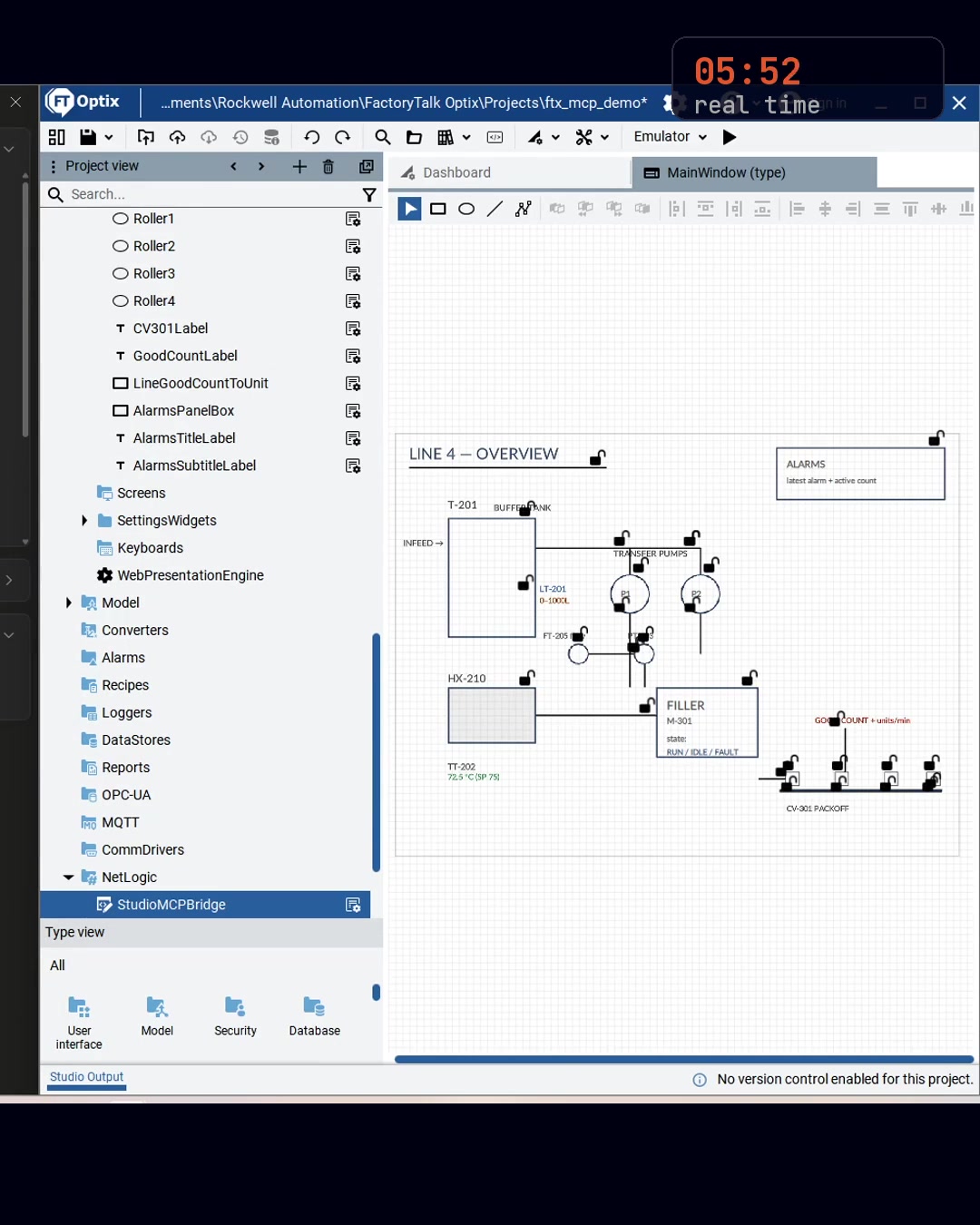
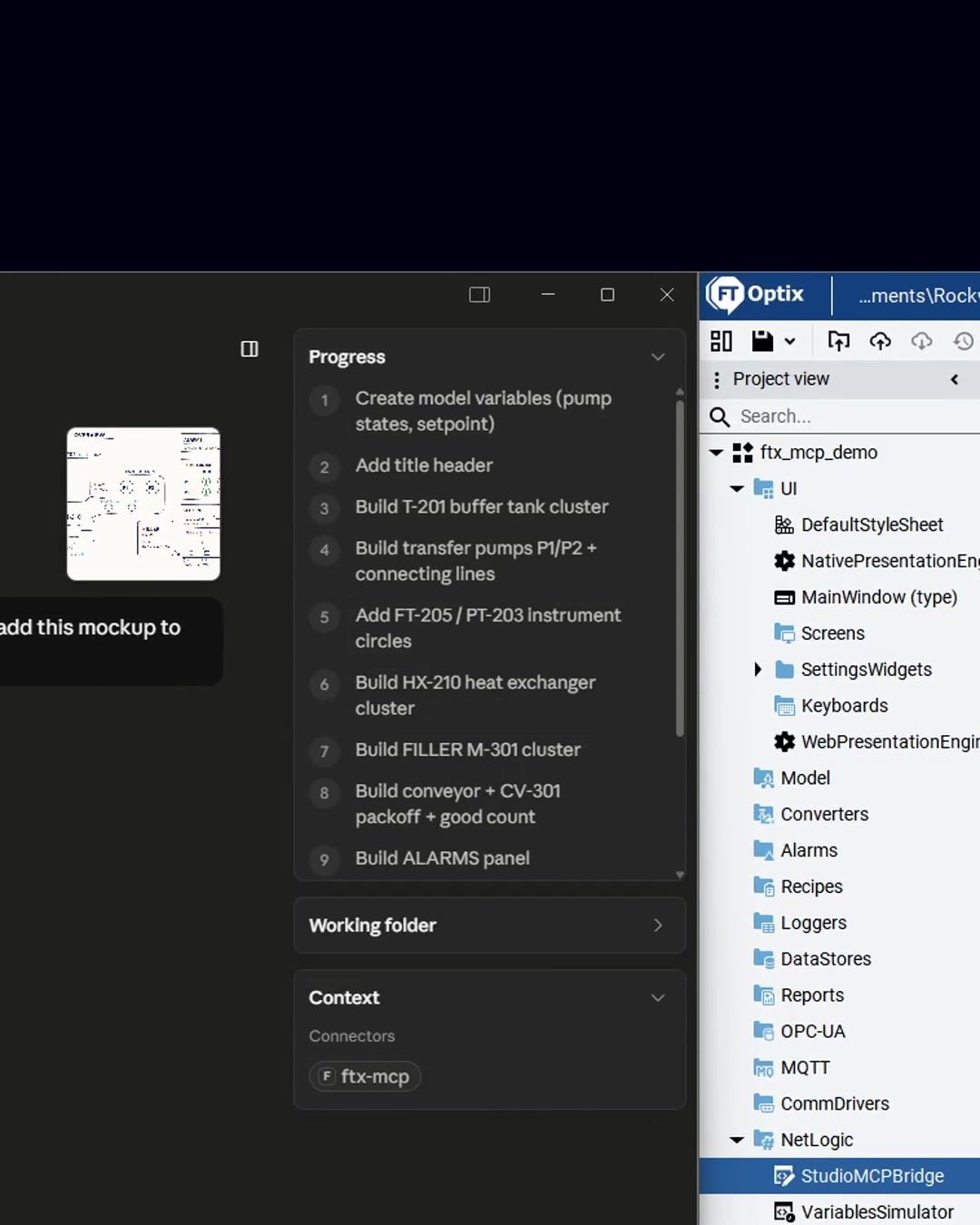
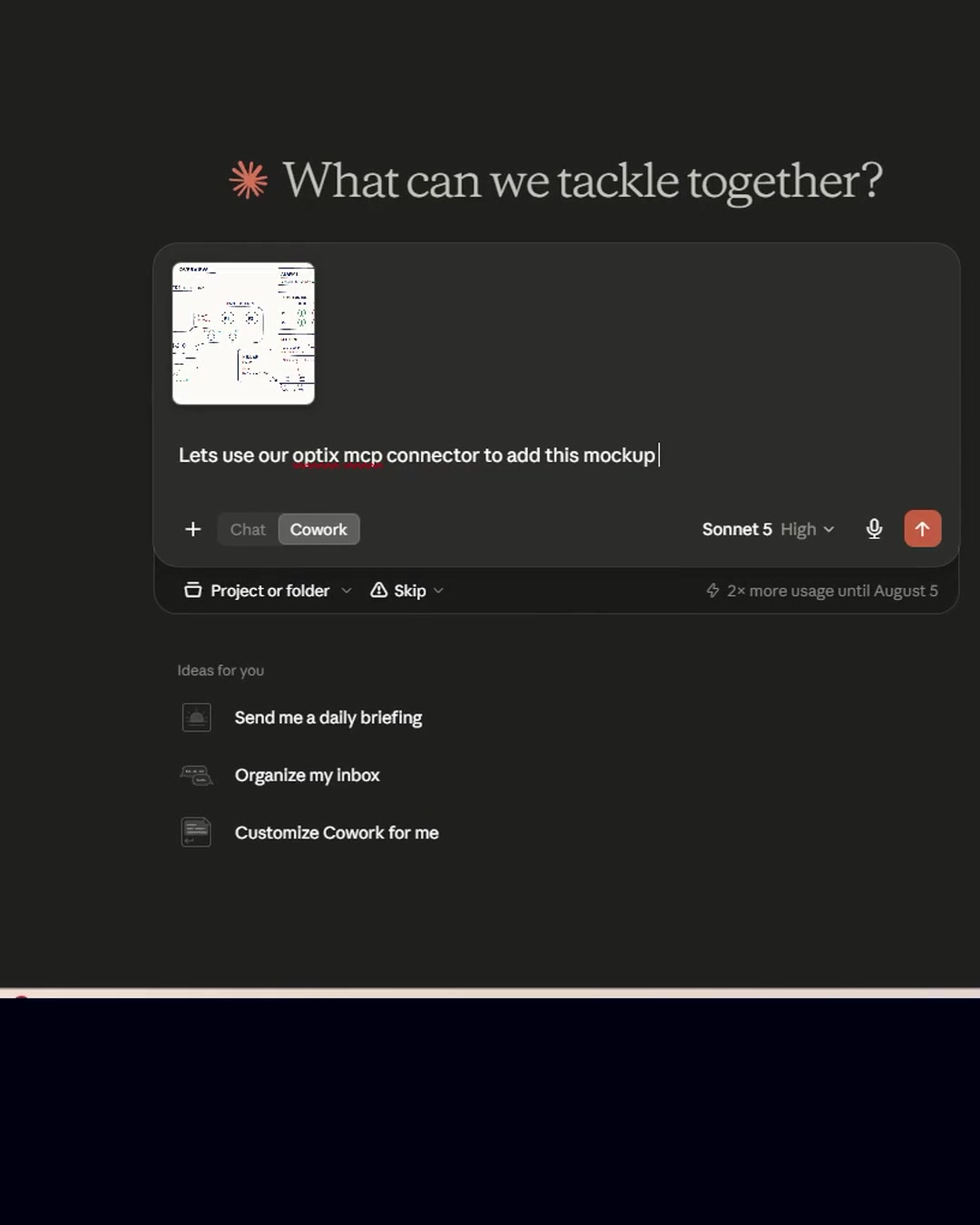
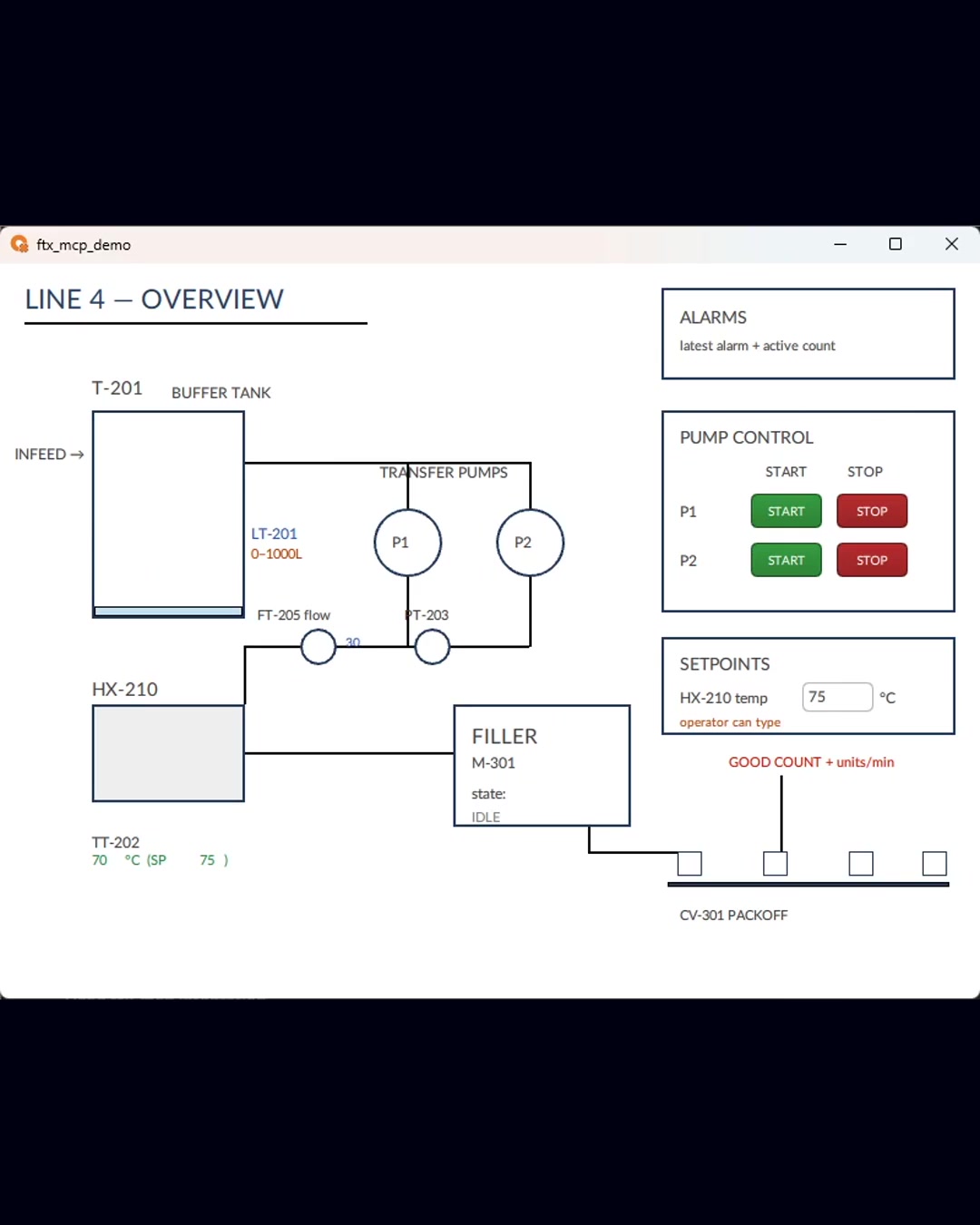
ftx-mcp is an MCP server for Rockwell Automation's FactoryTalk Optix. It connects Claude (Desktop, Code, Cowork) or any MCP client to FT Optix Studio on your Windows machine, so you can author, preview, and verify HMI screens by describing what you want.
How it works
- A Windows service exposes 43 MCP tools over HTTP (
http://127.0.0.1:8766/mcp) - A DesignTime NetLogic bridge (StudioMCPBridge) applies changes to the live Studio project
- Changes are verified against the running emulator with screenshots — author, then verify
Getting started
Install: pip install ftx-mcp, then follow the quick start. Full writeup at asqi.org/resources/ftx-mcp-v1.
More MCP servers

Official Porkbun MCP Server
Porkbun LLCOfficial Porkbun MCP server, maintained by Porkbun. Check domain availability and pricing, register, renew and transfer domains, and manage DNS records, nameservers, URL forwarding, glue records, DNSSEC and domain contac

Meticulous
Meticulous
OpenZiti MCP Gateway
openzitiNetFoundry MCP Gateway enables secure, isolated access to Model Context Protocol (MCP) tools across distributed systems without exposing public endpoints. Zero trust gateway for MCP servers. Aggregate, filter, and secure

Capgo MCP
Cap-goConsole, Backend and CLI to manage Capgo Instant update and Native build for Capacitor apps Build and upload to app store your mobile app

Termany
thinkany-aiAgent-Native Terminal
Comments