

What is the best way to chat with a PDF in Claude or ChatGPT?
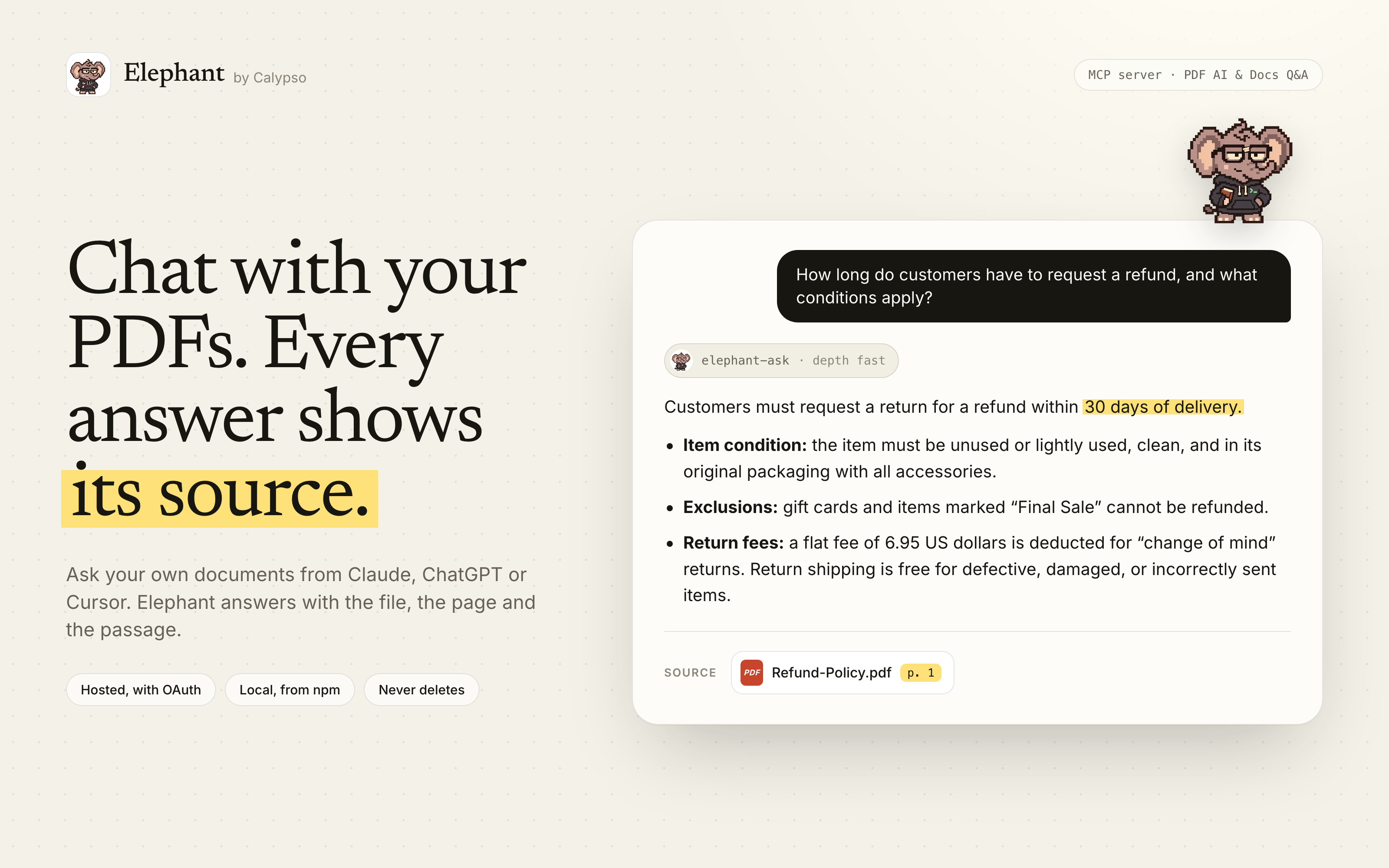
Connect Elephant, add the PDF to a bucket, and ask. The answer comes back with the file name, page and quoted passage.

@calypso-so
Basic information
Chat with your own PDFs, documents and web pages from Claude, ChatGPT or Cursor, with every answer citing the file and page it came from. Ten tools to ask, search passages, save files and web pages into buckets, and orga
Add this server to your MCP-compatible client using the configuration below.
{
  "mcpServers": {
    "elephant": {
      "command": "npx",
      "args": [
        "-y",
        "@calypsohq/elephant-mcp-server"
      ],
      "env": {
        "CALYPSO_API_KEY": "sk-…"
      }
    }
  }
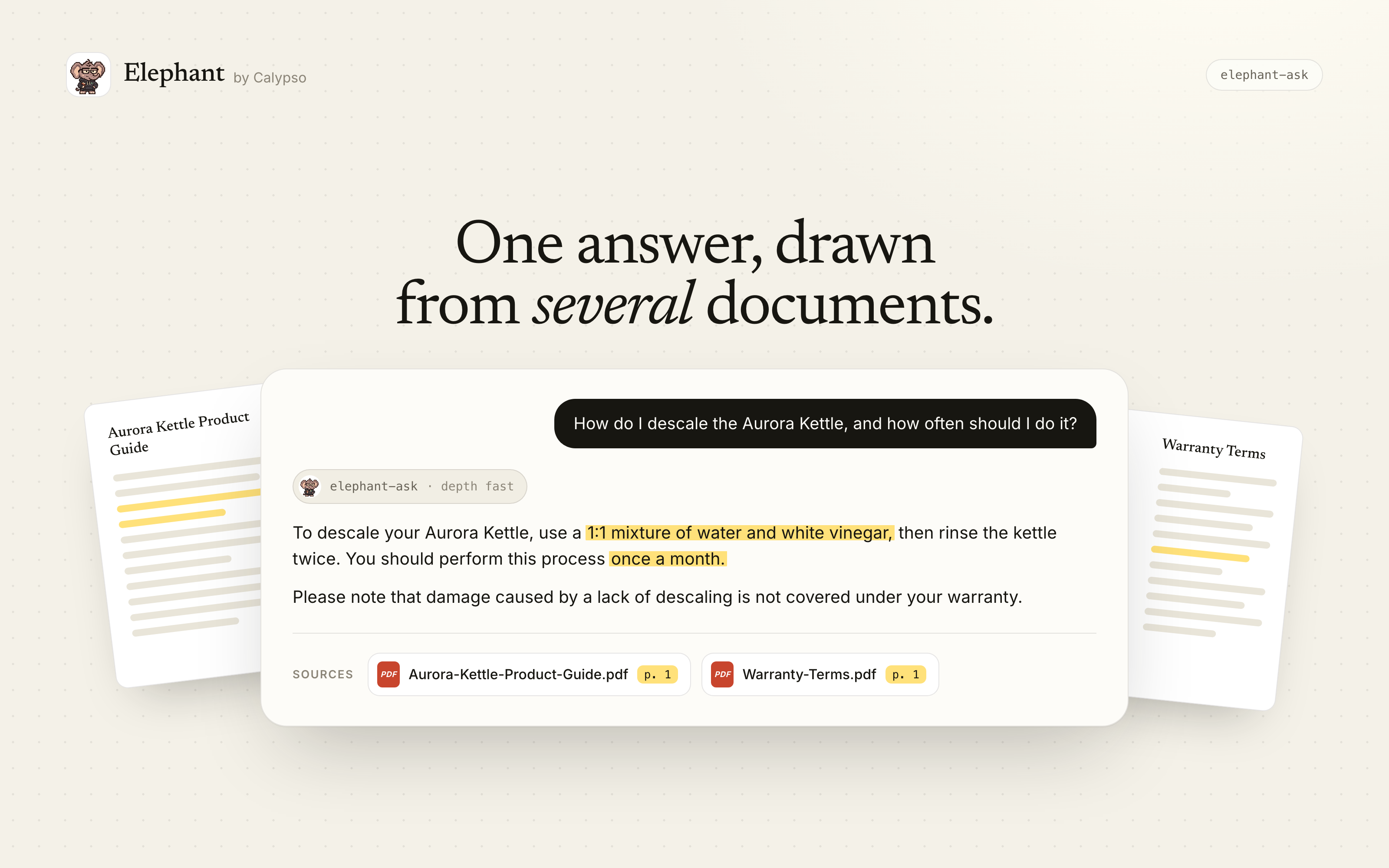
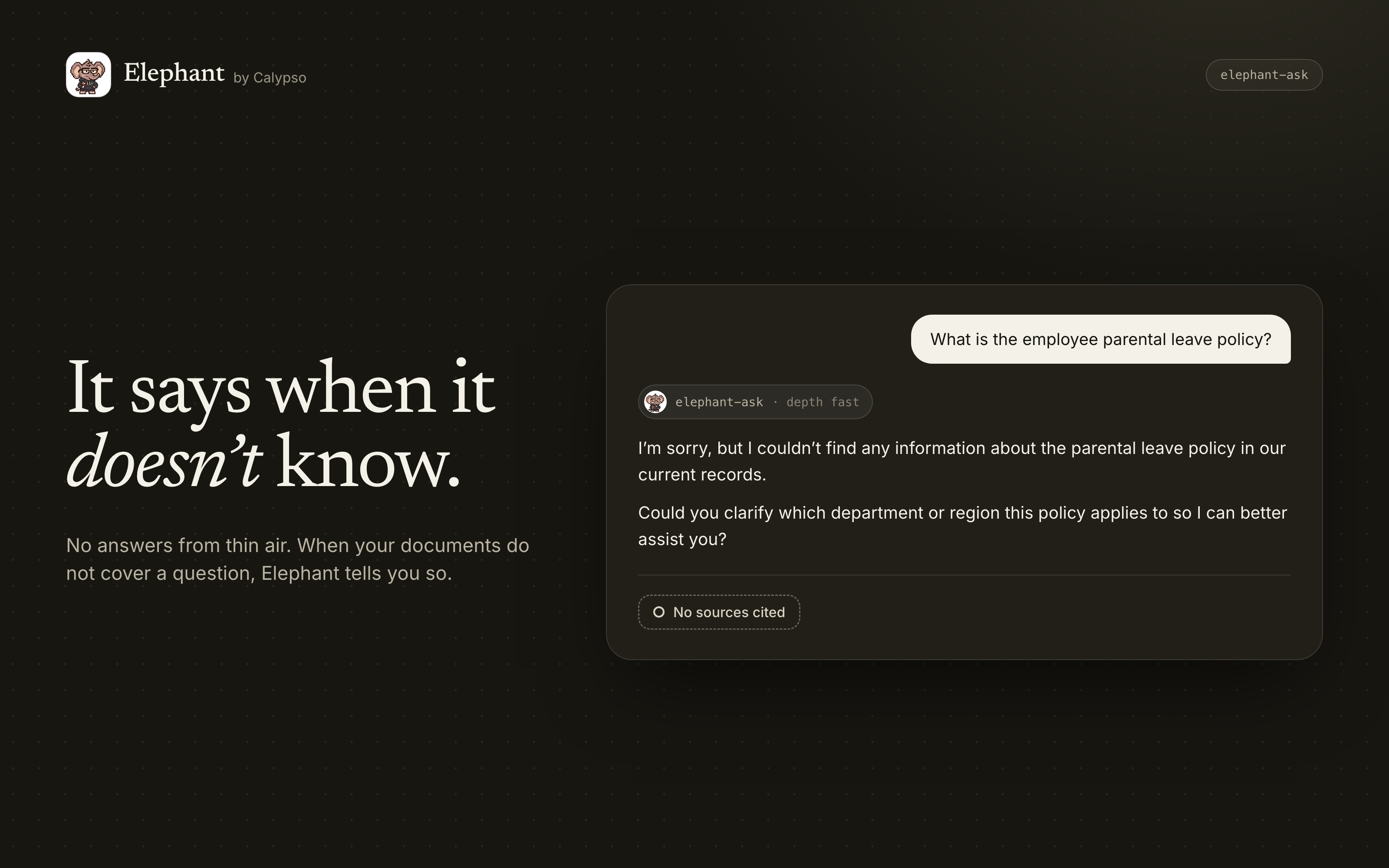
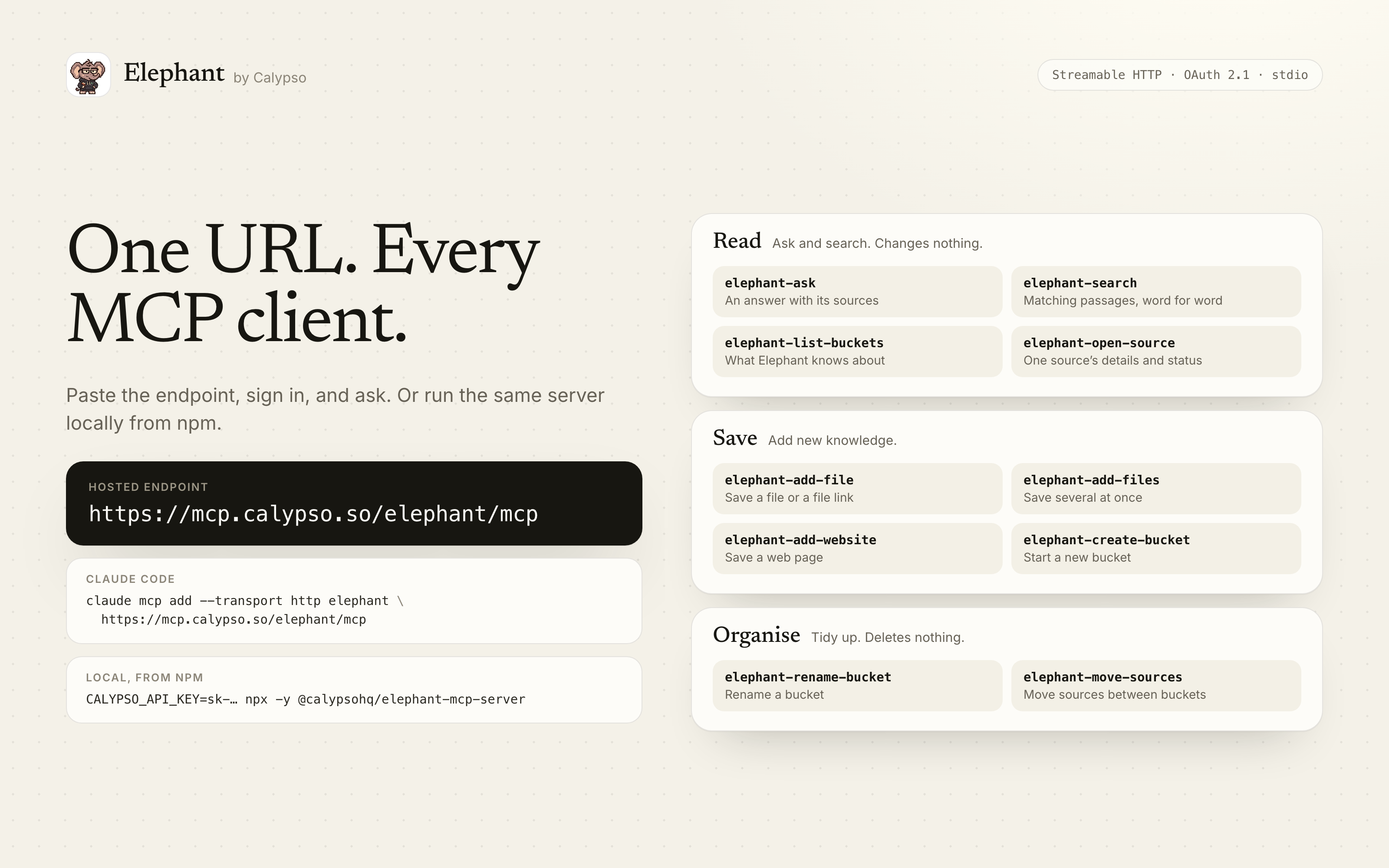
}Answers a question from the team's Calypso knowledge (documents, websites, images and other sources the team has added), with citations. Use it when the user asks about their own company, product, policies, documents or anything their team keeps in Calypso. Always cite the sources the answer returns. If the answer says the knowledge does not cover the question, say so plainly instead of answering from general knowledge. Each call stands alone: put everything needed to answer, including the subject of a follow-up, in the prompt. Without `model`, Elephant answers from every bucket the user has, including one created a moment ago. Optional `model` picks one of the team's Calypso agents instead, which reads only its own buckets. Optional `buckets` limits the answer to up to five named buckets. When the user has more buckets than one answer reads, Elephant picks the ones with evidence and the reply names any it did not search; ask again with `buckets` to choose them. Optional `depth` (`fast`, `balanced`, `deep`) sets how much work the answer gets. Choose it from the question, not from habit: `fast` for one stated fact, `balanced` for an explanation or summary, `deep` when several sources must be compared or the answer will be acted on. The reply ends by naming the depth it was answered at. If an answer is thin, misses part of the question, or says the knowledge does not cover something the user expects to be there, ask once more one depth higher before telling the user it is not covered. Do not repeat a call at the same depth, and do not go above `deep`. A team's plan may cap depth; when the reply says it was answered at a lower depth than asked, that is the most this team allows, so do not retry higher. When the team has no knowledge yet, the answer says so and how to add a first source; relay it, do not answer from general knowledge.
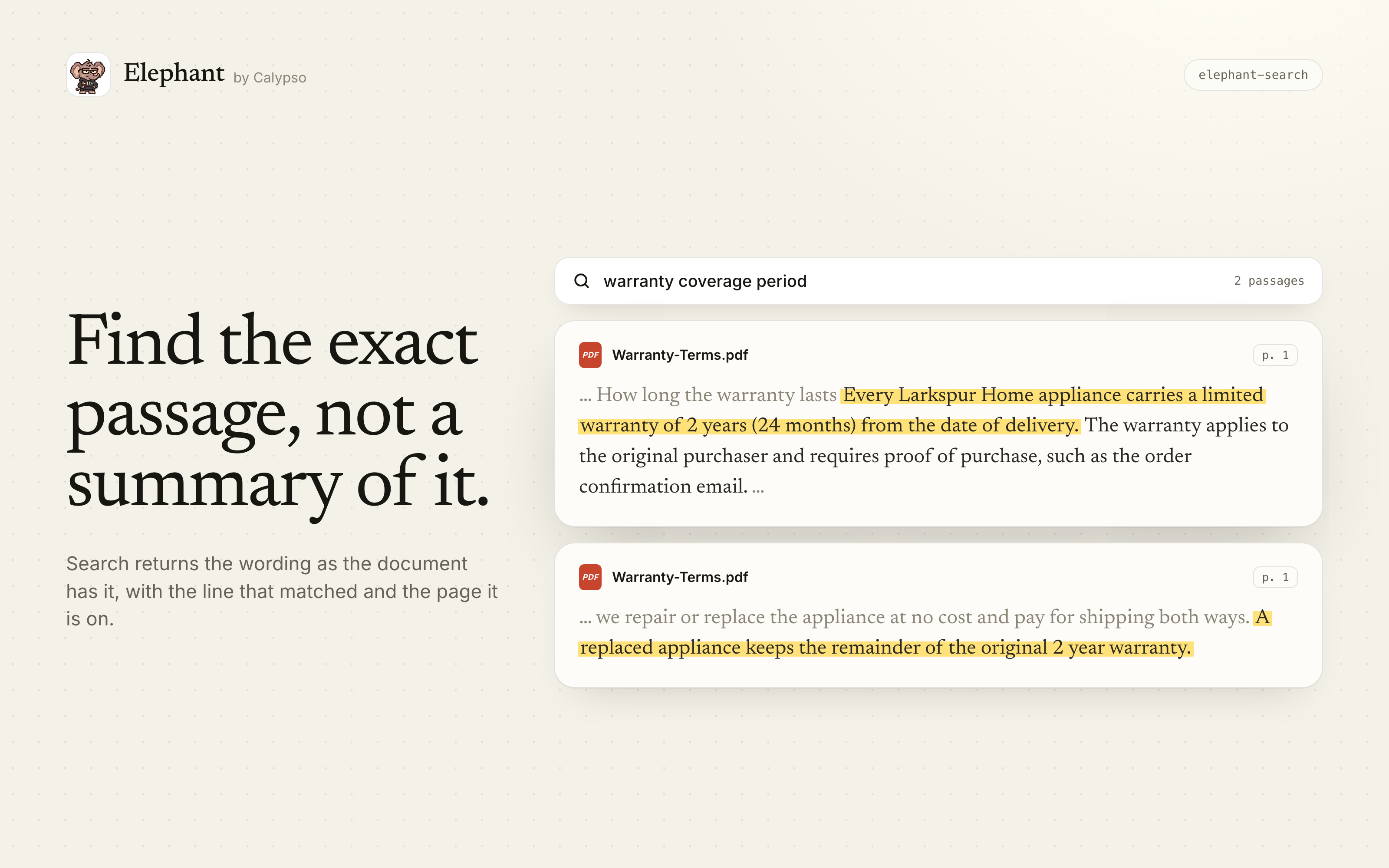
Searches the team's Calypso knowledge and returns the matching passages and their sources, without writing an answer. Use it when the user wants the exact wording, quotes, or a list of where something is mentioned. Each result's `text` is one whole matching passage as the document has it, and `quote`, when present, is the line in that passage that matched most closely. Read the whole `text` before searching again: a short document is one passage, so a single result can hold everything it says on the subject. Quote wording to the user from `text`, never from memory. When the passages returned do not cover what the user expects, search again with `depth: "thorough"` and `alsoSearchFor` (other phrasings, or the specific items you expect), or narrow to `buckets`. To have the content read and summarised, use elephant-ask instead. Pass `buckets` (ids or slugs from elephant-list-buckets, up to 5) to search specific buckets, or `agent` to search what one Calypso agent can see — not both.
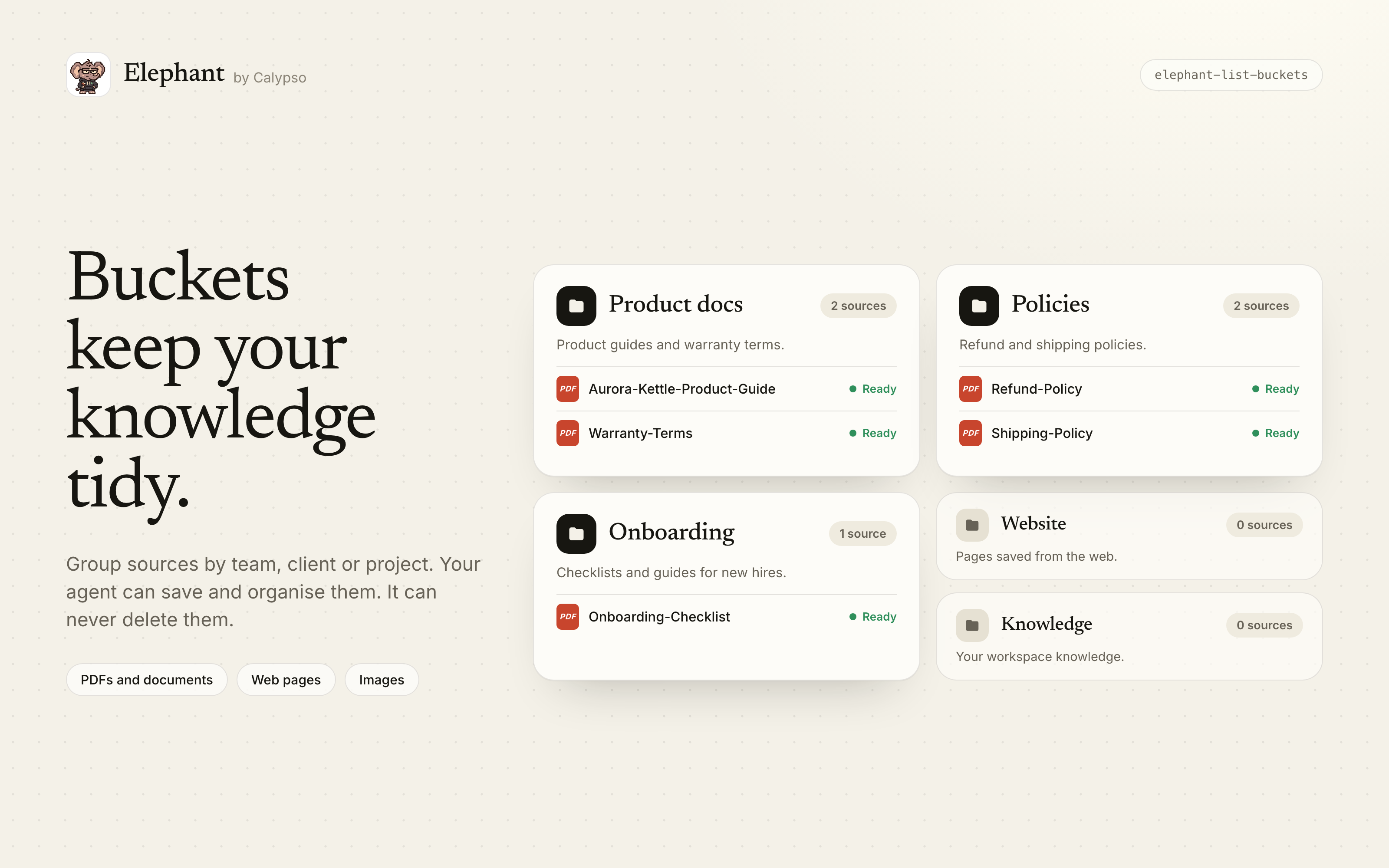
Lists the team's knowledge buckets — folders of sources Elephant remembers — with their names, slugs, file counts and the sources in each (id, name, type, and whether it is ready to answer from). Use it to show the user what Elephant knows about, to pick buckets before elephant-search, or to find a source's id by its name. Call a source by its name when you tell the user about it. `moreSources: true` means the bucket holds more than the ones named.
Returns one source's details by file id: name, type, size, the buckets it is in and whether it is ready to answer from. Use it when the user asks about a specific source cited in an answer or listed by elephant-list-buckets.
Adds one file to a knowledge bucket so Elephant can answer from it. Pass exactly one source: `file` (a file the user attached in ChatGPT), `sourceUrl` (a public http(s) link) or `contentBase64`. Also pass a bucket (`bucket`, `bucketSlugs` or `bucketIds`). Pass `waitForIndexing: true` when the user wants to ask about the file right away.
Adds 1 to 100 files to knowledge buckets in one request. Each item carries its bytes as `contentBase64`. A shared bucket applies to every item unless an item names its own. For a single file the user attached, use elephant-add-file instead.
Adds a web page to knowledge buckets so Elephant can answer from it. Calypso reads the page and writes its title, summary and tags. Use it when the user shares a link and wants Elephant to remember it. Adding a page the team already has is refused as `website_url_exists`, unless the same `idempotencyKey` is sent again.
Creates a new knowledge bucket (a folder of sources) for the team. Use it when the user wants to keep a new topic separate before adding files or websites. A new bucket needs no other setup: elephant-ask and elephant-search answer from it as soon as its files finish indexing.
Changes a bucket's name, its description, or both. The sources in the bucket, their indexing and the bucket's slug stay as they are. Use it when the user wants a bucket called something else or wants to note what it holds. Find the bucket with elephant-list-buckets first, and tell the user the old and the new name. Pass at least one of `name` and `description`. It does not move, add or delete anything: to move sources use elephant-move-sources.
Moves sources from one bucket to another. Each source is added to the destination first and only then taken out of the bucket it came from, so it is never left without a bucket. Files are not deleted or uploaded again. Use it when the user wants to refile sources: split a bucket, tidy up, or put a file where it belongs. Before calling, name the sources and both buckets to the user. The destination must already exist: create it with elephant-create-bucket if this connection can. The result lists each source with what happened: `moved`, `not_in_source_bucket` (it was never in `fromBucket`), `not_found`, `not_added`, or `added_not_removed` (now in both buckets). Report anything that is not `moved`; do not say everything moved when it did not. A moved source is searchable in its new bucket once indexing there finishes, usually within a minute.
Elephant is a PDF AI and document Q&A server for the Model Context Protocol. Connect it to Claude, ChatGPT, Cursor or any MCP client and chat with your own PDFs, documents, web pages and images. Every answer cites the file, the page and the passage it came from, so you can check it in one click.
It is RAG without the plumbing: no vector database to run, no chunking to tune. Add your files, ask your question, get a sourced answer.
Hosted (recommended). Add one URL to your MCP client and sign in with OAuth. Nothing to install.
https://mcp.calypso.so/elephant/mcp
Claude Code:
claude mcp add --transport http elephant https://mcp.calypso.so/elephant/mcp
Local over stdio. Run it from npm with an API key from your Elephant workspace:
CALYPSO_API_KEY=sk-… npx -y @calypsohq/elephant-mcp-server
{
  "mcpServers": {
    "elephant": {
      "command": "npx",
      "args": ["-y", "@calypsohq/elephant-mcp-server"],
      "env": { "CALYPSO_API_KEY": "sk-…" }
    }
  }
}
Connect Elephant, add the PDF to a bucket, and ask. The answer comes back with the file name, page and quoted passage.
Yes. It works with any client that speaks the Model Context Protocol, over Streamable HTTP or stdio.
Uploads live in one conversation. Elephant keeps your documents in one place, available to every client and every teammate, and cites its sources each time.
No. Elephant has no delete tool. Files and buckets are removed only by you, in the Elephant console.
No. Indexing, search and citations are handled for you.
Yes: `https://mcp.calypso.so/elephant/mcp`, with OAuth sign-in. The same server is on npm as `@calypsohq/elephant-mcp-server` for local use.
Docs: https://docs.calypso.so/elephant/reference/elephant-mcp-tools Source: https://github.com/calypso-so/elephant-mcp

Local AI agent for your Mac with a built-in MCP server: 18 tools for your notes and PDFs, a temporal memory graph, an on-device LLM and a neural voice. No account, no telemetry. No data centers required.

Open-source Python SDK & MCP interface for Priostack Agent Context Network (ACN). Zero-setup, autonomous memory orchestration for AI agents.

MCP connector for Snipara, the Project Brain for AI coding agents

Groundwork: company memory for your AI tools. Docs public. Source closed. Public proof needs no account.

Persistent memory for AI agents. Hosted MCP server with capsule-scoped key/value storage, tags, TTL expiration, bulk ops, and RBAC.
Comments