MCP.so
Sign In
D

DataDoe MCP

@Deltologic

About DataDoe MCP

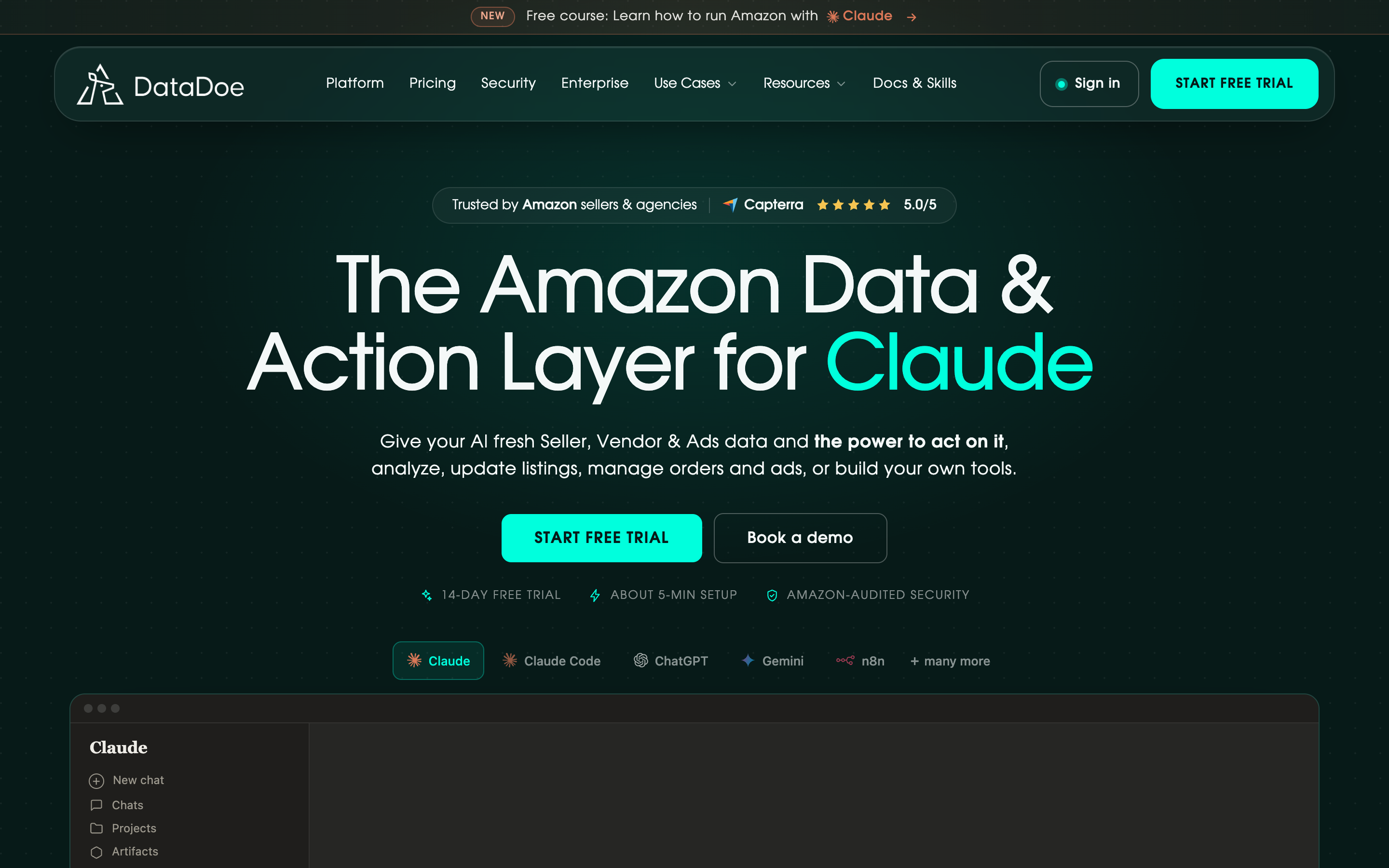
Hosted Amazon Seller and Vendor MCP server. Live SP-API and Amazon Ads API data for AI agents — orders, sales, ads, inventory, listings, brand analytics. Works with Claude, ChatGPT, Cursor, Codex, Gemini, GitHub Copilot and any HTTP Streamable MCP client.

Basic information

Category

AI & Agents

Transports

stdio

Publisher

Deltologic

Submitted by

Jakob Wolitzki

Config

Add this server to your MCP-compatible client using the configuration below.

{
  "mcpServers": {
    "datadoe": {
      "url": "https://mcp.datadoe.com/mcp/v1",
      "headers": {
        "datadoe-mcp-key": "<YOUR_DATADOE_MCP_KEY>"
      }
    }
  }
}

Tools

No tools detected

We auto-extract tools from the README. The maintainer can list them under a ## Tools heading to populate this section.

Overview

What is DataDoe MCP?

DataDoe MCP is a hosted Model Context Protocol (MCP) server for Amazon sellers, vendors, and agencies. It exposes live Amazon Selling Partner API (SP-API) and Amazon Ads API data through MCP tools that work with Claude, ChatGPT, Cursor, Codex, Gemini, GitHub Copilot, and other MCP-capable clients.

How to use DataDoe MCP?

Sign up at DataDoe and connect your Amazon Seller Central or Vendor Central account. Create a DataDoe MCP API key in the DataDoe dashboard, then paste the MCP URL (https://mcp.datadoe.com/mcp/v1) and the API key header (datadoe-mcp-key) into your AI client's MCP configuration. No local deployment or SP-API developer approval is needed.

Key features of DataDoe MCP

  • No SP-API developer approval or OAuth handling required
  • 30-second setup with a single MCP URL and API key
  • Supports 6+ AI clients out of the box
  • SKU-level data resolution across orders, sales, ads, inventory, and more
  • Multi-marketplace and multi-account coverage (Seller Central and Vendor Central)
  • AI-native design with SQL-like filters, aggregations, and date intervals
  • Always-on hosted infrastructure; DataDoe manages rate limits and token rotation

Use cases of DataDoe MCP

  • Amazon sellers querying top ASINs by revenue across all marketplaces
  • Agencies reconciling settlements against orders for a given quarter
  • Operations teams checking ad campaign ACoS and total spend weekly
  • Inventory managers identifying units at risk of stocking out within 14 days
  • AI builders creating daily KPI dashboards for sales, traffic, and ad spend

FAQ from DataDoe MCP

What Amazon data is available through DataDoe MCP?

DataDoe MCP exposes orders and sales, Amazon Ads (campaigns, keywords, search terms), inventory, listings, finance (settlements, fees), returns, brand analytics, and traffic data. The full schema is available at DataDoe’s data scheme page.

Does DataDoe MCP require a subscription?

Yes, DataDoe MCP requires a DataDoe subscription. It is not a free open-source server. For a free self-hosted alternative, see community Amazon MCP servers at mcpservers.org.

Is DataDoe MCP self-hosted?

No. DataDoe MCP is hosted at mcp.datadoe.com. This GitHub repository is only the schema facade for public MCP registries. DataDoe handles all infrastructure, including SP-API developer registration, OAuth, and rate limits.

Which AI clients does DataDoe MCP support?

DataDoe MCP works with Claude (Desktop and Code), ChatGPT, Cursor, Codex CLI, Gemini CLI, GitHub Copilot, n8n, NanoClaw, and any MCP-capable client. Setup guides are available in the DataDoe documentation.

How do I get started with DataDoe MCP?

Sign up at DataDoe, connect your Amazon account, create an MCP API key, and add the MCP URL and header to your AI client configuration. Then ask your AI agent questions about your Amazon data, such as “Show my top 10 ASINs by revenue last month.”

Comments

More AI & Agents MCP servers