

Do I need to install anything?
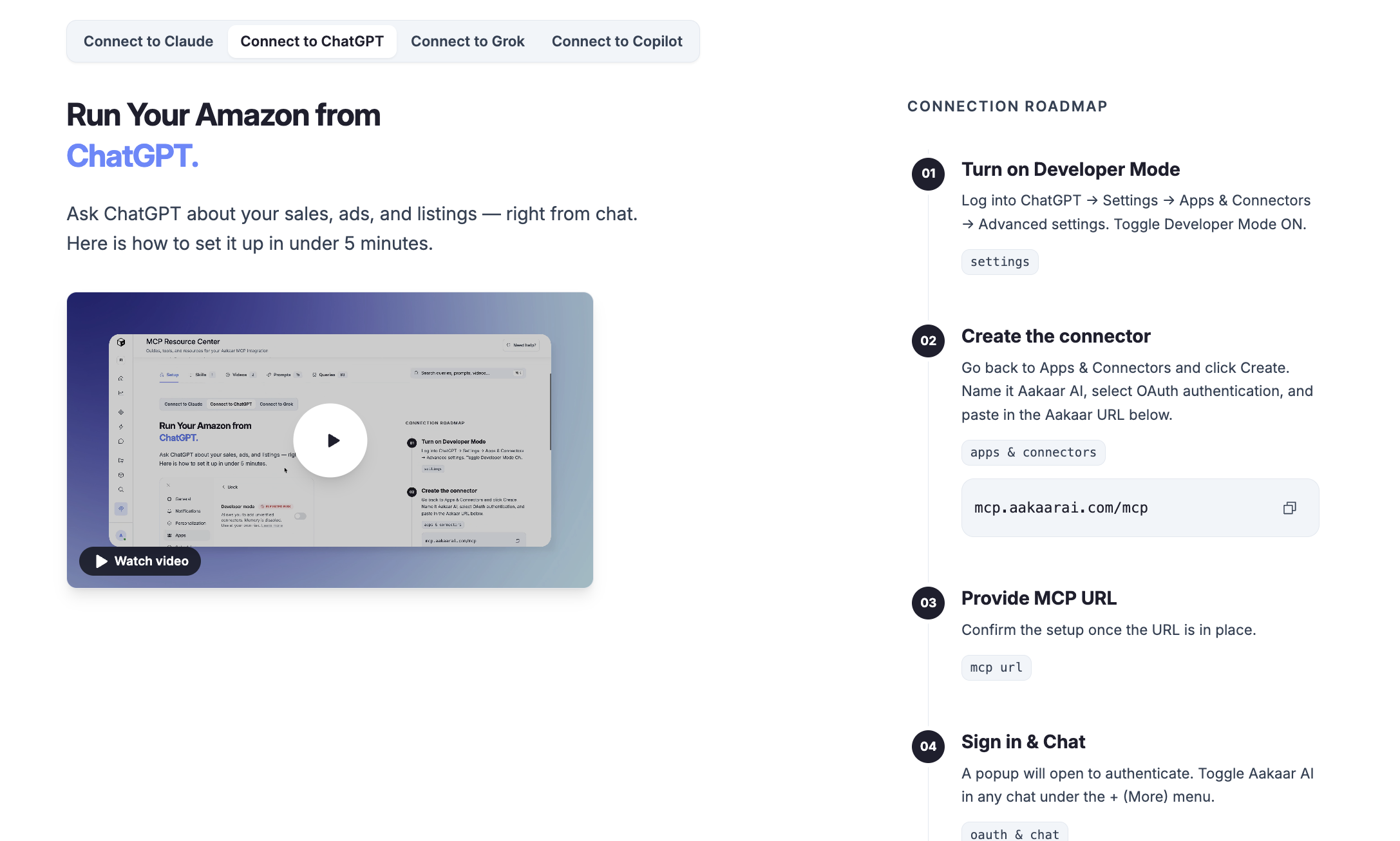
No. The server is hosted by Aakaar AI. Add the server URL to your AI assistant and sign in.

@Aakaar AI
Basic information
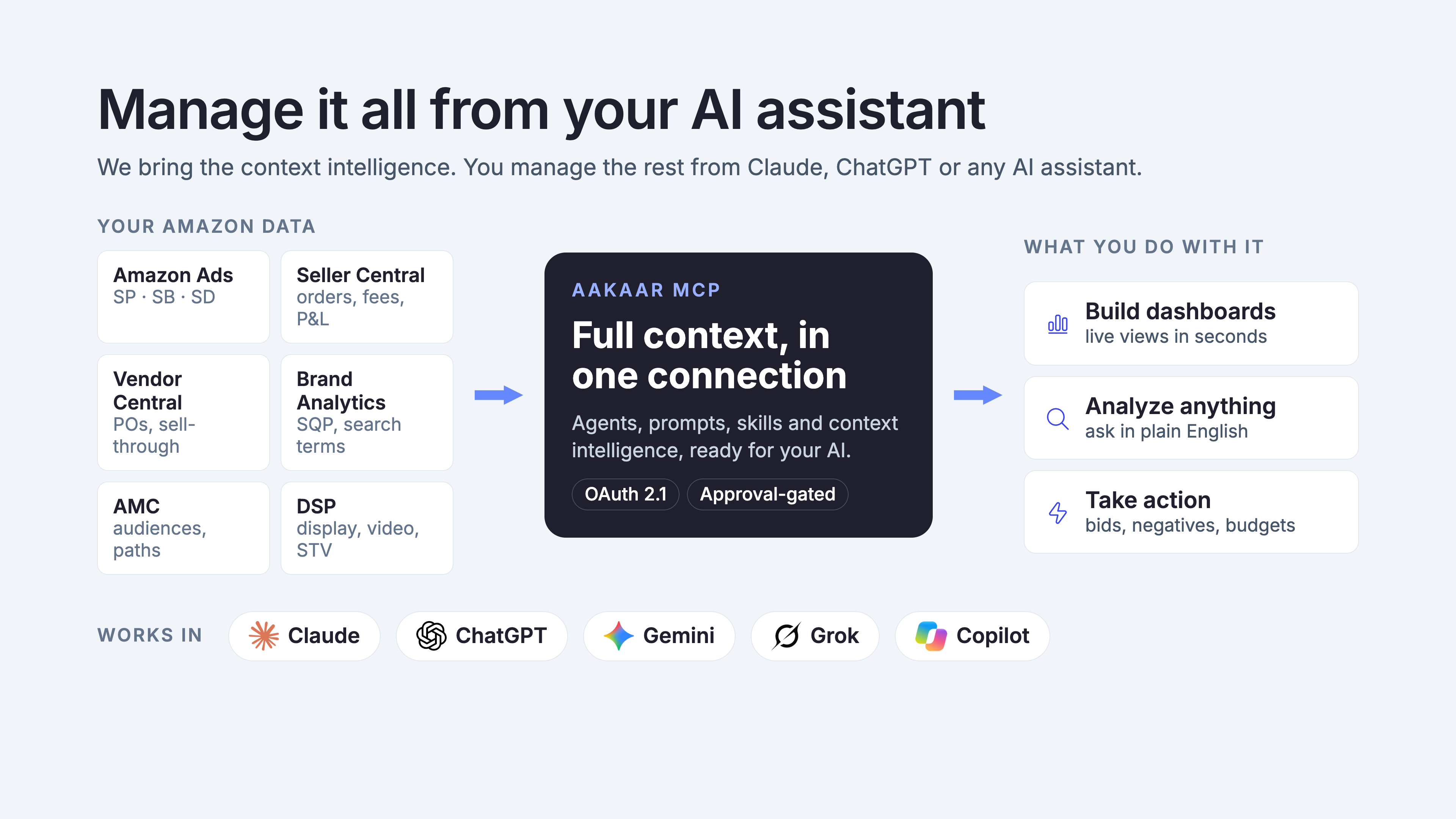
Aakaar AI is an Amazon MCP server that connects any AI assistant, including Claude, ChatGPT and other MCP-compatible tools, to your Amazon Ads, Seller Central, Vendor Central, Amazon Marketing Cloud (AMC) and Amazon DSP
Add this server to your MCP-compatible client using the configuration below.
{
  "mcpServers": {
    "aakaar-ai": {
      "url": "https://mcp.aakaarai.com/mcp"
    }
  }
}Tool list not available yet
This listing does not currently have a tool list to display. This does not mean the server has no tools; check its documentation for supported capabilities.
This server requires authentication. Tool discovery may require signing in or credentials from the provider.
Fetch the live tool list directly from this server's endpoint using the button above.
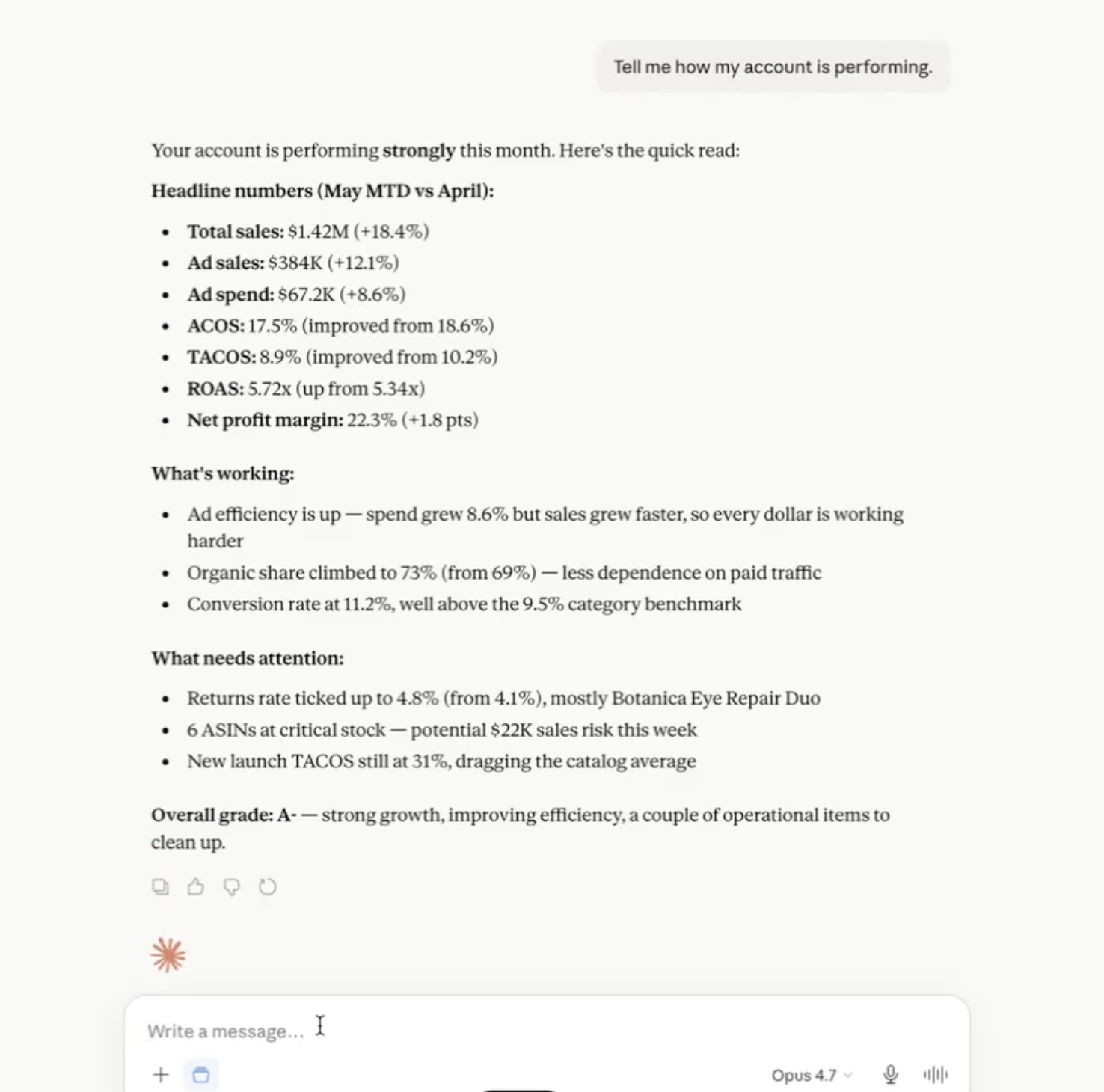
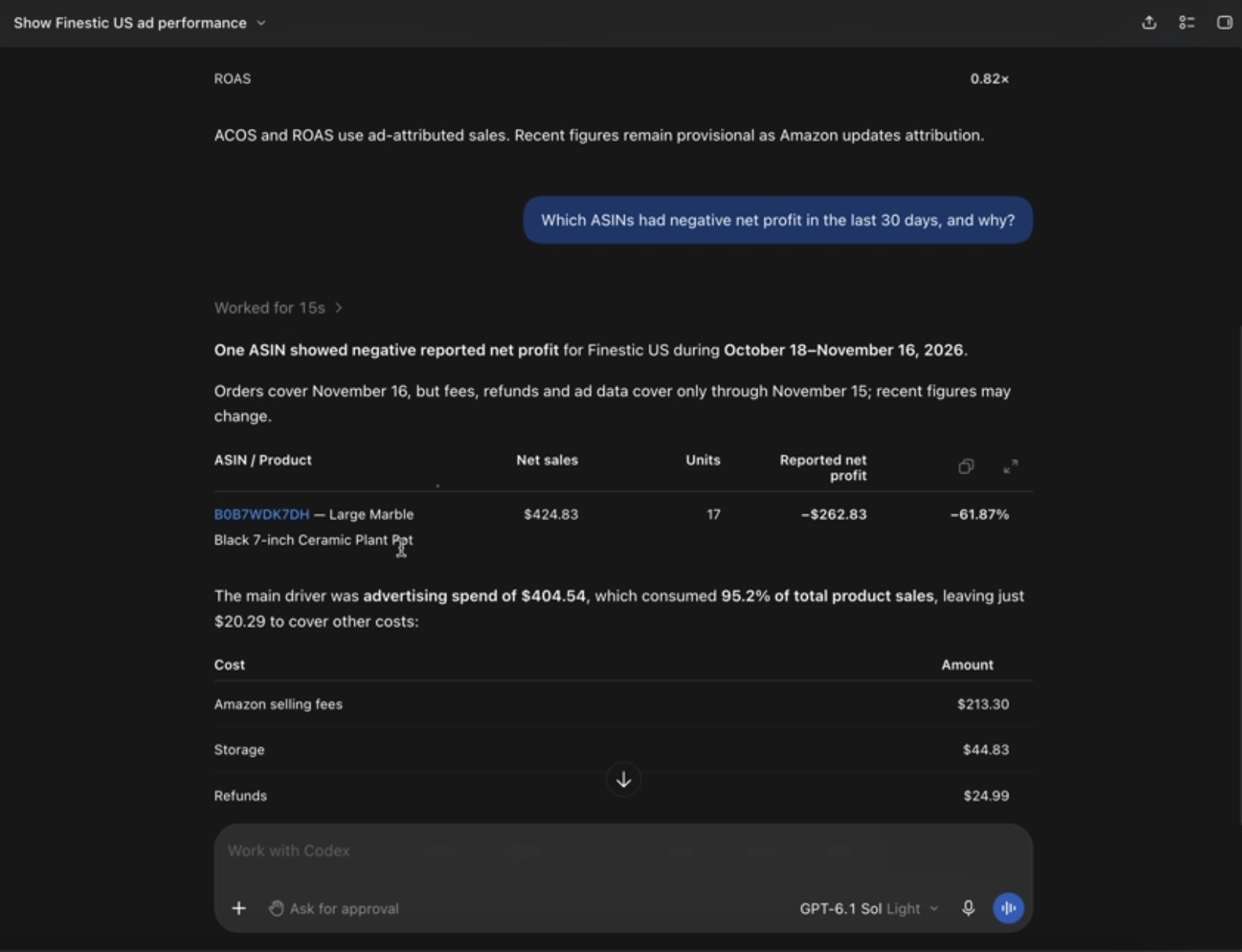
Aakaar MCP connects Claude, ChatGPT, Grok, Microsoft 365 Copilot and other AI assistants to your Amazon seller and Amazon Ads data. Ask questions in plain language and go from insight to action in one conversation. It's a hosted remote MCP server, so there's nothing to install.
Server URL: https://mcp.aakaarai.com/mcp
Sign-in uses OAuth, so no API keys are needed. You need an Aakaar AI account with your Amazon accounts connected.
Any client that supports remote MCP over HTTP with OAuth can use the same server URL.
No. The server is hosted by Aakaar AI. Add the server URL to your AI assistant and sign in.
Reading data runs directly. Changes to campaigns, bids, budgets and listings wait for your approval.
This repository holds the public documentation: https://github.com/Aakaar-ai/aakaar-mcp
MCP-native LLM councils for debates, juries, blind panels, voting, refinement, and custom multi-model deliberation.

AgentMsgr MCP server: connect your AI agents (Meta Muse, Grok Bot, your own bots) to one group chat, no email in between.

Your AI agents know the code. They don't know the company. A local decision graph from your git history, checked by your coding agent before it edits.

superbot is your own AI agent: anything you can do on your computer, it can do, fast. Its MCP server gives other agents one tool for errands: fax, calls, texts, Gmail drafts, calendar, web search. Free in your browser, n
Hand work to an agent that runs in its own cloud computer with a browser, and get the result back: a pull request with checks, files or an answer. Start, wait for, steer and stop Rush runs from any MCP client.
Comments