

Is it free?
Local use is free and unlimited. Team memory (hosted, shared across your team) is a paid feature but you can request a free demo at agentmagnet.app.
@helinakdogan
Basic information
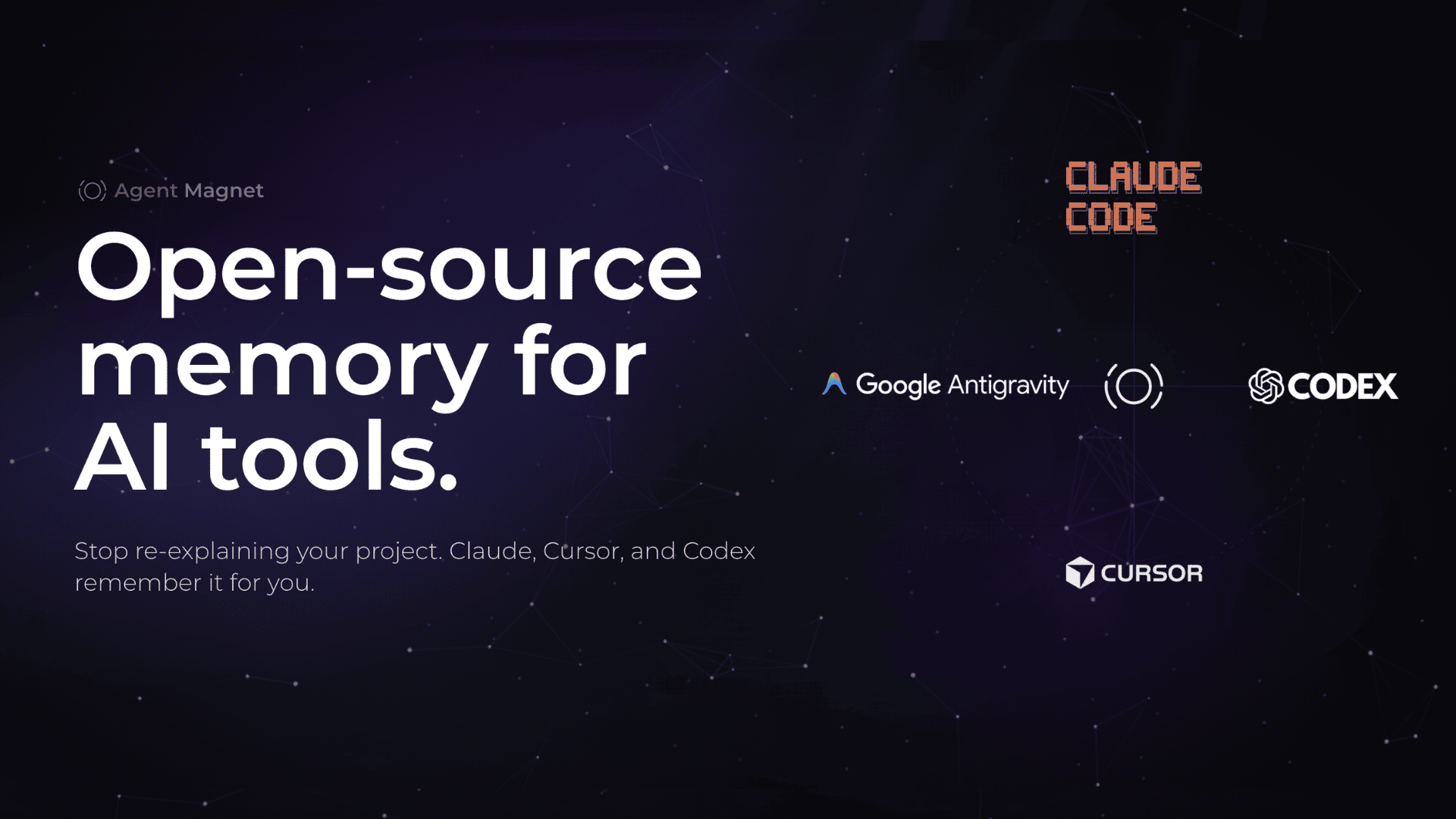
Self-learning memory for AI tools. Remembers user preferences and context across Claude, Cursor, and Codex — with multi-parameter forgetting and cross-tool identity.
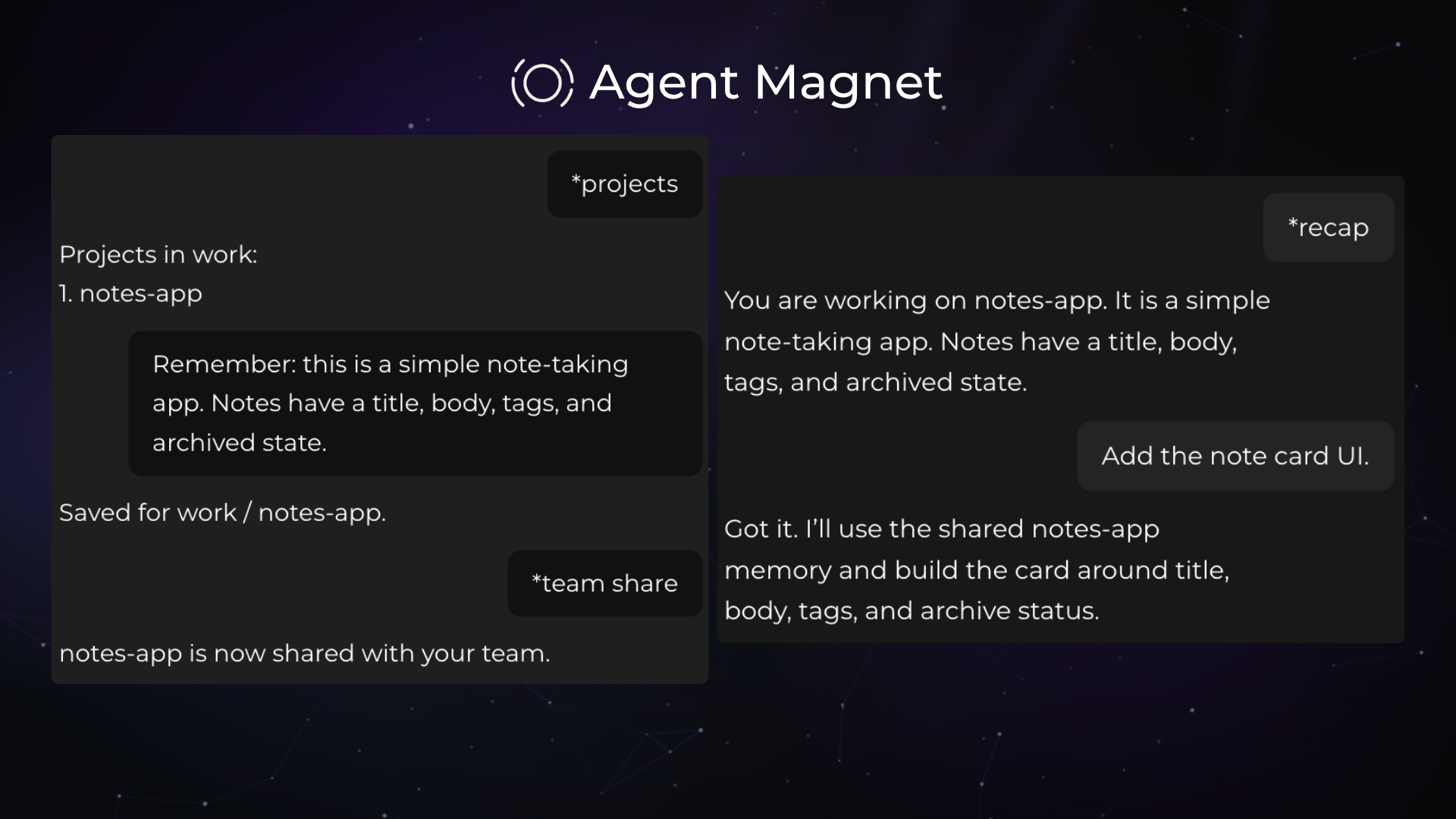
Add this server to your MCP-compatible client using the configuration below.
{
  "mcpServers": {
    "agent-magnet": {
      "command": "agent-magnet-mcp",
      "env": {
        "MAGNET_USER_ID": "your_name"
      }
    }
  }
}Tool list not available yet
This listing does not currently have a tool list to display. This does not mean the server has no tools; check its documentation for supported capabilities.
We auto-extract tools from the README. The maintainer can list them under a ## Tools heading to populate this section.
Persistent memory for AI coding tools. Remembers your decisions, conventions, and what you've tried, and shares it across Claude, Cursor, and Codex.
Two ways to connect:
Local (free, runs on your machine):
pip install agent-magnet
agent-magnet init
init detects Claude, Cursor, and Codex and configures them automatically. No Redis, no keys. Runs locally with SQLite.
Hosted (for teams):
Connect directly to mcp.agentmagnet.app with an API key from agentmagnet.app — no install needed. You can request a demo at agentmagnet.app to get set up.
Local use is free and unlimited. Team memory (hosted, shared across your team) is a paid feature but you can request a free demo at agentmagnet.app.
Not for local mode — that's SQLite, zero setup. Hosted mode is fully managed, nothing to configure either.
Every tool connects to the same memory, local or hosted, so what one tool learns, the others see instantly.
Request a free demo at agentmagnet.app.
contact@agentmagnet.app akdoganhelin@gmail.com

Serve your docs to AI agents over SSH and MCP. Agents use ls, cat, grep, find, and pipes against a virtual filesystem backed by your documentation. Identity-scoped access, governed writing with human approval, and portab

Open-source Python SDK & MCP interface for Priostack Agent Context Network (ACN). Zero-setup, autonomous memory orchestration for AI agents.

Islamic source data for assistants: Quran, hadith, tafsir, duas, prayer times and qibla. Answers come from real sources with citations instead of recalled text, so verses and hadith are not hallucinated. 36,000+ hadiths

The Cloud is the AI-native workspace that gives every AI — Claude, ChatGPT, Gemini, and other Frontier & Free or Local models — shared memory and real agents. Not cloud computing: thecloud.so is one workspace where your

Context7 Platform -- Up-to-date code documentation for LLMs and AI code editors
Comments