

RingZeeVerifiedFeatured
@ringzee.ai
Basic information
Category
Other
Author
ringzee.ai
About RingZee
RingZee is an MCP client available at https://ringzee.ai.
Overview
What is RingZee?
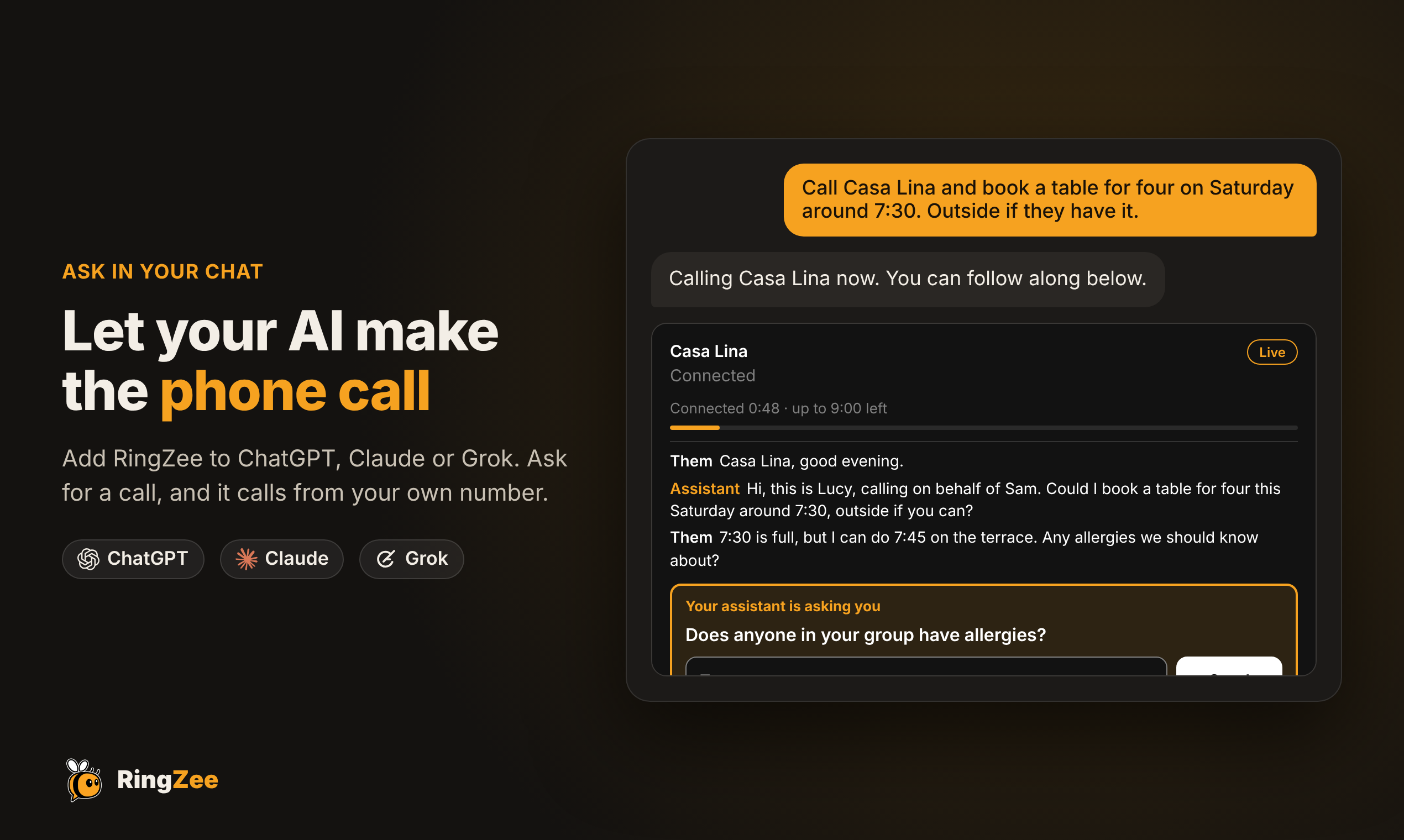
RingZee lets your AI assistant make real phone calls for you. Ask in ChatGPT, Claude or Grok ("call the dentist and move my appointment to Friday"). An AI voice agent places the call from your own RingZee number and talks to the person on the other end. It reports back in the chat while the call is going.
What you can do
- Place calls: bookings, rescheduling, checking prices or stock, follow-ups, or passing a message to a friend, family member or colleague.
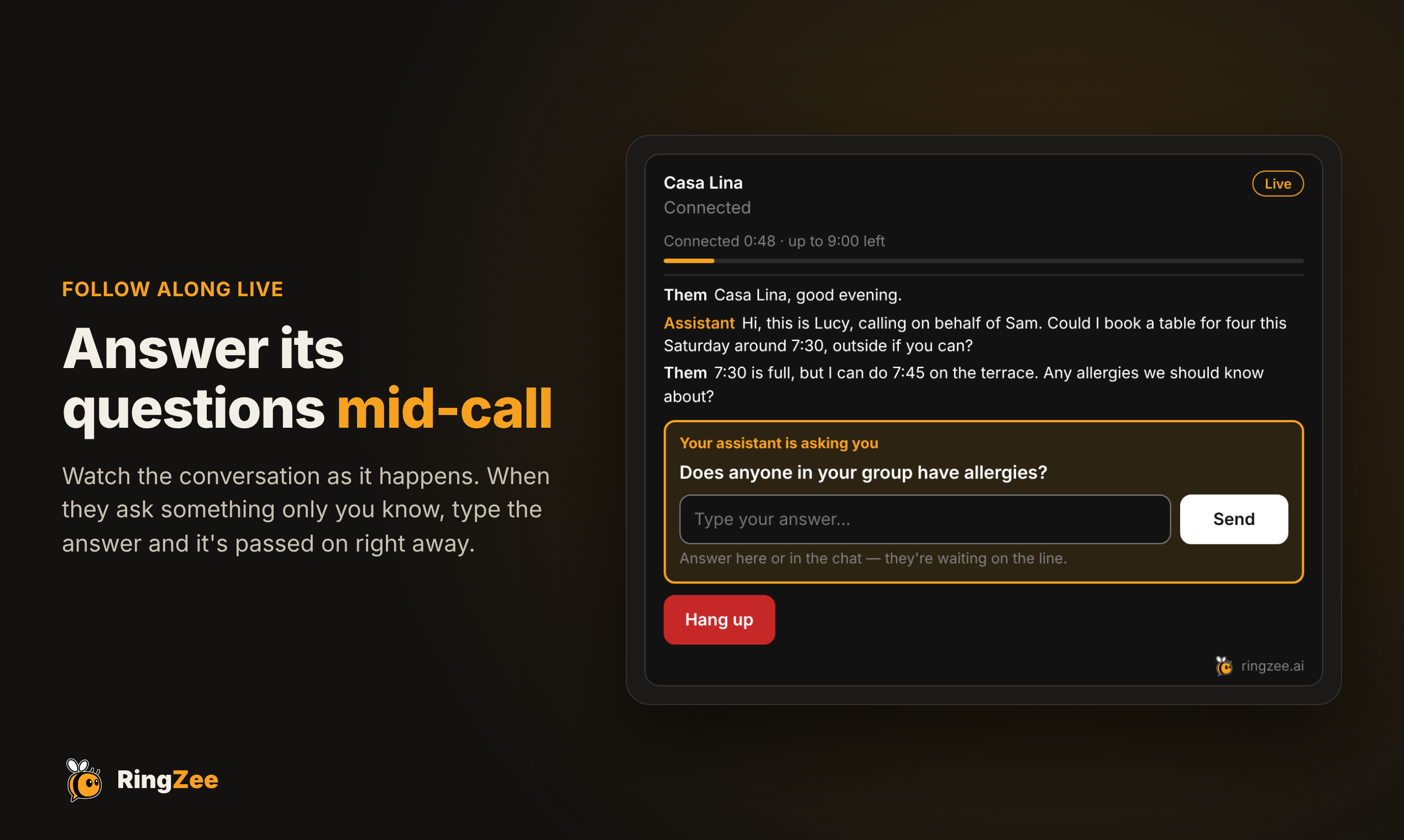
- Follow the call live: a call card in the chat shows the conversation as it happens.
- Answer mid-call questions: if the agent needs something only you know, it asks you in the chat and keeps the other person on the line.
- Steer or end the call: send the agent a correction or ask it to wrap up.
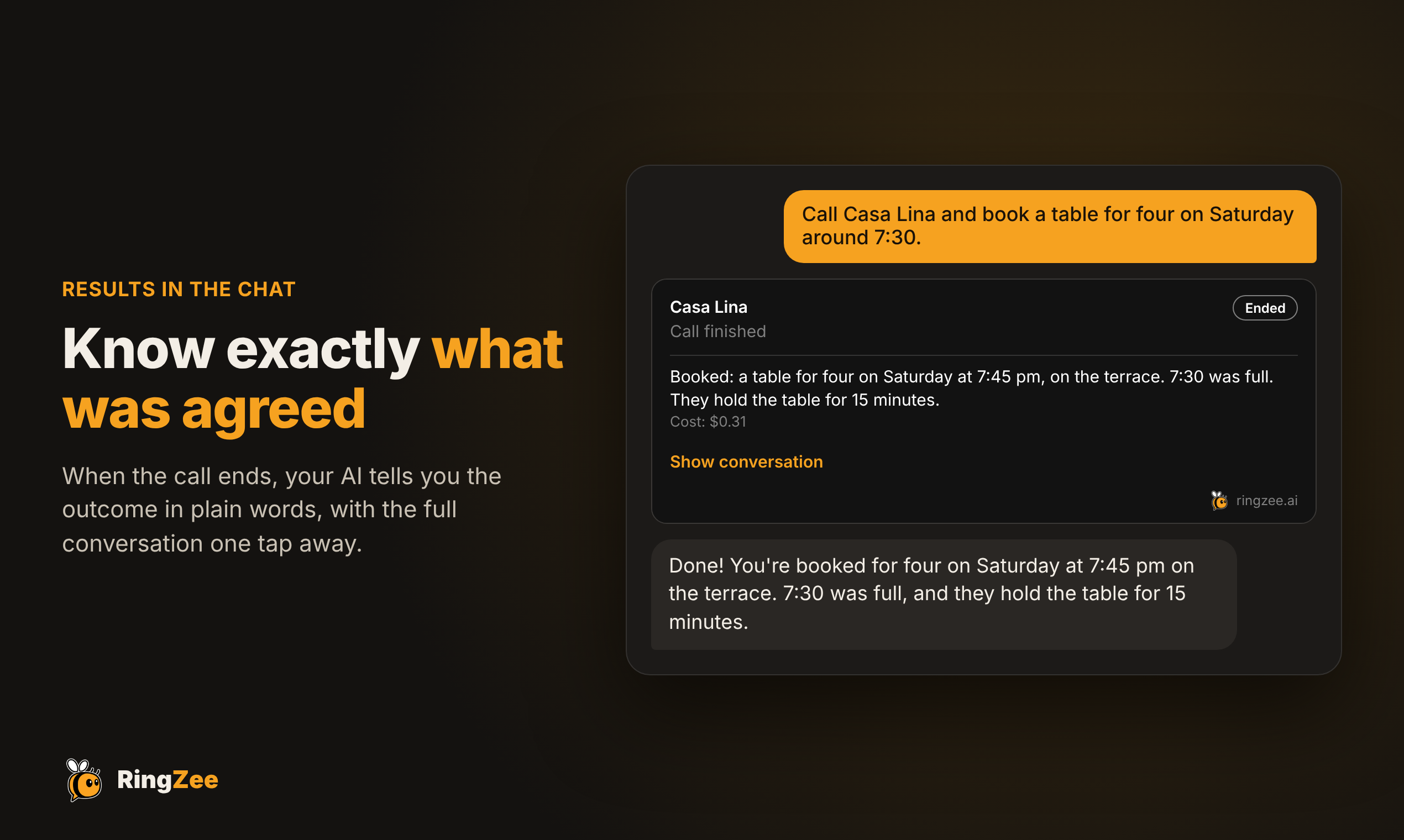
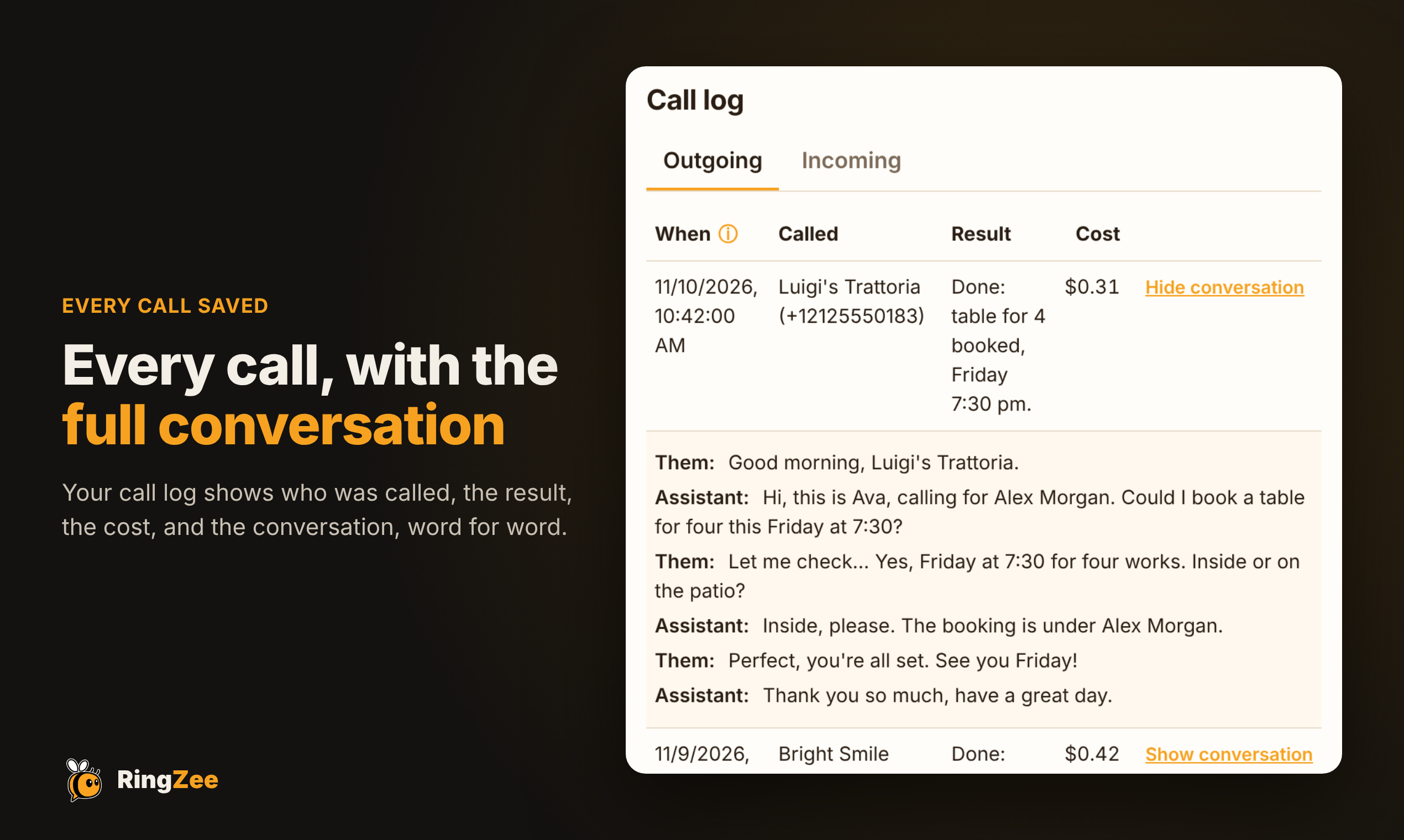
- Get results: a summary, the full transcript and the outcome of each call, from any chat.
- Messages: check missed calls, voicemail and callbacks to your number.
- Your number: choose a local number in many countries.
- Assistant settings: the agent's voice, its name, whether it says who it's calling for, and more.
Tools
| Tool | What it does |
|---|---|
make_call | Place a call with a goal, details and what the agent may share |
wait_for_call_update | Follow a live call: new lines, questions, the result |
manage_live_call | Answer the agent's question, guide it, or end the call |
get_call_result / list_recent_calls | Results and transcripts of past calls |
get_messages | Missed calls, voicemail and callbacks |
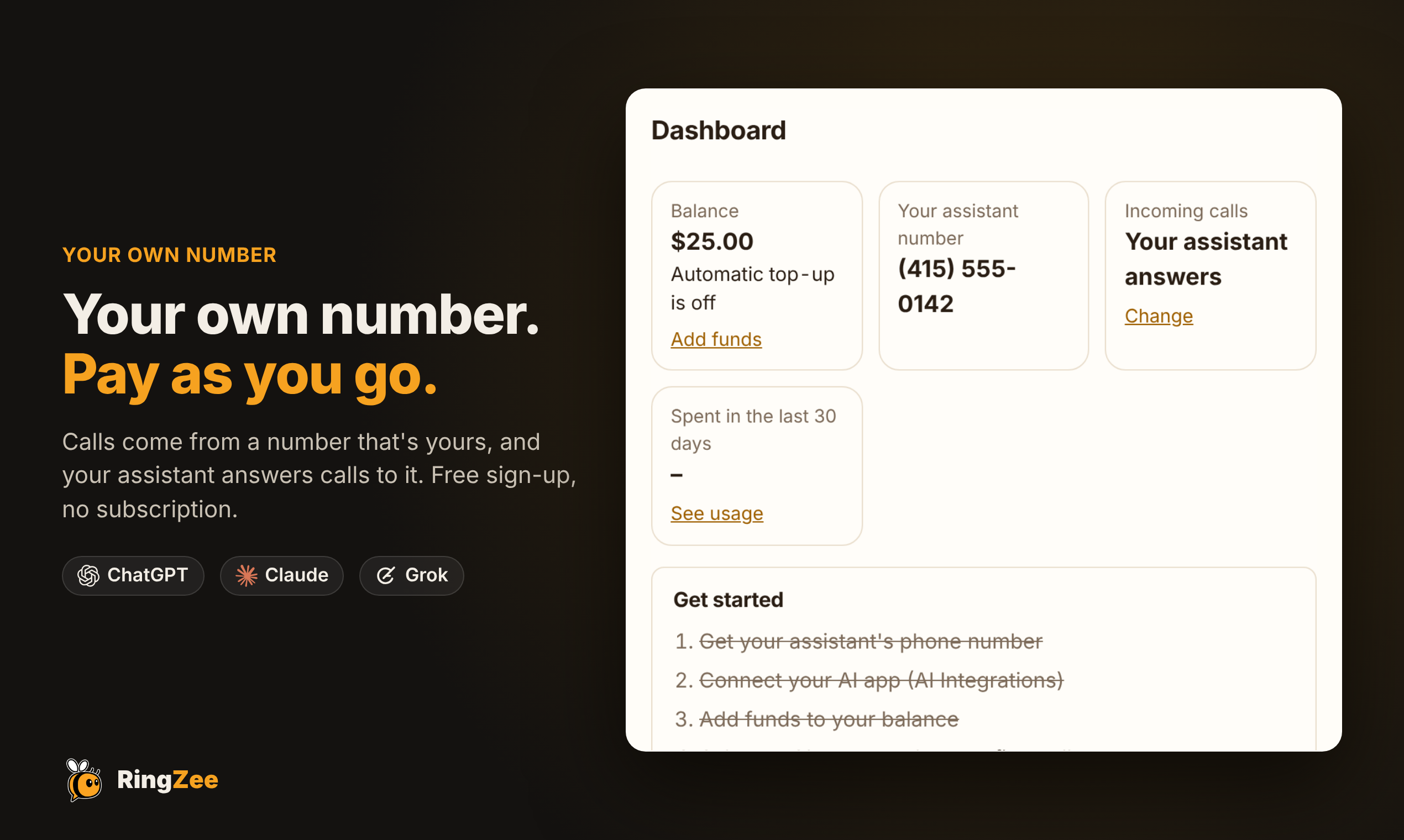
get_account_status | Balance, number and account state |
list_area_codes / search_phone_numbers / choose_phone_number | Pick your phone number |
get_assistant_settings / list_assistant_options / update_assistant_settings | Configure your assistant |
Setup
- Add a custom connector in your AI app with this URL:
https://ringzee.ai/mcp - Sign in to (or create) your RingZee account when prompted. Sign-in uses OAuth, so you don't need an API key.
- Ask your assistant to make a call.
Pricing
Sign-up is free. Calls are paid per minute from your account balance, and the price is shown before each call.
Safety
Calls are placed only when you ask or agree. The agent never shares anything outside what you allow, and it checks with you when it's unsure.
More Other MCP clients

QU3 - Quantum-Safe MCP Client
qu3aiQuantum-proof MCP Server and Client Interactions

Crowded Finance
mcp.crowdedfinance.comThe Crowded MCP allows organizations to run financial operations by asking — managing expenses, contacts, payment processing, reporting, and more. Samples of what you can do: Keep an eye on spending by asking "What sof

Dify Connect MCP
difybase
tinyagents
albertvillanovaTiny Agents: LLM + MCP Tools

BCMS
thebcms.comThe agentic headless CMS to create, update, and manage content via agents, UI, or API.
Comments